
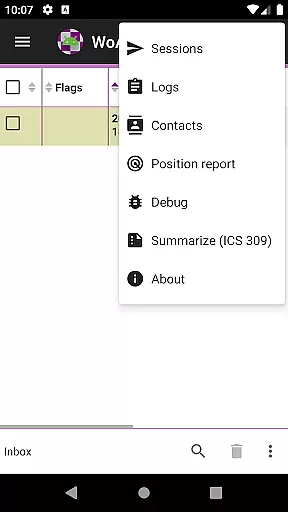
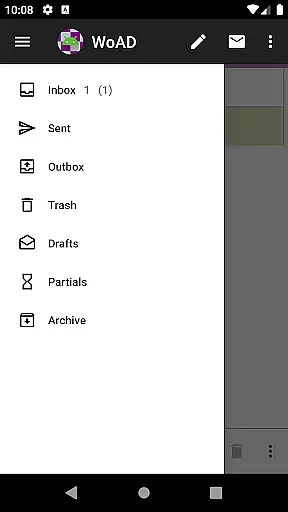
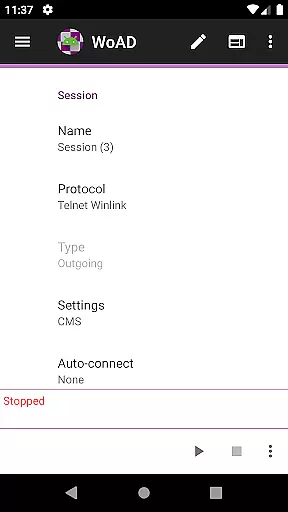
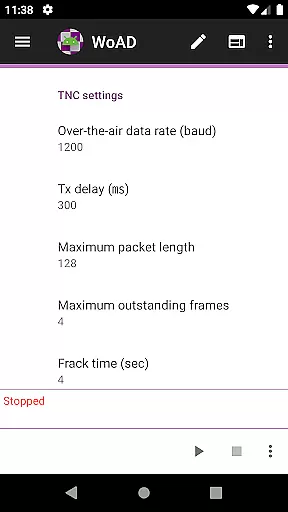
WoAD is a specialized communication application designed for licensed amateur radio operators. It serves as a client for the Winlink Global Radio Email system, enabling users to send and receive emails via radio without relying on traditional internet connectivity. The app also supports peer-to-peer (P2P) connections through VHF/UHF AX.25 packet systems, making it ideal for emergency communications or remote operations where conventional networks are unavailable.
With its technical nature, WoAD caters to experienced ham radio enthusiasts who need reliable off-grid communication tools. Before using the app, users are encouraged to review detailed documentation available online to fully understand its capabilities and configuration options. This ensures seamless integration into their existing setups while maximizing operational efficiency in critical scenarios.
WoAD offers several advanced features tailored specifically for amateur radio use. As a Winlink client, it allows operators to access global email services over HF/VHF/UHF frequencies, providing essential connectivity during emergencies when standard infrastructure might fail. Additionally, direct P2P connections enable localized data exchange between nearby stations without requiring centralized servers.
The app's flexibility extends to both internet-based and RF (radio frequency) modes, accommodating various operating environments. Users can configure settings such as frequency bands, modulation types, and connection parameters according to their specific equipment and preferences. Furthermore, regular updates ensure compatibility with evolving protocols and technologies within the amateur radio community, keeping users at the forefront of innovative communication practices.
Real-time messaging speed and reliability are crucial for effective communication, especially in scenarios where immediate information exchange is necessary. WoAD offers a robust platform that ensures messages are delivered promptly and accurately, which is essential for users with amateur radio licenses who rely on timely communications.
The app leverages the Winlink Global Radio Emailu24c7 system to facilitate both internet-based and VHF/UHF AX.25 packet connections. This dual capability enhances message delivery reliability, ensuring that communications remain uninterrupted even when switching between different connection types or facing network challenges.
For users, this means they can trust WoAD to maintain open lines of communication without worrying about delays or lost messages. Whether used for emergency response, coordination among team members, or staying connected with fellow enthusiasts, the assurance of reliable messaging supports seamless interaction and collaboration.
By prioritizing real-time messaging performance, WoAD not only meets but exceeds the expectations of technically savvy users familiar with packet radio and Winlink systems. The result is an application that stands out for its commitment to delivering fast, dependable communication solutions tailored specifically for licensed amateur radio operators.
Media sharing support is an integral feature for modern communication applications, allowing users to exchange various types of content beyond plain text. WoAD facilitates media sharing by enabling the transmission of files through its integration with the Winlink Global Radio Emailu24c7 system and peer-to-peer (P2P) connections via internet or VHF/UHF AX.25 packet networks.
This functionality empowers users to send and receive images, documents, and other file formats critical for comprehensive communication. Whether it's sharing technical diagrams among team members during a project or exchanging photos from amateur radio events, WoAD ensures that all shared media reaches its destination intact and accessible.
Moreover, the ability to share multimedia content enhances user engagement by providing richer context and more dynamic interactions compared to text-only exchanges. Users benefit from having versatile tools at their disposal, making every conversation more informative and engaging while leveraging advanced technologies like packet radio.
WoADu2019s dedication to supporting diverse media formats underscores its role as a comprehensive solution designed specifically for licensed amateur radio operators seeking efficient ways to communicate complex ideas quickly and effectively across different platforms and environments.
User-friendly interface
Reliable off-grid messaging
Comprehensive documentation
Active user support group
Regular feature updates
Steep learning curve
Limited to licensed users
No voice communication
Requires compatible hardware
Technical setup needed

Manage your data, talk & text - affordable phone plans & data usage made simple
 4.30
4.30
BiP is a fast, secure, free messaging and HD video calling app!
4.10
Call Forwarding is easy and simple application to use.
3.80
Messenger for SMS - texting message app, faster, simpler & safer, for you.
4.70
Google's fast and secure browser
4.10
Faster version of Messages. Messenger for your contacts.
4.50
FolderSync enables easy sync of files between cloud storage and Android devices.
4.60
Threema is the messenger with the most consistent focus on security and privacy.
4.00
Share the moment!
4.10
Build your web browser around you with private search, and more.
4.60
Manage your mobile phone plan, check unlimited 5g data usage and track rewards
4.50
Simple tool for businesses to talk to their customers.
4.40
Phone Dialer with Caller ID, Address Book & Contacts Manager.
4.30
Block spam calls & scam - no more annoying calls with the call blocker function
4.30
RemoteHams.com Android RCForb Client Pre-Release
4.30
Enjoy secure messaging & calling. Safe Messenger: group chats, calls, messages.
4.20
Message and video call your family and friends in HD!
3.80
Comprehensive and powerful scan tool app with enhanced functions
3.00
Manage Phone Calls, call history, and contacts easily with Phone Pro.
4.0


User Reviews