

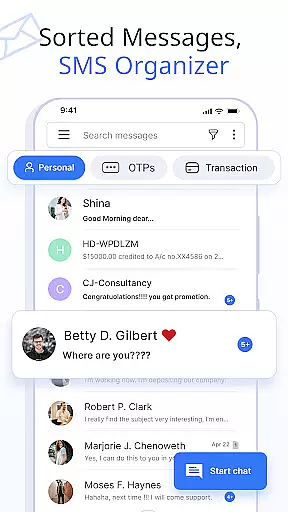
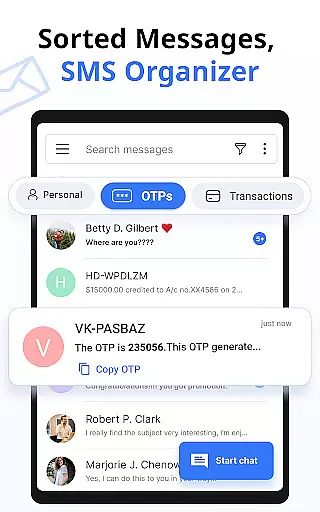

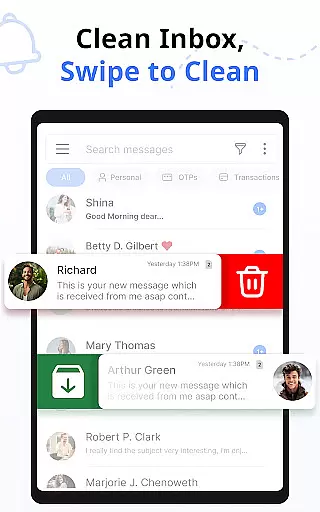
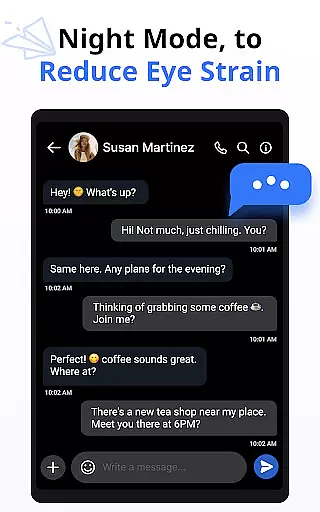
Messages is a feature-rich SMS and MMS messaging app designed to enhance your communication experience. This app offers smart organization of text messages into categories like Personal, Transactions, OTPs, and Offers, ensuring easy access and management. With over 16 million users, it provides a secure and fast platform for staying connected with friends and family.
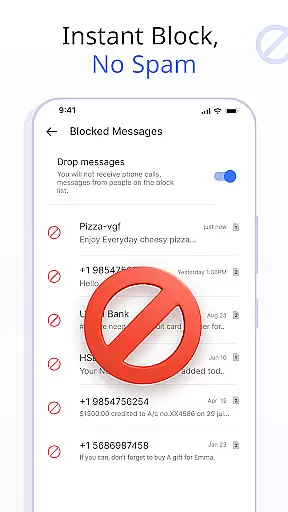
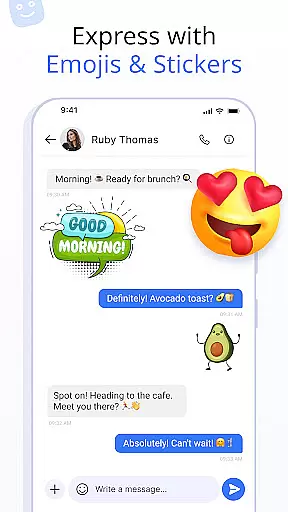
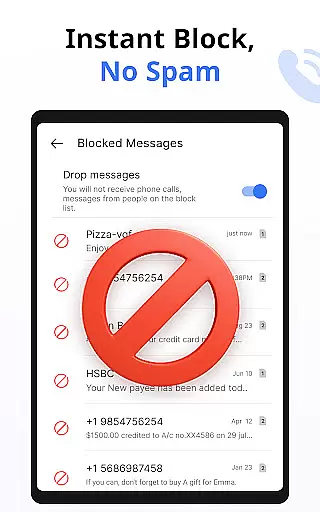
The app includes advanced features such as customizable notifications, scheduled messaging, and delivery confirmation. Users can express themselves with emojis, stickers, and GIFs while enjoying additional functionalities like auto-deleting conversations and blocking unwanted contacts. Compatible with all major Android devices and versions, Messages combines security, speed, and user-friendly design to elevate your messaging experience.
Messages stands out with its comprehensive set of features tailored to improve user interaction and message management. The app automatically organizes SMS and MMS into distinct categories, streamlining the way users handle their communications. Customizable notification alerts allow users to tailor their messaging experience by setting unique ringtones, vibration patterns, and Do Not Disturb settings for individual contacts.
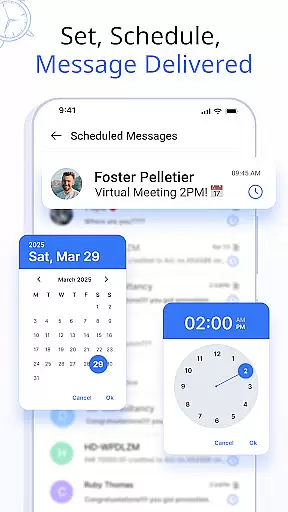
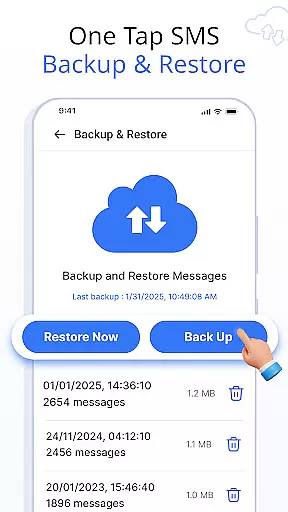
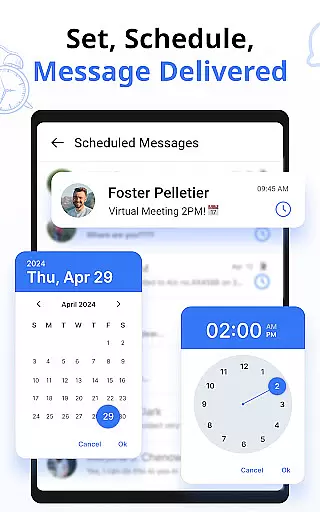
One of the key highlights is the ability to schedule messages, providing convenience for planning important communications in advance. The app also supports backup and restore functions, ensuring data safety with simple one-click operations. Additional features include delivery confirmation for sent messages, auto-delete options to declutter the inbox, and swipe actions for efficient message management. These robust capabilities make Messages an indispensable tool for modern communication needs.
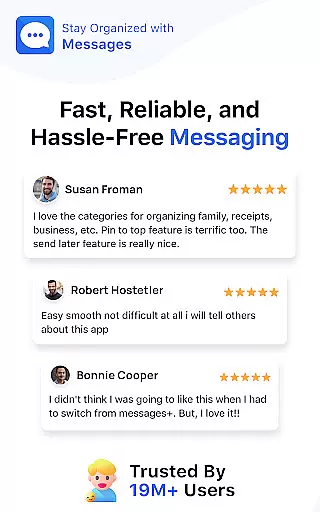
Real-time messaging speed and reliability are crucial for maintaining seamless communication in any messaging app. The Messages app ensures that your texts are delivered instantly, regardless of network conditions.
This application uses advanced synchronization techniques to maintain a stable connection between devices, ensuring minimal delay in message delivery. Whether you're sending a simple text or multimedia content, the app optimizes data transfer to provide fast transmission speeds.
Users benefit from this reliable messaging system by experiencing fewer missed messages and improved conversation flow. This is particularly important for time-sensitive communications, where delays can lead to misunderstandings or missed opportunities.
The app's commitment to speed and reliability enhances user engagement, as people can trust that their messages will be received promptly. This reliability fosters stronger connections between friends, family, and colleagues, making communication more effective and enjoyable.
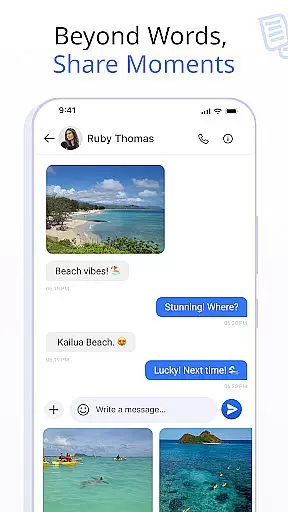
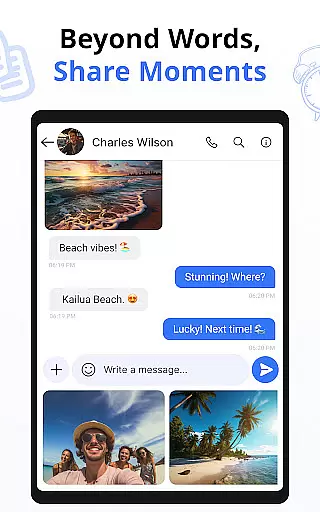
Media sharing support in messaging apps has become essential for modern communication, allowing users to exchange photos, videos, and audio files effortlessly. The Messages app offers comprehensive media sharing capabilities that cater to various user needs.
This app supports multiple file formats, ensuring compatibility across different devices and operating systems. Users can send high-resolution images and videos without worrying about quality loss, thanks to the app's optimized compression algorithms that balance file size and clarity.
With intuitive media previews and progress indicators, users can easily manage their shared content. The app also provides options for editing media before sending, adding an extra layer of personalization to each shared item.
The robust media sharing feature not only enriches conversations but also simplifies collaboration and information exchange. By supporting diverse media types and maintaining quality during transmission, the app significantly improves the overall messaging experience for its users.
User-friendly interface
Advanced message scheduling
Comprehensive backup solutions
Customizable notification settings
Wide device compatibility
Limited iOS support
Occasional sync issues
Ads in free version
Large app size
Some features require premium

BiP is a fast, secure, free messaging and HD video calling app!
 4.10
4.10
SMS Messenger ensures that communication become effortless and accessible.
3.80
Official NDI app: turn your phone into a professional live-streaming IP camera.
3.20
Chat on the Jabber network (XMPP protocol); support for SMS and other gateways
2.10
Send SMS and chat messages easily with a fast text messaging app for Android.
4.10
Call Blocker app: Identify unknown callers, block spam calls, fraud & robocalls
4.30
Smart and simple anti-wiring application - IMSI-catchers catcher
4.40
Use this SMS app standalone or as a TREK: Total Interface companion.
4.30
Bringing the functionality of Winlink to your Android device
4.2
Messenger for SMS - texting message app, faster, simpler & safer, for you.
4.70
Faster version of Messages. Messenger for your contacts.
4.50
2nd Phone Number Line for Anonymous Texting, Calling, and Picture Messages
4.30
SMS Messenger is a lightning-fast messaging app.
4.20
Telegram is a messaging app with a focus on speed and security.
4.00
Call & Text Anywhere With A Canadian Number.
3.60
Weargram is an unofficial Telegram Client for Wear OS.
3.50
At select facilities, you now have an easy way to video visit your loved ones!
3.30
Auto Reply SMS, Text Messaging, Away SMS Response, Busy SMS messages, Block Text
3.10
Radio communication simulator for gaming communities
4.5


User Reviews