


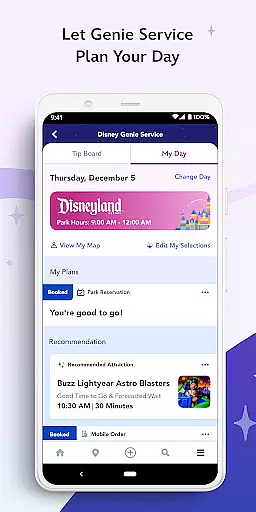
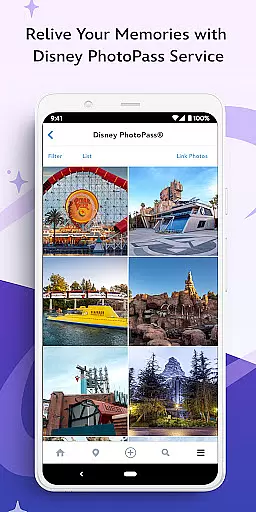
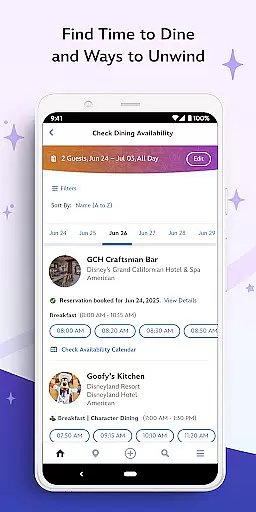

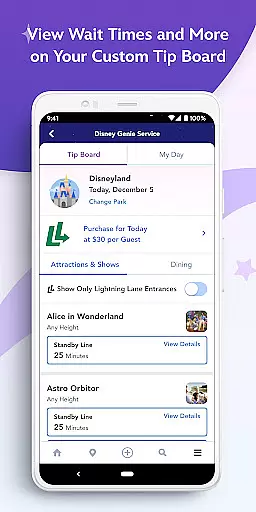
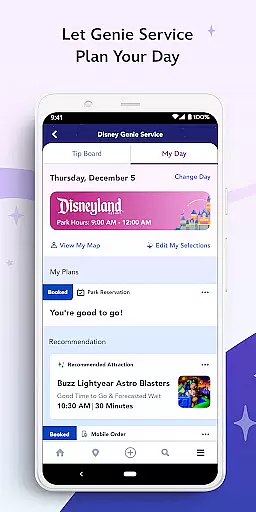
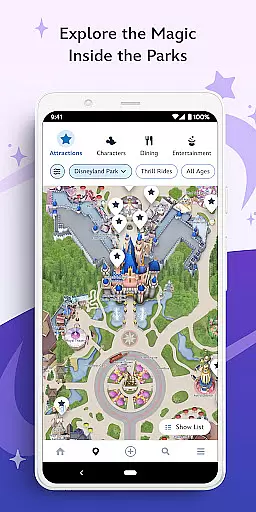
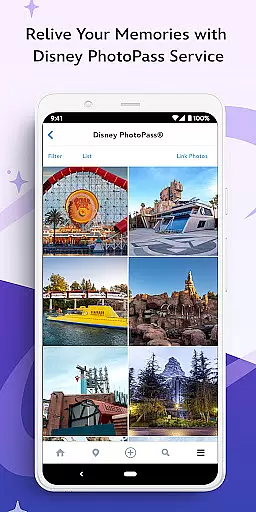
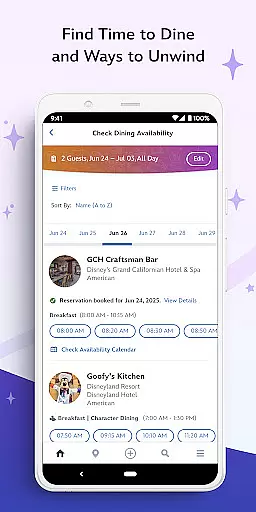
Disneyland® Resort's official app is your ultimate travel companion for an enchanting and seamless park experience. This essential tool allows you to buy tickets, plan your visit with Disney Genie service, and explore maps. You can locate Disney Characters, order food, make dining reservations, and even view Disney PhotoPass® photos. Designed for both first-time visitors and Magic Key holders, it offers personalized itineraries, real-time updates, and discounts at select locations.
The app's standout feature is its ability to enhance your park visit through technology. With mobile ordering at select dining locations, GPS-enabled maps, and tools to manage hotel reservations, it ensures convenience and efficiency. Whether you're checking wait times for attractions or enjoying unlimited digital downloads of your magical moments, this app provides everything you need for a memorable Disneyland® Resort adventure.
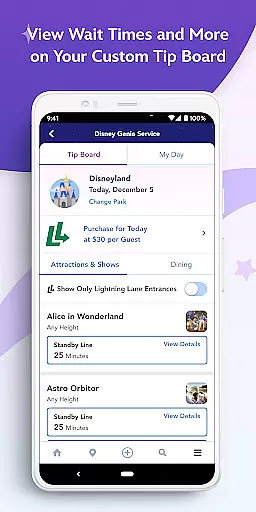
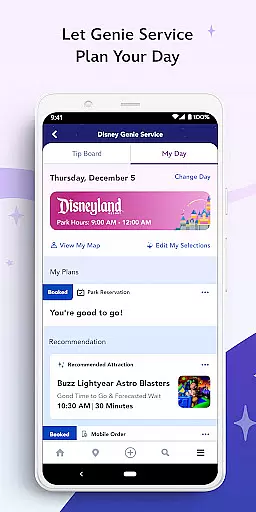
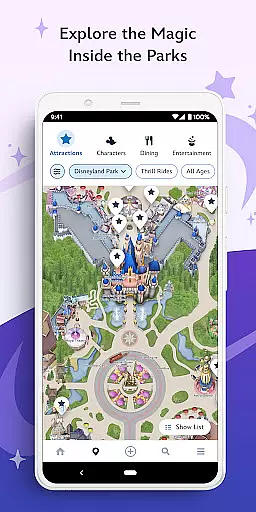
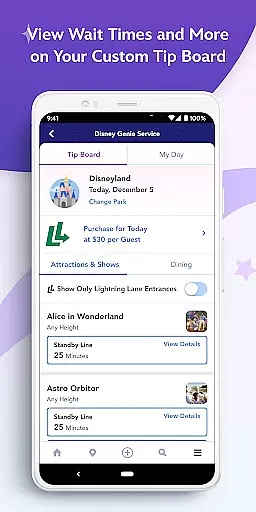
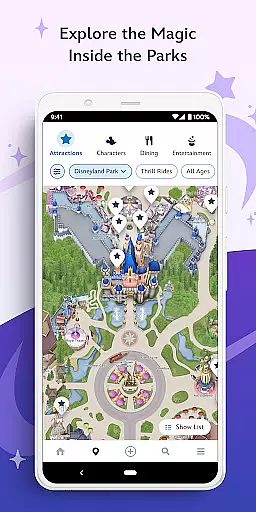
Disneyland® Resort app boasts a comprehensive suite of features designed to elevate your park experience. The complimentary Disney Genie service crafts a personalized itinerary, adapting throughout your visit. The Tip Board helps track estimated wait times, while the app's GPS-enabled maps guide you through attractions, restaurants, and shops effortlessly.
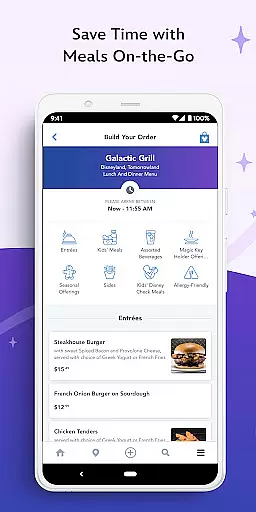
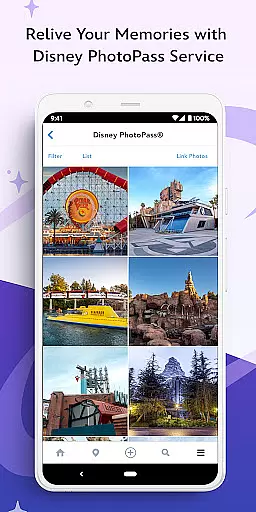
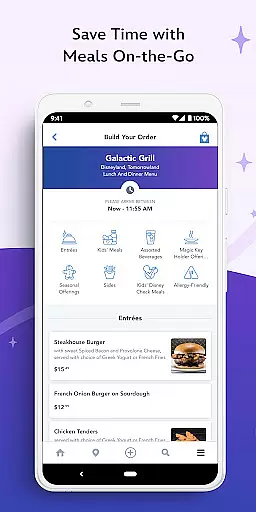
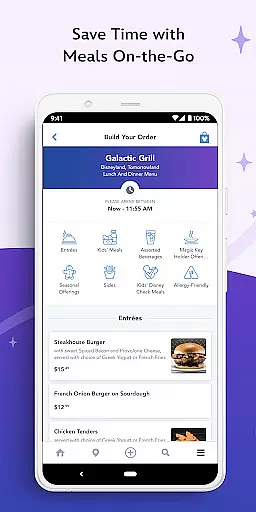
For dining, the app enables mobile food ordering and reservation management, including adding your party to a walk-up list. Magic Key holders enjoy exclusive discounts, and the Disney PhotoPass® integration lets you capture memories with unlimited digital downloads when you purchase Disney PhotoPass+ or Disney Genie+. These innovative features collectively ensure that your visit is not only enjoyable but also smooth and well-organized.
When planning a visit to the Disneyland Resort, ensuring the authenticity of your bookings is crucial for a seamless experience. The official Disneyland app provides reliable tools to purchase tickets and make park reservations directly through the platform. This guarantees that all transactions are legitimate and backed by Disney's trusted services.
The app generates a scannable barcode for each ticket purchased, eliminating the need for physical tickets or printouts. Guests simply present this digital pass at park entrances for admission, streamlining the entry process while ensuring the validity of their reservation. This digital verification system not only enhances convenience but also significantly reduces the risk of counterfeit tickets.
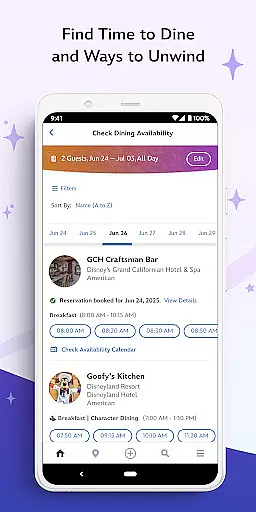
Beyond ticketing, the app extends its booking authenticity features to dining reservations as well. Users can browse restaurant menus, make table reservations, and even join virtual queues at select locations u2013 all within the same verified ecosystem. For added flexibility, walk-up lists are available for those without prior bookings.
This comprehensive approach to digital booking ensures that every aspect of your Disneyland visit is authentic, traceable, and secure. From park admission to dining arrangements, the app creates a trustworthy environment where guests can focus on enjoying their magical experience without worrying about the legitimacy of their reservations.
Understanding the costs associated with a Disneyland Resort visit is essential for proper planning, and the official Disneyland app excels in providing clear price transparency across various services. The application displays ticket prices prominently, allowing users to compare different options and select packages that best suit their needs and budget requirements.
Beyond basic ticketing, the app maintains transparent pricing for its additional services including the Disney Genie+ and Disney PhotoPass offerings. Users can easily view what each service includes and make informed decisions about which upgrades will enhance their park experience. This straightforward presentation of costs helps visitors manage their expenses effectively.
The app's dining section further demonstrates its commitment to price clarity. Restaurant menus within the app show detailed pricing for each menu item, enabling guests to plan their meals ahead of time. The mobile ordering feature maintains this transparency by clearly displaying all costs, including taxes and fees, before confirming any food purchases.
Additional expenditures such as merchandise purchases and optional experiences are handled through the app's integrated payment system, which always presents final prices before completing transactions. This consistent approach to visible pricing throughout the app ensures that guests never encounter unexpected charges during their visit to the Disneyland Resort.
User-friendly interface
Comprehensive planning tools
Real-time updates
Mobile food ordering
Exclusive discounts
Limited to Disneyland Resort
Some features require registration
Bluetooth must be enabled
Additional purchases necessary
Location data required

Explore our parks like never before with the completely reimagined Six Flags app
 4.30
4.30
View current Idaho road conditions, road cameras, and timelapse videos.
4.5
A tool for outdoor activities.
4.30
Listen live to pilots and air traffic controllers around the world
3.80
Save on gas and convenience with the earnify™ App
4.70
Get real-time traffic, directions, search and find places
4.10
Booking your bus tickets has never been easier
4.70
Find your perfect somewhere with last minute hotel & travel deals!
4.80
The United app puts valuable travel information in the palm of your hand.
4.70
View current Montana road conditions, cameras, plows, and timelapse videos.
4.70
Meet Allyz®, your ultimate travel companion
4.70
Book now to save with exclusive travel deals on hotels, flights, cars & packages
4.70
Easily rent a car at over 9,500 locations with the Enterprise car rental app.
4.60
The best way to book travel
4.60
Maps, Wait Times, Park Hours
4.40
INDOT Trafficwise is a traffic and traveler information mobile app.
4.00
Examine the planet
3.80
Find the best prices, pay for the cheapest gas, and save on every fill up
3.30
Learn about one of the most famous Victorian cemeteries in the world
2.80


User Reviews