
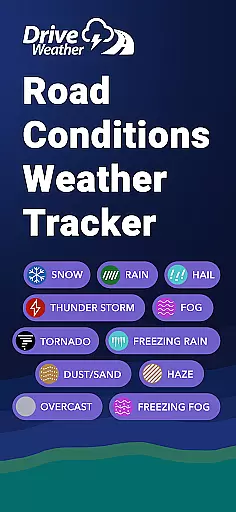
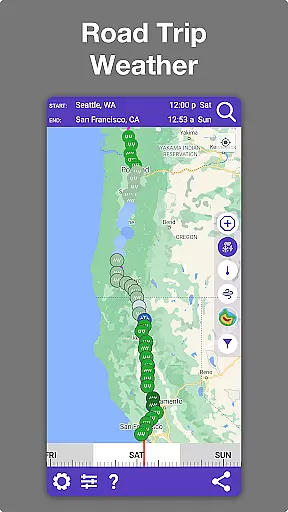
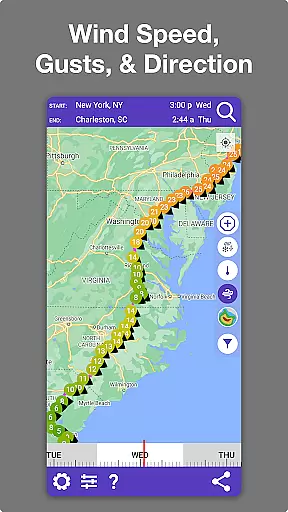
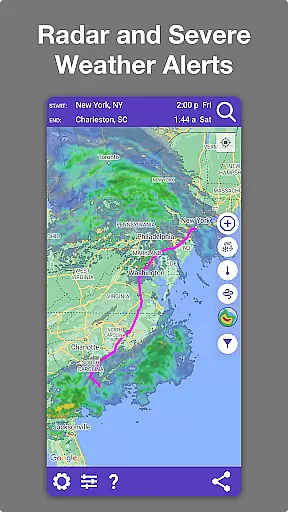
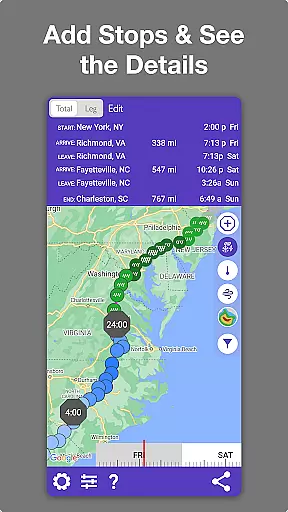
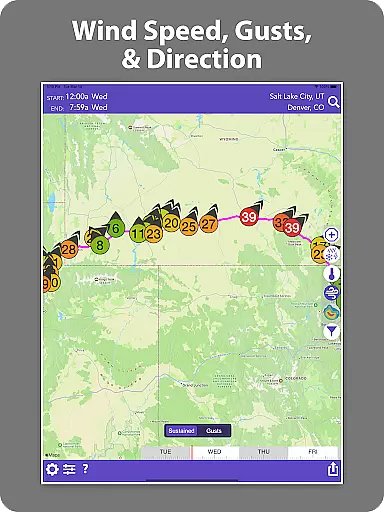
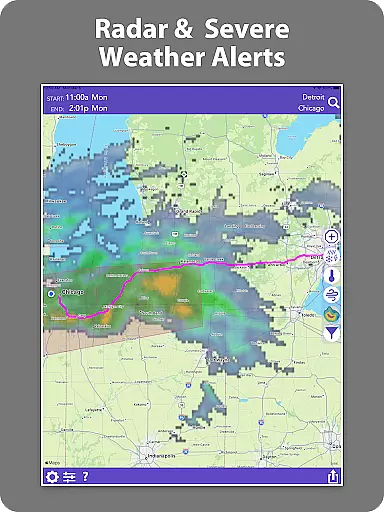
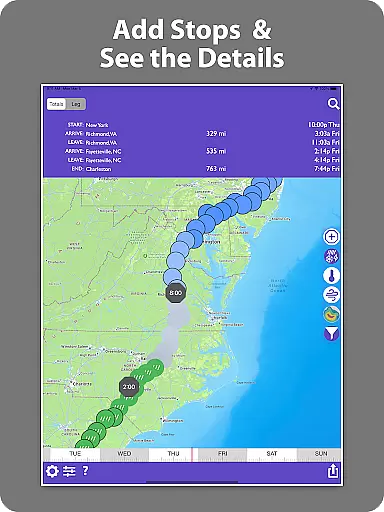
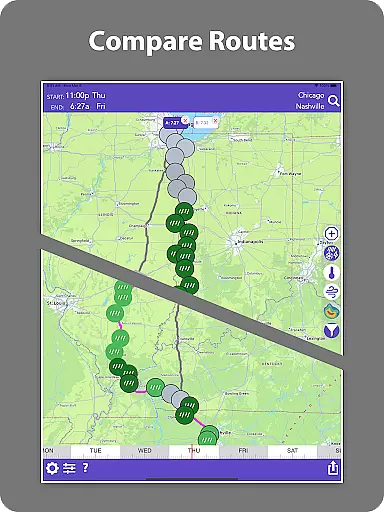
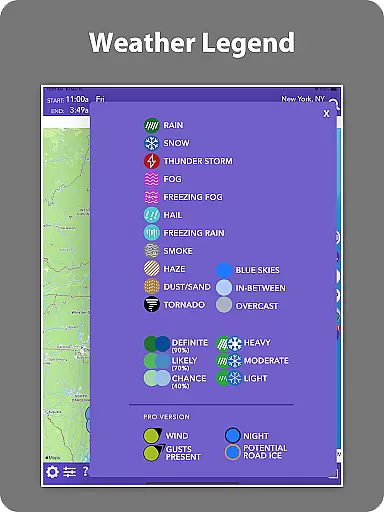
Drive Weather is a specialized weather application designed to provide real-time weather updates tailored specifically for drivers. The app's core functionality revolves around delivering detailed weather information along your driving route, ensuring safer and more informed travel decisions. Whether you're a truck driver navigating long hauls or a commuter planning daily trips, Drive Weather offers critical insights into road conditions, live radar, wind speeds, and storm alerts.
What sets Drive Weather apart is its ability to automatically adjust forecasts based on your travel speed and arrival time. This ensures that the weather data you receive is always relevant to your journey. With features like live weather radar, snowfall tracking, visibility changes, and icy road risks, the app provides a comprehensive view of potential hazards ahead. This makes it an invaluable tool for trip planning and avoiding dangerous weather conditions.
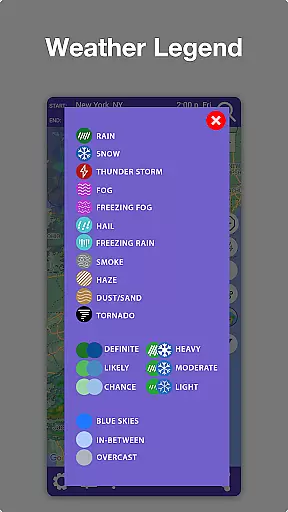
Drive Weather boasts an impressive array of features that cater specifically to drivers' needs. One of its standout capabilities is providing detailed road condition reports including snow levels, rain intensity, ice formation, wind strength, and visibility metrics. These parameters are crucial for determining safe driving conditions, especially for commercial vehicles like semis, RVs, and trailers.
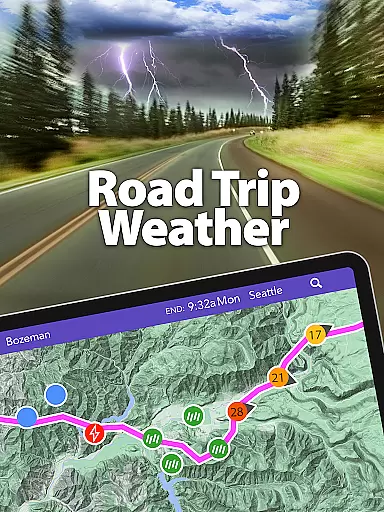
The app's live radar functionality allows users to track storms, snowfall, and other weather hazards directly along their planned routes. This feature is particularly useful for those traveling on major interstates such as I-80, I-95, and others. Additionally, Drive Weather's advanced modeling technology delivers accurate travel weather forecasts while its timeline slider enables users to compare weather changes throughout their journey. The easy-to-use map interface further enhances usability, making it simple for drivers to interpret complex weather data quickly and effectively.
Forecast accuracy and data credibility are crucial for any weather application, especially one designed for drivers. Drive Weather ensures that its forecasts are powered by advanced modeling techniques, providing users with reliable predictions tailored to their specific routes and travel times.
The app gathers real-time data from multiple sources, including live radar and weather stations along your route. This comprehensive approach allows Drive Weather to deliver precise information about temperature, precipitation, wind conditions, and severe weather impacts, ensuring that drivers have the most up-to-date and accurate details for safer travels.
For truck drivers, commuters, or those planning long road trips, having trustworthy weather data can make a significant difference. Drive Weather highlights areas of concern such as snow levels, visibility changes, icy road risks, and storm warnings, allowing users to prepare adequately before embarking on their journeys.
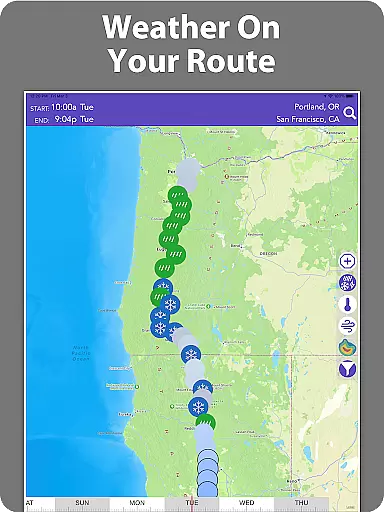
Drive Weather offers an extensive temporal and spatial forecast range, which is essential for planning safer road trips. By entering your start and end points, you can instantly see the weather along your entire route, including critical factors like temperature fluctuations, precipitation patterns, and wind conditions tailored specifically for driving.
The app's timeline slider feature allows users to pick the best departure time by comparing weather changes throughout their journey. This helps in avoiding storms, heavy winds, whiteout snow, or other hazardous travel conditions that might arise at different times of the day or across various segments of the trip.
With its easy map interface optimized for drivers, Drive Weather provides live radar over both the route and destination areas. This ensures that users receive continuous updates about incoming weather systems, enabling them to adjust their plans accordingly and maintain safety while traveling through major interstates such as I-80, I-95, I-70, and I-25.
Real-time weather updates
Route-specific forecasting
Comprehensive hazard alerts
User-friendly interface
Advanced weather modeling
Premium features locked
Occasional data delays
Limited free version
High data usage
Subscription costs

Nuts Weather, your ideal choice for knowing weather forecast & weather radar
 4.70
4.70
Weather related custom complications for Wear OS. UV, Hi-Lo, AQI and more!
4.40
Hourly and daily weather forecast, current condition, temperature, UV and more!
4.70
Check forecasts, watch live news & track storms with FOX Weather.
3.80
My Aurora Forecast is the app for Northern Lights and Aurora Borealis alerts.
4.60
My Tide Times Pro is the only tide tables and forecasts application you'll need.
4.80
Local weather forecast app, your personal 7*24 local weather forecast assistant.
4.90
The weather channel, tiempo weather forecast, weather radar & weather map
4.70
Weather radar map, storm tracker, local forecast, live rain alerts & daily news.
4.60
Accurate weather forecast, daily weather changes are easy to grasp
4.90
A professional, comprehensive and accurate weather forecast app
4.90
Thermometer shows indoor and outdoor temperature
4.70
Live weather forecast for your everyday life
4.60
Powerful US and worldwide earthquake feed with earthquake alerts and maps.
4.60
Local weather forecast, reliable daily weather report
4.30
Stay ahead of the weather with Daily Weather
4.10
3D Animation Weather Icon
4.00
The Weather Network TV App - Your weather when it really matters
2.90
Dynamic weather watch face with glass effect, bold time & 7 complications.
4.3


User Reviews