
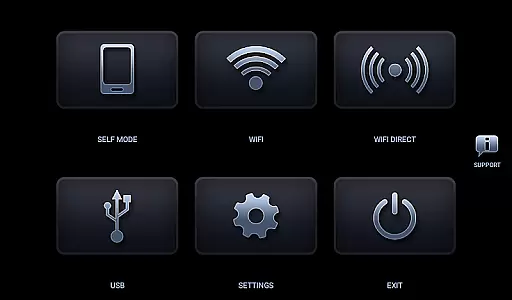
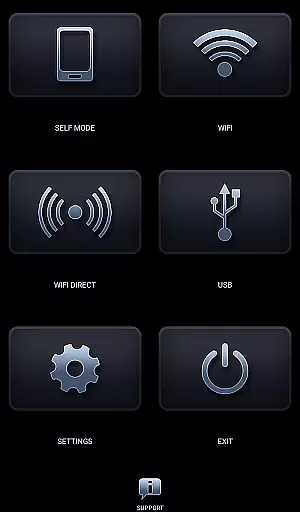
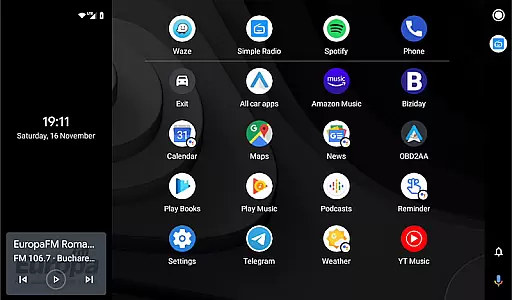
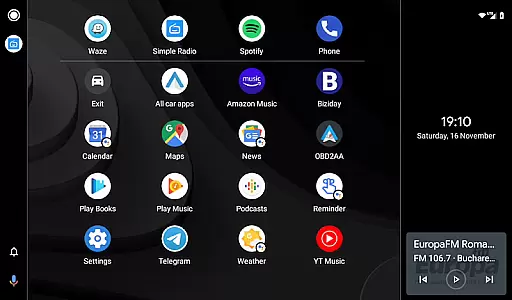
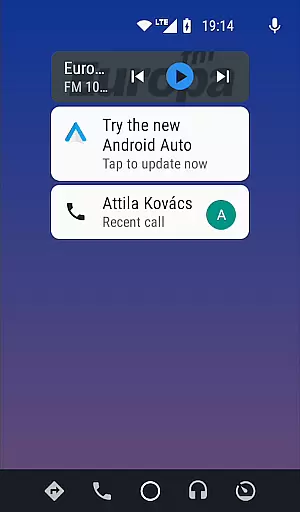
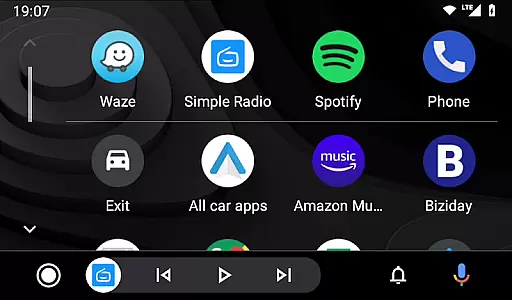

Headunit Reloaded Emulator HUR is a specialized application designed to emulate Android Auto on compatible head units. This app bridges the gap between mobile devices and car entertainment systems, allowing users to enjoy Android Auto's features directly on their vehicle's display.
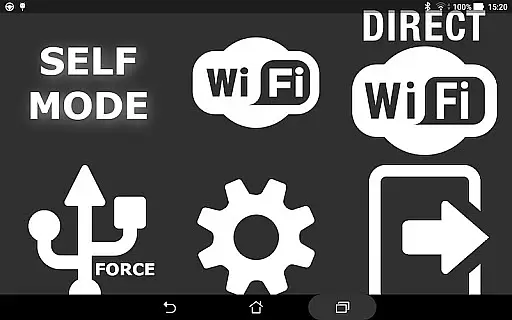
The app supports multiple connection modes including USB, WiFi, and Self-mode for direct device usage. With compatibility across various Android-powered headunits like Joying, Eonon, and Xtrons, it provides a versatile solution for in-car infotainment. The implementation of software decoding ensures smooth performance even on less capable hardware.
Whether you're looking to enhance your driving experience with navigation and media controls or need a reliable emulator for development purposes, Headunit Reloaded Emulator HUR delivers both functionality and customization options that cater to different user needs.
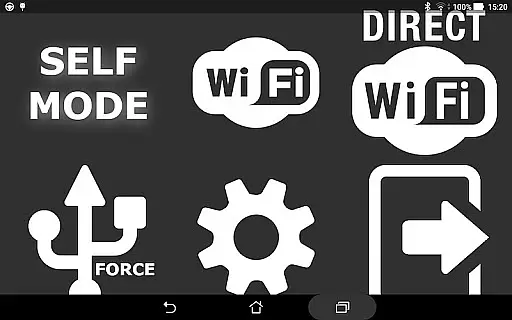
Headunit Reloaded Emulator HUR offers an array of sophisticated features tailored for seamless integration with Android Auto. The application supports three primary connection methods: USB mode for direct wired connections, WiFi mode for wireless convenience, and Self-mode for running Android Auto locally on the same device.
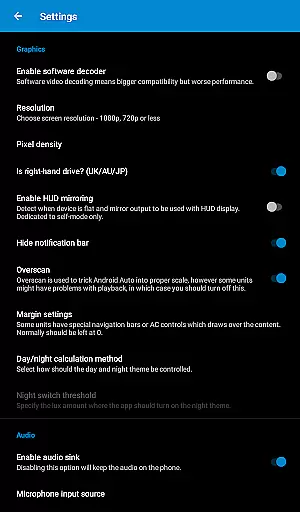
One notable feature is its compatibility with numerous Android-powered headunits including popular brands like Joying, Eonon, Grom Vline, and Xtrons. The app also includes advanced settings such as software decoding to address display issues on certain devices. Additionally, users can customize their experience through various configuration options available within the app.
For troubleshooting and extended functionality, users can access a comprehensive FAQ section and community support via the XDA Developers forum. These resources provide guidance on hardware key support, intent handling, and other technical aspects, ensuring a robust and adaptable user experience.
Map accuracy is a crucial feature for any navigation app, and Headunit Reloaded Emulator HUR excels in this area. The application provides precise mapping data that ensures users can rely on the information displayed during their journeys.
The app achieves this accuracy through regular updates and comprehensive coverage of various regions. This means whether you're traveling through urban centers or remote areas, the map data remains reliable and up-to-date.
For users, this translates to enhanced driving experiences with fewer chances of getting lost or encountering unexpected road changes. The detailed maps also include important landmarks and points of interest, making it easier to navigate unfamiliar territories.
Ultimately, the high level of map accuracy provided by Headunit Reloaded Emulator HUR empowers drivers to make informed decisions about their routes, leading to safer and more efficient travels.
Route planning is an essential aspect of navigation apps, and Headunit Reloaded Emulator HUR offers robust tools for effective journey management. By analyzing current traffic conditions and historical data, the app suggests optimal paths tailored to each user's needs.
Users have the flexibility to choose from multiple route options based on criteria such as shortest distance, fastest time, or avoiding tolls. Additionally, real-time updates ensure that any sudden changes in traffic patterns are quickly reflected, allowing for dynamic rerouting if necessary.
This functionality not only saves time but also reduces stress associated with unexpected delays. Drivers can plan their trips confidently, knowing they have access to the most efficient routes available at any given moment.
In summary, Headunit Reloaded Emulator HURu2019s advanced route planning capabilities significantly enhance the overall navigation experience, providing peace of mind and convenience for everyday commutes and long-distance travels alike.
User-friendly interface
Multiple connection options
Wide device compatibility
Customizable settings
Active community support
May require technical knowledge
Limited to Android Auto
Potential compatibility issues
No iOS support
Dependent on hardware capabilities

Turn your Android device into a real off-road GPS using off-line topo maps!
 4.40
4.40
Easy, Moderate and difficult offroad adventures.
4.00
Number locator, real connection map
4.10
Phone Tracker and GPS Location Sharing
4.20
GPS Speedometer & Odometer: Track car, bike, truck speed & distance in real-time
4.70
Explore with GPS Navigation with GPS offline, voice GPS, speed camera radar
4.60
Gas Station & Fuel Rewards Points
3.70
Simple & easy to use a compass app. Get accurate directions.
4.20
Get real-time bus and train schedules for easy, hassle-free city transportation.
3.90
Bolt is a ride-hailing app for requesting fast, safe, and affordable transport
4.80
Navigate confidently with our precise Digital Compass app & Direction Compass!
4.70
Navigate MTA, NJ Transit, MBTA, SEPTA, BART, MARTA, CTA & 900+ cities
4.60
Instant diesel discounts - save big with each fill up!
4.40
Plan routes, share locations, and set custom alert zones
4.40
TACNAV-X: Precision MGRS navigation, built specifically for the military.
4.00
Play in the outdoors with Android as your Handheld GPS and offline topo maps!
3.50
Your real-time window to the world. Explore anywhere, anytime.
3.30
Explore the world with Live Satellite View, 3D Maps, GPS Navigation & Earth Map.
2.90
Find 93 Octane Gas: Locate Gasoline Stations Selling Premium 93 Octane or Higher
4.1


User Reviews