
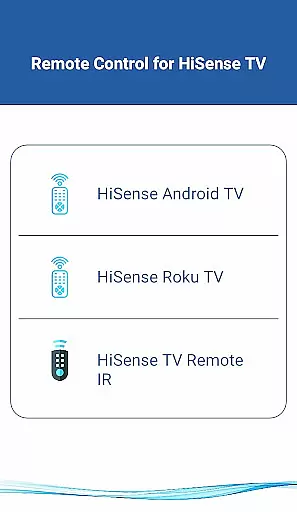
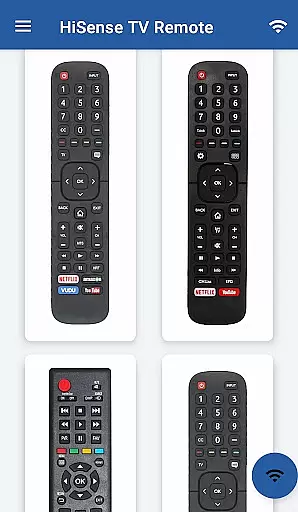
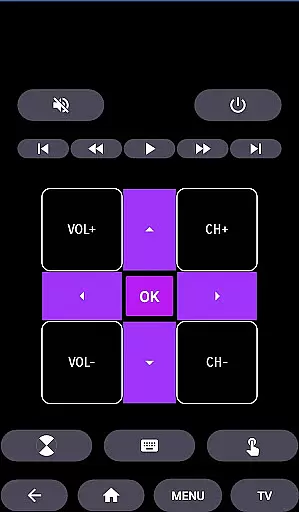
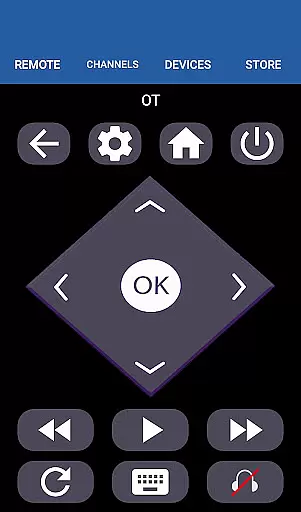
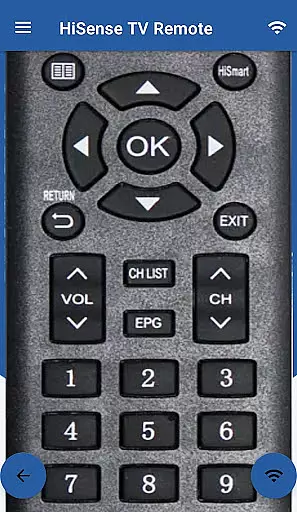
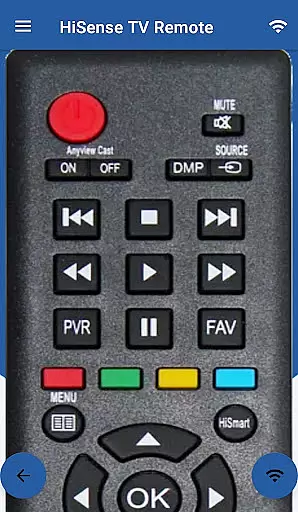
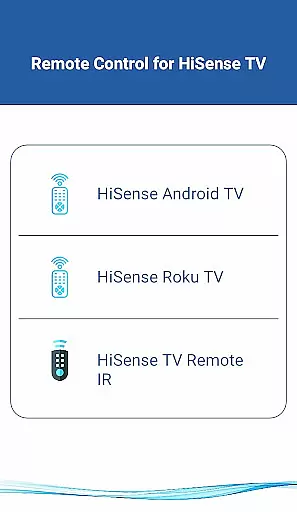
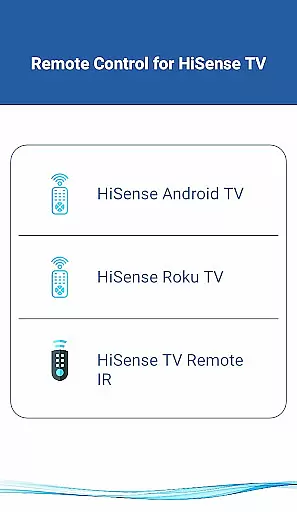
HiSense Smart TV Remote transforms your mobile device into a versatile remote control for HiSense Smart TVs, eliminating the need for traditional remotes with drained batteries. The app supports all HiSense Smart TVs running Android OS or Roku OS, as well as traditional IR-based devices.
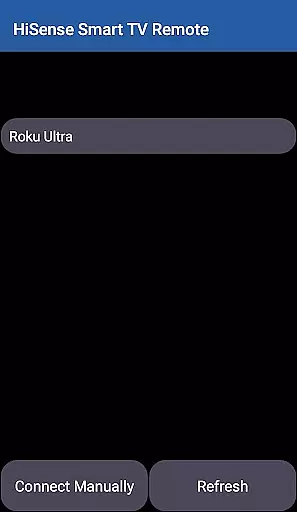
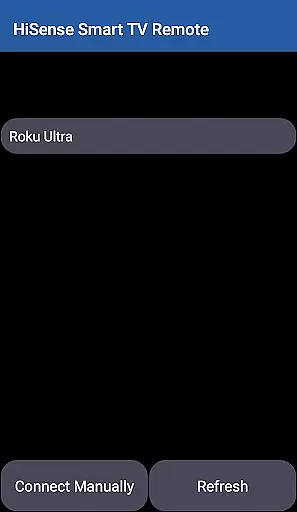
To use the app, both your HiSense Smart TV and mobile device must be connected to the same Wi-Fi network. Once connected, you'll enter a PIN displayed on your TV to start controlling it through the app. For traditional IR devices, ensure your phone has an IR blaster to utilize the full range of functionalities.
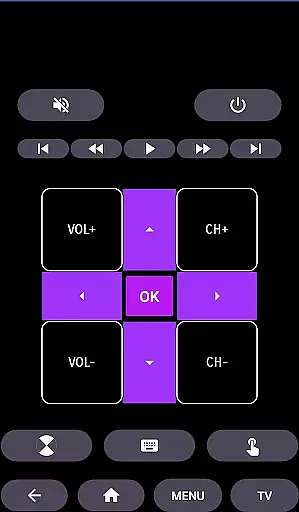
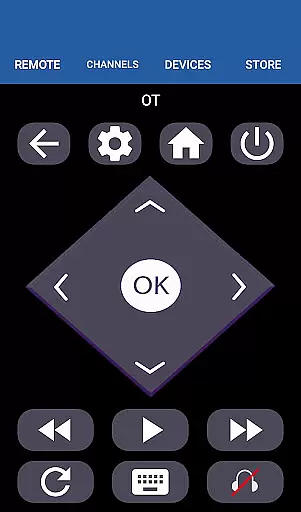
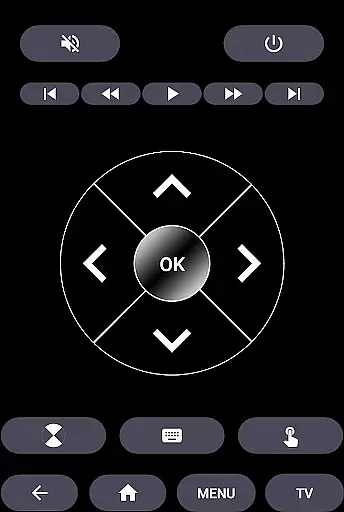
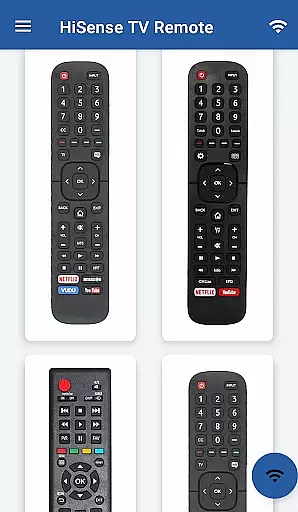
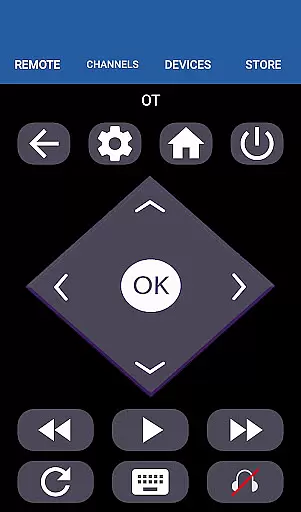
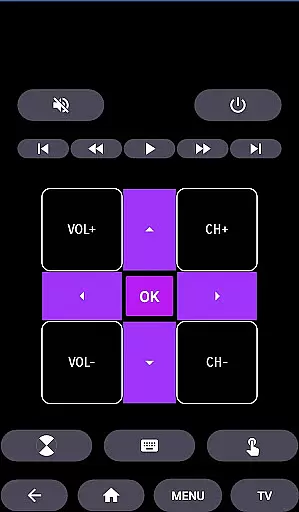
This application offers comprehensive control options including power management, volume and channel adjustments, mute functionality, navigation controls, multimedia controls, and more. It also features a touchpad interface for smoother navigation. Whether you own a HiSense Android TV or a Roku TV, this app provides a seamless control experience.
HiSense Smart TV Remote is packed with features that enhance your TV interaction. The app allows you to turn your TV on and off, adjust the volume, change channels, mute audio, and navigate menus effortlessly. Additionally, it includes multimedia controls for playback functions such as play, pause, and stop.
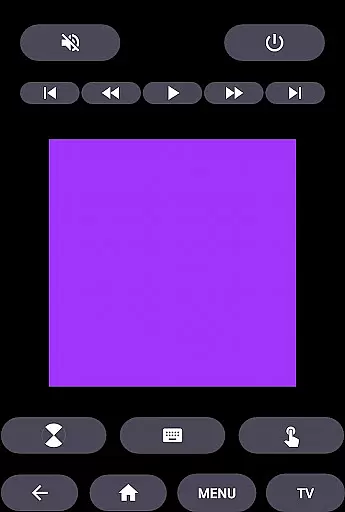
The app's touchpad feature lets you swipe and tap to navigate your TV's interface smoothly. For traditional IR-based HiSense TVs, the app supports all standard remote functions. Moreover, HiSense Smart TV Remote extends its compatibility beyond HiSense TVs to include Android Chromecast OS devices, broadening its utility.
By supporting multiple operating systems like Android OS and Roku OS, this app ensures wide-ranging compatibility. Its intuitive design makes it easy to use, while the requirement of being on the same Wi-Fi network adds a layer of security. With regular updates and improvements, HiSense Smart TV Remote remains a reliable tool for managing your smart TV experience.
When it comes to managing your smart home devices, ensuring the authenticity and reliability of listings is crucial. HiSense Smart TV Remote provides accurate information about supported devices, including HiSense Smart TVs with Android OS or Android TV, Roku OS, and traditional IR devices.
The app clearly outlines its compatibility with various HiSense TV models, ensuring users can trust the provided details. This transparency helps users understand whether their specific TV model will work seamlessly with the remote app.
By offering precise compatibility data, users can avoid frustration and ensure a smooth setup process. The requirement for both the TV and mobile device to be on the same Wi-Fi network is clearly communicated, adding another layer of reliability to the app's functionality.
This attention to detail in listing authentic device support enhances user confidence and satisfaction, making HiSense Smart TV Remote a dependable choice for controlling your smart home entertainment system.
Beyond just serving as a remote control, HiSense Smart TV Remote offers comprehensive home management features that enhance your smart home experience. The app supports full functionality including power control, volume adjustment, channel switching, mute options, navigation controls, and multimedia management.
One of the standout features is its support for both modern smart TVs and traditional IR-based devices. This dual compatibility ensures that regardless of your TV type, you can enjoy the convenience of controlling all functions through your mobile device.
The inclusion of advanced features like touchpad functionality and support for Android Chromecast OS demonstrates the app's commitment to providing a complete home entertainment management solution. These capabilities allow users to streamline their control options and reduce clutter from multiple remotes.
By integrating these extensive home management features, HiSense Smart TV Remote proves itself as more than just a simple remote application. It becomes an essential tool for managing your entire home entertainment system efficiently and effectively.
User-friendly interface
Wide device compatibility
Comprehensive control options
Touchpad functionality
Regular updates
Requires Wi-Fi connection
Device-specific limitations
No official affiliation
Limited IR support
PIN entry required

Use Home by ShowingTime to easily manage showings, tours, feedback and more
 3.60
3.60
PRO Version of GLB AR Viewer
4.4
Parcel Pending Resident App
4.50
USHUD.com helps you find the best homes for sale in your area
4.00
Find the perfect paint color with advanced tools to explore and visualize color.
3.80
WiZ smart light system
4.40
MLS-powered real estate app to find homes for sale & apartments for rent
4.70
Set up your devices, customize settings, and monitor your home—from anywhere
4.40
Houses for Sale & Homes for Rent: Buy Homes, Rent Apartments & Sell Real Estate
4.80
View houses and apartments for rent, updated daily.
4.80
B-hyve Pro App for landscape irrigation professionals
4.70
A Smarter Home in Seconds
4.70
Control your Daikin, Amana & Goodman heating & cooling systems from anywhere
4.40
Make your phone a surveillance camera remote with a home camera app for Android!
4.40
The official app for Home Assistant. Control your home anywhere in the world.
4.30
Smart AI plant care schedules, Real plant experts, support & Thriving community!
4.20
Technology powering many in-home services for residents across the United States
3.80
This Fire TV Remote control's your Fire TV Device and Insignia Fire TV Remote
3.70
Draw house plans, floor plans 3d & house design with house plan drawing 3d app
3.60


User Reviews