
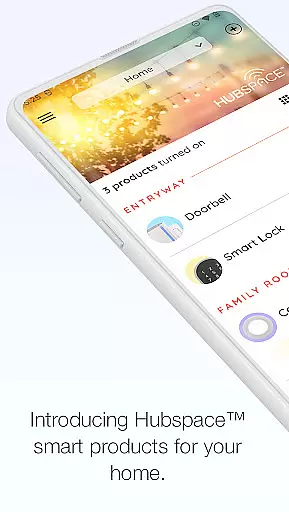
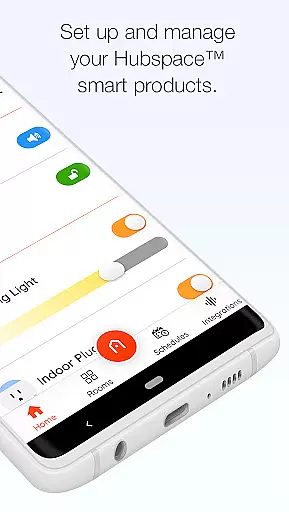
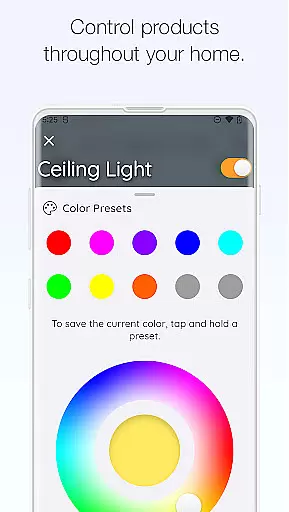
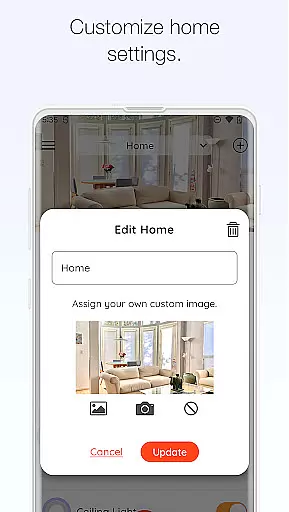
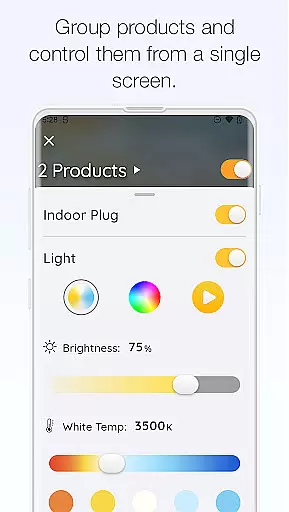
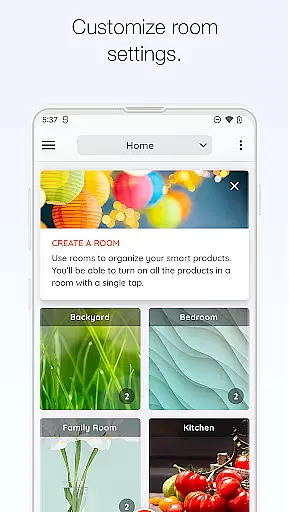
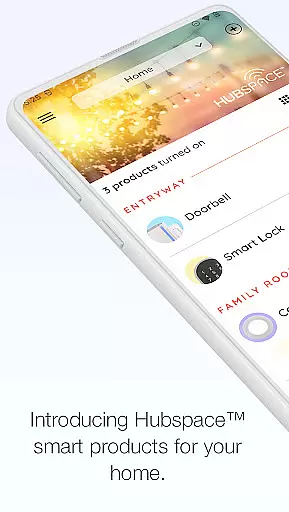
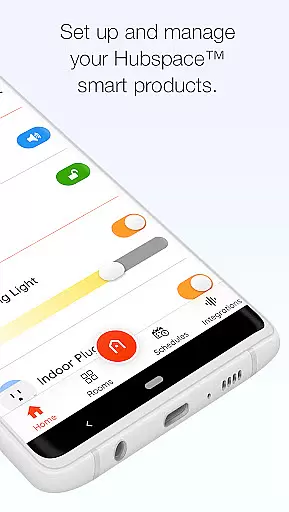
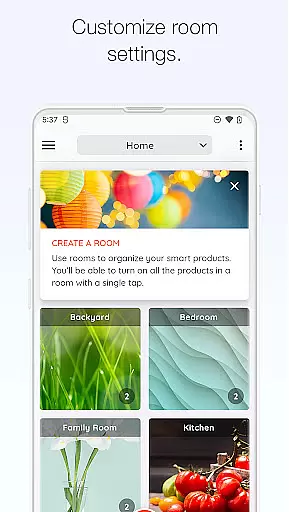
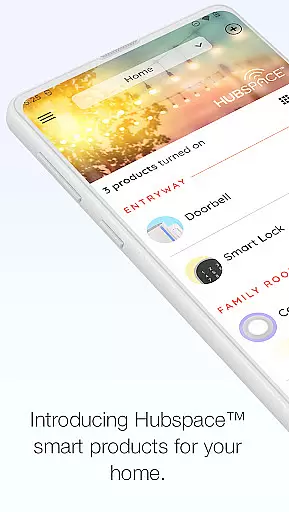
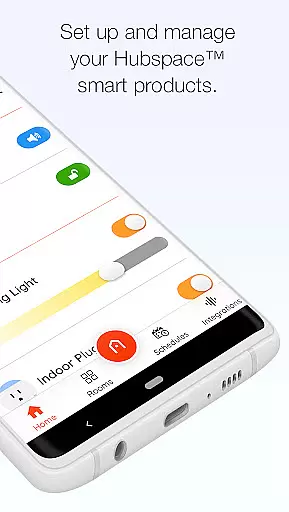
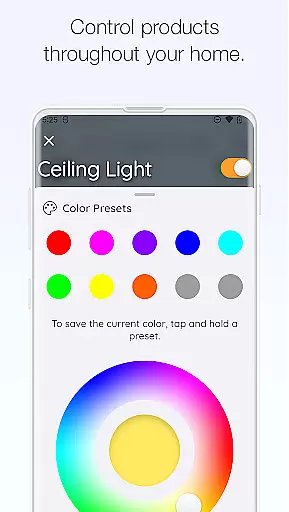
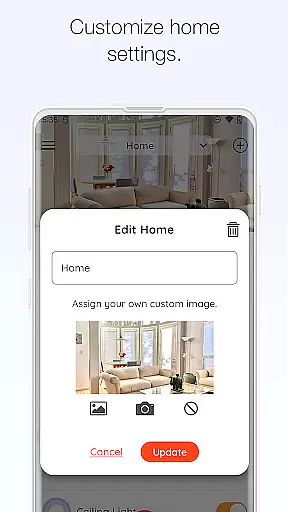
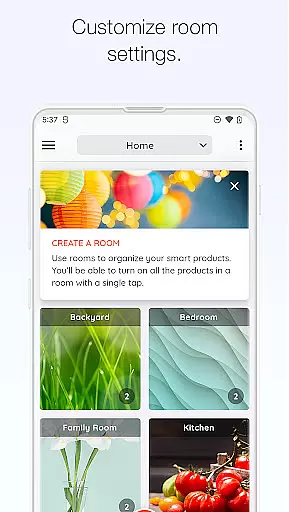
Hubspace is a smart home management application that allows users to set up and control their Hubspace smart products with ease. The app enables you to organize your smart devices by room and property, providing an intuitive way to manage multiple devices efficiently. With its comprehensive controls, you can adjust device settings such as on/off switches, light color temperatures, fan speeds, and even create groups of products for streamlined management.
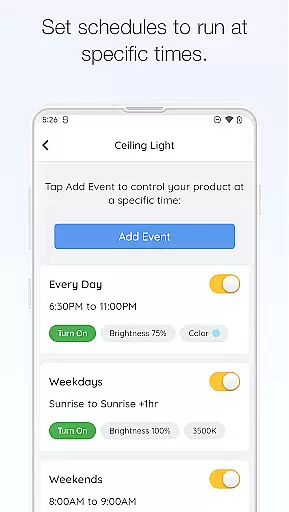
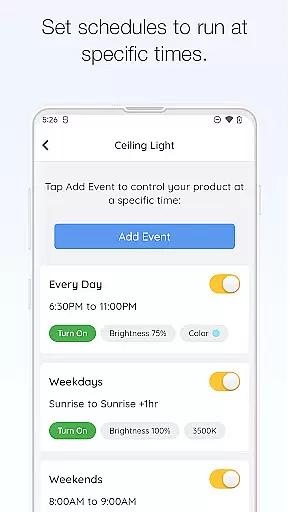
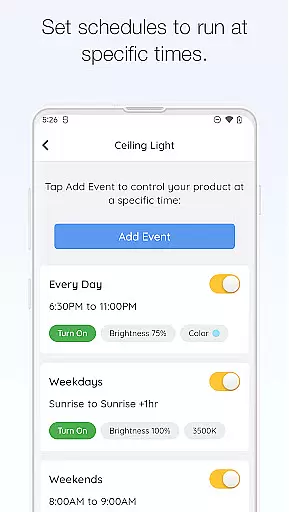
One of the key strengths of Hubspace is its scheduling feature, which lets you automate your smart home routines. Whether you're at home or away, you can remotely monitor and manage your devices, ensuring your home is always operating exactly as you want. The app also supports integration with popular voice assistants like Google Assistant and Alexa, making it even more versatile for users who prefer voice commands over manual controls.
This smart home solution is particularly beneficial for those who value convenience and energy efficiency. By automating routine tasks and allowing remote access, Hubspace helps users save time and reduce energy consumption, ultimately contributing to a smarter and more sustainable living environment.
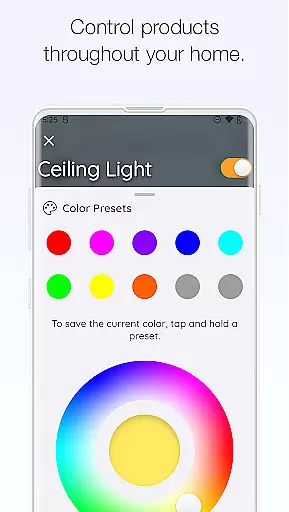
Hubspace offers a rich array of features designed to enhance your smart home experience. One of its standout capabilities is the ability to customize device settings extensively. You can control basic functions like turning devices on and off, but also fine-tune more specific settings such as light color temperature and fan speed. This level of customization ensures that your smart home perfectly matches your lifestyle and preferences.
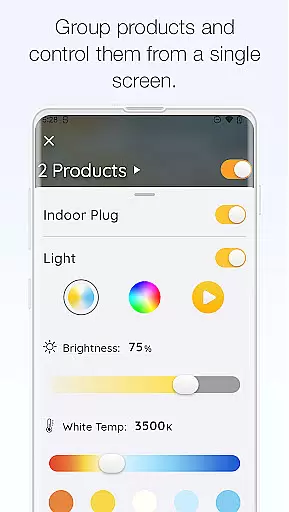
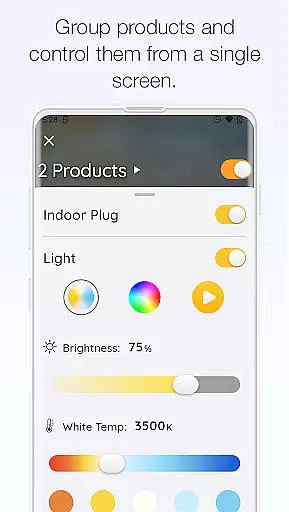
In addition to individual device control, Hubspace allows you to group multiple products together. This means you can control several devices simultaneously, streamlining your smart home management process. The app also provides robust scheduling options, enabling you to automate when your devices turn on or off. These schedules help maintain consistency in your smart home operations without requiring constant manual input.
Another significant advantage of Hubspace is its seamless integration with major voice assistant platforms like Google Assistant and Alexa. This compatibility expands the ways you can interact with your smart home, offering both traditional app-based controls and modern voice command options. Such versatility makes Hubspace a flexible and powerful tool for anyone looking to build a truly connected home environment.
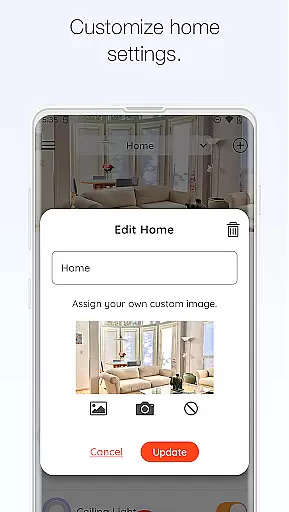
When managing a connected home through the Hubspace app, ensuring the authenticity of your property listings is crucial. The app allows users to organize smart products by room and property, which ensures that each device is accurately represented within its specific context. This organizational feature provides a clear and reliable overview of your smart home setup.
The Hubspace app offers real-time management and monitoring capabilities, allowing you to adjust settings as needed. Whether you're at home or away, you can trust that the information displayed in the app reflects the true status of your devices. This level of accuracy is essential for maintaining an efficient and secure smart home environment.
Additionally, the ability to set schedules and control various product settings enhances the reliability of your smart home system. With features like on/off controls, light color adjustments, and fan speed settings, you have complete control over your connected devices. These functionalities ensure that your property listings within the app are both accurate and actionable.
Hubspace offers a comprehensive suite of home management features designed to simplify the way you interact with your smart home devices. By grouping products and setting schedules, you can automate routine tasks and optimize your home's efficiency. This streamlined approach to home management saves time and reduces the complexity often associated with smart technology.
The app's integration with popular voice assistants like Google Assistant and Alexa further enhances its usability. This compatibility allows for seamless control of your devices through voice commands, making it easier than ever to manage your home. Whether you're adjusting the lighting or changing the fan speed, these integrations provide a convenient and intuitive user experience.
For added peace of mind, Hubspace includes robust customer support options. If you encounter any issues or have questions about your smart products, The Home Depotu2019s dedicated support team is available to assist you. With reliable support and a wealth of features at your fingertips, Hubspace empowers you to take full control of your connected home environment.
User-friendly interface
Comprehensive device control
Remote management capability
Voice assistant integration
Energy-saving automation
Limited third-party support
Occasional connectivity issues
Requires stable internet
Premium features may cost extra
Learning curve for beginners

Our app allows Sunrun customers to monitor systems, pay bills, and get support.
 3.80
3.80
Night Owl Protect helps you secure, protect, and connect your world!
4.60
Real estate app to find homes for sale or rent in the right neighborhood for you
4.70
Fire & Power Safety
4.50
Turn old phones into security cameras, baby monitors, pet cams, and more.
4.70
3D House Design and AI Room Planner - from floor plans to full interior design.
4.40
Universal Tv Remote Control for all Tv. Cast for chromecast & all Tv Controller
4.20
Looking for the perfect apartment finder app? Find beautiful rental homes here!
4.60
Set up your devices, customize settings, and monitor your home—from anywhere
4.40
Connect with reliable pros for maintenance services, plumbing, and home design!
4.80
View houses and apartments for rent, updated daily.
4.80
Find homes for sale and apartments for rent in the best neighborhood.
4.70
Resident Center, powered by Buildium, is designed with simplicity in mind.
4.50
Control the scent and ambiance of your home and car, right from your phone.
4.50
Make Renting Easy
4.40
AI Home Designer & Room Planner: Decorate your interior space with AI
4.40
WiZ smart light system
4.40
An easier way to make payments and maintenance requests from anywhere.
3.50
Control Fire TV & mirror your phone screen instantly over Wi-Fi.
3.30


User Reviews