
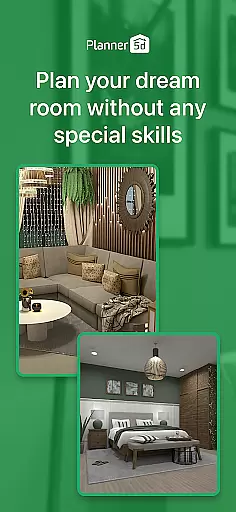
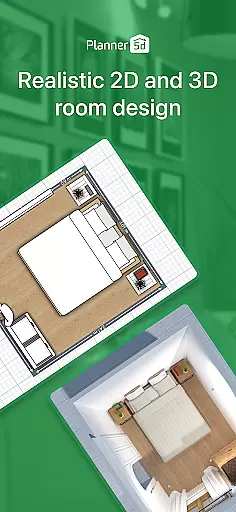
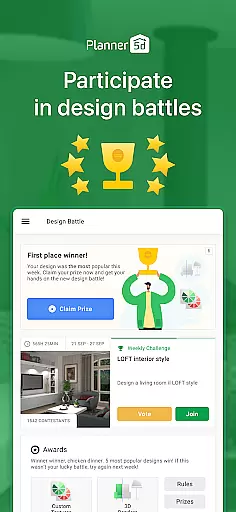
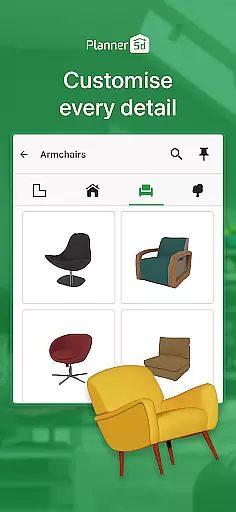
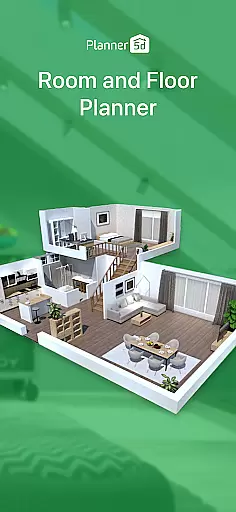
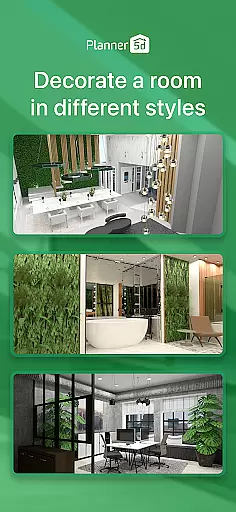

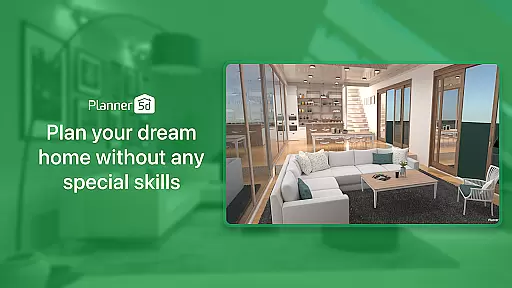
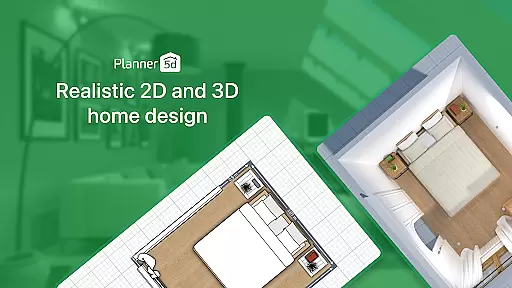
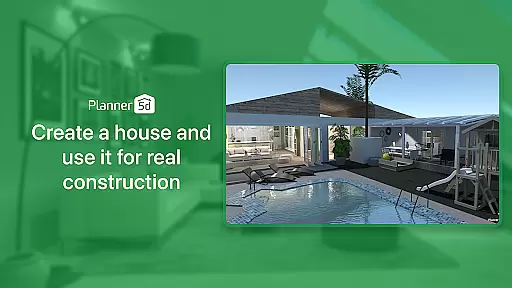
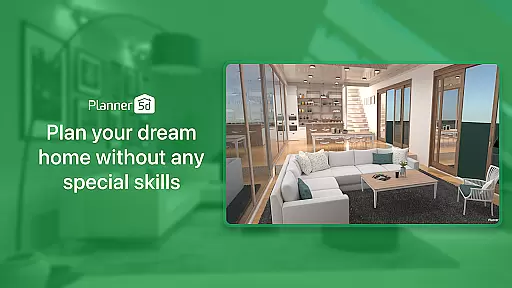
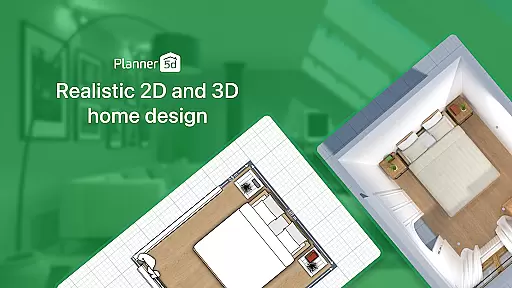
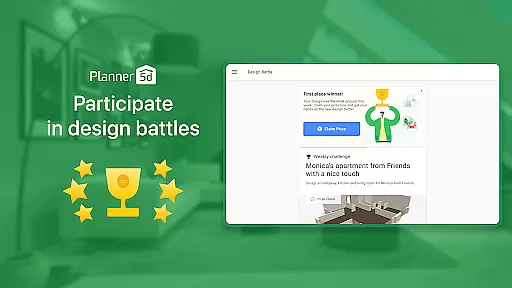
Planner 5D is the leading AI-powered home design and room planning application, catering to both enthusiasts and professionals. This comprehensive tool allows users to create detailed floor plans, design interior décor, and visualize spaces in 3D with ease. Whether you're redesigning your current home or planning a new dream house from scratch, Planner 5D provides all necessary features including an extensive library of over 10,000 items for customization.
The app stands out with its augmented reality (AR) room planner feature that lets you configure layouts using real room dimensions, ensuring realistic visualizations. With capabilities such as 2D to 3D conversion, exterior design options, advanced architectural tools, and high-definition snapshots, it bridges imagination with reality. The community aspect further enriches user experience by allowing sharing and inspiration gathering among millions of projects.
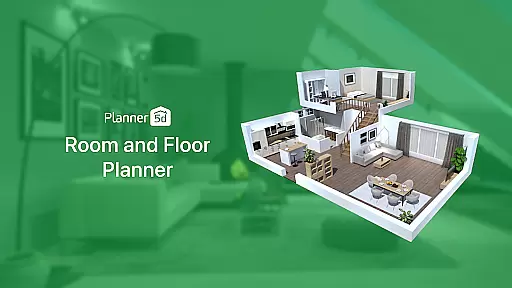
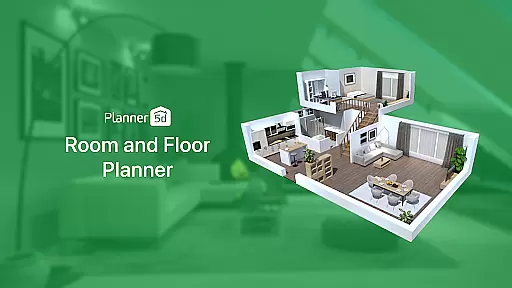
Planner 5D boasts an array of sophisticated features tailored for comprehensive home design projects. Users can leverage the AR Room Planner to see their designs in real size within actual spaces, enhancing accuracy and visualization. Its powerful 3D Home Design functionality enables building and exploring homes from every angle, providing a realistic preview before any physical changes are made.
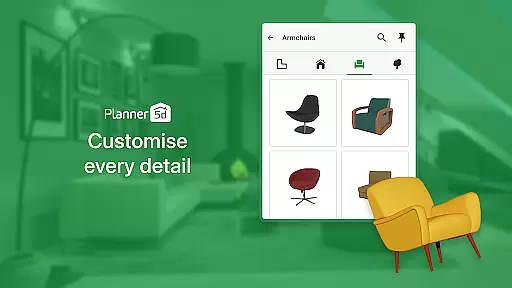
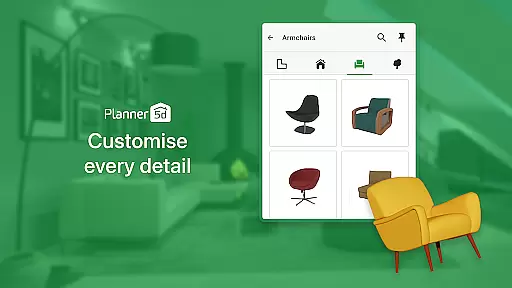
In addition to creating detailed 2D Floor Plans easily convertible into 3D models, Planner 5D offers an extensive Furniture Catalogue comprising more than 10,000 items for limitless customization possibilities. Advanced Architecture Design tools support precise planning while Realistic HD Snapshots ensure high-quality renders with accurate lighting and colors. Cross-platform compatibility and offline mode add flexibility, making it accessible anytime, anywhere across devices.
In the realm of home design and renovation, having authentic and reliable property listings is crucial for envisioning accurate projects. Planner 5D ensures that every design or renovation project starts with a truthful representation of spaces.
Through meticulous attention to detail, Planner 5D provides users with precise dimensions and realistic renderings, allowing them to create designs based on actual properties. This commitment to accuracy extends to the vast library of over 10,000 items for home du00e9cor, ensuring each piece fits perfectly within the envisioned space.
Users benefit from this dedication to authenticity by being able to plan their dream homes with confidence. Knowing that the elements they are working with are true-to-life allows for more accurate planning and execution of both modest redecorations and full-scale renovations.
The value of using an application like Planner 5D lies in its ability to transform abstract ideas into concrete plans. With verified property details and a comprehensive furniture catalogue, users can seamlessly transition from concept to reality, making their interior design aspirations achievable.
Effective home management encompasses everything from organizing spaces to optimizing functionality. Planner 5D offers a suite of features designed to streamline these processes, empowering users to take control of their living environments.
With advanced tools such as AR Room Planner, users can configure layouts using real room dimensions, seeing exactly how changes will look in their space. The app's 3D Home Design feature further enhances this experience by allowing users to build, customize, and explore their designs from every angle.
This level of detail and interactivity brings unparalleled precision to home management tasks. Whether planning a minor refresh or a major overhaul, users can visualize the outcome, adjust elements, and make informed decisions before committing any physical changes.
Planner 5D stands out by integrating practicality with creativity, offering solutions that cater to both aesthetic desires and functional needs. By bridging imagination with tangible results, it becomes an indispensable tool for anyone looking to manage and enhance their home environment efficiently.
User-friendly interface
Extensive object library
Realistic 3D visualization
Augmented reality features
Cross-platform accessibility
Advanced tools may overwhelm beginners
Some features require premium access
Limited free catalogue items
Occasional performance lags
Steep learning curve for complex tasks

Draw house plans, floor plans 3d & house design with house plan drawing 3d app
 3.60
3.60
The official app for Home Assistant. Control your home anywhere in the world.
4.30
Turn your phone into a wifi cam with smart features and umlimited reach.
4.20
Draw your floor plan smartly. Make house design blueprint with home planner app
3.60
Universal TV Remote for TV, control all Smart TVs with your mobile phone.
4.3
Floor Plan Creator Home Design with 2D interior design and 3d view.
3.90
Book your local plumber 24/7, track your service order & get exclusive coupons
4.00
Samsung remote app helps control all Samsung Smartthings TVs. Fast and Stable!
4.10
Houses for Sale & Homes for Rent: Buy Homes, Rent Apartments & Sell Real Estate
4.80
View houses and apartments for rent, updated daily.
4.80
The only mappable smart lights for custom decoration.
4.50
Resident Center, powered by Buildium, is designed with simplicity in mind.
4.50
AI Home Designer & Room Planner: Decorate your interior space with AI
4.40
For all of your Airthings devices
4.30
Fully control your Philips TV with this all-in-one remote control app.
4.20
Smart AI plant care schedules, Real plant experts, support & Thriving community!
4.20
Find paints using a Color Muse & ColorSnap® Match
3.60
An easier way to make payments and maintenance requests from anywhere.
3.50
Universal TV remote Control for Roku TV brands via WiFi remote
4.0


User Reviews