
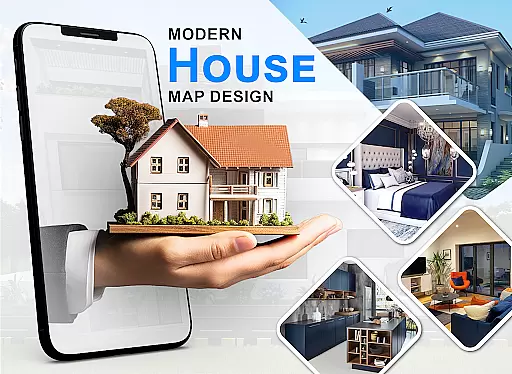
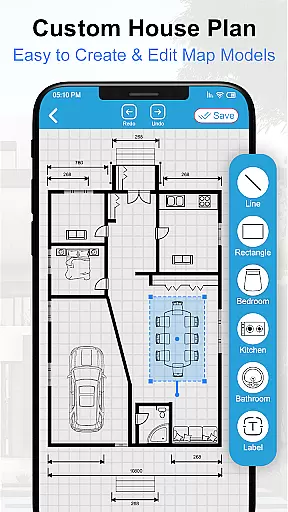
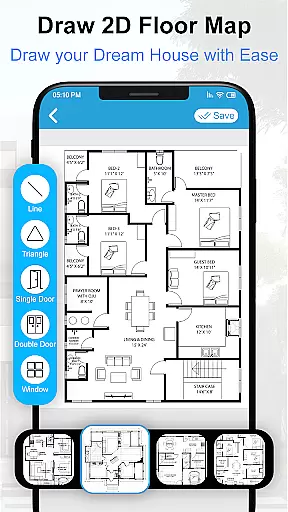
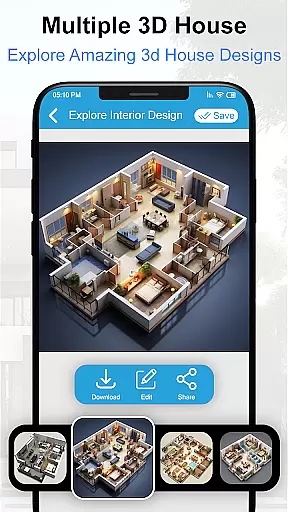
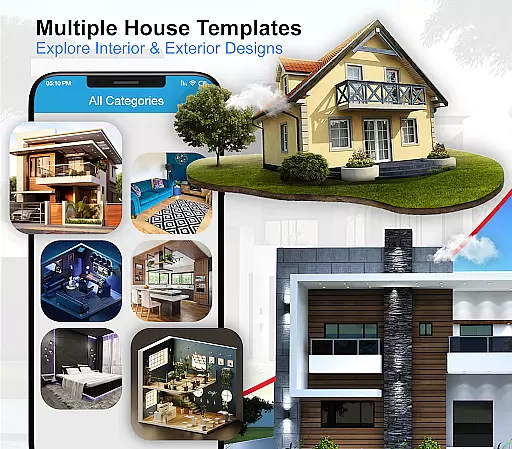
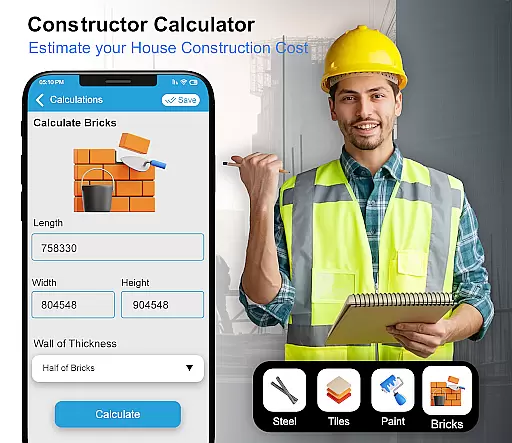
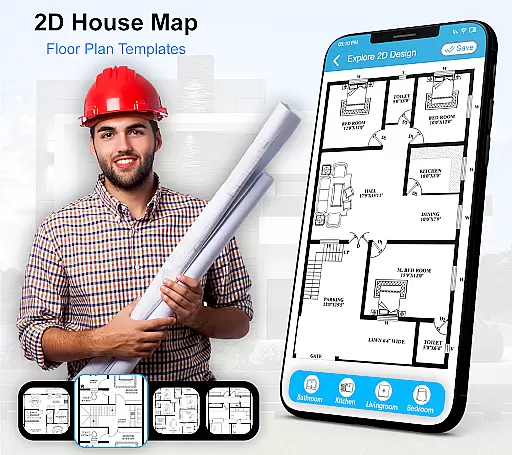
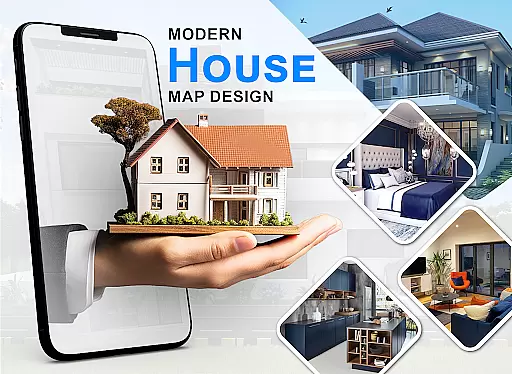
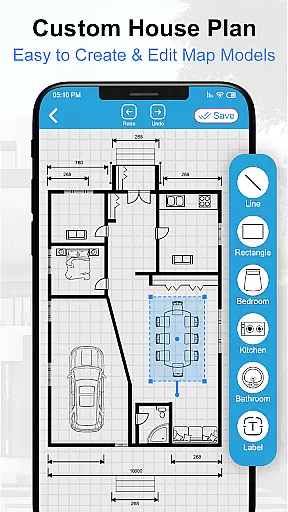
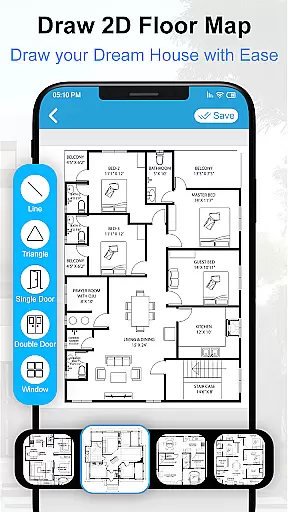
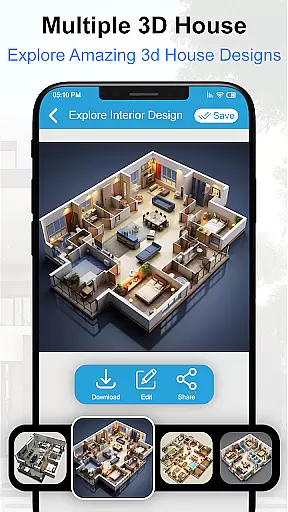
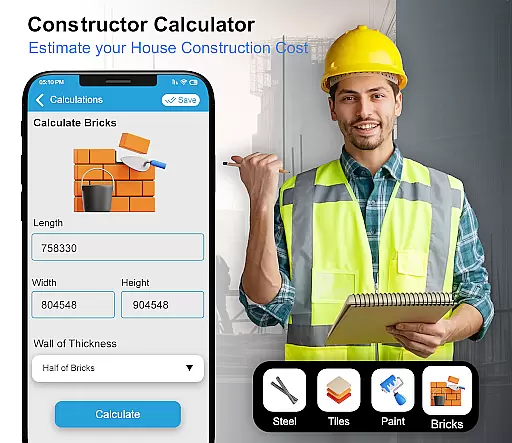
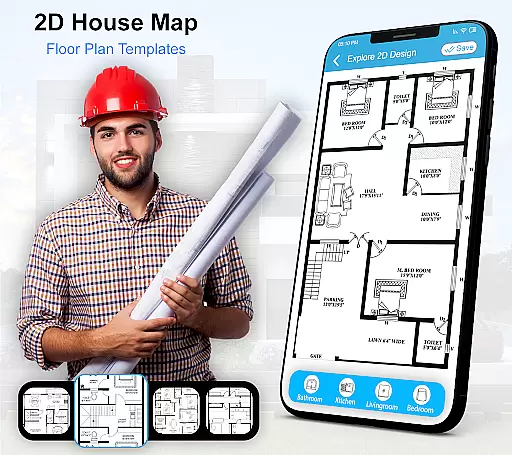
House Design 3D Floor Plan App is a comprehensive home planning tool that allows users to create detailed architectural blueprints and interior designs for their dream homes. The app provides an intuitive platform for drawing floor plans, offering both 2D and 3D views to visualize spaces effectively.
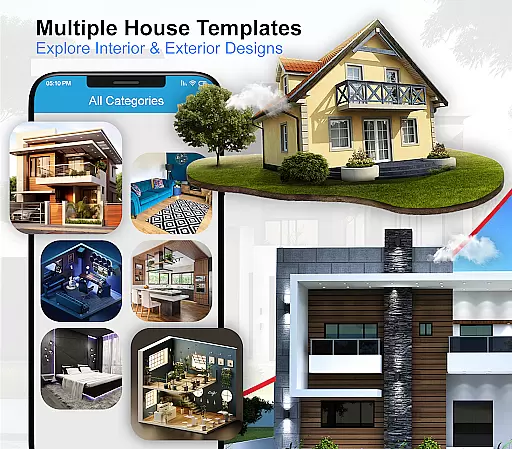
With a rich collection of design templates including floor layouts, kitchen arrangements, drawing rooms, bathrooms, and bedroom designs, this app caters to various aspects of home planning. Users can access numerous furniture designs and decor options, making it easier to customize every corner of their living space.
Whether you are an individual looking to renovate your home or a professional designer seeking efficient tools, House Design 3D Floor Plan App serves as a valuable resource. It transforms complex architectural planning into a user-friendly experience, ensuring that beautiful house designs are accessible to everyone.
One of the standout features of House Design 3D Floor Plan App is its ability to provide users with a vast library of pre-designed blueprints. These include specific layouts for kitchens, bathrooms, and living areas, allowing users to quickly adapt existing designs to fit their needs.
The app also supports customization through its extensive furniture and decor catalog. Users can experiment with different styles and arrangements, ensuring that their final design reflects their personal taste. Additionally, the app's 3D visualization capability helps in understanding spatial relationships and aesthetics before any physical work begins.
Another notable feature is the app's user-friendly interface, which simplifies the process of creating complex architectural plans. With easy-to-use drawing tools and precise measurement options, even beginners can produce professional-quality designs. This combination of powerful features makes House Design 3D Floor Plan App an essential tool for anyone involved in home design.
In the realm of house design and home planning, ensuring the authenticity of property listings is paramount. The House Design 3D Floor Plan App takes this seriously by providing users with accurate and realistic blueprints and interior designs that reflect true-to-life possibilities. This commitment to authenticity means that every design element within the app, from kitchen layouts to bathroom designs, is crafted to offer a genuine representation of what can be achieved in a real-world setting.
The app's dedication to delivering authentic content is evident through its vast collection of design sketches and furniture arrangements. Users are not only able to visualize their dream homes but also rest assured that these visualizations are based on feasible architectural standards. With features that allow for smart drawing of floor plans and creation of 3D views, the app ensures that each design remains as close to reality as possible, thus enhancing the credibility of its property listings.
By integrating numerous design options, including bedroom designs and home layouts, the app provides an extensive repository of authentic property listings. This empowers users to explore various design possibilities while maintaining confidence in the realism of their virtual creations. Whether planning a new build or revamping an existing space, users benefit from the assurance that their envisioned designs can translate into tangible, livable spaces.
Beyond just designing homes, the House Design 3D Floor Plan App offers robust home management features that cater to both interior and exterior design needs. These features enable users to efficiently organize and manage different aspects of their living spaces, from furniture placement to intricate decor details. By incorporating tools that facilitate comprehensive home layout planning, the app becomes an indispensable resource for anyone looking to redesign or optimize their home environment.
One of the standout functionalities includes the ability to create detailed floor plans that encompass all essential areas such as kitchens, drawing rooms, and bathrooms. This meticulous attention to detail extends to offering a wide array of design templates and customization options, allowing users to tailor each room according to their specific preferences and requirements. Such versatility ensures that whether you're focusing on aesthetic appeal or functional practicality, the app supports your vision every step of the way.
Moreover, the inclusion of 3D visualization capabilities enhances the overall user experience by providing a realistic preview of potential design outcomes. This feature not only aids in better decision-making but also streamlines the entire home management process. Users can experiment with different styles, layouts, and furnishings without any real-world constraints, ultimately leading to more informed and satisfactory design choices.
User-friendly interface
Extensive template library
3D visualization capabilities
Versatile design options
Comprehensive decor catalog
Limited advanced tools
Occasional performance issues
In-app purchases required
Steep learning curve
Basic customer support

For all of your Airthings devices
 4.30
4.30
Technology powering many in-home services for residents across the United States
3.80
Wobble Fix Tool
4.40
Convert your Phone to HiSense Smart TV Remote Control
4.70
USHUD.com helps you find the best homes for sale in your area
4.00
Book your local plumber 24/7, track your service order & get exclusive coupons
4.00
Design your dream home with 3D planning app, Visualize your dream home in 3D.
4.20
Fire & Power Safety
4.50
Find your next home, house, apartment, condo, casa, flat, rental, studio, or bed
4.70
Tailored Care Guides For Houseplants, Indoor Plants, Garden Plants & Flowers.
4.60
AI-powered home design, interior design, home decor, and room design solutions
4.50
3D House Design and AI Room Planner - from floor plans to full interior design.
4.40
Set up your devices, customize settings, and monitor your home—from anywhere
4.40
Control your Vivint Smart Home with the next generation Vivint App.
4.30
Turn your phone into a wifi cam with smart features and umlimited reach.
4.20
Smart AI plant care schedules, Real plant experts, support & Thriving community!
4.20
Schlage Lock Company LLC
4.00
Find paints using a Color Muse & ColorSnap® Match
3.60
An awesome mobile app for Home Security Surveillance - uses ZoneMinder
3.20


User Reviews