
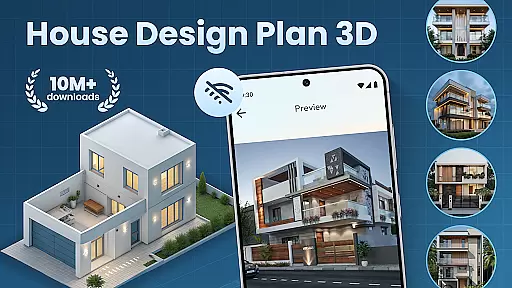
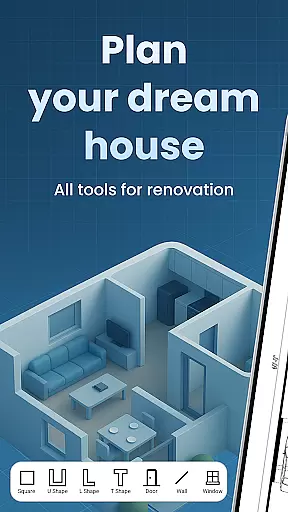
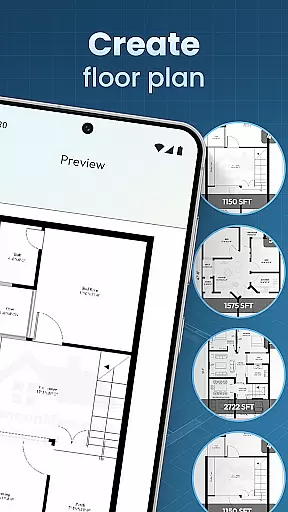
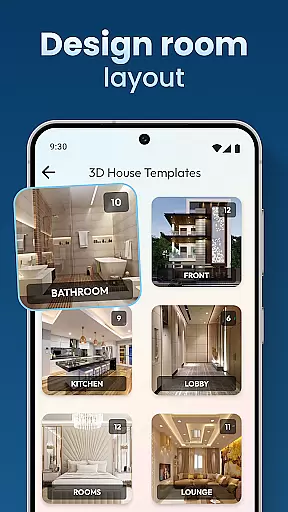
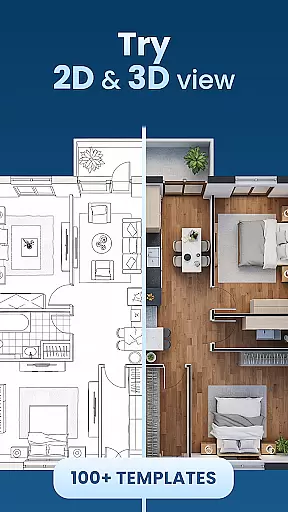
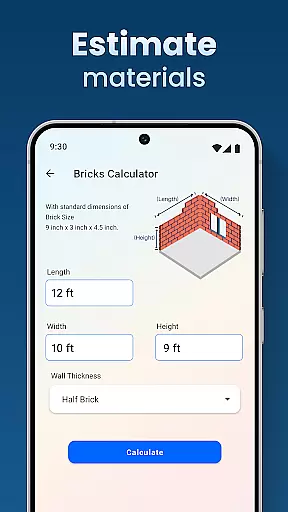
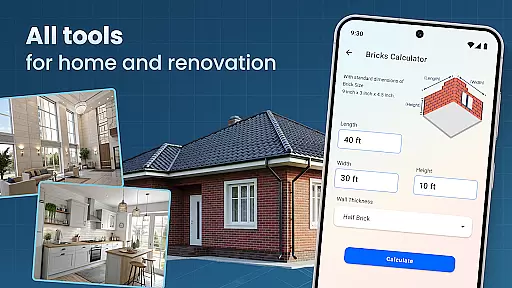
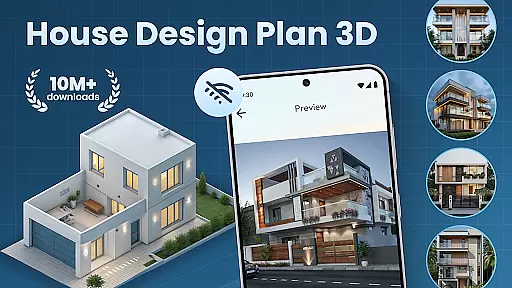
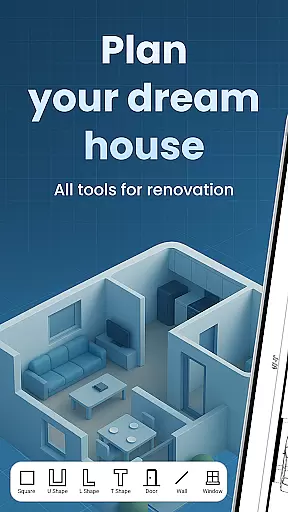
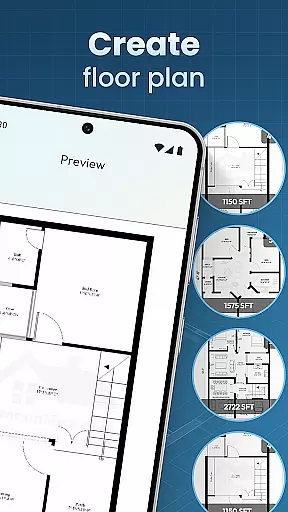
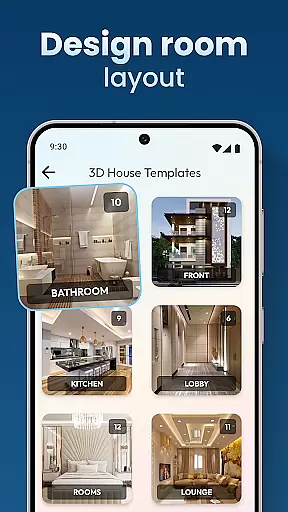
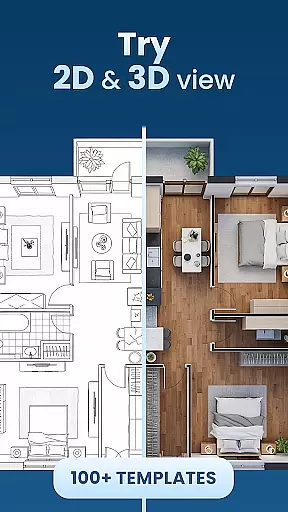
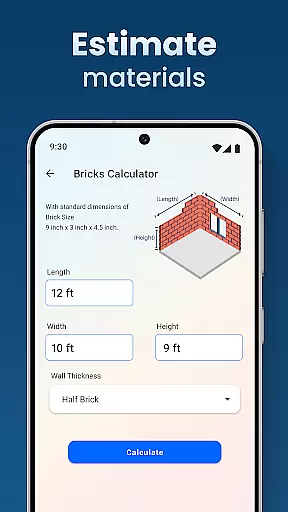
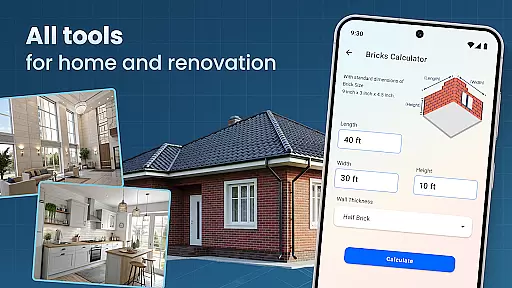
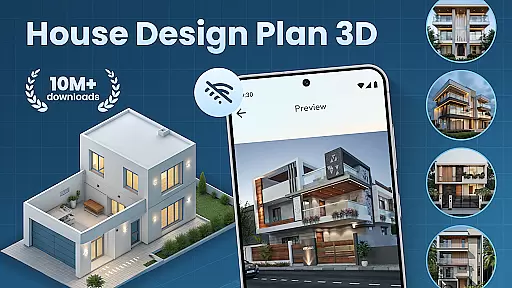
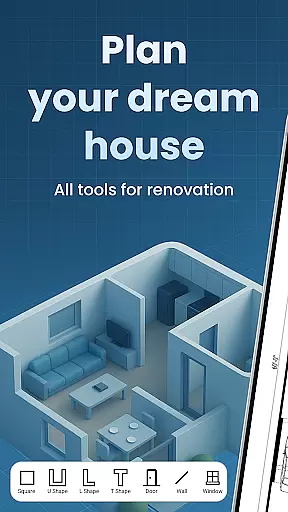
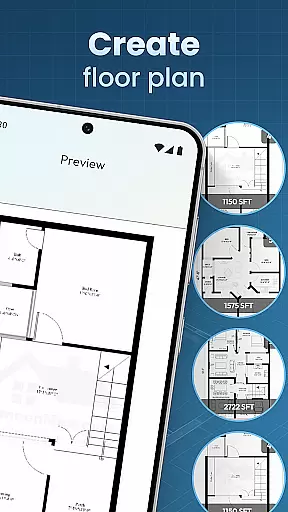
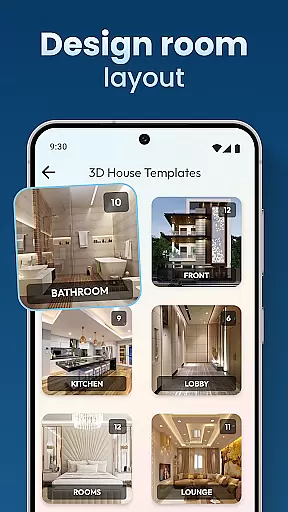
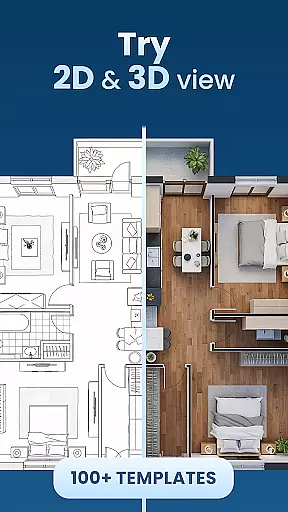
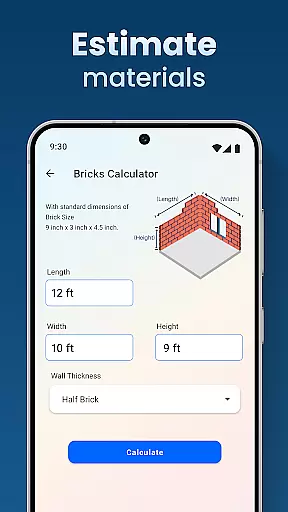
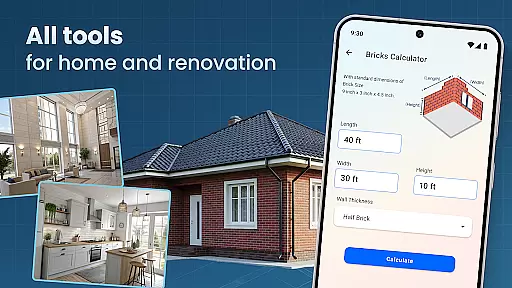
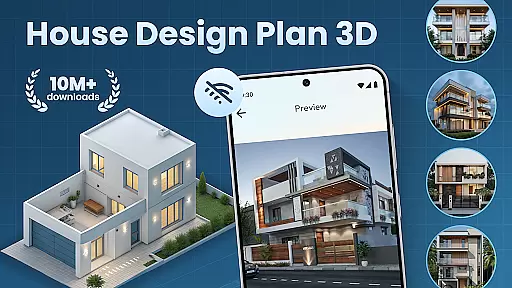
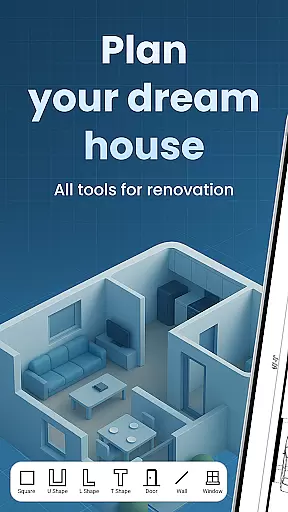
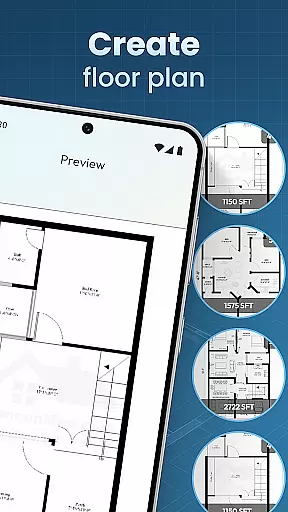
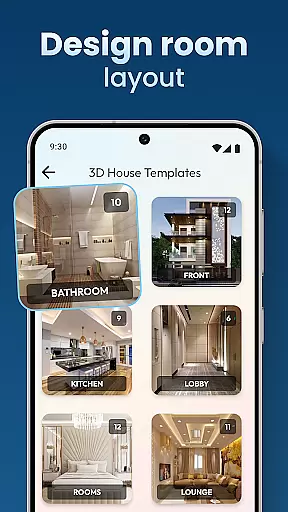
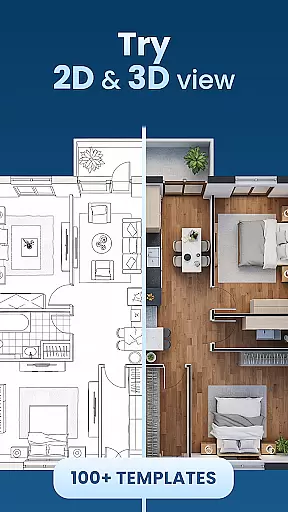
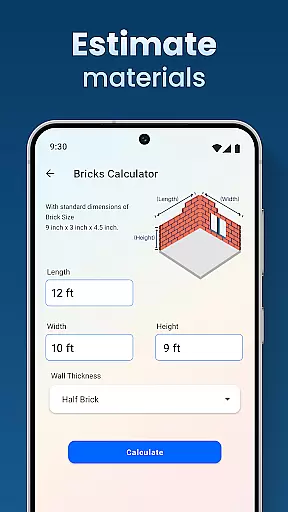
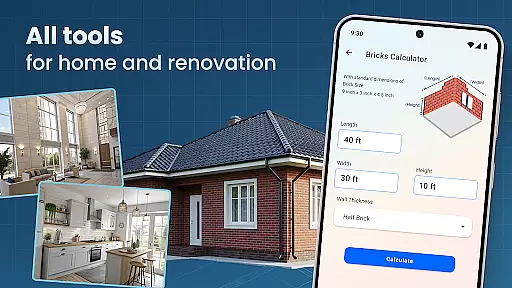
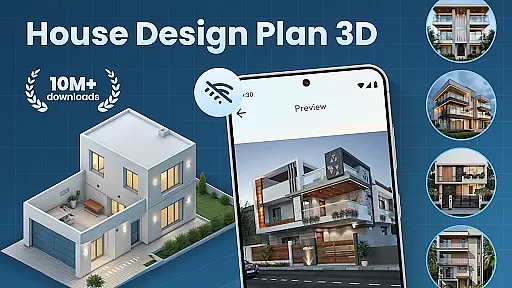
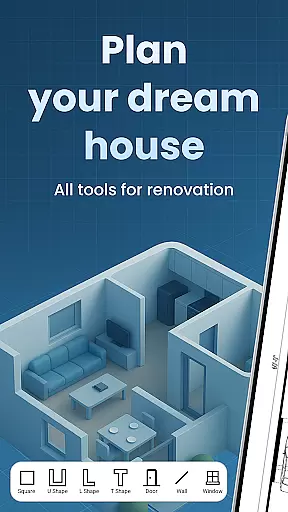
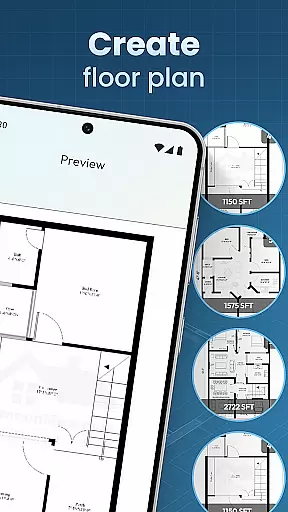
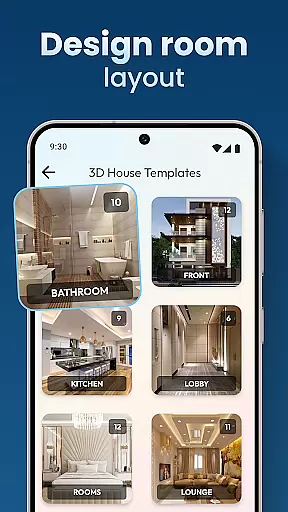
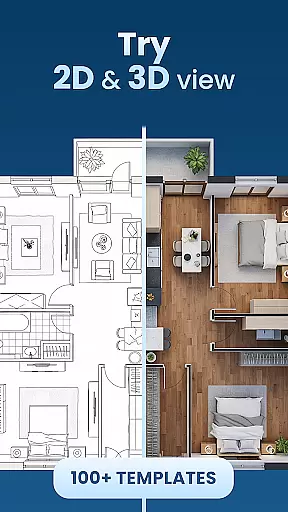
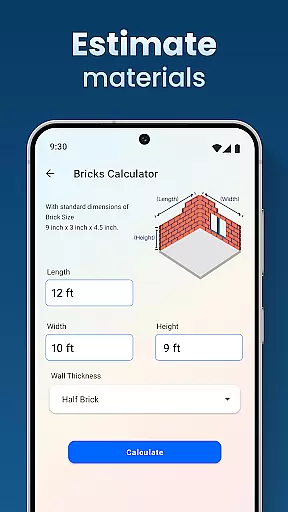
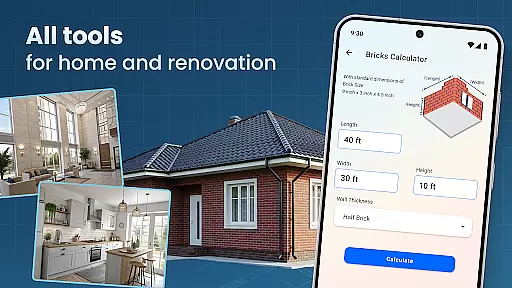
House Design Plan 3D App is a comprehensive home design tool that allows users to create detailed floor plans and visualize their dream homes in fully 3D. With intuitive drag-and-drop functionality, users can easily build room structures, customize furnishings, and experiment with various interior styles. The app caters to both beginners and experienced designers, offering guided help and professional templates for architectural planning.
This powerful Room Planner App provides tools for every step of the design process, from laying out walls to selecting furniture and textures. Users can test different arrangements, color schemes, and lighting options, ensuring their designs meet professional standards. Whether planning a single room or an entire house, this app enables precise modeling and realistic visualization of all design choices.
The true value of House Design Plan 3D lies in its ability to transform creative ideas into tangible plans. Its seamless integration of design and functionality makes it an essential tool for anyone looking to build or renovate their home, bringing professional-level design capabilities to users' fingertips.
House Design Plan 3D App stands out with its robust feature set tailored for home design enthusiasts. The app's real-time 3D rendering capability allows users to instantly view changes as they modify room layouts or furniture placements. This immediate visual feedback helps streamline the design process and enables more informed decisions about space utilization.
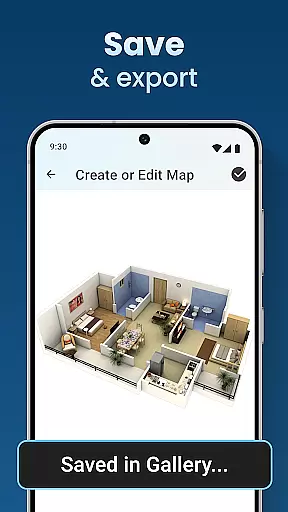
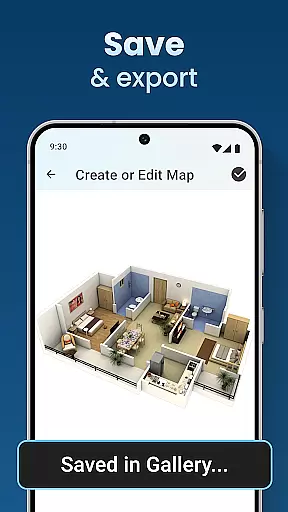
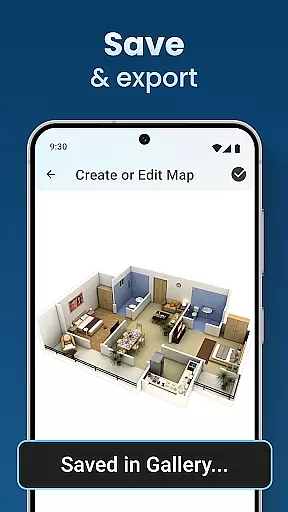
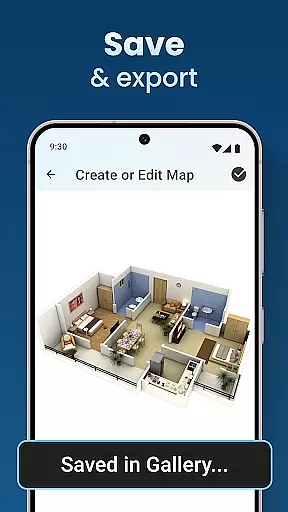
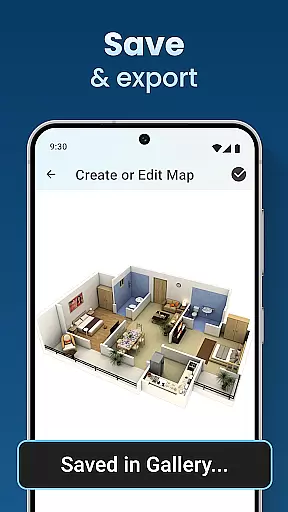
A key highlight is the app's extensive customization options. Users can personalize every aspect of their virtual home, from wall textures and flooring materials to lighting fixtures and decorative elements. The included library of design templates and furniture pieces ensures endless possibilities for creativity. Additionally, the app's save and preview function lets users review their projects at any stage of development.
What sets this app apart is its user-friendly interface combined with professional-grade tools. While maintaining accessibility for casual users, it delivers features typically found in sophisticated design software. The step-by-step guidance system and comprehensive toolset make complex design tasks manageable, while the app's cloud integration ensures projects are always accessible across devices.
In the realm of house and home design, ensuring the authenticity of property listings is paramount. The House Design Plan 3D App addresses this need by providing users with tools to create accurate and realistic 3D models of their envisioned spaces. This app allows for detailed floor plans and structured layouts that reflect genuine architectural designs.
Users can craft precise representations of homes using features like drag-and-drop floor planning and real-time 3D room viewing. These capabilities ensure that every detail, from furniture placement to wall textures, is captured authentically. By offering design templates and guided assistance, the app guarantees that each project meets professional standards.
The value of such authenticity lies in its ability to bring dreams closer to reality. With the House Design Plan 3D App, users gain confidence in their design choices as they can visualize every aspect before committing to actual construction or renovation work. This level of detail not only enhances user experience but also serves as a reliable reference during the building process.
Effective home management features are crucial for overseeing various aspects of household planning and maintenance. The House Design Plan 3D App excels in this area by integrating comprehensive tools that cater to all facets of home design and organization. Users have access to functionalities that range from crafting detailed floor plans to managing interior decorations.
This app offers an extensive suite of features including customizable room furnishings, precision modeling tools, and options for saving and previewing projects. Such capabilities empower users to manage their home environments efficiently, whether redesigning a single room or constructing a multi-level residence. The inclusion of professional-grade tools ensures that even complex tasks become manageable.
By leveraging these sophisticated home management features, users enjoy greater control over their living spaces. The House Design Plan 3D App transforms how individuals approach home improvement projects, making it easier than ever to maintain and upgrade properties with confidence and ease.
User-friendly interface
Real-time 3D rendering
Extensive customization options
Professional design templates
Cross-device project access
Advanced features may require learning
Free version has limitations
Occasional performance issues
Limited material library
No collaborative tools

Use Home by ShowingTime to easily manage showings, tours, feedback and more
 3.60
3.60
Draw house plans, floor plans 3d & house design with house plan drawing 3d app
3.60
Make Renting Easy
4.40
Unlock AI-based barcode scanning and support the development of Grocy Android
4.5
Universal TV Remote for TV, control all Smart TVs with your mobile phone.
4.5
Our app allows Sunrun customers to monitor systems, pay bills, and get support.
3.80
Plants, Beauty, Collectibles
4.60
USHUD.com helps you find the best homes for sale in your area
4.00
An easier way to make payments and maintenance requests from anywhere.
3.50
Find your next home, house, apartment, condo, casa, flat, rental, studio, or bed
4.70
Convert your Phone to HiSense Smart TV Remote Control
4.70
Apartment finder for apartments for rent. Compare prices, amenities & rentals.
4.50
SmartRent - Opening Doors To A Smarter World
4.40
AI Home Designer & Room Planner: Decorate your interior space with AI
4.40
Set up your devices, customize settings, and monitor your home—from anywhere
4.40
Find contractors for all home renovation projects. Remodeling, repair, and more.
4.20
Samsung remote app helps control all Samsung Smartthings TVs. Fast and Stable!
4.10
Book your local plumber 24/7, track your service order & get exclusive coupons
4.00
Find paints using a Color Muse & ColorSnap® Match
3.60


User Reviews