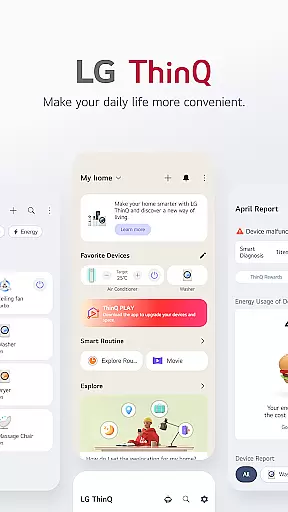
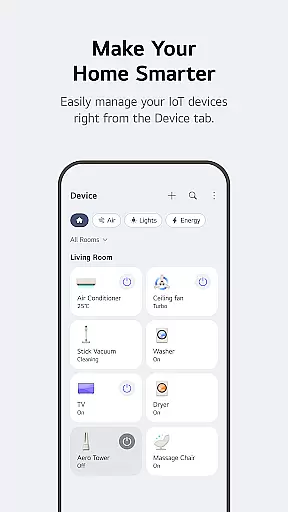
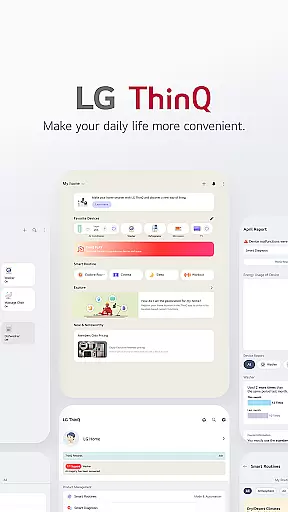
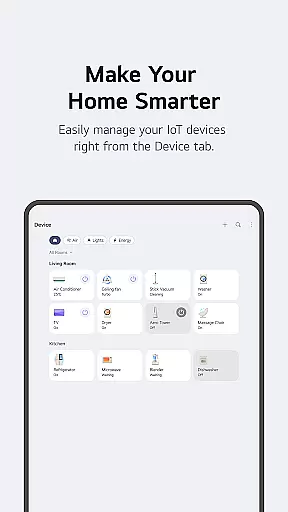
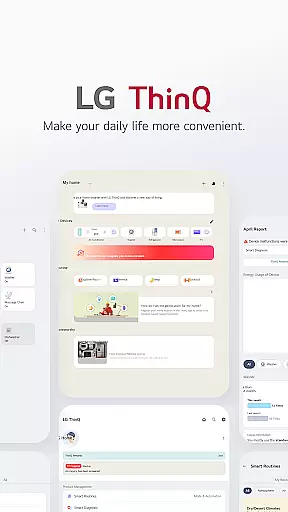
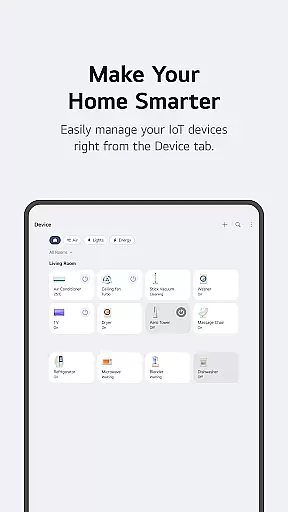
LG ThinQ is a comprehensive smart home solution that connects and controls IoT-enabled LG home appliances. The app serves as a central hub for managing your smart devices, offering features like remote control, energy monitoring, and personalized recommendations. With its intuitive interface, users can easily create automated routines, receive product care notifications, and access AI-powered customer support through the 'Chat with LG' feature.
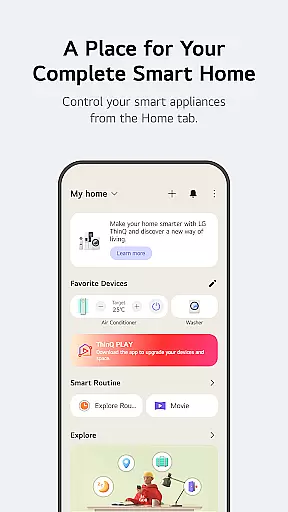
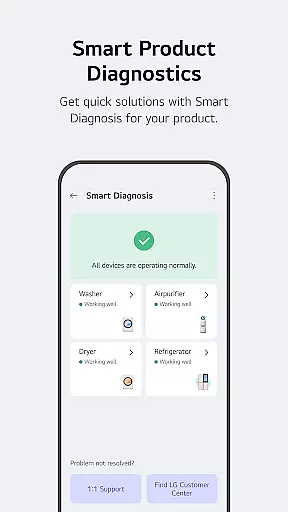
The application's standout capability lies in its ability to enhance user convenience while promoting energy efficiency. Through the Home tab, users can control their appliances from anywhere, compare energy usage with neighbors, and set saving goals. Additionally, the Smart Diagnosis tool helps troubleshoot issues, while professional service booking ensures prompt maintenance. These features collectively contribute to a smarter, more sustainable living environment.
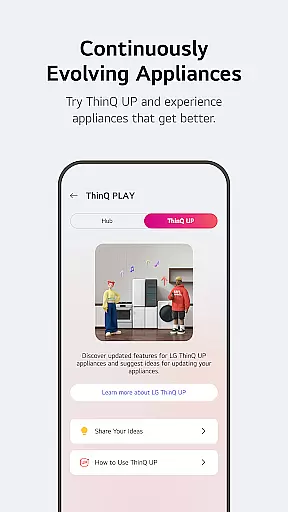
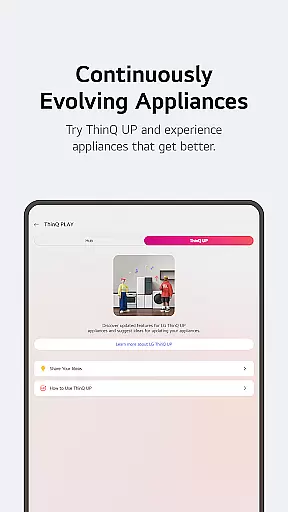
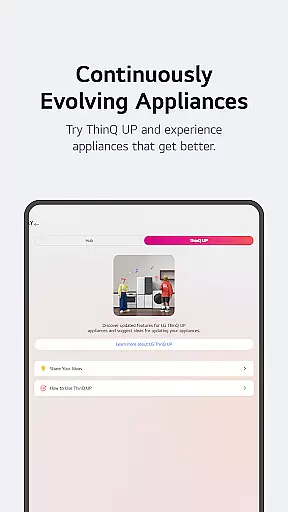
LG ThinQ distinguishes itself through a robust set of features designed to elevate smart home management. One notable aspect is the ThinQ Play functionality, which allows users to download apps and introduce new features to existing products, effectively upgrading their usability. This adaptability ensures that appliances evolve alongside user needs, enhancing both efficiency and convenience.
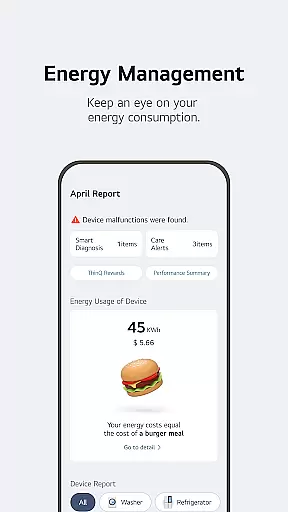
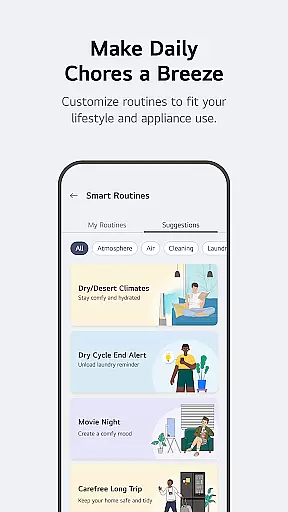
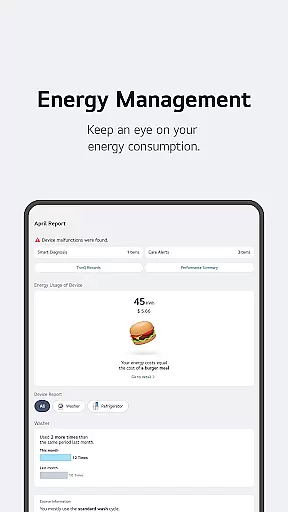
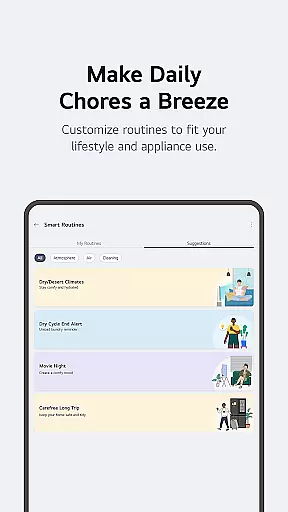
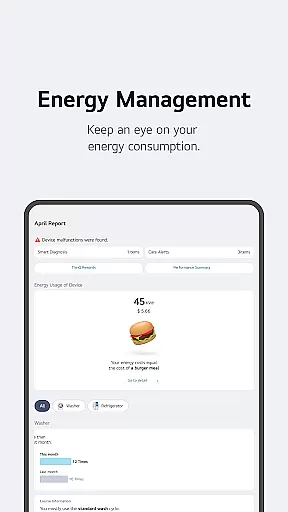
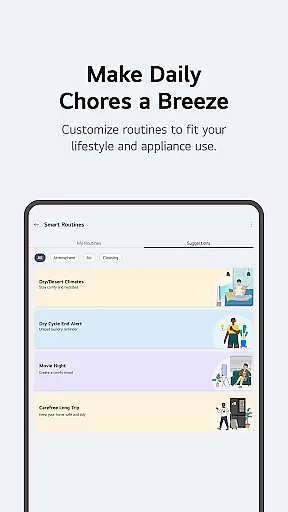
Another significant feature is the app's automation capabilities. Users can establish smart routines that trigger actions based on specific conditions, such as turning on lights and air purifiers at wake-up time or conserving energy while away on vacation. Furthermore, the app provides detailed insights into energy consumption, empowering users to make informed decisions about their usage patterns. These innovative tools not only simplify daily tasks but also contribute to a more sustainable household ecosystem.
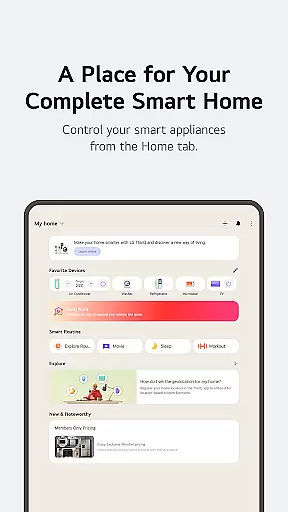
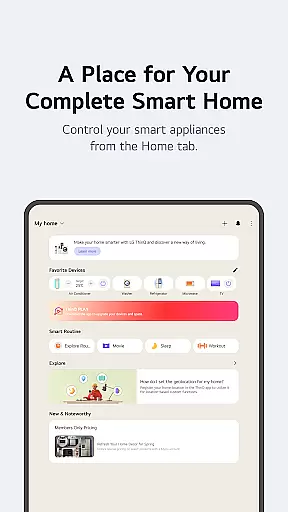
LG ThinQ app offers comprehensive coverage of lifestyle categories by integrating smart home appliances into a single platform. The Home tab allows users to control IoT-enabled appliances effortlessly, providing personalized recommendations based on usage history. This ensures that users can manage their home environment efficiently and conveniently.
The app extends its functionality through ThinQ Play, where users can download various apps for LG ThinQ On (AI Home Hub). This feature enhances product utility by introducing new functionalities tailored to individual lifestyles and preferences. Users can also create smart routines that automate daily tasks, such as turning on lights and air purifiers at specific times, or conserving energy while on vacation.
Energy Monitoring is another key aspect, enabling users to compare their power consumption with neighbors and set energy-saving goals. The app provides notifications to help users save energy more effectively. Additionally, it consolidates care services, allowing users to troubleshoot issues, request services, and even book professional engineer visits directly from the app.
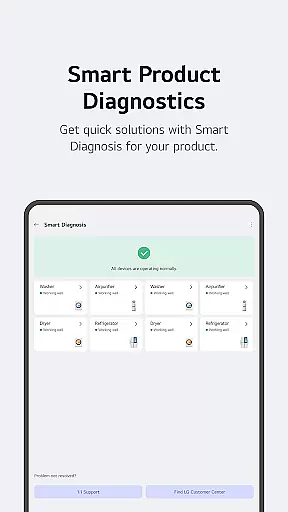
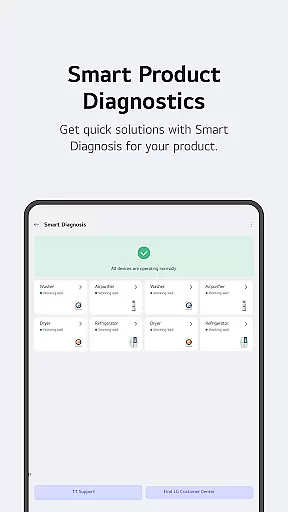
The content delivered through the LG ThinQ app is authentic and credible, backed by expert support and official service channels. The Smart Diagnosis function checks product status and facilitates accurate troubleshooting, ensuring that users receive reliable information about their appliances' performance.
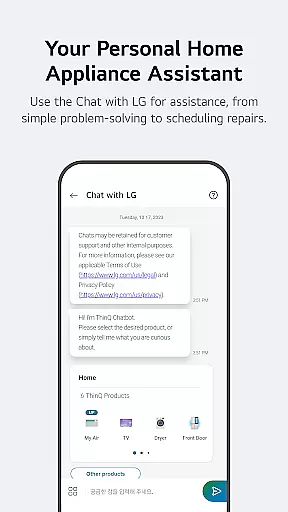
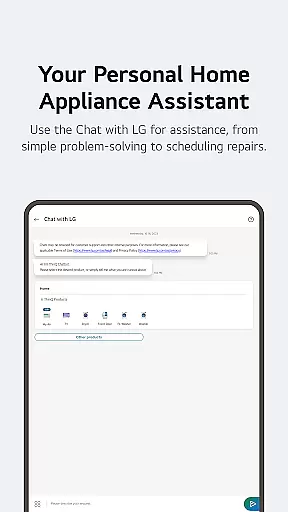
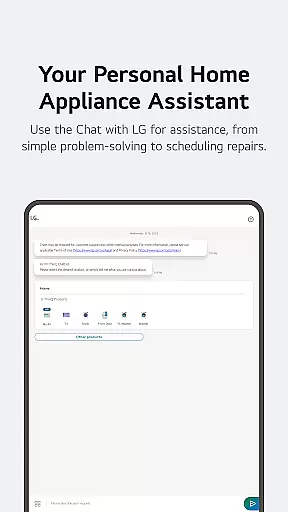
For further assistance, the AI-powered 'Chat with LG' feature provides tailored responses based on the user's specific product situation. This ensures that users receive expert advice and solutions that are relevant to their needs. The app also supports direct communication with the LG Service Center, enhancing the reliability of the information and services provided.
Optional access permissions enhance the app's functionality without compromising user privacy. For instance, location data helps find nearby Wi-Fi during product registration and supports features like weather updates and smart routines. Camera and photo access enable QR code scanning and sharing, while the microphone aids in voice input and product diagnostics. These features collectively ensure that the content and services offered are both authentic and expertly supported.
User-friendly interface
Comprehensive device control
Energy-saving insights
AI-powered support
Customizable routines
Limited device compatibility
Region-specific features
Premium subscription costs
Occasional connectivity issues
Steep learning curve

The all-new Cync app. The simple, connected app for Cync and C by GE.
 4.50
4.50
View over 160,000 line dance stepsheets from the CopperKnob website.
3.30
Unique "Isometric" style digital watch face for Wear OS
4.50
Your home in your hand
3.80
Celebrate the holidays with Advent Calendar: daily surprises and festive fun!
4.2
Vehicle ownership simplified. Get the myChevrolet® app today.
4.60
Share opinions, get paid cash
4.30
DailyGift can help you record your habits and get rewards along the way!
4.60
AAA Mobile provides on-the-go access to the services you know and trust.
4.60
See wait times and check into a hair salon ahead of time with Online Check-In.
4.80
Kasa Smart is your portal to your TP-LINK Smart Home.
4.70
Stay connected with your loved ones & vehicles | Share live GPS location updates
4.60
Smart & Healthy Living
4.60
The App can control Roborock vacuum cleaners from anywhere with rich features.
4.60
This app is intended to support professional EMDR therapy.
4.50
What is my face shape? Find out your face shape from picture, see fitting frames
3.90
Big bold digital watch face with 30 colors, 6 complications and AOD.
4.0
Unique Dark Analog style for Wear OS watches.
4.4
Wear your favorite memories, loved ones, pets or travel photos on your watch
4.1


User Reviews