
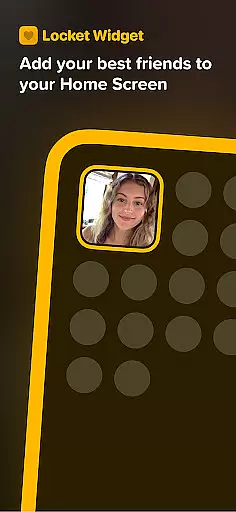
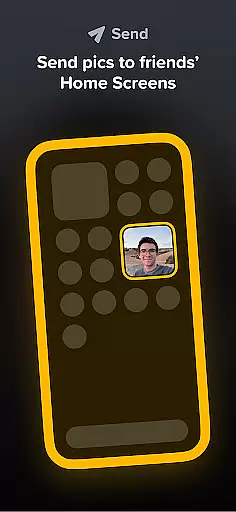


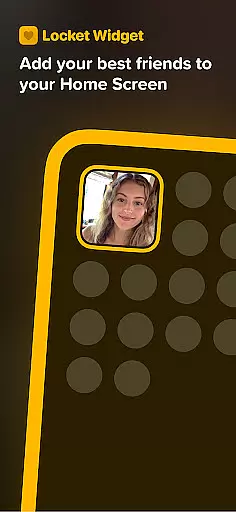
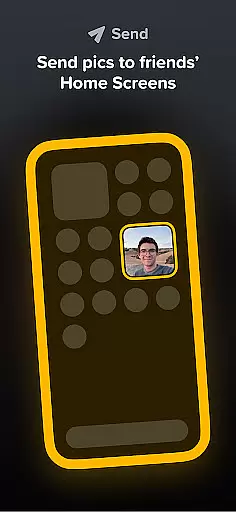


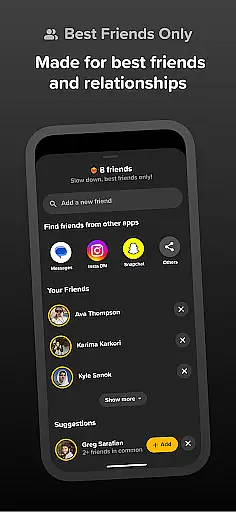
Locket Widget is a unique social application that allows users to share live photos with their closest friends directly through their home screens. The app focuses on creating intimate connections by enabling real-time photo sharing without the pressure of follower counts or public reactions. With Locket, you can add up to 20 close friends and family members, ensuring that your interactions remain personal and meaningful.
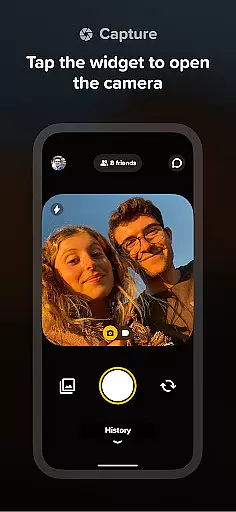
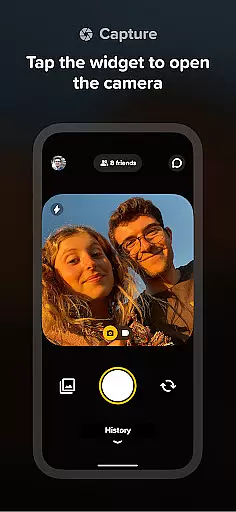
One of the standout features of Locket Widget is its simplicity. By adding the widget to your home screen, you can instantly view photos sent by friends every time you unlock your phone. You can also respond quickly by taking a picture within the app and sending it back, making the exchange seamless and engaging. This creates an ongoing visual conversation that helps you stay connected throughout the day.
The app is particularly useful for those who want to maintain close relationships without the distractions of traditional social media platforms. By focusing on small, private groups, Locket Widget fosters genuine interactions and provides a refreshing alternative to mainstream social apps.
Locket Widget offers several innovative features that set it apart from other social applications. First, the app's widget functionality allows users to display live photos directly on their home screens, providing instant access to updates from friends. This feature eliminates the need to open the app repeatedly, offering a more streamlined user experience.
Another notable aspect is the app's emphasis on privacy and authenticity. Unlike many social platforms, Locket does not track or display reaction counts, allowing users to engage in a pressure-free environment. The ability to send reactions through emojis adds a fun, interactive element while maintaining the focus on genuine connections.
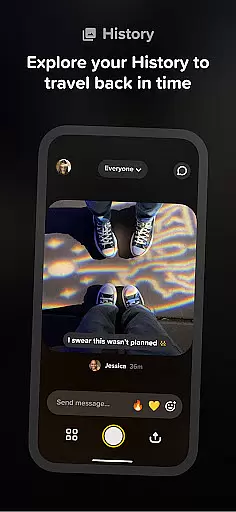
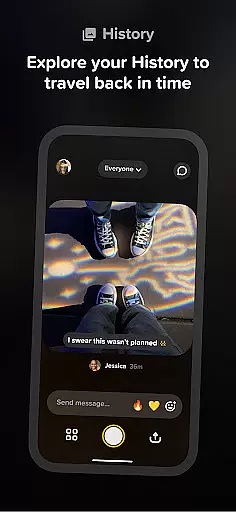
Additionally, Locket Widget supports building a history of shared images, which serves as a digital scrapbook of memories between friends. This feature encourages users to document their daily lives in a more personal way, strengthening bonds over time. Overall, these features make Locket Widget a valuable tool for nurturing close-knit relationships.
User profile customization and authenticity verification are essential features in social applications like Locket Widget. These features ensure that users can create personalized profiles while maintaining a level of trust and security within the community.
Locket allows users to add live photos directly to their home screens, providing a dynamic way to showcase their current moments with close friends and family. This form of profile customization is not only engaging but also fosters a deeper connection between users by sharing real-time experiences.
While Locket does not explicitly mention authenticity verification processes such as multi-factor authentication or identity checks, its focus on a small circle of close friends inherently promotes genuine interactions. By limiting the number of friends to 20, it encourages users to connect only with people they truly care about, enhancing the authenticity of the shared content.
The benefit for users is an enhanced social experience where they can be confident that the photos and reactions exchanged are with trusted individuals, thus creating a private and intimate social network. This approach not only keeps the interaction real but also eliminates common social media pressures, allowing users to live in the moment and enjoy meaningful connections.
Connection discovery in social apps refers to the mechanisms through which users find and establish connections with others. For Locket Widget, this feature is crucial as it enables users to share live photos with their best friends right on their home screens.
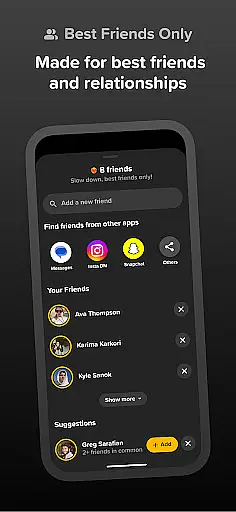
Unlike traditional social networks that emphasize follower counts, Locket focuses on quality over quantity by allowing only 20 close friends or family members per user. This limitation ensures that every connection holds significant value and encourages more authentic interactions among users.
To facilitate connection discovery, Locket provides simple steps for adding friends. Users need to add the widget to their home screen, and when friends send photos, they instantly appear, creating an interactive and engaging experience. The app's design naturally guides users towards connecting with those who matter most, rather than amassing a large following.
By prioritizing intimate connections, Locket offers a refreshing take on social networking. Users can enjoy a stress-free environment without worrying about likes or filters, focusing instead on building genuine relationships through shared moments. This unique approach enhances user satisfaction and strengthens the sense of community within the app.
User-friendly interface
Real-time photo sharing
Privacy-focused design
Engaging widget feature
Authentic interaction
Limited to 20 friends
No group chat function
iOS exclusive
Requires constant connectivity
Dependent on friend participation

The hottest live chat app so far. Video chat and meet great people...
 4.60
4.60
Watch 24/7 live stream, and make real friends nearby
4.30
Dating for singles. Meet lonely people nearby online. Find your match here!
4.20
Chill and Chat with Tagged Live Video with millions of peeps
4.10
Random chat & meet online. Find your soulmate or someone special and have fun!
3.90
Unlimited calls & texts | WiFi voice line plus group txt | Call & text now
4.50
live inside your fandom
4.60
Calling and texting app. 2nd virtual line plus new phone number. Txt & talk now.
4.40
Watch 24/7 great live stream, or go live to boost your social followers!
4.50
Get your NGL Link
4.60
Date single & make friend
4.60
Social calendar for friends to make plans, group chat, share events & schedules
4.60
The official Skool app. Stay connected to your communities on the go.
4.20
Connect and share ideas
4.10
Meet online & chat with people! Talk, have fun, make connections in real time!
4.00
Go Live, Chat & Meet New People! Friends. And more than friends.
3.80
Resonate & Date with New Match
3.70
Video call, live video chat & talk to strangers. Meet people on Omega!
3.60
This is to support the developer of Infinity for Reddit. No exclusive features.
4.3


User Reviews