



Rushly is a dynamic social networking app designed to spark instant connections and foster meaningful interactions. With its innovative real-time matching algorithm, the app connects users to nearby singles who are ready to engage in spontaneous meetups, casual conversations, or potential relationships.
What sets Rushly apart is its commitment to authenticity and user experience. Every profile is verified to ensure genuine interactions, while location-based technology facilitates meeting people in your vicinity. Whether you're looking for a quick coffee date or an exciting weekend adventure, Rushly transforms fleeting opportunities into tangible experiences.
The app's playful yet pressure-free environment makes it ideal for those seeking lighthearted connections without long-term commitments. By focusing on deeper compatibility rather than superficial traits, Rushly helps users find their true tribe, creating a space where chemistry feels natural and effortless.
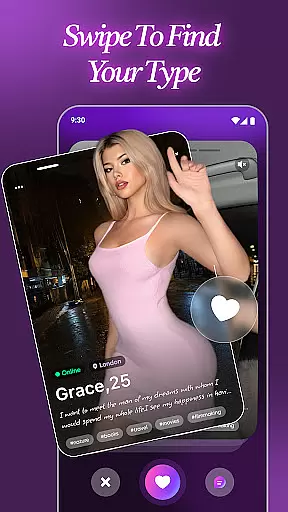
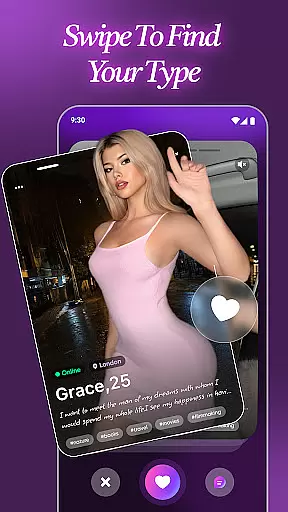
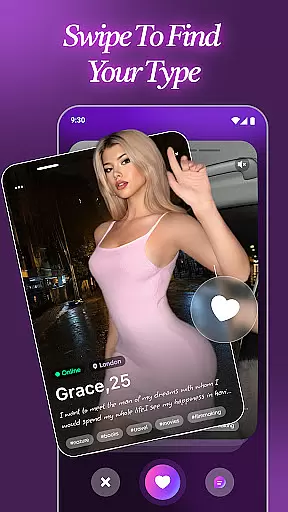
Rushly offers a comprehensive set of features that redefine modern dating and social networking. At its core, the app utilizes a smart algorithm that matches users based on proximity and shared interests, ensuring relevant and engaging connections. This real-time matching system eliminates the endless swiping common in other apps, providing instant results that encourage immediate interaction.
A standout feature is the app's robust verification process, which guarantees all profiles are authentic. This creates a trustworthy community free from fake accounts and bots. Additionally, Rushly incorporates location-based technology to prioritize nearby matches, making it easier to transition from online chats to real-world meetings.
Users can customize their experience by adjusting preferences to suit their vibe—whether they're in the mood for flirty banter or meaningful conversations. The app also emphasizes user control, allowing individuals to manage interactions at their own pace. With its sleek interface and intuitive design, Rushly ensures a seamless and enjoyable user experience.
User profile customization and authenticity verification are essential features in any social app, including Rushly. These features ensure that users can create genuine profiles that reflect their true selves while maintaining a safe and trustworthy environment.
Rushly emphasizes the importance of real connections by verifying every profile. This process eliminates fake accounts and bots, ensuring that users interact with genuine individuals. The verification process might include confirming email addresses, phone numbers, or even social media accounts, adding an extra layer of security and trust.
Customization options on Rushly allow users to personalize their profiles extensively. Users can upload multiple photos, write detailed bios, and specify interests and preferences. This level of detail helps in creating a comprehensive profile that attracts like-minded individuals who are genuinely interested in forming meaningful connections.
The benefits of these features are manifold. Users feel more secure knowing they are interacting with verified profiles, which enhances their overall experience. Additionally, the ability to customize profiles ensures that users can express themselves fully, leading to more authentic interactions and potentially deeper relationships.
Connection discovery is a pivotal feature in social apps like Rushly, designed to help users find and connect with people who share similar interests and are located nearby. This functionality transforms the way users meet new people, making it more spontaneous and engaging.
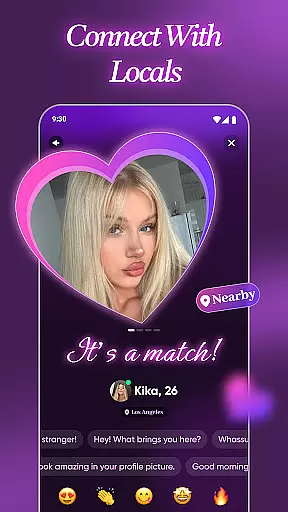
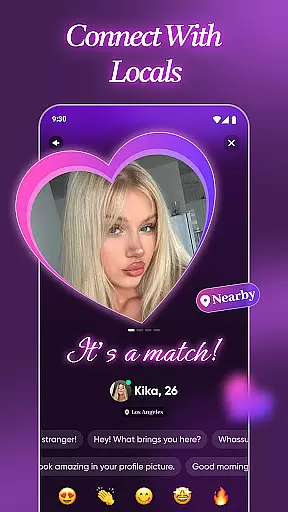
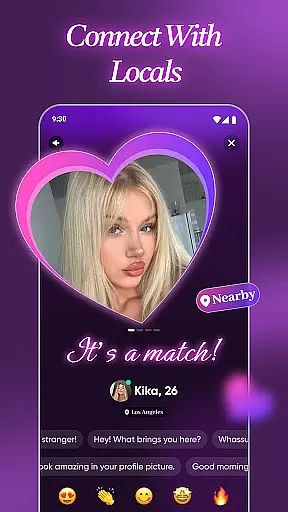
Rushly employs a smart algorithm that connects users with nearby singles in real-time. This location-based matching not only facilitates meeting locals but also enhances the possibility of offline meetups. Whether you're looking for a quick coffee date or a weekend adventure, Rushly's connection discovery feature makes it easy to find someone nearby who shares your vibe.
Beyond just geographical proximity, Rushly's algorithm considers user preferences and behaviors to suggest matches that align with individual styles and interests. This personalized approach ensures that suggested connections are more relevant and likely to result in meaningful interactions.
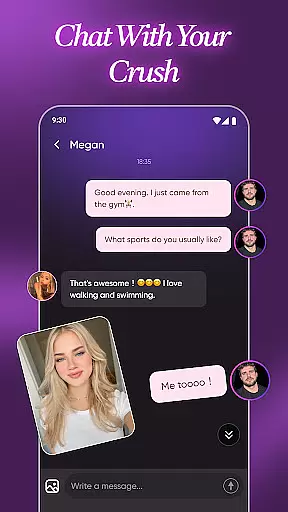
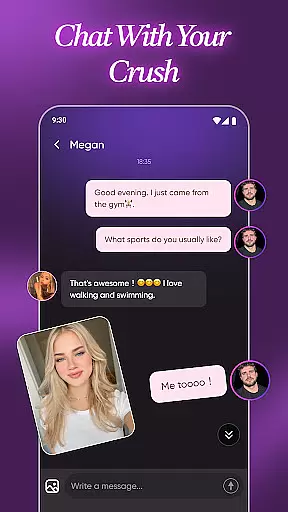
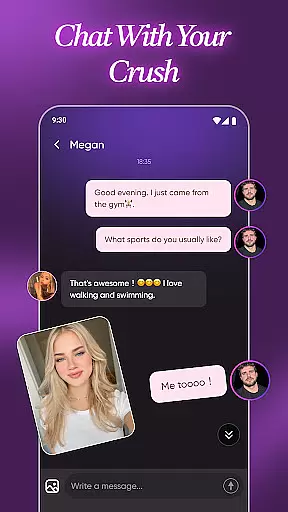
By focusing on instant matches and real-time connections, Rushly keeps the experience dynamic and exciting. Users can enjoy flirty banter and explore connections at their own pace, all while knowing that the app is constantly working to introduce them to new and interesting people. This ongoing discovery process keeps the app engaging and encourages regular use.
User-friendly interface
Verified user profiles
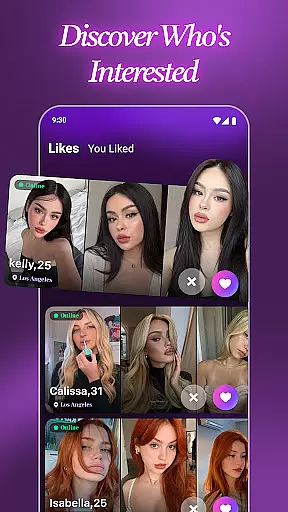
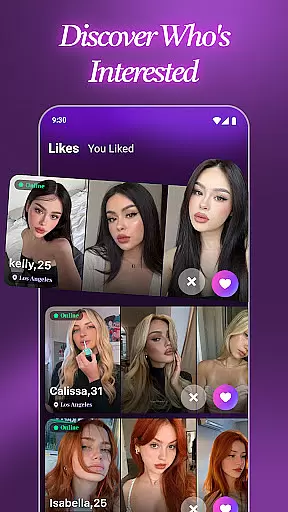
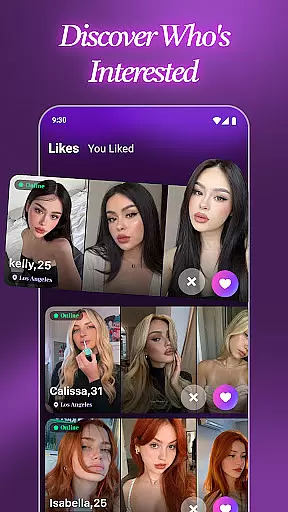
Real-time match notifications
Location-based matching
Customizable preferences
Limited global reach
Premium subscription required
Occasional bugs reported
Small user base
Heavy focus on local matches

The hottest live chat app so far. Video chat and meet great people...
 4.60
4.60
Second phone number for phone calls & texts. Text & SMS me now with a 2nd number
4.20
A gathering place for 300 million people's life interests and hobbies
4.30
Swipe, Meet & Chat Real People
3.80
Dating for singles. Meet lonely people nearby online. Find your match here!
4.20
Live pics from your friends - Only the photos you want to see
4.60
Unlimited messages, WiFi Calling, Texting app. Text now with Second Phone Number
4.10
A little connection can go a long way
4.60
Create & share photos, stories, & reels with friends you love
3.90
Watch 24/7 great live stream, or go live to boost your social followers!
4.50
Connection Beyond Content
4.50
TikTok Lite - Designed for speed, simplicity, and saving your phone’s space!
4.40
Watch 24/7 live stream, and make real friends nearby
4.30
The world's leading social networking app for gay, bi, trans, and queer people.
4.10
Meet local people, make friends & network: Join a community, group, host events
4.00
Meet online & chat with people! Talk, have fun, make connections in real time!
4.00
Dive into diverse fandoms. Connect, create, reblog.
3.90
Chat and make new friends around the world!
3.90
Instant video chat with cool people. Live video call & make friends with Monkey!
3.80


User Reviews