
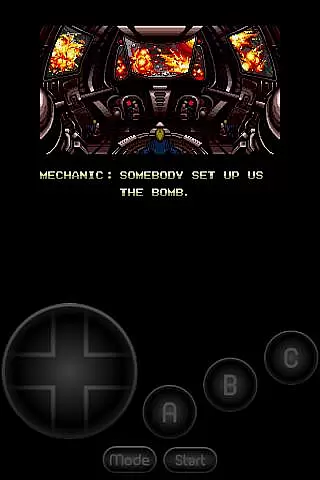
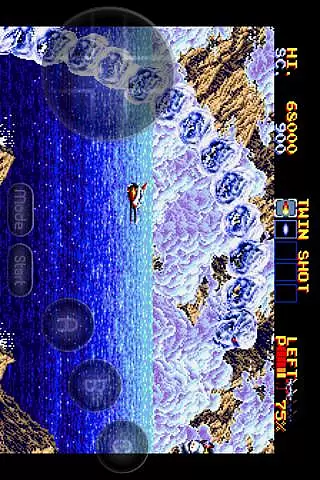
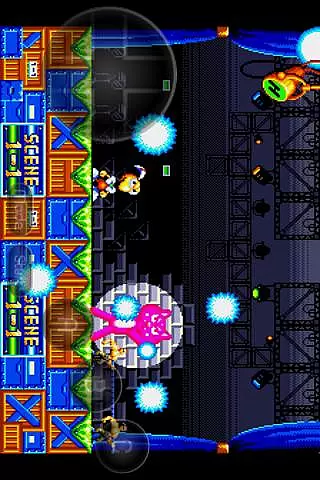
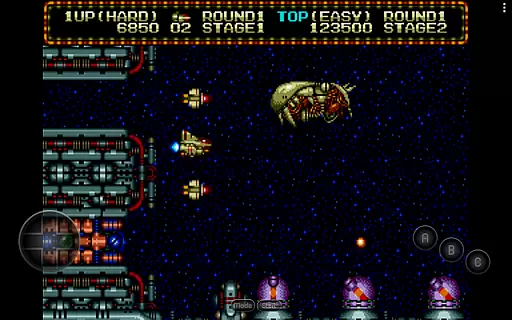
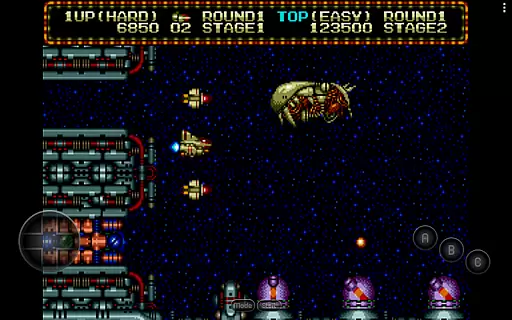
MD.emu is an advanced open-source emulator for Sega Genesis/Mega Drive, Sega CD, and Master System/Mark III. It offers a minimalist UI with a focus on low audio/video latency, making it suitable for a wide range of devices from the original Xperia Play to modern devices like the Nvidia Shield and Pixel phones. The app supports various file formats including .bin, .smd, .gen, and .sms, optionally compressed with ZIP, RAR, or 7Z.
One of its standout features is the support for Sega CD emulation via loading .cue or .bin files, although this feature is still in beta. Additionally, MD.emu provides users with a highly customizable experience through configurable on-screen controls and support for Bluetooth/USB gamepads and keyboards. This makes it an ideal choice for gamers looking to relive classic arcade experiences on their mobile devices.
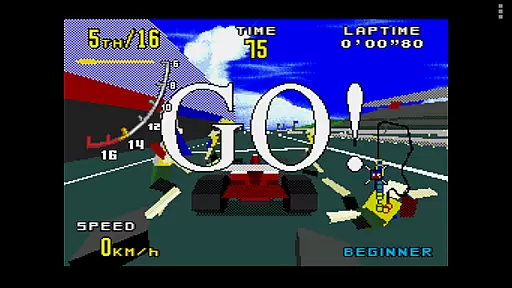
MD.emu boasts a comprehensive set of features that cater to both casual and hardcore gamers. The emulator supports a variety of file formats such as .bin, .smd, .gen, and .sms, and can handle compressed files using ZIP, RAR, or 7Z. It also includes SVP chip support for Virtua Racing and CD emulation via .cue or .bin files, although Sega CD support is currently in beta.
Gamers will appreciate the extensive controller options available, including 6-button controller support, 4-player multitap, and gun support for Menacer and Justifier. Cheat code support is provided using the .pat file format, compatible with other popular emulators like Kega Fusion, Gens, and Genesis Plus GX. Furthermore, the app supports Android's storage access framework, allowing users to open files from both internal and external storage seamlessly.
Arcade authenticity in MD.emu is achieved through meticulous emulation of classic Sega Genesis/Mega Drive, Sega CD, and Master System/Mark III consoles. This ensures that games run as they were originally intended, preserving the nostalgic experience for users.
The emulator supports a wide array of file formats including .bin, .smd, .gen, and .sms, optionally compressed with ZIP, RAR, or 7Z, which caters to various user preferences and archive types. This flexibility enhances the authentic arcade feel by accommodating different game sources.
Features like SVP chip support for Virtua Racing and gun support for Menacer and Justifier games bring an added layer of realism to the emulation, making it not just a playback but an experience that mirrors the original arcade environment.
By focusing on low audio/video latency, MD.emu delivers a seamless gaming session that echoes the immediacy and responsiveness of arcade machines, providing users with an immersive nostalgic journey back to the golden era of gaming.
Control responsiveness in MD.emu is engineered to offer precise and immediate feedback, ensuring that user inputs are accurately reflected in-game without delay. This precision is crucial for maintaining the integrity of fast-paced arcade games.
The app supports Bluetooth/USB gamepad & keyboard input compatible with any HID device recognized by the OS, such as Xbox and PS controllers. This compatibility allows users to choose their preferred control method, enhancing the overall responsiveness and personalization of the gaming experience.
Configurable on-screen controls further augment control responsiveness by allowing users to tailor the interface to their liking. This customization ensures that all gamers can achieve optimal performance regardless of their controller choice.
With six-button controller support and four-player multitap functionality, MD.emu captures the dynamic interactivity characteristic of arcade setups. These features ensure that multiplayer sessions are fluid and engaging, echoing the vibrant social settings of traditional arcades.
Wide device compatibility
Low audio/video latency
Customizable controls
Comprehensive file support
Active development and updates
Sega CD support in beta
No ROMs included
Complex setup for beginners
Requires BIOS files
Occasional crashes reported

Three awesome new levels for The Impossible Game.
 4.30
4.30
Flip the bottle! Do tricks and don't let the bottle fall!
4.50
Catch ghosts, shoot monsters and defeat bosses in this RPG idle shooting game.
4.70
Use superpower in your magic hands. Defeat the enemies in a fun elemental game.
4.50
Challenge your friends across the world to see who can jump the farthest!
4.50
It's quite possibly the world's hardest game!
3.90
Meet Snake Run Race! Slither through an obstacle course in our fun running game!
4.70
NES Emulator
4.40
Full featured version of Pizza Boy A (GBA emulator)
4.80
This is an emulator for a certain 64 bit console with online cloud backup.
4.80
Bomb the communists back to 1916!
4.70
Gameboy Color Emulator
4.60
Flip and flail a rag doll through endless levels and plunge into outlandish fun!
4.60
Hit as hard as you can and make the penguin learn to fly! Arcade jumping game
4.50
Shoot the web, jump and teleport! Be a stickman hero and destroy your enemies!
4.50
Nostalgia.GBA Pro is a high quality GBA emulator.
4.40
Antistress & relaxing games,stress relief; Antistress toys, calming games.
4.20
Sit back and relax! Tap to move the black hole, and swallow weapons to win.
4.20
A fast, full-featured GBA emulator with link cable emulation.
3.90


User Reviews