
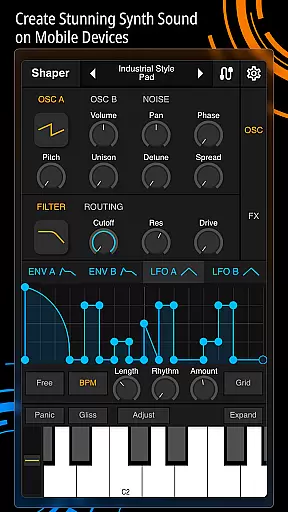
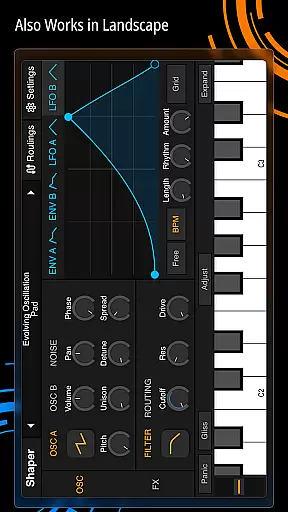
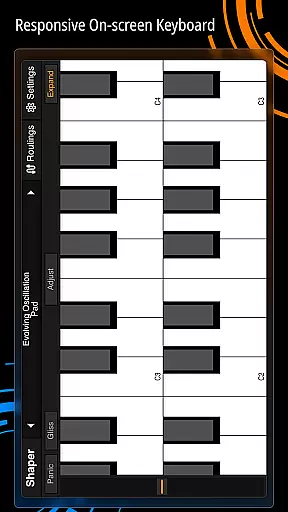
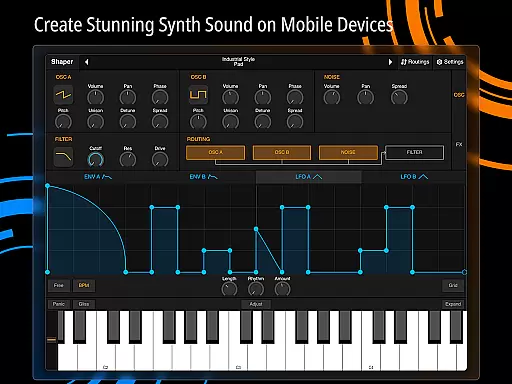
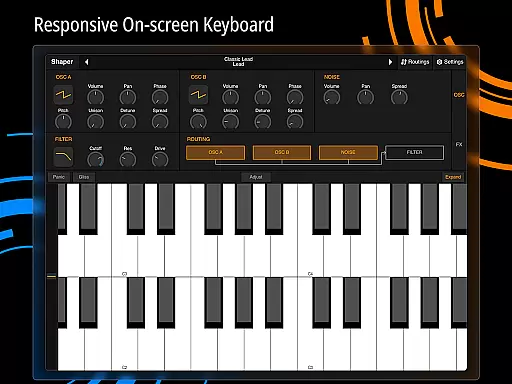
Shaper is a professional-grade subtractive synthesizer designed specifically for mobile platforms. This app allows musicians and sound designers to create dynamic sounds through an advanced set of features. With its intuitive interface, users can easily navigate through various tools that enhance creativity.
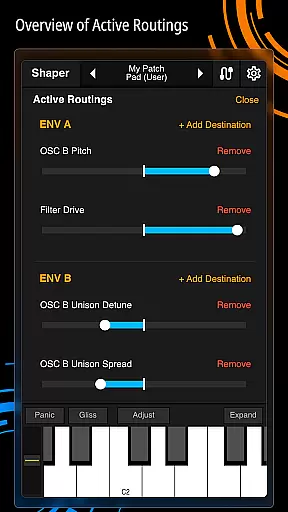
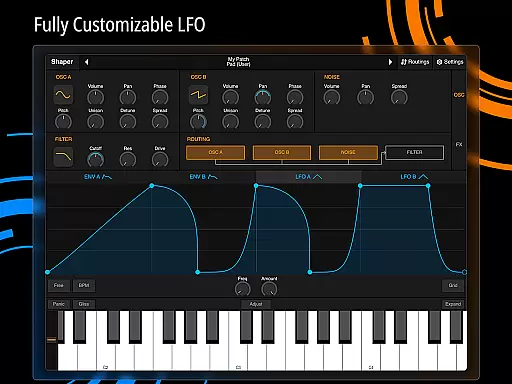
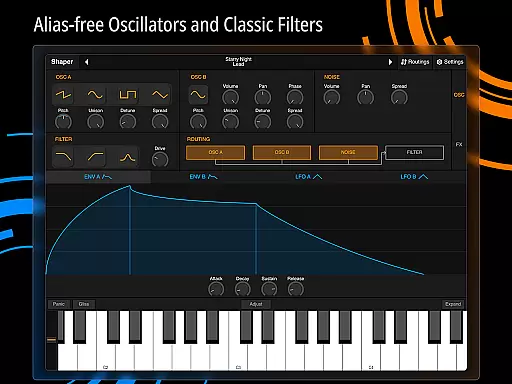
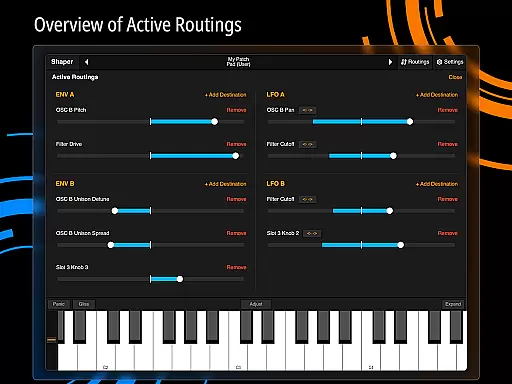
The core functionality includes an advanced modulation matrix, configurable LFO graphs, and drag-and-drop modulation assignments. Additionally, Shaper offers a classic analog filter along with eight built-in effects such as Bitcrusher, Chorus, Delay, and Reverb. These features make it suitable for both beginners and professionals looking to explore sound synthesis on their mobile devices.
Whether you're crafting sounds in a studio or on the go, Shaper provides a seamless experience that inspires creativity. Its comprehensive toolset ensures that users can achieve high-quality audio production anytime, anywhere.
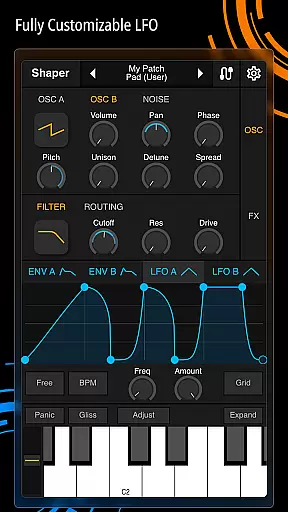
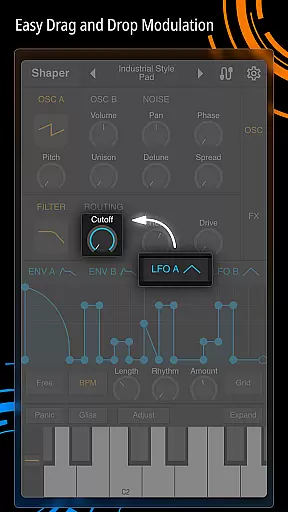
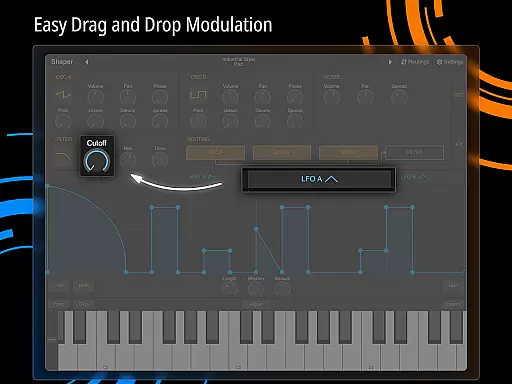
Shaper stands out with its rich feature set tailored for music production enthusiasts. One of the key highlights is the advanced modulation matrix, which allows intricate control over sound parameters. Users can design custom LFO graphs and assign modulations intuitively through drag-and-drop functionality.
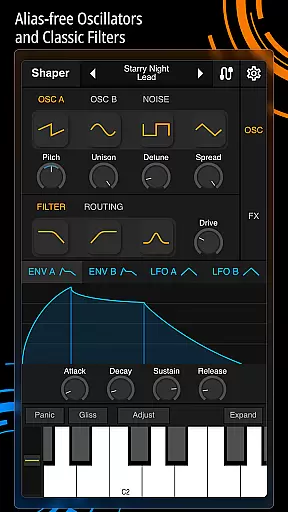
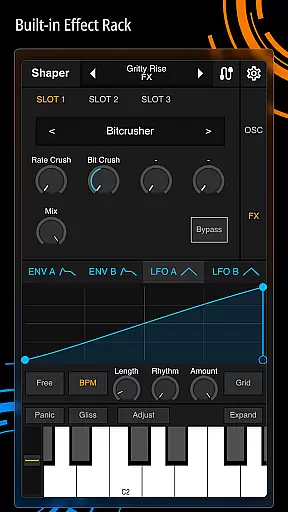
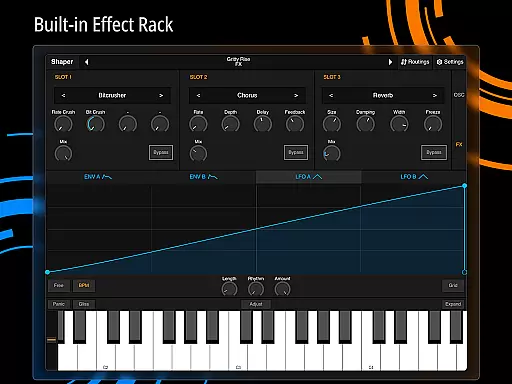
In addition to its powerful synthesis capabilities, Shaper includes a classic analog filter known for its amazing sound quality. The app also boasts eight built-in effects, including Bitcrusher, Chorus, Delay, Groove Delay, Distortion, Filter, Phaser, and Reverb. Each effect enhances the creative possibilities, enabling users to craft unique audio landscapes.
These features collectively provide an inspiring environment for sound design. By offering both depth and accessibility, Shaper empowers users to explore new sonic territories while maintaining ease of use.
Shaper offers a comprehensive suite of sound design tools that cater to both beginners and advanced users in the music production realm. The app includes a vast array of built-in effects such as Bitcrusher, Chorus, Delay, Groove Delay, Distortion, Filter, Phaser, and Reverb, ensuring that creators have access to an extensive palette of audio manipulations.
The synthesizer's capabilities are further enhanced by its advanced modulation matrix and fully configurable LFO graphs, allowing for intricate control over sound parameters. These features not only expand the creative possibilities but also guarantee that all sounds generated within the app are original and royalty-free, addressing any copyright concerns.
By providing users with these powerful tools, Shaper ensures that musicians can craft unique compositions without worrying about licensing issues or sample clearance. This makes it an ideal choice for producers who require high-quality, authentic sounds for their projects.
One of Shaper's standout features is its amazing-sounding classic analog filter, which delivers rich and warm tones reminiscent of legendary hardware synthesizers. This attention to audio fidelity extends across all aspects of the app, ensuring that every sound produced maintains professional-grade quality.
In addition to its core synthesis engine, Shaper provides eight additional built-in effects that further enhance the sonic landscape. Users can apply these effects with precision, knowing that each module has been meticulously designed to preserve the integrity of the original signal while adding depth and character.
The intuitive drag-and-drop modulation assignment system allows producers to easily experiment with different sound configurations, resulting in unparalleled control over their final output. Whether crafting subtle ambient textures or aggressive lead lines, Shaper empowers artists to achieve their desired sound with exceptional clarity and definition.
Intuitive Interface
Advanced Modulation
Classic Analog Filter
Built-in Effects Suite
Seamless Mobile Experience
Complex for Beginners
Limited Free Features
No MIDI Support
High CPU Usage
Occasional Bugs

Pay Once, no monthly payment
 4.60
4.60
The Cubase remote control app
3.60
Save hundreds of dollars for a physical strobe tuner and instead use this app.
4.50
Visualize the guitar fretboard, master scales & play through changes like a pro!
4.50
Advanced 10-Band Audio Graphic Equalizer Sound Booster Pro
4.30
The alternative folder based music player.
4.20
Recording studio w/ 10k beats, pro vocal FX and a network of 20M rappers & fans!
4.60
Music, News & Sports Radio Tuner App. Tune in Live FM & AM Radio Stations.
4.80
Simple mp3 and mp4 player with advanced features.
3.40
Your song collections with lyrics and chords on Android smartphones and tablets.
4.80
Performance-Synthesizer & Multi-Track-Sequencer, polyphonic + multi timbral!
4.70
Ultimate Sonos Controller
4.70
Record, Mix & Master with all n-Track effects, 64-bit audio and Stem Separation.
4.70
Taal player that lets you sing any Indian & Western song with Tabla & Tanpura
4.60
AI Music Maker: Generate And Compose AI Tunes & AI Songs & AI Music & AI Melody!
4.60
Play KORG’s revolutionary touch-based instrument on a variety of devices.
4.40
The only true audiophile music player with Hi-Fi audio rendering and DSP engine
3.90
USB audio recording and playback finally possible on Android 3.1 or higher!
3.90
Offline Tunes, Unlimited Vibes
3.90


User Reviews