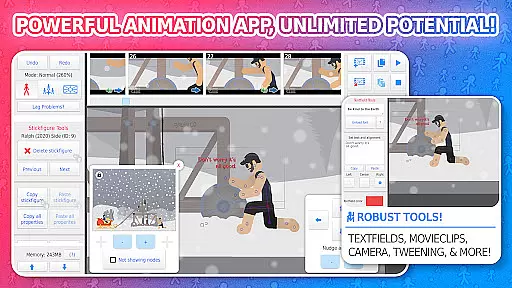
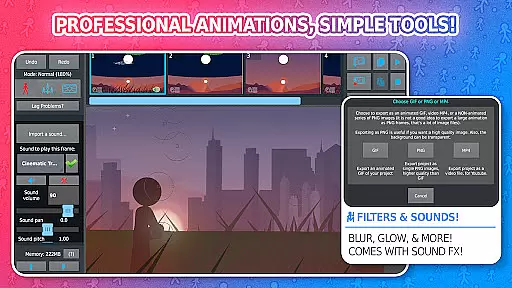
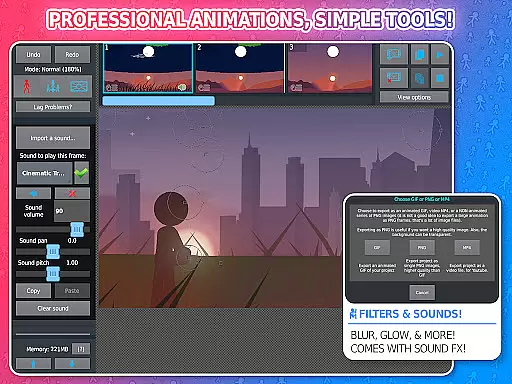
Stick Nodes Pro is a premier stickman animation app designed specifically for mobile devices, offering users the ability to create intricate stickfigure-based movies. This powerful tool allows animators to export their creations as animated GIFs or MP4 videos, making it ideal for both beginners and experienced creators.
The PRO version enhances the creative process with features like ad-free startup, watermark-free exports, sound effects per frame, and advanced stickfigure filters such as blur and glow. With compatibility across various Pivot stickfigure files and an extensive library of over 30,000 stickfigures, this app provides endless possibilities for animation enthusiasts.
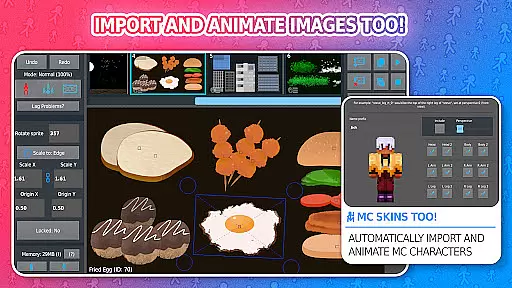
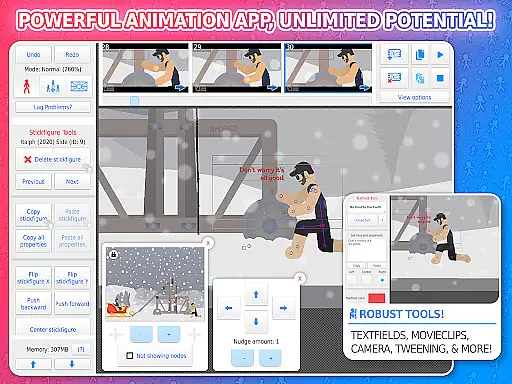
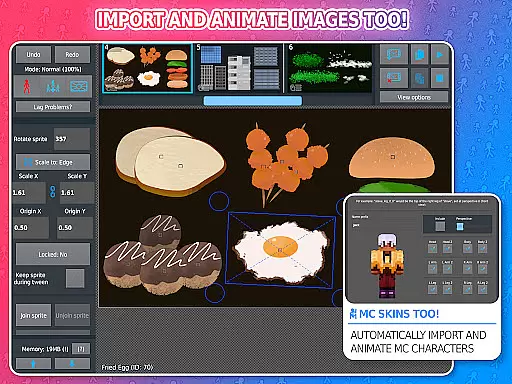
Stick Nodes Pro stands out with its comprehensive feature set tailored for animators. The app supports importing and animating images, customizable frame-tweening for smoother animations, and a simple camera system for panning, zooming, and rotating scenes akin to Flash's virtual camera.
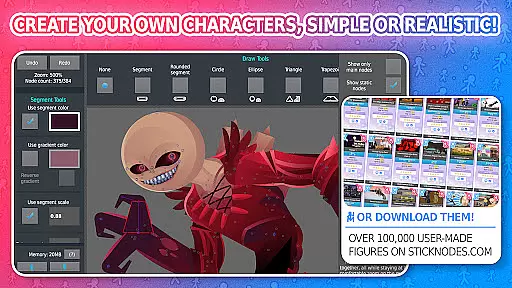
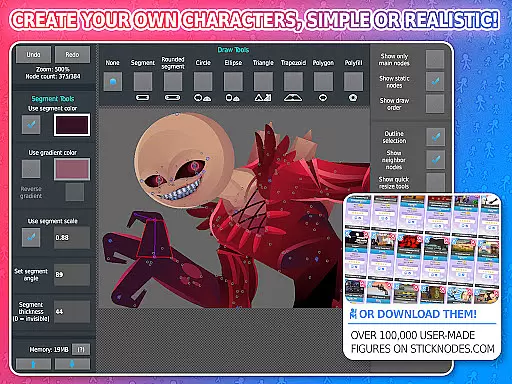
Unique functionalities include movieclips for reusable animation objects, diverse shape and color options on a per-segment basis, text fields for easy speech integration, and the ability to apply various filters to stickfigures. Additionally, users can join stickfigures together to simulate interactions like holding or wearing objects, enhancing the depth of animations.
Stick Nodes Pro offers an extensive range of content that ensures users have access to the latest and most diverse animation tools. With over 30,000 stick figures available for download and new ones added daily, animators can explore a vast array of creative possibilities.
The app allows importing and animating images, applying various filters like blur and glow, and even animating Minecraft skins. This diversity in content keeps the animation process fresh and exciting, catering to both beginners and skilled animators.
Moreover, regular updates since its 2014 release ensure that users always have access to new features and improvements. The thriving community further enriches the content by sharing their creations and helping each other, making Stick Nodes Pro a dynamic platform for animation enthusiasts.
User engagement is a key strength of Stick Nodes Pro, with features designed to keep animators coming back. The ability to create complex animations using movie clips, customizable frame-tweening, and a simple camera system encourages prolonged use as users refine their skills and work on intricate projects.
The app's compatibility with pre-3.0 Pivot stick figure files and the option to save, open, and share projects enhance user retention by allowing seamless continuation of work across sessions. Additionally, the active community and wealth of online resources provide ongoing support and inspiration.
Export options to GIF and MP4 formats enable users to share their work widely, fostering a sense of accomplishment and encouraging sustained engagement. These features collectively contribute to longer user sessions and higher retention rates among the app's vibrant user base.
Powerful animation tools
Extensive stickfigure library
Advanced export options
Active community support
Cross-compatibility with Pivot files
Pro features locked behind paywall
Steep learning curve for beginners
Occasional performance lags
Limited free content
Interface may feel cluttered

Tarot & Oracle Card Readings
 4.50
4.50
Watch whatever you want, whenever you want, wherever you want.
3.30
The OFFICIAL PeeWee Purpdrank Soundboard!
4.80
EVP Recorder / Voice Recorder for ghost hunting, to communicate with ghosts.
4.3
Live TV, sports & holiday movies — stream on phone, tablet & TV
4.60
Create and play realistic-looking mock Emergency Alert System messages.
4.30
Earn gift cards for playing games. Become a real game tester!
4.40
Realistic Baby Simulator App
4.00
Bold original series & hit movies that don't hold back.
4.40
SpiritWave is paranormal ITC application.
5.00
Stream Movies & TV Series: Original Shows, Family Movies & New Releases Weekly
4.60
The JBL Portable app works with JBL portable Bluetooth speakers.
4.60
Just play games to earn gift cards. Keep playing, keep earning.
4.50
Heroclix search units with multi filter , team builder, collection manager.
4.40
Create melty bead designs by numbers, photos or your imagination
4.40
Best of icon for christmas
4.30
Browse popular images and videos from Reddit on Android TV!
3.90
Raise Christmas Magic with daily missions, magical scanners, and kindness.
4.1
Control your AWTRIX 3 easily
4.3


User Reviews