
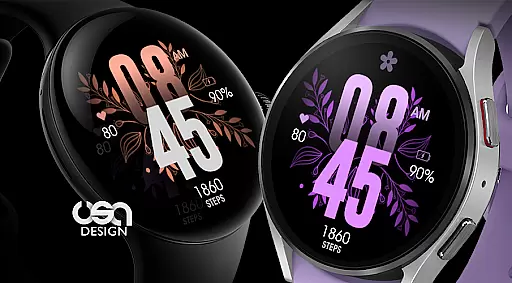
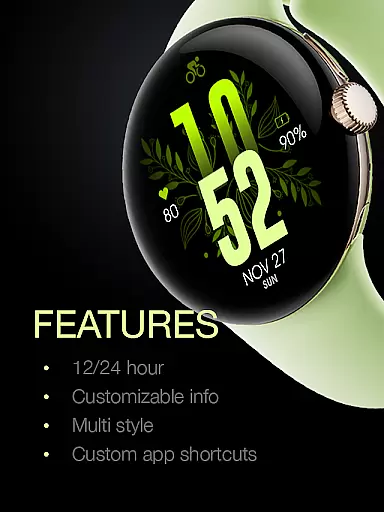
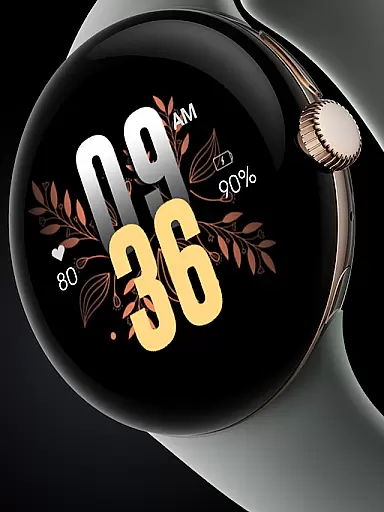
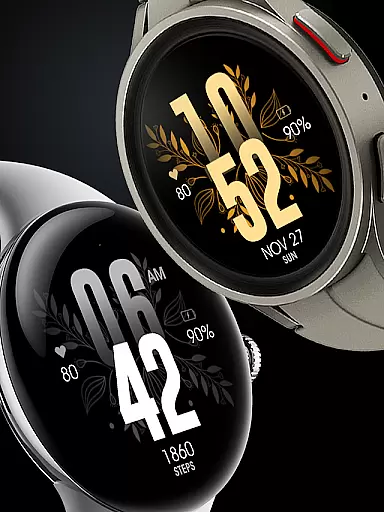
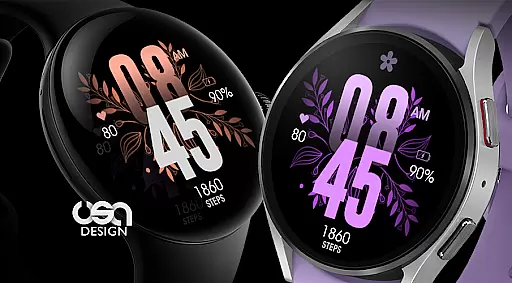
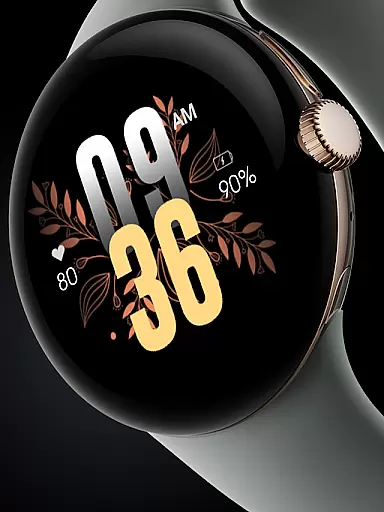
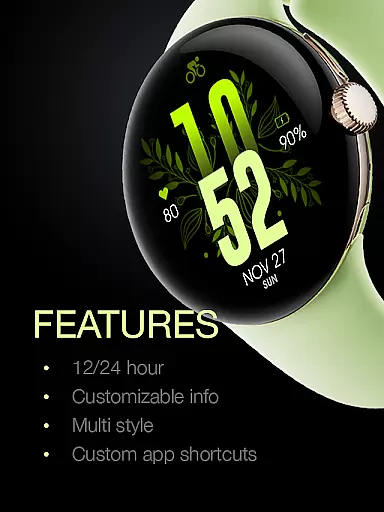
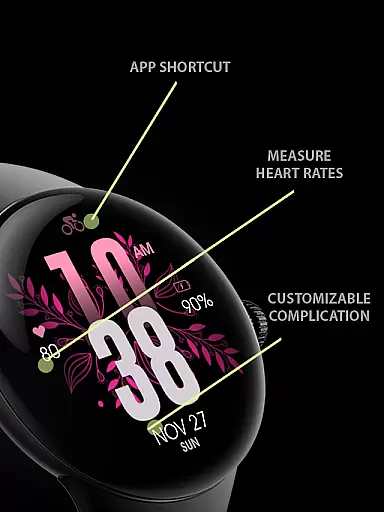
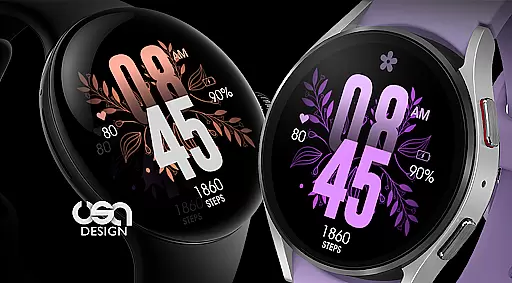
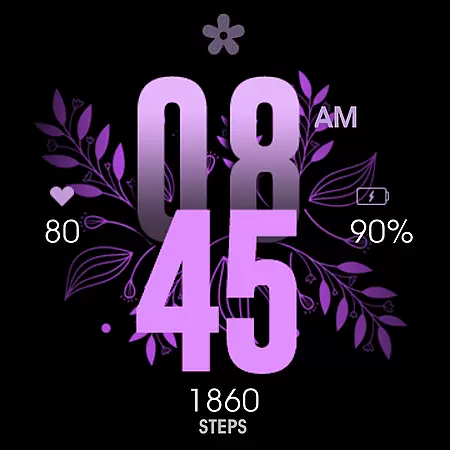
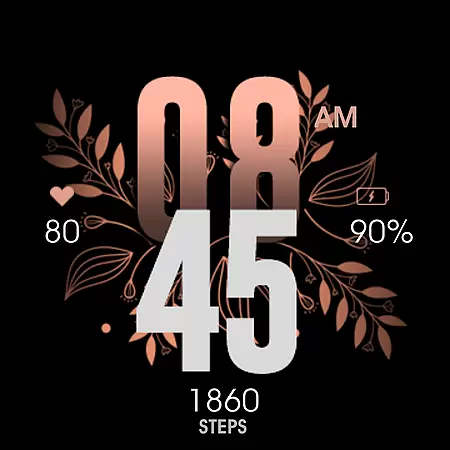
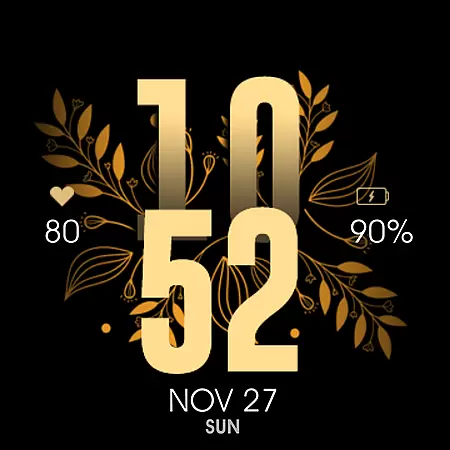
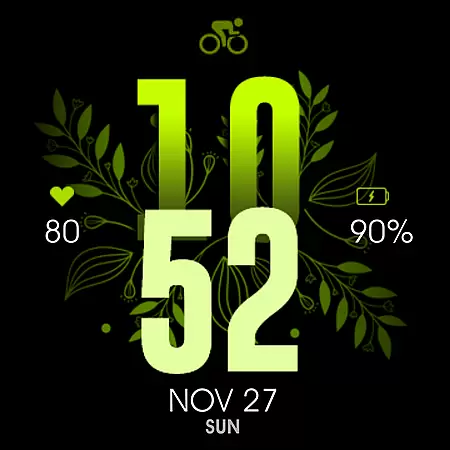
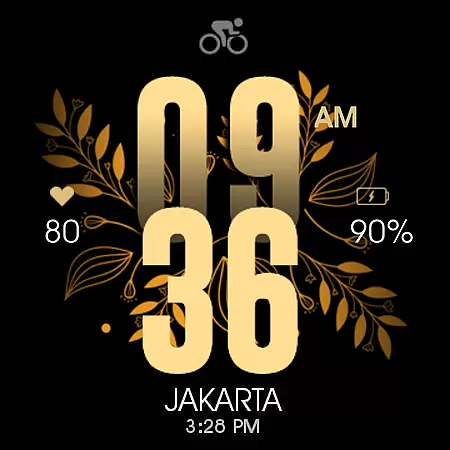
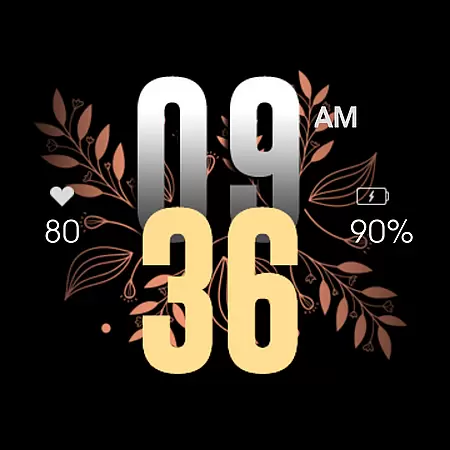
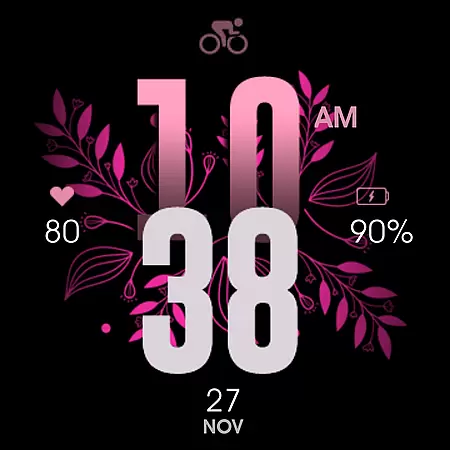
UsA Floral Color is a visually stunning watch face designed for Wear OS devices, offering users a gyro-animated floral display with multiple color combinations. Compatible with Galaxy Watch 4/5/6/7/8 Series, Pixel Watch series, and other Wear OS 4 or newer devices, this app brings both style and functionality to your smartwatch.
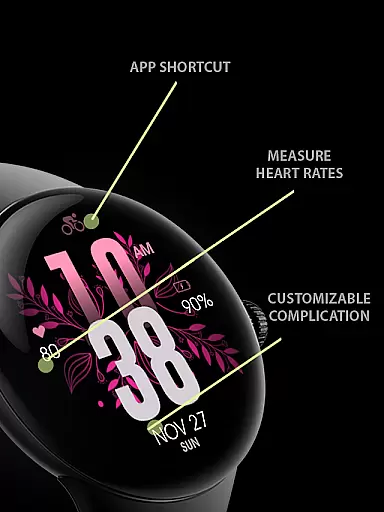
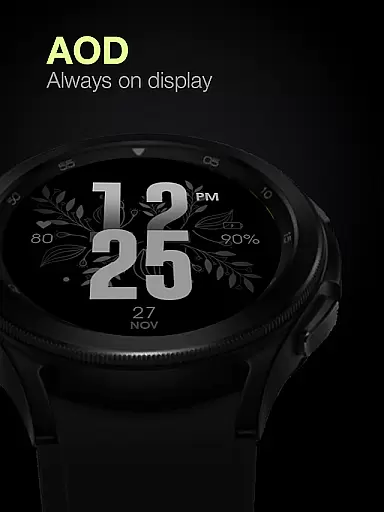
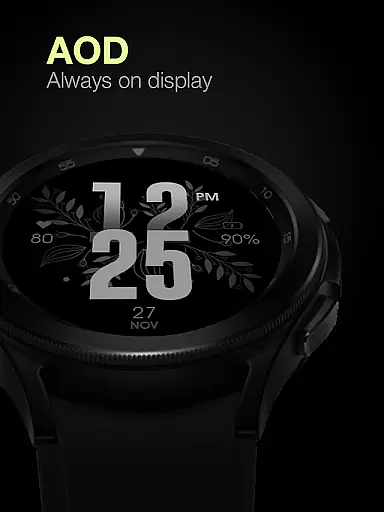
The watch face features an Always On Display mode, heart rate syncing, battery information, and customizable app shortcuts. Its intuitive design allows users to easily switch between 12/24 hour modes, explore various color styles, and manage complications directly from the settings menu. Perfect for those seeking a blend of aesthetics and utility on their wearable device.
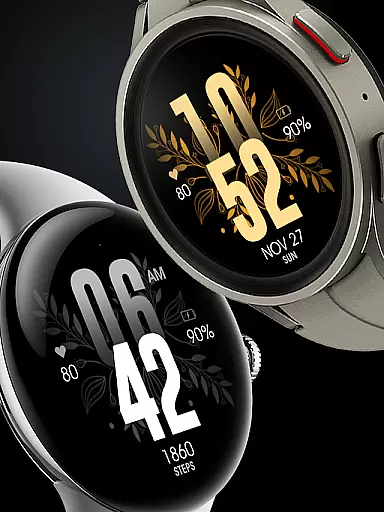
UsA Floral Color stands out with its vibrant gyro-animated floral design and extensive customization options. Users can choose from a variety of color combinations including purple, gold, silver, pink, and green, ensuring a personalized look that matches their style.
Beyond its visual appeal, the app offers practical features such as heart rate monitoring synced with built-in settings, battery information, and support for 12/24 hour time formats based on phone settings. The unique Always On Display ambient mode provides a low-power idle display, though it may increase battery consumption. These features make the watch face both beautiful and functional.
UsA Floral Color offers a comprehensive lifestyle experience through its diverse range of color combination styles. The watch face features multiple hues including purple, gold, silver, pink, green, and more, catering to various personal preferences and fashion trends.
Beyond its aesthetic appeal, the app provides essential lifestyle functionalities such as heart rate monitoring synced with built-in settings, battery information, and 12/24 hour mode synchronization with your phone. These features ensure that users not only express their style but also maintain their health and daily routines.
The inclusion of custom app shortcuts and short complication info enhances user convenience, allowing quick access to frequently used applications and important data at a glance. This thoughtful integration of style and utility makes the watch face a versatile lifestyle companion.
The UsA Floral Color watch face stands out for its authentic design and credible feature set. Developed specifically for Wear OS API 33+ (Wear OS 4 or newer), it guarantees compatibility with Galaxy Watch 4/5/6/7/8 Series, Pixel Watch series, and other devices running Wear OS 4 or newer.
Each feature, from the gyro-animated floral design to the Always On Display ambient mode, is crafted with precision. The customization options are vast, enabling users to tailor the watch face to their unique tastes while maintaining optimal performance and visual appeal.
For real-time support and community engagement, users can join a dedicated Telegram group. This platform fosters discussions and provides live assistance, reinforcing the app's commitment to delivering genuine value and fostering a knowledgeable user community.
Visually appealing design
Wide color options
Heart rate monitoring
Customizable shortcuts
Always On Display
Battery consumption
Limited compatibility
Premium cost
Complex setup
Fewer complications

Duo Watch Face (animated)
 4.1
4.1
Stay connected with your loved ones & vehicles | Share live GPS location updates
4.60
Tap to the beat with interactive videos — warm up your reflexes & have fun
4.70
Get the news, events and savings that matter to you with AARP Now.
4.80
Creativity and savings for kids, beginners and experts in arts and crafts
3.50
Subwoofer school’s in session! You’ve now enrolled into KICKER U.
3.80
Redecor your home with Home AI interior design, room planner and home designer.
4.50
Your store’s deals, where you are.
4.80
Decorate your home screen with custom icons, color widgets, themes & wallpapers
4.70
Daily lessons from A Course in Miracles with scheduled reminders
4.80
Premium floor cleaning robots
4.50
PARAVOX 4 is a professional ITC paranormal research application.
4.50
Discounts, savings, and rewards
4.20
Spiritus Ghost Box is an Audio and Visual ITC tool for paranormal research.
4.00
Smart home security protection
3.20
The Miracle Box includes methods used by Steve Huff of Huff Paranormal.
3.20
Immerse yourself in the serenity of lavender fields and white butterflies
4.2
Customize your Wear OS watch with festive Christmas figures and colors!
4.2
The cutest Autumn watchface featuring the adorable Mr. Squirrel
4.3


User Reviews