
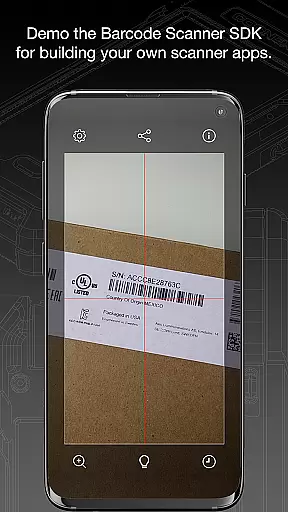
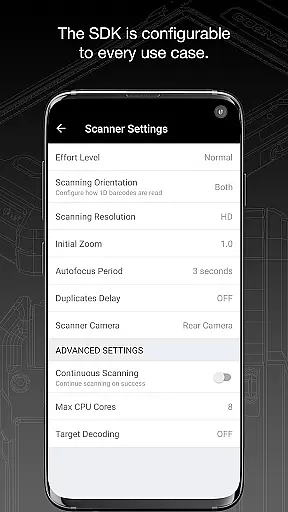
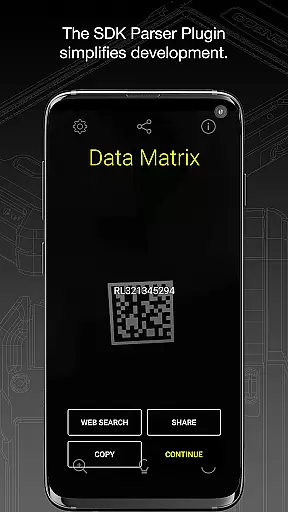
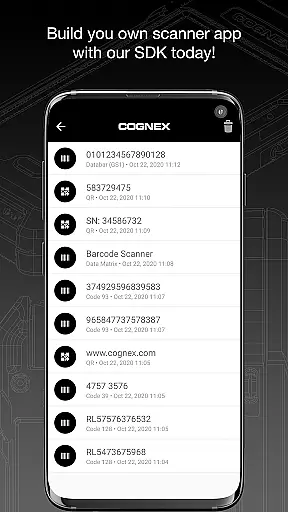
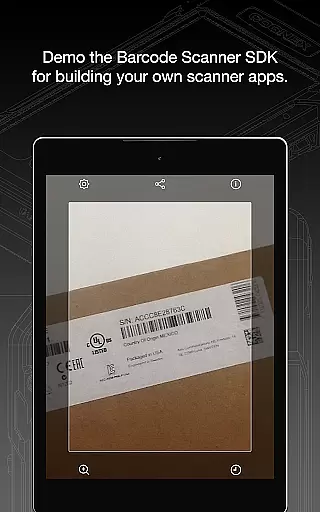
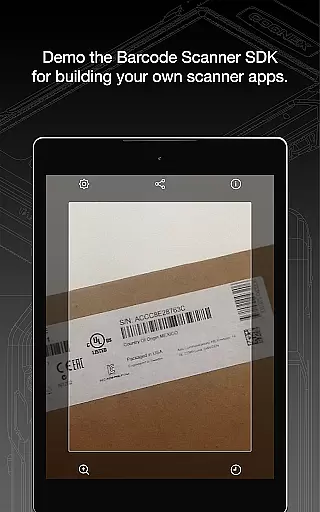
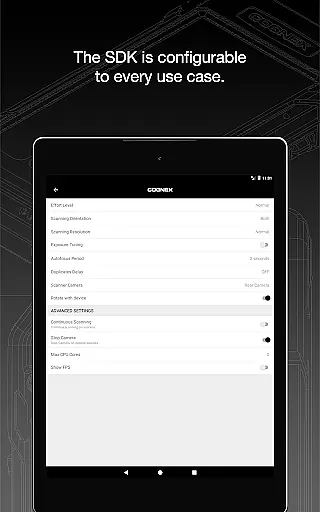
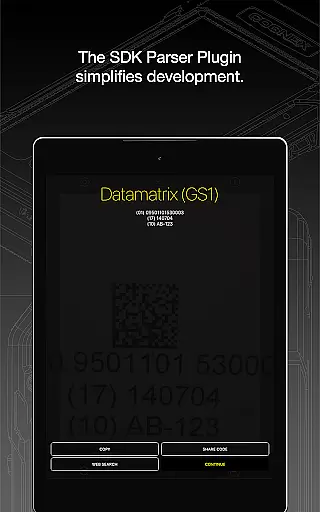
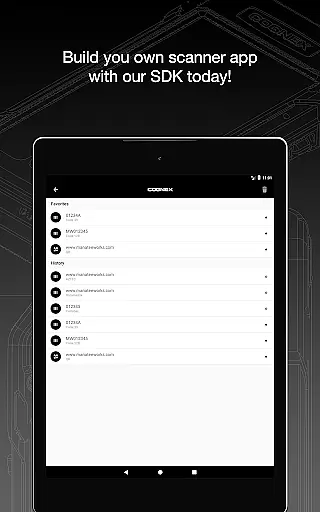
Barcode Scanner is a versatile tool designed to simplify the process of scanning various types of barcodes. With support for over 30 different barcode formats, including QR, UPC, GS1, Data Matrix, PDF417, and DotCode, this app caters to a wide range of industries and personal uses. Whether you need to scan product codes, manage inventory, or read complex industry-specific barcodes, Barcode Scanner delivers reliable performance.
The application's strength lies in its ability to decode all major barcode symbologies with ease. It also features powerful parsers that make examining industry-standard formatted barcodes more accessible than ever. From AAMVA-compliant driver’s licenses to specialized GS1 sub-types, users can extract detailed information from barcodes quickly and accurately. This makes it an essential tool for businesses and individuals who require efficient data capture solutions.
One of the standout features of Barcode Scanner is its extensive compatibility with over 30 barcode symbologies. This includes popular formats like Aztec Code, Codabar, Code 11, Code 25 variants, Code 39, Code 93, Code 128, Data Matrix, DotCode, EAN, ISBN, GS1 DataBar, MaxiCode, MSI Plessey, PDF417, Micro PDF417, Postal Codes, QR Code (Micro and Standard), TELEPEN, and UPC. Such broad support ensures that users can rely on this app across diverse scenarios.
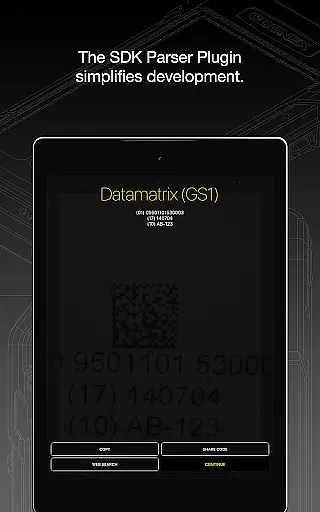
In addition to its robust scanning capabilities, the app provides advanced parsing tools. These tools allow users to interpret complex barcodes such as AAMVA (US and Canadian Driver’s Licenses), GS1, IUID, Structured Carrier Messages (MaxiCode), and more. By simplifying the extraction of detailed information from these barcodes, Barcode Scanner enhances productivity and accuracy in data management tasks.
When evaluating a barcode scanning application, functionality completeness and coverage are crucial factors. Barcode Scanner by Cognex offers an extensive range of capabilities that ensure users can scan and interpret over 30 different types of barcodes, including industry standards like QR, UPC, GS1, Data Matrix, PDF417, DotCode, and many more.
The app's support for a wide array of barcode symbologies such as Aztec Code, Codabar, Code 11, various forms of Code 25, Code 39, Code 93, Code 128, EAN, ISBN, GS1 DataBar, MaxiCode, MSI Plessey, Micro PDF417, Postal Codes, TELEPEN, and UPC, as well as GS1 sub-types, demonstrates its comprehensive coverage. This ensures compatibility with virtually any barcode you might encounter.
Moreover, the inclusion of powerful parsers enhances the user experience by simplifying the examination of industry-standard formatted barcodes. Formats such as AAMVA (US and Canadian Driveru2019s Licenses), GS1, IUID, and Structured Carrier Messages (MaxiCode) are supported, making this app not just versatile but also indispensable for professionals in various sectors.
Usability and operational smoothness are key to ensuring that a barcode scanning app is efficient and easy to use. Barcode Scanner excels in providing a seamless user experience through its intuitive interface and rapid scanning capabilities. Users can quickly and effortlessly scan barcodes, which is essential in fast-paced environments where time is of the essence.
The app's design focuses on minimizing the steps required to scan and interpret barcodes, thus reducing the potential for user error and increasing productivity. Its ability to swiftly read and process even complex or damaged barcodes adds to the overall operational smoothness, making it reliable for both casual users and professionals.
Furthermore, the app's integration of advanced parsing technologies allows users to extract meaningful data from barcodes without requiring specialized knowledge. This ease of extracting detailed information contributes significantly to the app's usability, ensuring that users can focus on their tasks without being hindered by technical difficulties.
User-friendly interface
Wide range of supported formats
Fast and accurate scanning
Advanced parsing capabilities
Reliable performance
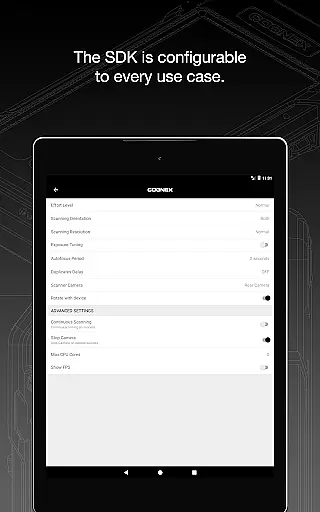
Limited customization options
No offline support for certain features
Occasional scanning inaccuracies
Requires internet connection
Some advanced features are behind a paywall

Read Holy Quran Feel Like Real Quran & Listen Al Quran Mp3 Audio Online Offline.
 4.70
4.70
SmartCast mirrors Android phone to TV screen With Cast Screen, Chromecast.
4.80
Block and secure the microphone and protect from secret listening and recording.
4.50
Identify securely online
3.10
An essential GFX utility developed for specific FPS mobile games
4.50
Easily evaluate the performance of Scandit's barcode and ID scanning SDK
4.10
use your smartphone as Remote control drones .
4.20
Recite Quran Majeed القران with special 16 line real Kuran page in hand
4.30
Mobile Connect To TV - HDMI USB & WiFi Screen Mirroring
3.70
Expo is a free & open source platform to build apps using JavaScript and React.
4.70
The Free Catholic Latin American Bible in complete Spanish
4.60
Tune your game graphics with our GFX optimizer for optimal gaming experience
4.50
Block, disable and secure phone camera from secretly taking photos by spyware.
4.50
Android secret code for smart phone, mobile codes, with secret codes app
4.20
Sad ringtones full of feeling, sad music ringtones
3.90
Connect your phone to any endoscope camera, USB camera, or borescope with ease.
3.70
Now Available on Android ™
3.40
If you are looking for melon playground mod that fun you deffinitely try our app
2.70
Zlink Carplay Android a mirror link app with a Carplay interface style
4.3


User Reviews