
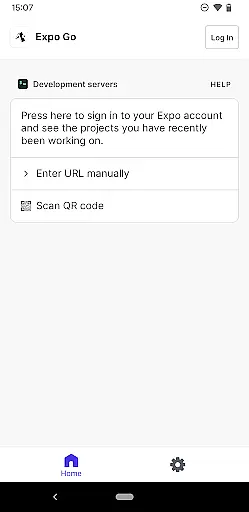
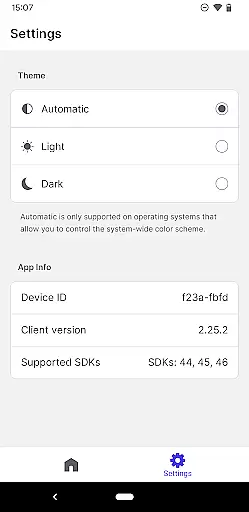
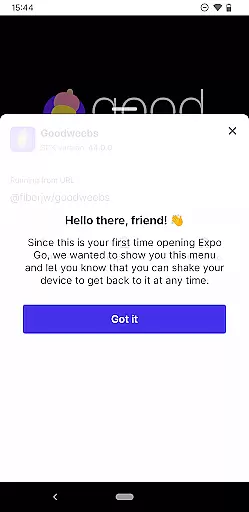
Expo Go is a powerful development tool that allows developers to create rich, interactive mobile experiences using JavaScript and React Native. With just an Android device and a computer, users can start building applications that support complex features like Camera integration, Background Location tracking, Audio and Video playback, and SQLite database management.
This app is particularly useful for developers who want to prototype or test their React Native projects on the go. By providing access to native device features through a simple JavaScript API, Expo Go streamlines the development process and enables rapid iteration. Whether you're building a small personal project or a large-scale enterprise application, Expo Go offers the tools needed to bring your ideas to life efficiently.
Expo Go stands out with its comprehensive set of development features tailored for React Native developers. The app provides seamless integration with essential device functionalities such as the camera, geolocation services, multimedia handling, and local data storage through SQLite.
One of the key strengths of Expo Go is its ability to allow real-time testing and debugging directly on a physical device without needing complex configurations. Developers can instantly see changes made in their code reflected on their Android device, significantly speeding up the development cycle. Additionally, the app's compatibility with various third-party libraries ensures flexibility and extensibility, making it suitable for both beginners and experienced developers looking to build sophisticated mobile applications.
Functionality completeness is a critical aspect of any development tool, and Expo Go excels in this area. The app provides a comprehensive suite of features that allow developers to create rich, interactive experiences using JavaScript and React Native. With access to device capabilities such as the camera, background location services, audio and video playback, and SQLite databases, developers have all the tools they need at their disposal.
The extensive feature set ensures that both novice and experienced developers can start building applications with minimal setup. Expo Go's functionality covers a wide range of use cases, from simple interactive prototypes to complex applications requiring advanced device functionalities. This broad coverage enables users to experiment with various aspects of mobile app development without needing multiple disparate tools.
For developers, this means faster iteration cycles and the ability to test features directly on an Android device. The app's integration with Expo's ecosystem also allows for seamless updates and expansions of its capabilities, ensuring that users always have access to the latest tools and APIs. This makes Expo Go not just a tool, but a complete platform for developing cutting-edge mobile experiences.
Usability and operational smoothness are vital for maintaining productivity and ensuring a pleasant development experience. Expo Go offers an intuitive interface that simplifies the process of creating and testing applications. By focusing on ease of use, the app allows developers to concentrate on writing code and designing interactions rather than worrying about the intricacies of the development environment.
Operational smoothness in Expo Go is evident through its reliable performance and efficient handling of complex tasks. Whether it's rendering graphics or managing background processes, the app delivers consistent results without hiccups. Developers benefit from quick reloads and real-time previews, which streamline the debugging and testing phases of development.
Furthermore, Expo Go's documentation and community support enhance its usability by providing clear guidance and troubleshooting tips. This ecosystem ensures that even those new to mobile development can quickly get up to speed. Overall, the combination of an accessible interface, robust performance, and supportive resources makes Expo Go a top choice for developers looking to build high-quality applications efficiently.
User-friendly interface
Wide feature selection
Real-time updates
Cross-platform support
Active community
Requires coding knowledge
Limited offline functionality
Performance overhead
Dependent on internet
Not for non-developers
Connect and find your Smarttag devices through our app.
 4.00
4.00
A great tool help you to format Micro SD memory Card
3.10
Test DPC is a sample device policy controller for use with Android Enterprise.
4.20
a wireless controller that provides a seamless and gaming experience for players
3.80
Mirror Link Car Display to share your screen with car dashboard wirelessly
4.5
Explore The Holy Quran Majeed for Muslim. Listen to MP3 Quran & Al Quran Kareem.
4.80
Turn your phone into a wireless Xbox controller – play, stream & control anytime
4.2
CloudEye 365 is a easy-handling APP
3.60
Endoscope camera an app to connect with endoscope cam or any device
3.30
Demo for Key Attestation feature of the Android system.
4.80
Block and secure the microphone and protect from secret listening and recording.
4.50
MirrorLink for connecting your Android phone to your car’s infotainment screen.
4.50
Game booster GFX may reduce interruptions and improve gaming experience.
4.50
View your cameras anywhere and anytime
4.20
Unlock the hidden menus of your phone with our mobile secret codes app.
4.20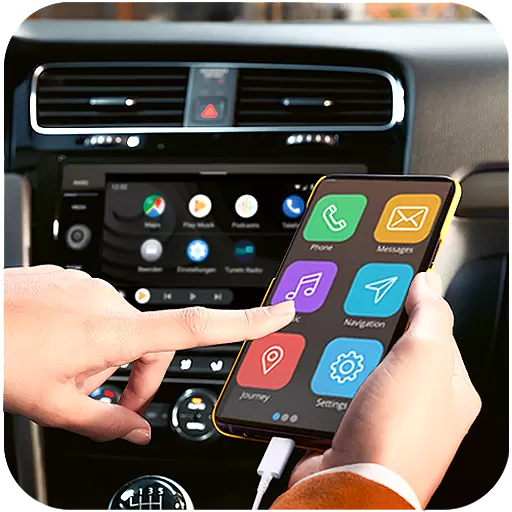
Do you want to drive easy ? do you wanna full mirror link Mobile with your car
4.10
The best PS2 games from your childhood come to life in their mobile version!
4.00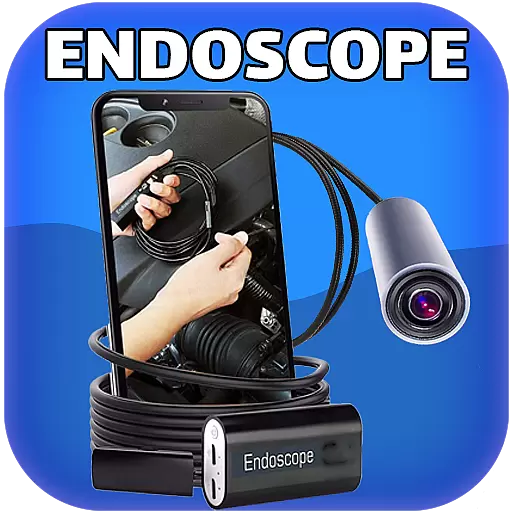
With Endoscope Camera Connector you can connect your phone with endoscope cam
3.70
Connect and Find your smart tag via our app.our app is compatible with smarttag.
3.30


User Reviews