
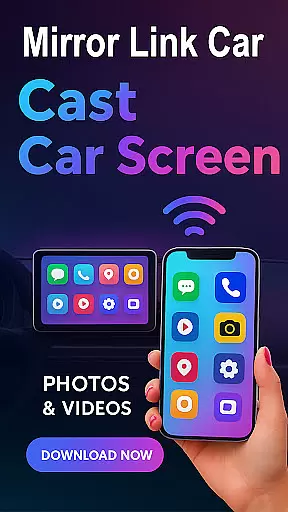
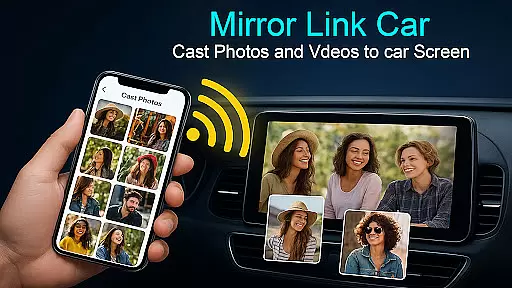
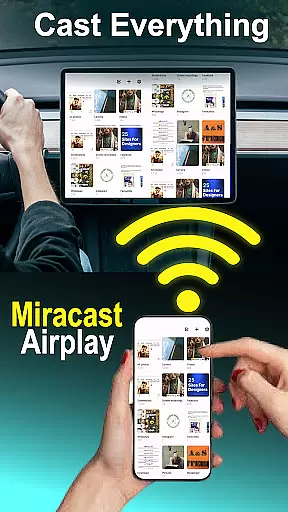
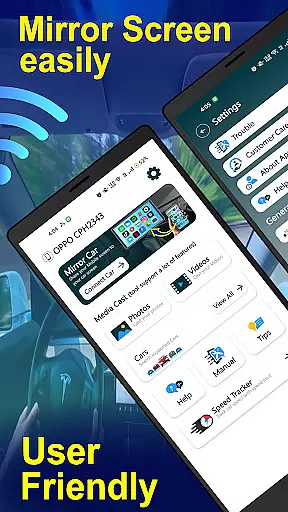
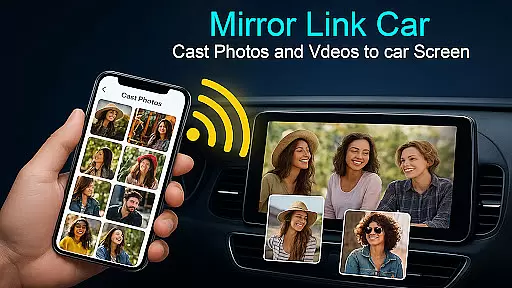
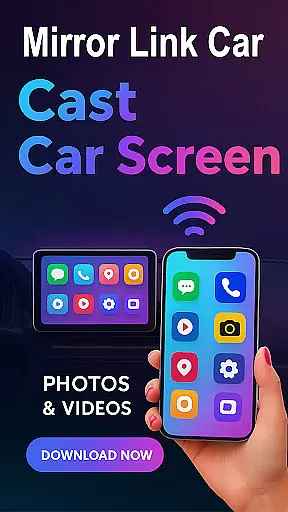
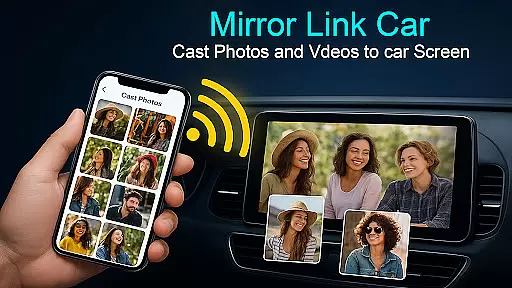
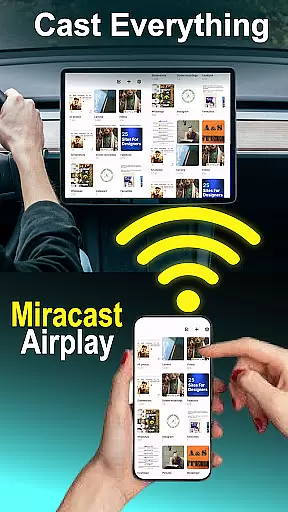
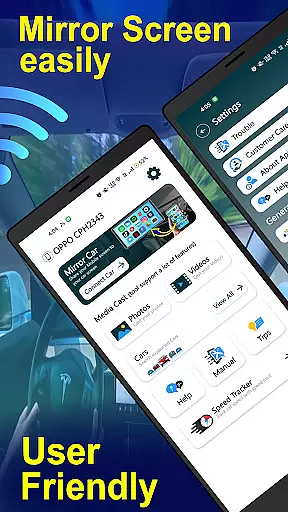
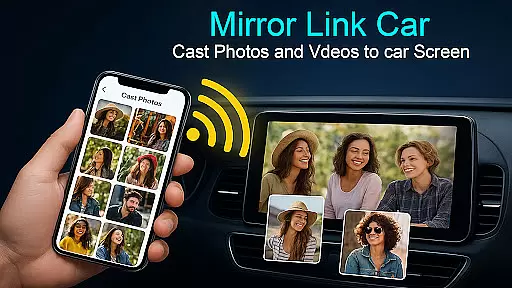
Mirror Link - Cast to Car is a powerful application that transforms your car's infotainment system into a smart display. By wirelessly mirroring your phone, it allows users to enjoy a full in-car multimedia experience without distractions. The app supports both wireless and wired connectivity options, ensuring flexibility and convenience.
With features like Wireless Screen Mirroring, USB Connection Support, and compatibility with various infotainment systems, this app provides a seamless connection between your smartphone and car display. Whether you're navigating, streaming music, or managing calls, Mirror Link ensures a hands-free experience. It also extends its functionality beyond cars, allowing screen mirroring to Smart TVs.
This app is ideal for modern drivers who seek an enhanced driving experience while maintaining focus on the road. Its universal compatibility and quick setup make it a versatile tool for smarter and safer driving.
The Mirror Link - Cast to Car app boasts several top-tier features that cater to diverse user needs. One of its standout capabilities is Wireless Screen Mirroring, which connects your smartphone to your car's display without any cables using Wi-Fi Screencast. This feature ensures a clutter-free environment and enhances convenience.
In addition to wireless options, the app offers USB Connection Support for users who prefer a more stable and lag-free experience. This dual-connectivity approach caters to different preferences and situations, ensuring optimal performance. Furthermore, the app provides a Multimedia Dashboard Experience where users can watch videos (when parked), use GPS, manage calls, and stream apps directly from their car's touchscreen.
Another notable feature is the Hands-Free Functionality, which automates music play/pause and other functions to minimize distractions while driving. With One-Click quick car connection via supported protocols like CarLink/Mirror Link, users can enjoy fast setup and easy access to their car's infotainment system or Smart TV.
Functionality completeness in a car screen mirroring app like Mirror Link - Cast to Car is crucial for ensuring that users can seamlessly integrate their smartphones with their vehicle's infotainment system. This app offers both wireless and wired connectivity options, supporting a wide range of use cases from navigation to multimedia streaming.
The app supports Wireless Screen Mirroring via Wi-Fi Screencast, allowing users to connect their devices without the clutter of cables. For those who prefer a more stable connection, USB Connection Support provides lag-free screen casting. These features ensure that whether you're streaming music or using GPS, the app delivers a smooth experience tailored to your connectivity preferences.
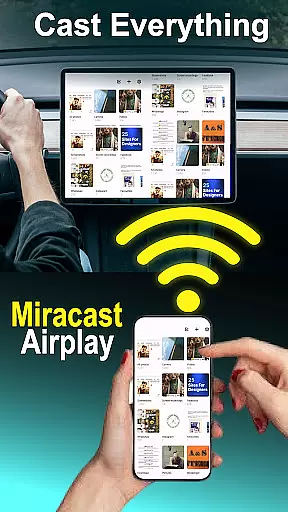
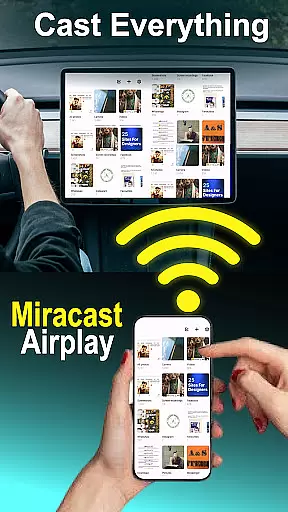
With compatibility across various systems including Mirror Link, Miracast, and Smart TVs, this app extends beyond just cars, enhancing its utility. Users benefit from an extensive dashboard experience where they can manage calls, stream apps, and even watch videos when parkedu2014all through their car's touchscreen interface.
Ultimately, the comprehensive functionality provided by Mirror Link - Cast to Car ensures drivers have access to essential applications hands-free, promoting safer driving practices while delivering convenience and entertainment right at their fingertips.
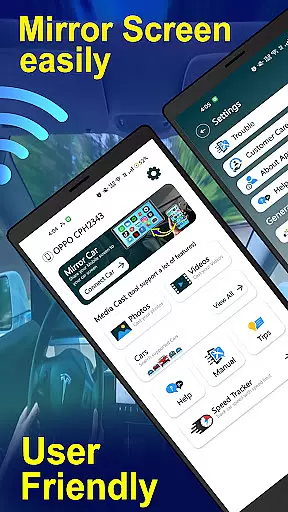
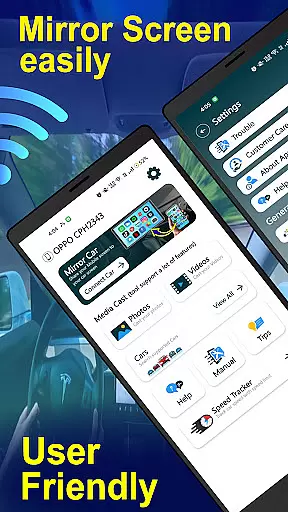
Usability and operational smoothness are key factors in determining how effectively drivers can interact with a car screen mirroring application such as Mirror Link - Cast to Car. The app excels in providing an intuitive user interface that simplifies complex processes into straightforward actions, ensuring minimal distraction while driving.
One-click quick car connection via supported protocols like CarLink/Mirror Link allows users to set up and connect rapidly, making it easy even for non-tech-savvy individuals to get started. Once connected, the app automates functions such as music play/pause, reducing manual interactions needed during travel.
Moreover, detailed instructions on enabling mobile hotspots and connecting through compatible infotainment systems guide users step-by-step, enhancing overall ease-of-use. By clearly outlining necessary settings adjustments within both smartphone and vehicle interfaces, the app minimizes setup time and maximizes operational efficiency.
This focus on streamlined usability not only improves driver satisfaction but also contributes significantly towards maintaining safety standards by keeping attention on the road rather than on managing technologyu2014a critical advantage offered by Mirror Link - Cast to Car.
User-friendly interface
Wireless and wired options
Enhanced driving safety
Universal compatibility
Quick one-click setup
Requires compatible systems
Limited to specific devices
Possible connectivity issues
No iOS support mentioned
Dependent on car features

Do you want to drive easy ? do you wanna full mirror link Mobile with your car
 4.10
4.10
Connect and find your Smart Tag 2 devices through our app.
3.60
Demo for Key Attestation feature of the Android system.
4.80
Recite Quran Majeed القران with special 16 line real Kuran page in hand
4.30
Looking to connect your phone to your car screen? Mirror Link is the solution.
3.20
Explore The Holy Quran Majeed for Muslim. Listen to MP3 Quran & Al Quran Kareem.
4.80
Barcode scanning made simple!
4.40
Ps2 plugins for 64 bit artitechture
3.70
Endoscope camera an app to connect with endoscope cam or any device
3.30
SmartCast mirrors Android phone to TV screen With Cast Screen, Chromecast.
4.80
TV USB connector app provides you a seamless cast option from your phone to tv.
4.70
Tune your game graphics with our GFX optimizer for optimal gaming experience
4.50
Popular mods fnaf mods for melon playground
4.50
An essential GFX utility developed for specific FPS mobile games
4.50
Enjoy Minecraft Mod Scary Neighbor Granny for Minecraft PE.
4.30
Wireless reverse charging using phone now is possible
4.30
View your cameras anywhere and anytime
4.20
Demo version of the mcpro24fps manual video camera. Try and buy a full version!
4.00
Record with Double Camera Video Recording using Dual Camera Front and Back Video
3.00


User Reviews