
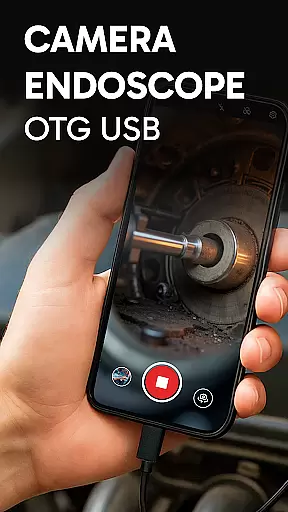
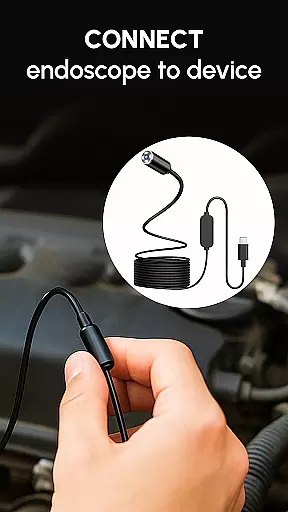
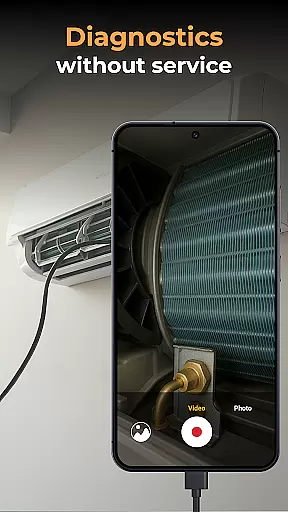
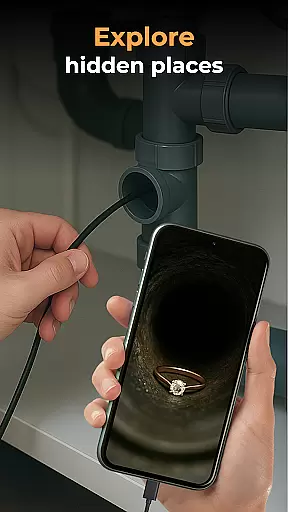
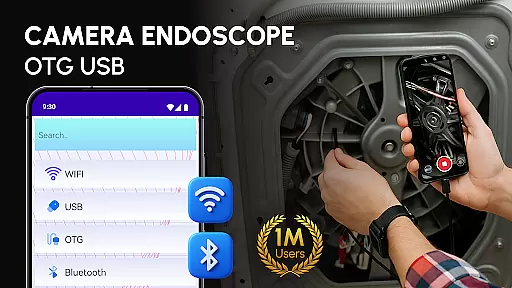
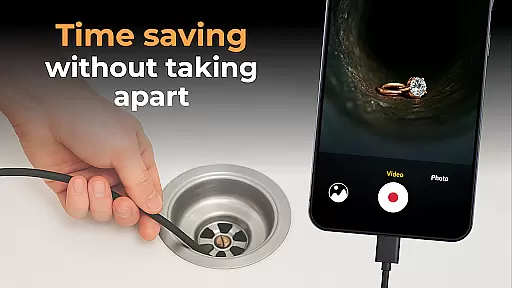
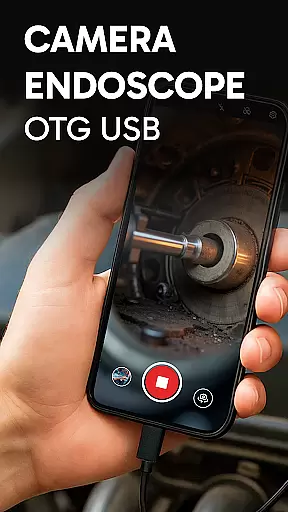
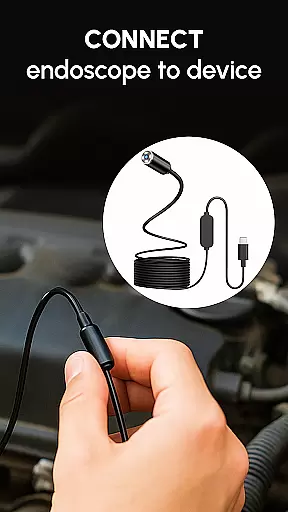
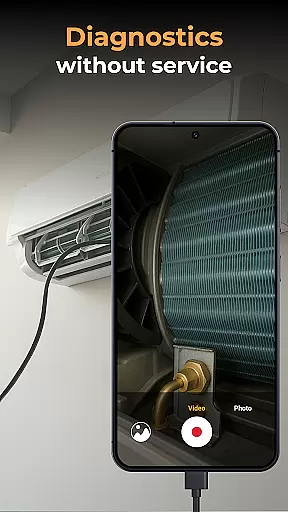
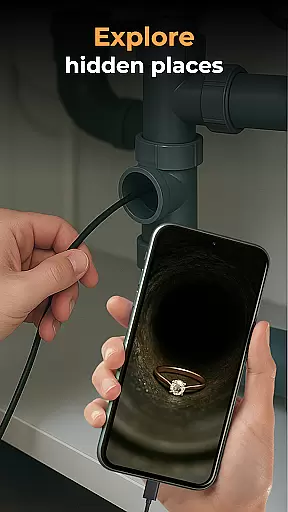
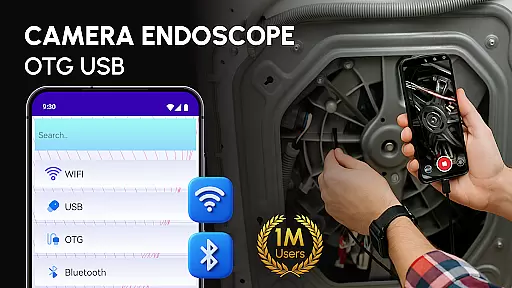
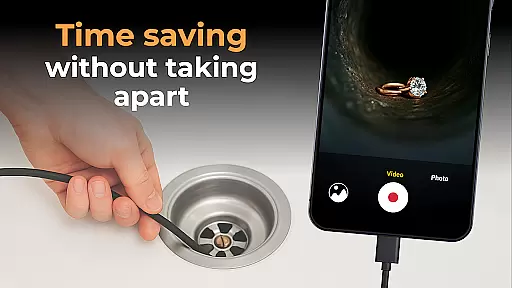
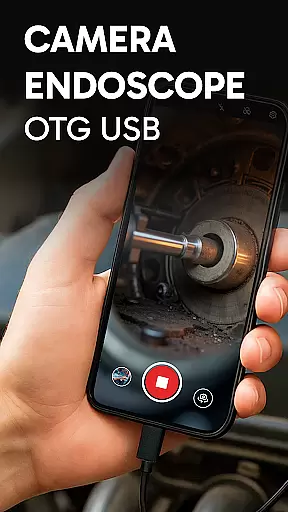
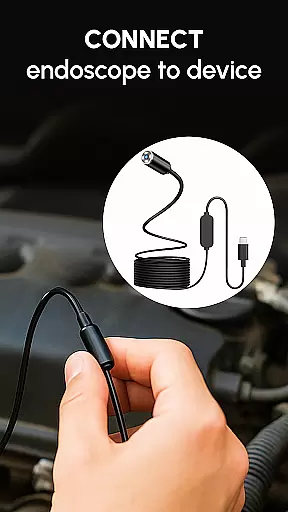
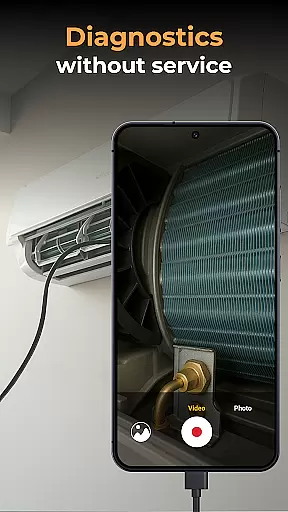
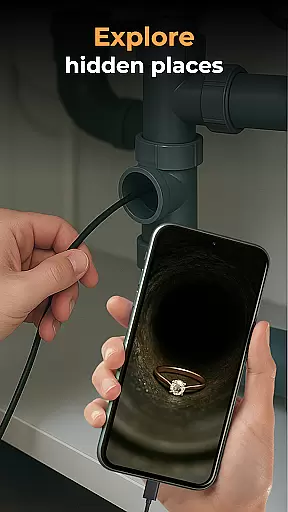
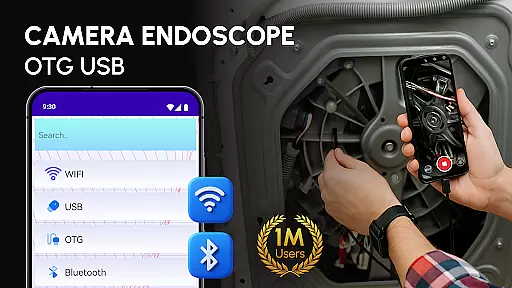
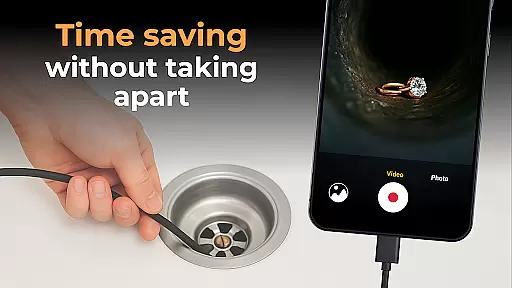
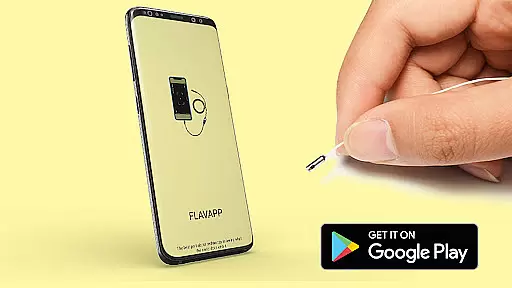
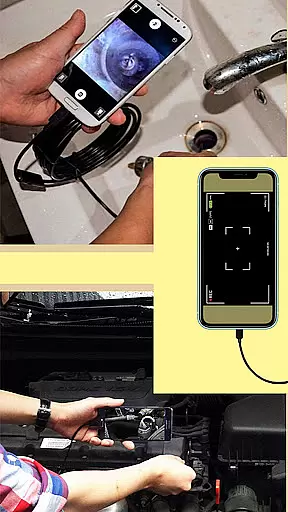
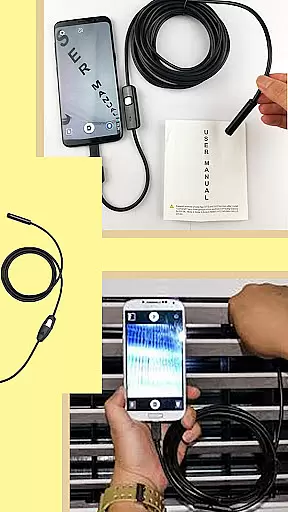
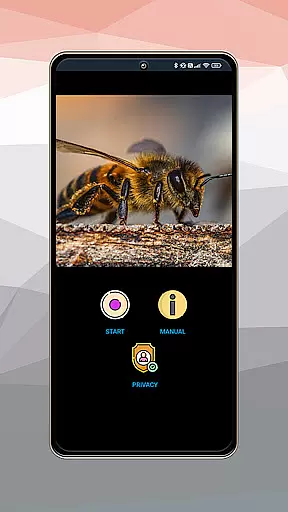
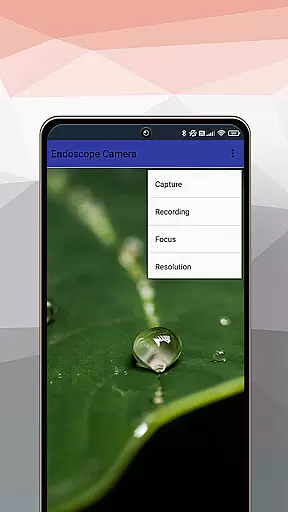
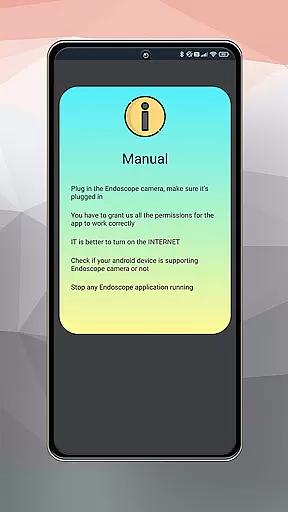
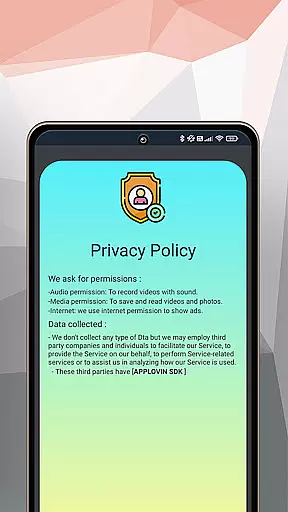
Camera endoscope / OTG USB is an innovative application that transforms your Android device into a powerful inspection tool. Designed for both professional and personal use, this app allows users to connect external cameras such as borescopes and microscopes via USB OTG interface. Whether you're examining tight spaces or inspecting small components of machinery, the app provides real-time video capturing capabilities.
The software supports high-quality image and video recording, making it ideal for detailed inspections. Its intuitive gallery system enables easy management of media files, allowing users to store, view, delete, and share their captured content effortlessly. With its plug-and-play functionality, Camera endoscope / OTG USB ensures seamless compatibility with various devices, offering a reliable solution for technicians, DIY enthusiasts, and everyday users alike.
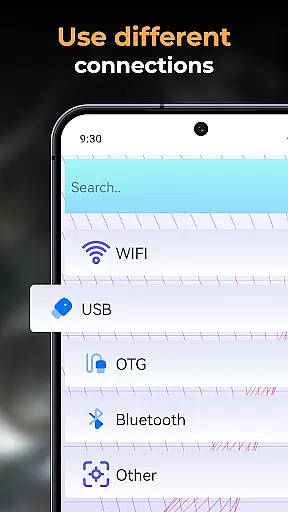
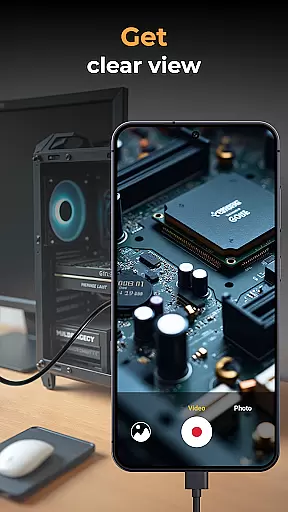
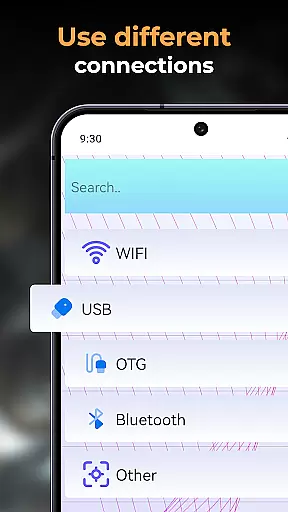
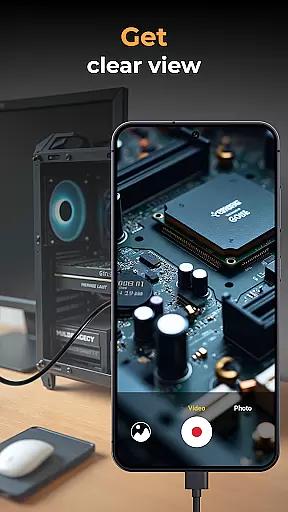
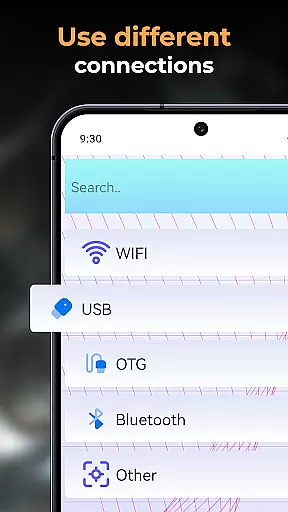
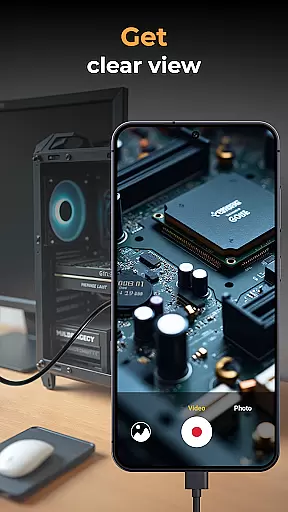
One of the standout features of Camera endoscope / OTG USB is its ability to provide real-time camera viewing through compatible external devices. This functionality is particularly useful when inspecting hard-to-reach areas such as pipes or electronic components. The app's support for USB OTG connectivity ensures stable and fast connections, enabling smooth operation without interruptions.
In addition to live viewing, the app offers robust media management capabilities. Users can record high-resolution videos and capture detailed images directly through their connected devices. All recorded media is automatically organized within a built-in gallery, where users can easily manage their files by deleting, viewing, or sharing them as needed. These features make Camera endoscope / OTG USB not only a versatile inspection tool but also a convenient platform for storing and organizing important visual data.
When evaluating an application like Camera Endoscope / OTG USB, functionality completeness refers to the app's ability to offer a full suite of features that cater to the inspection needs of users. This particular app provides comprehensive support for USB OTG cameras, allowing users to connect external devices such as borescopes and microscopes with ease.
The app ensures high-quality video and image capturing in real-time, which is crucial for detailed inspections. It also includes a built-in gallery for storing and managing media files, supporting essential functions like delete, view, and share. These capabilities make certain that users can not only capture but also organize and distribute their findings efficiently.
For DIY enthusiasts, technicians, or anyone needing to inspect hard-to-reach areas, the app's compatibility with various devices through the OTG Connector Software for Android is a significant advantage. The plug-and-play feature streamlines the setup process, making it accessible even for non-technical users.
Ultimately, the functionality completeness and coverage of Camera Endoscope / OTG USB empower users to transform their Android devices into advanced inspection tools. Whether examining plumbing work, car repairs, or electronics diagnostics, this app delivers the necessary features to get the job done effectively.
Usability and operational smoothness are critical factors when considering the effectiveness of an application such as Camera Endoscope / OTG USB. This app excels by providing an intuitive interface that simplifies complex tasks, ensuring that users can focus on their inspections without being hindered by complicated controls.
The setup process is straightforward, thanks to the app's support for USB OTG connectivity. Users can quickly establish a stable and fast connection with external cameras, enabling real-time viewing that is essential for accurate assessments. The app's seamless integration with various endoscopes, borescopes, and microscopes enhances its operational fluidity.
Moreover, the app offers easy media management options, allowing users to capture, store, and organize photos and videos effortlessly. With simple gestures like long-pressing media files, users can access functions such as delete or share, streamlining their workflow and improving overall efficiency.
In summary, the usability and operational smoothness of Camera Endoscope / OTG USB significantly contribute to a positive user experience. By minimizing technical barriers and maximizing accessibility, this app enables users to conduct thorough inspections with confidence and ease.
User-friendly interface
Real-time video capture
High-quality imaging
Seamless OTG integration
Comprehensive media management
Limited device compatibility
Requires OTG cable
No advanced editing tools
Basic UI design
Occasional connection issues

Do you want to drive easy ? do you wanna full mirror link Mobile with your car
 4.10
4.10
Collection of high-quality, trendy skins and outfits!
4.5
Popular mods fnaf mods for melon playground
4.50
charging your phone by other phone easly
4.00
Block, disable and secure phone camera from secretly taking photos by spyware.
4.50
Study Bible King James Version: the correct way to learn the Bible with audio
4.80
Explore The Holy Quran Majeed for Muslim. Listen to MP3 Quran & Al Quran Kareem.
4.80
An impressive collection of tools, characters, weapons, skins and more!
4.30
Expo is a free & open source platform to build apps using JavaScript and React.
4.70
An essential GFX utility developed for specific FPS mobile games
4.50
MirrorLink for connecting your Android phone to your car’s infotainment screen.
4.50
Barcode scanning made simple!
4.40
Wireless reverse charging using phone now is possible
4.30
Recite Quran Majeed القران with special 16 line real Kuran page in hand
4.30
Test DPC is a sample device policy controller for use with Android Enterprise.
4.20
Ps2 plugins for 64 bit artitechture
3.70
Mobs maker Minecraft help MCPE creators make their own mob by using Blockbench
3.50
Identify securely online
3.10
Record with Double Camera Video Recording using Dual Camera Front and Back Video
3.00


User Reviews