
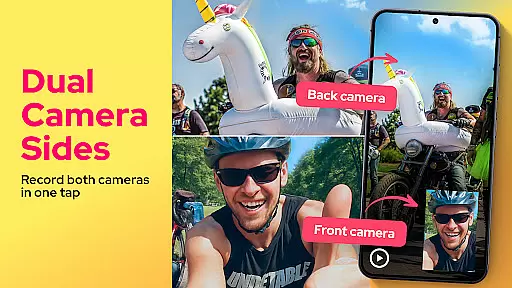
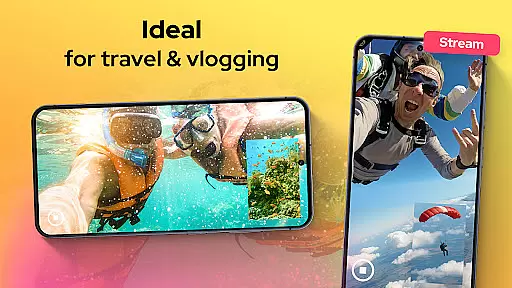
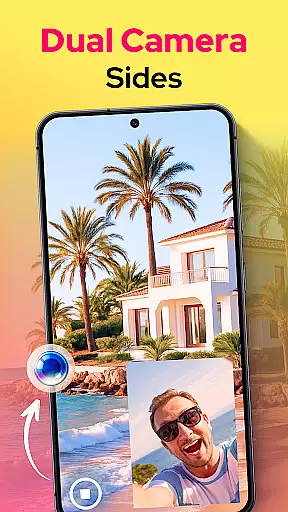
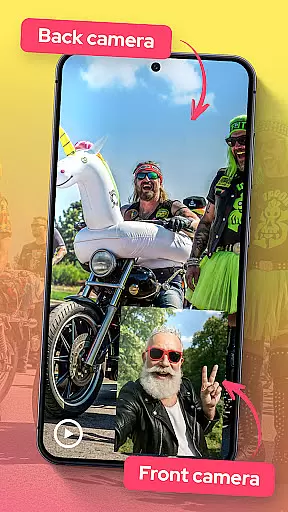
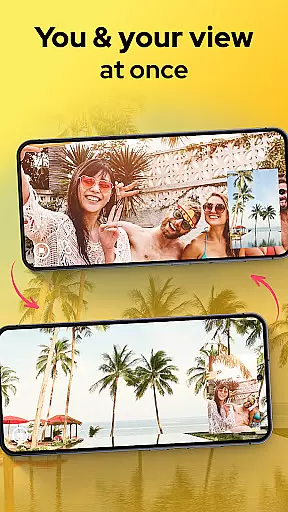
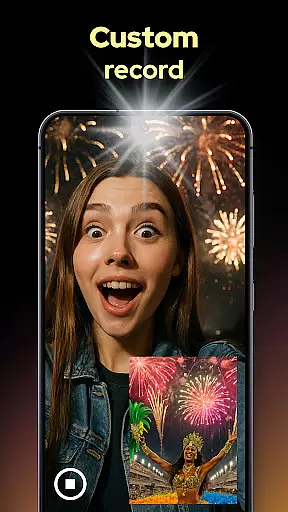
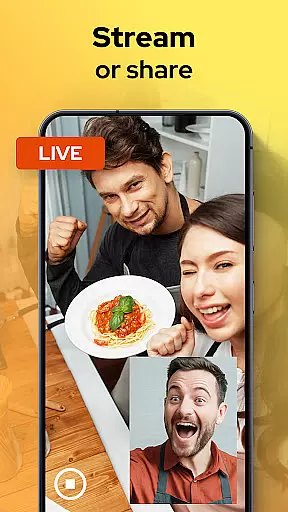
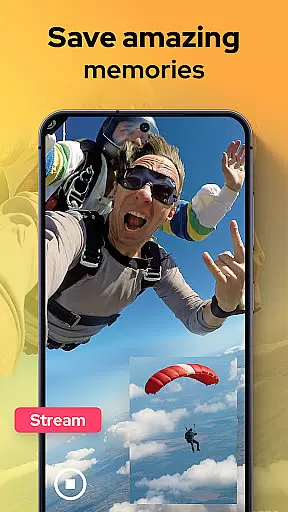
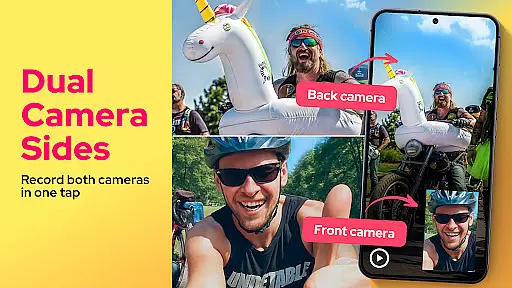
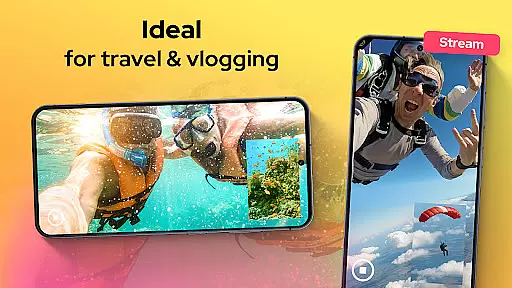
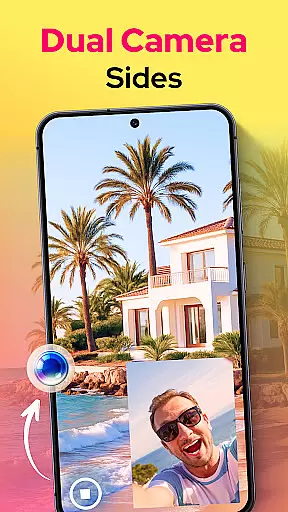
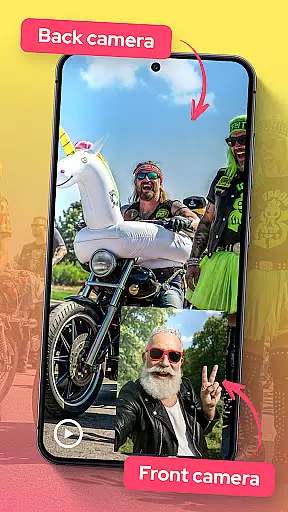
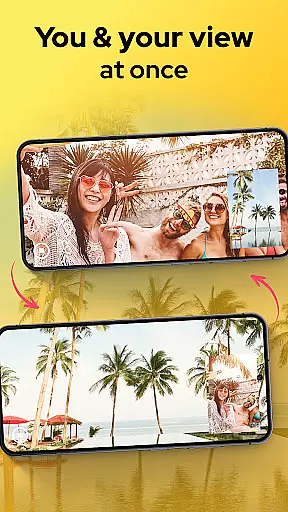
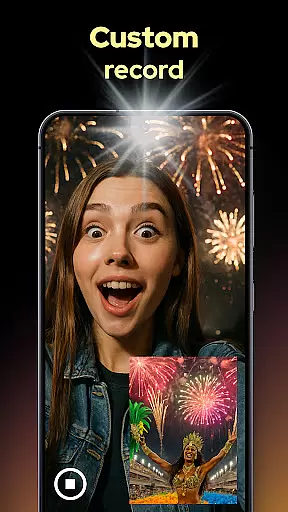
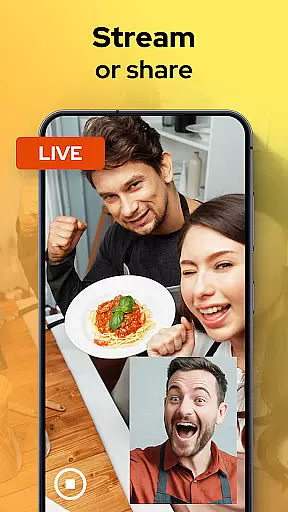
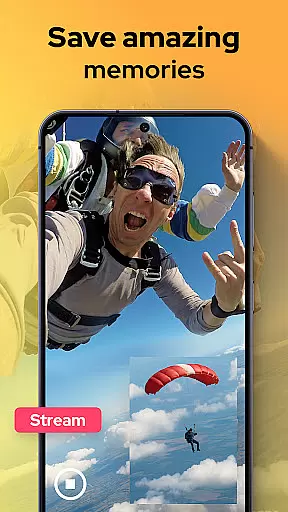
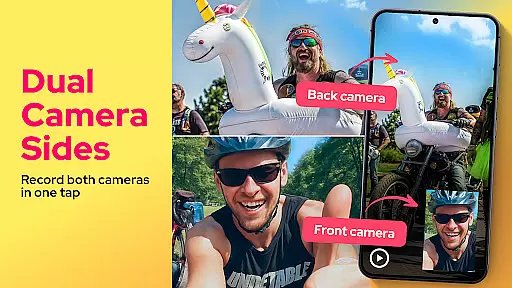
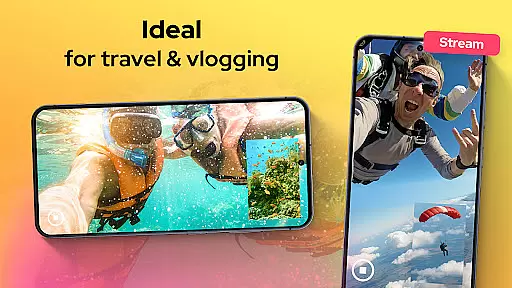
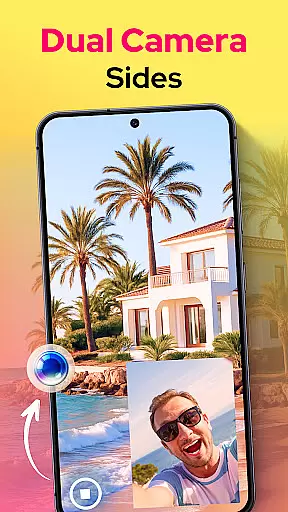
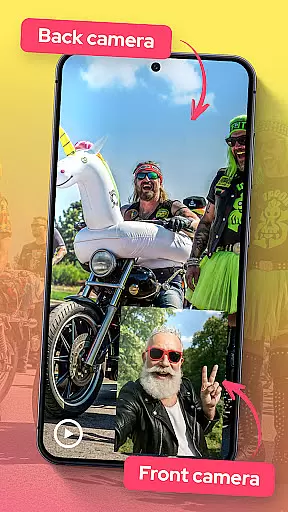
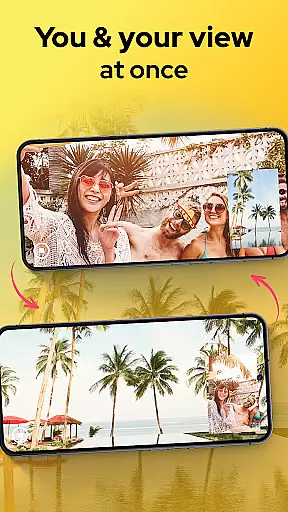
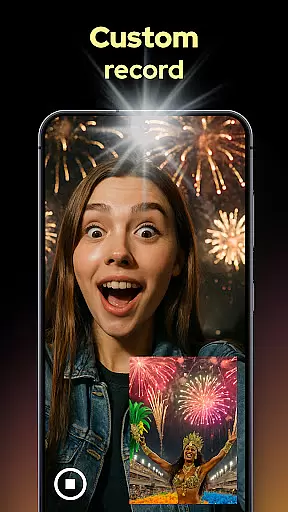
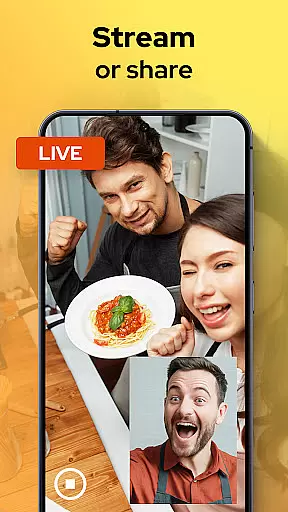
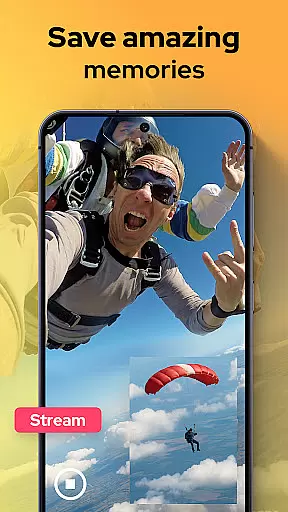
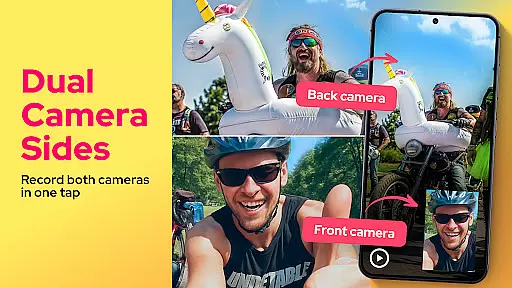
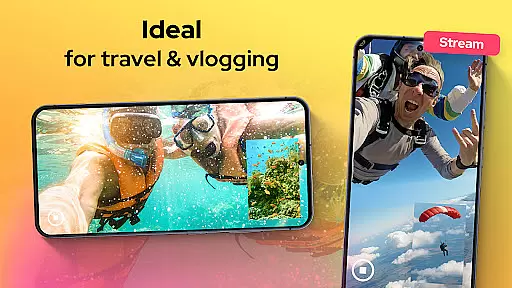
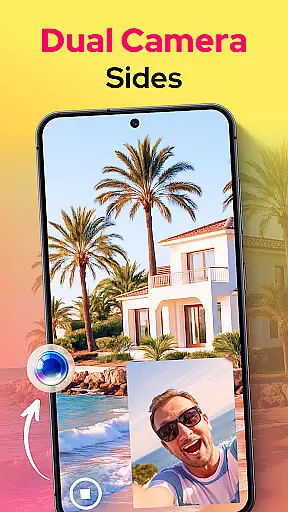
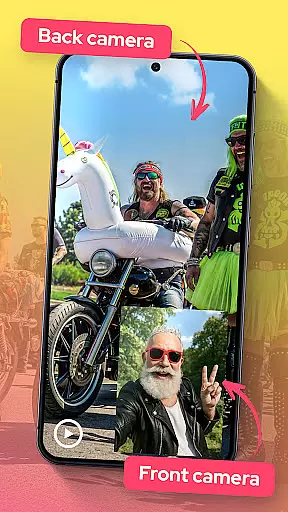
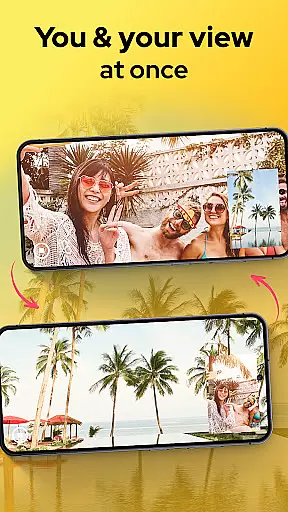
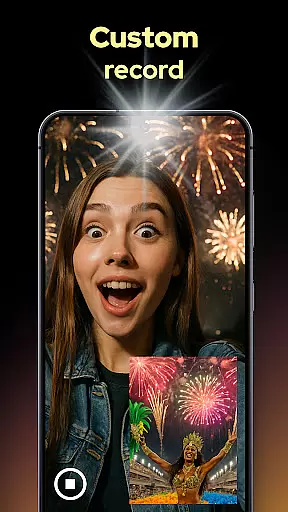
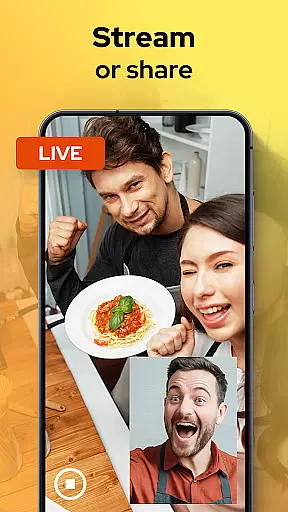
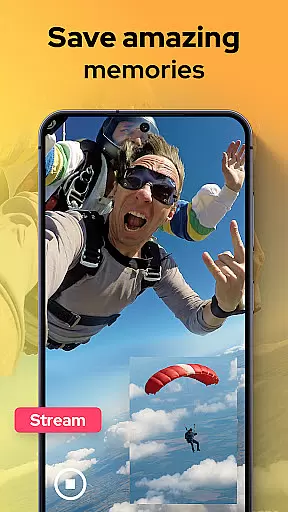
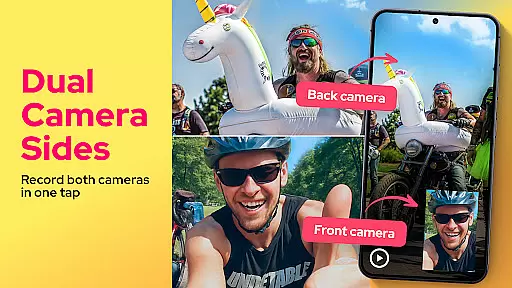
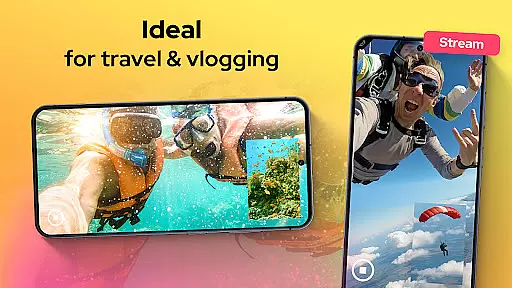
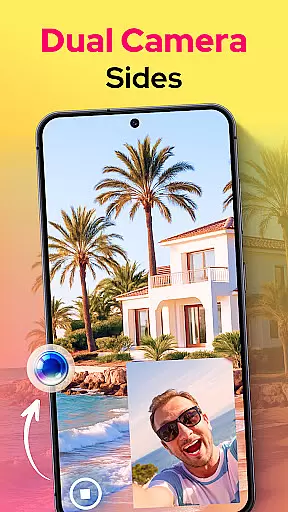
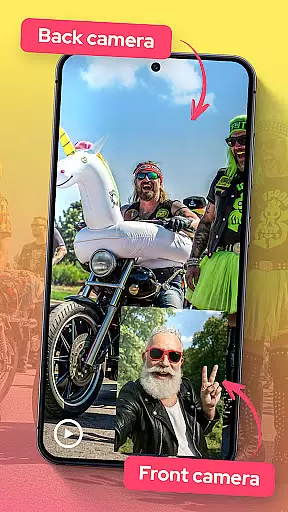
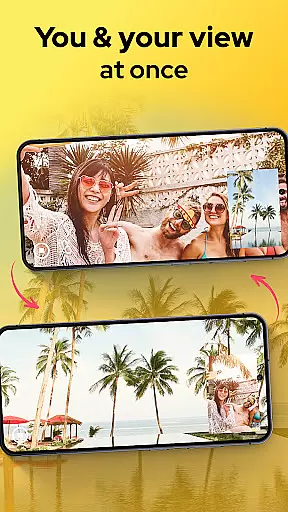
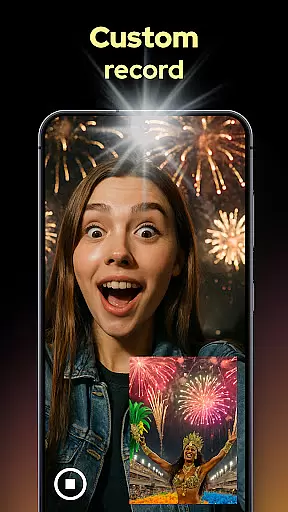
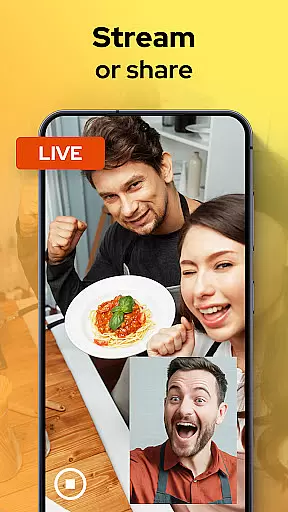
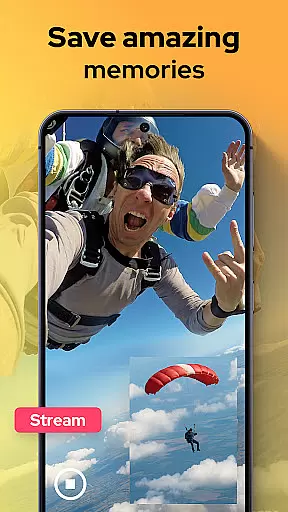
Dual Camera Sides is an innovative app in the Libraries & Demo category that allows users to record videos using both front and back cameras simultaneously. This feature-rich application is perfect for vloggers, storytellers, and anyone who wants to capture every angle of their moments.
The app offers multiple recording modes including picture-in-picture and split-screen, giving creators flexibility in how they present their content. With manual controls for focus, brightness, and exposure, users can achieve professional-grade results while the background mode ensures uninterrupted recording even when multitasking.
One of the standout features of Dual Camera Sides is its ability to record from both the front and rear cameras at the same time, providing a complete take of any scene. Users can choose between picture-in-picture or split-screen layouts, allowing for creative freedom in video composition.
In addition to video recording, the app allows users to capture still images without pausing the video, ensuring no moment is missed. The intuitive interface and live preview make it easy to switch angles on the fly, while manual adjustments for focus, brightness, and exposure give users control over the final output.
The app also supports background mode, enabling continuous recording while using other apps. This feature is particularly useful for vloggers and content creators who need to multitask without interrupting their recordings.
In the realm of mobile photography and videography, Dual Camera Sides emerges as a pivotal tool for content creators seeking comprehensive capture capabilities. Functionality completeness is at the core of this application, allowing users to harness both front and rear cameras simultaneously. This dual recording feature ensures that no angle or reaction goes unnoticed, providing a holistic view of every captured moment.
The app's coverage extends beyond simple video recording by offering versatile layout options such as picture-in-picture or split-screen modes. These creative choices empower users to tailor their storytelling approach according to the context, whether it be for dynamic vlogs, engaging tutorials, or capturing spontaneous reactions alongside main events.
Moreover, Dual Camera Sides supports essential adjustments like focus, brightness, and exposure control which are crucial for achieving professional-grade results. Such granular command over camera settings enables videographers to adapt quickly to varying lighting conditions without compromising on quality.
By integrating background mode functionality with its Doubletake feature, the app further enhances user experience by enabling continuous shooting even while multitasking across other applications. This seamless blend of utility and convenience makes Dual Camera Sides an indispensable asset in any creatoru2019s toolkit.
Dual Camera Sides sets itself apart through its commitment to usability and operational smoothness, ensuring that even novice users can effortlessly navigate its features. The intuitive interface provides clear live previews and straightforward controls, making dual-camera operation accessible without a steep learning curve.
With just a tap, creators can switch between different viewing angles during recording sessions thanks to the appu2019s responsive Double Take technology. This fluid transition capability allows for uninterrupted creativity when crafting visual narratives from multiple perspectives.
Additionally, quick snapshot functions integrated within video workflows exemplify the app's dedication to streamlining operations. Users benefit from being able to capture still images without pausing ongoing recordingsu2014a testament to thoughtful design prioritizing efficiency.
Exporting finished projects is equally hassle-free; sharing options are readily available post-production so creators can swiftly distribute their work across platforms. By focusing on these aspects of usability, Dual Camera Sides not only simplifies complex tasks but also amplifies productivity among its user base.
User-friendly interface
Professional-grade controls
Creative shooting options
Background recording mode
Versatile content creation
May drain battery quickly
Requires high storage space
Limited to compatible devices
Premium features may cost extra
Occasional glitches reported

Game Booster GFX for smoother gaming experience. Enjoy 120 FPS and 4x Game Space
 4.20
4.20
Identify securely online
3.10
Read Quran pak offline & listen online mp3 Quran in Al Quran Majeed app
4.4
TV USB connector app provides you a seamless cast option from your phone to tv.
4.70
Recite Quran Majeed القران with special 16 line real Kuran page in hand
4.30
Connect and Find your smart tag via our app.our app is compatible with smarttag.
3.30
Turn your phone into a wireless Xbox controller – play, stream & control anytime
4.0
CloudEye 365 is a easy-handling APP
3.60
Mirror phone to TV effortlessly! Stream, share & connect with Airplay ease.
3.60
Demo for Key Attestation feature of the Android system.
4.80
Read Holy Quran Feel Like Real Quran & Listen Al Quran Mp3 Audio Online Offline.
4.70
Block and secure the microphone and protect from secret listening and recording.
4.50
An essential GFX utility developed for specific FPS mobile games
4.50
Phone Software Update Quick Checker helps you to keep your phone apps up to date
4.50
Barcode scanning made simple!
4.40
Use your Phone as Drone Controller.
3.70
Ps2 plugins for 64 bit artitechture
3.70
Looking to connect your phone to your car screen? Mirror Link is the solution.
3.20
Enjoy hours of entertainment with our Roblox mobile games app
4.2


User Reviews