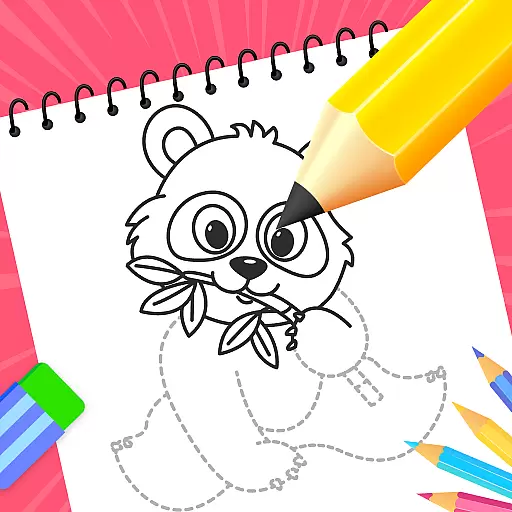
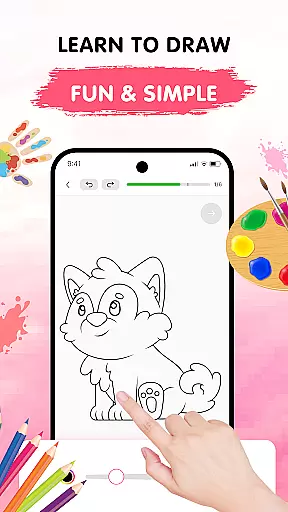
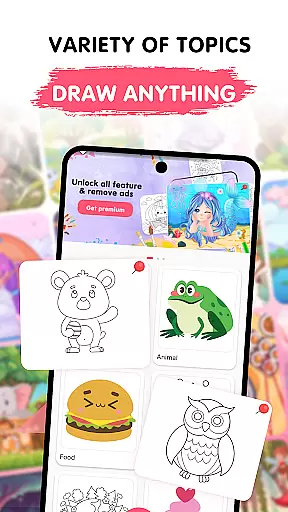
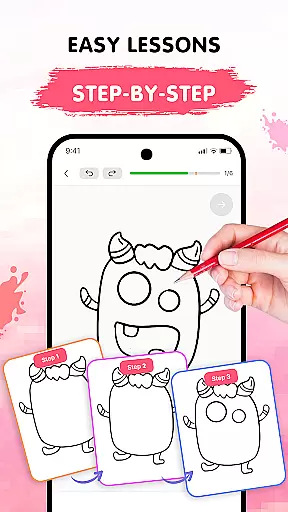
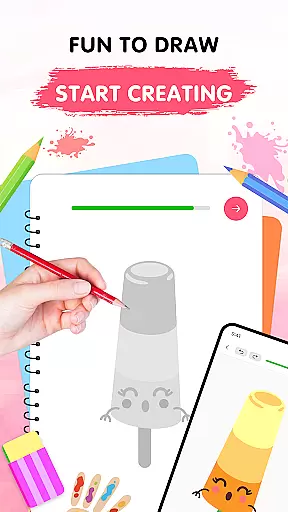
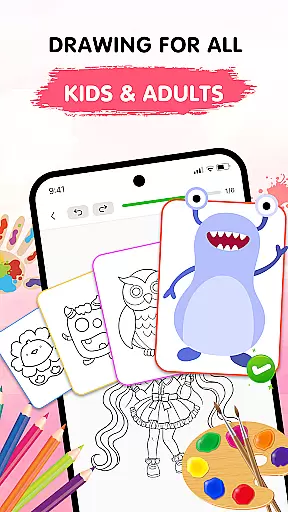
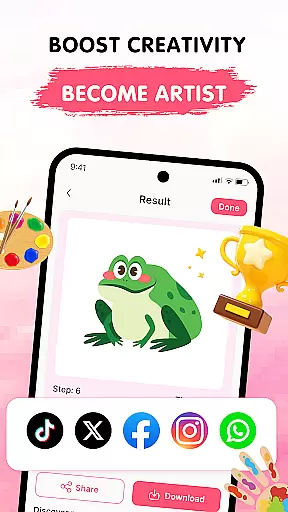
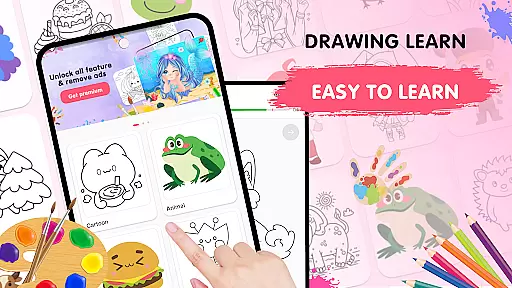
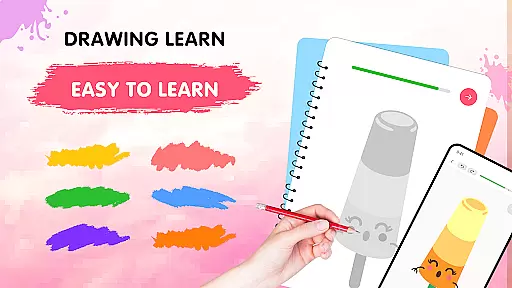
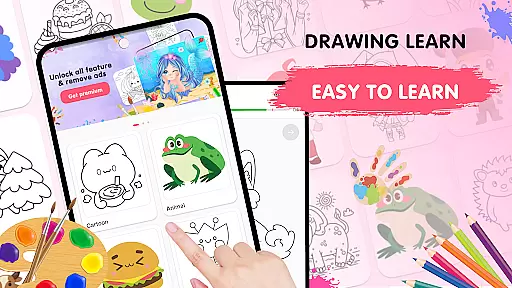
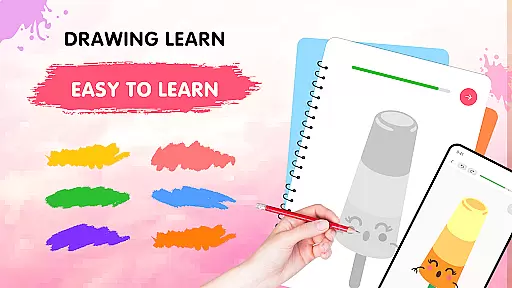
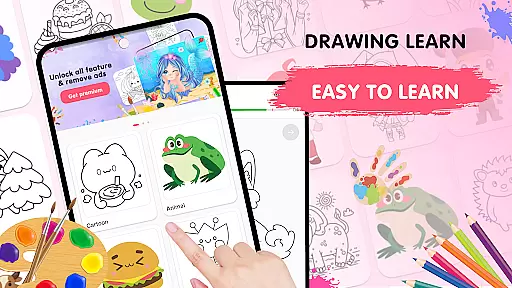
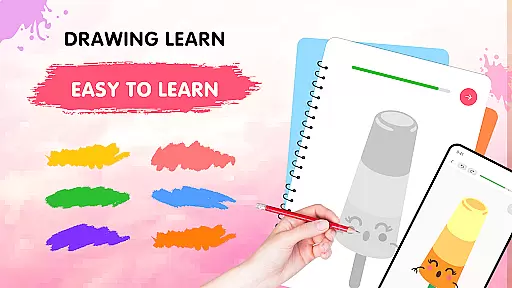
Easy Draw: Learn How to Draw is an innovative educational app designed to help users develop their artistic skills. This personal art tutor offers a guided experience through step-by-step drawing tutorials, making it suitable for beginners and those looking to refine their techniques. With a focus on ease of use and creative freedom, the app provides a relaxing environment to sketch and color various subjects.
The app features a growing library of themes including animals, cartoons, food, and more, ensuring there's something for every interest. Its intuitive interface includes essential tools like undo, redo, erase, and adjustable brush settings, allowing users to experiment freely. Easy Draw also enables artists to save and share their creations, promoting a sense of accomplishment and community.
Whether you're learning to draw for fun or seeking to improve your artistic abilities, Easy Draw offers a structured yet flexible approach to art education. The combination of vibrant themes, clear instructions, and customizable drawing tools makes this app an invaluable resource for anyone interested in visual arts.
Easy Draw stands out with its comprehensive set of features designed to enhance the learning experience. The app offers a wide variety of drawing topics, from animals to environmental themes, catering to diverse interests. Each tutorial is carefully broken down into manageable steps, allowing users to progress at their own pace while maintaining confidence in their abilities.
The drawing tools are thoughtfully designed for ease of use, featuring essential functions such as undo, redo, and erase options. Users can fine-tune their brush and eraser sizes, providing precise control over details and coloring. The expressive color palette encourages creativity, enabling artists to personalize their work with vibrant hues and shades.
Additional features include the ability to save progress and export finished drawings. This functionality not only helps users track their improvement over time but also facilitates sharing their artwork with others. The combination of structured lessons, adjustable tools, and sharing capabilities creates a complete learning ecosystem within the app.
In the realm of digital learning, content accuracy is paramount, especially for an educational app like Easy Draw: Learn How to Draw. This app ensures that each drawing lesson is crafted with precision and care, adhering to established artistic principles. The step-by-step tutorials are designed by experts in the field, ensuring that users receive guidance that mirrors traditional art education.
Easy Draw offers a comprehensive approach to learning art, covering a wide range of topics from animals to the universe. Each theme is thoroughly researched, providing users with authentic representations and styles. This meticulous attention to detail guarantees that learners can trust the information they are receiving, allowing them to build a solid foundation in their artistic journey.
The app's dedication to authoritative content extends to its vibrant color palette and adjustable brush settings. These features are not merely for aesthetics but are calibrated to reflect real-world drawing tools. By incorporating these professional-grade elements, Easy Draw empowers users to experiment with confidence, knowing that their creative choices are supported by accurate and reliable tools.
One of the standout features of Easy Draw: Learn How to Draw is its ability to cater to individual learning styles through personalized learning paths. Recognizing that every artist has a unique approach, the app provides a flexible platform where users can progress at their own pace. This adaptability makes it suitable for both beginners who need structured guidance and more experienced artists looking to refine specific techniques.
The app achieves personalization through its diverse selection of themes and subjects. Whether you're interested in drawing animals, food, or cosmic scenes, Easy Draw allows you to choose lessons that align with your interests. This tailored experience keeps users engaged and motivated, as they are constantly inspired by content that resonates with their personal preferences.
Furthermore, Easy Draw supports self-expression by offering features such as an expressive color palette and adjustable brush settings. Users can tweak these tools to match their artistic vision, creating a truly customized drawing experience. By fostering an environment where creativity can flourish without constraints, Easy Draw ensures that each user's learning path is as unique as their artwork.
User-friendly interface
Wide range of drawing themes
Step-by-step guidance
Customizable drawing tools
Vibrant color options
Limited advanced features
Occasional performance issues
Basic sharing options
No offline tutorials
Subscription required

Test prep for Indiana students
 4.1
4.1
Astronomy app ? Discover the universe scope, explore solar system model in 3D.
4.20
Universe simulator: Find & explore planets system, outer space, astronomy events
4.60
Short Lessons for Better Finances, Health, Skills, Jobs & Relationships.
4.80
The Only Official DVSA Theory Test Kit App
4.50
Designed for Calculator 84 users
4.20
Intuitive Transformer Lab - By a Lineman, For Linemen & Apprentices
4.50
Prepare for the BCBA / BCaBA exam. Study ABA with the ABA Wizard app.
4.60
An aviator’s preparation, study and test tool for FAA Knowledge Exams.
4.30
Learning the ancient Viking language made simple
4.70
One of the most engaging and innovative ABC apps on the market.
4.30
Pass your FAA written with flying colors - Study Buddy can help.
4.30
Turns you phone or tablet into TI graphing calculator (ROM required).
4.20
Learn to make peaceful contact with extraterrestrial civilizations
4.10
Master note reading with StaffWars….
4.00
An aviator’s preparation, study and test tool for FAA Knowledge Exams.
4.00
Visit Daniel's house & make believe. Play doctor, make music, & feed fish.
3.20
scanner body part for fun Prank friends realistic scan effects
3.00
Enrich the experience of your visit to the Pantheon with our audiotour.
1.60


User Reviews