
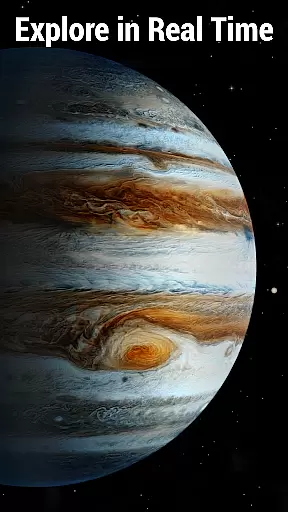
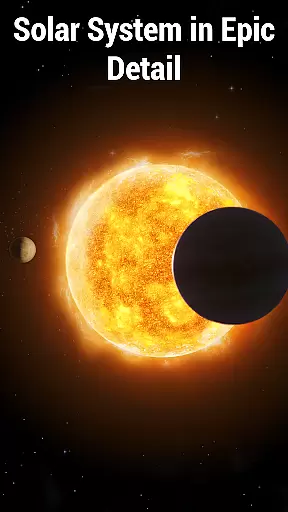
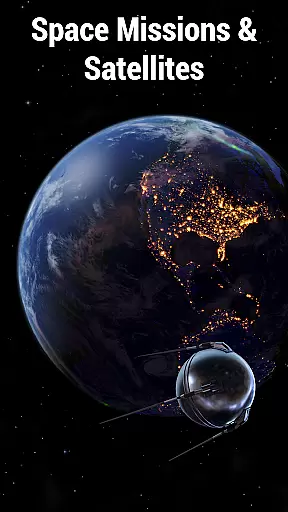
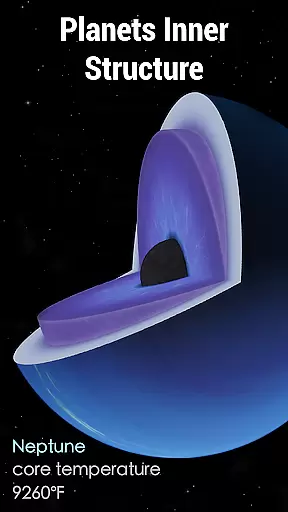
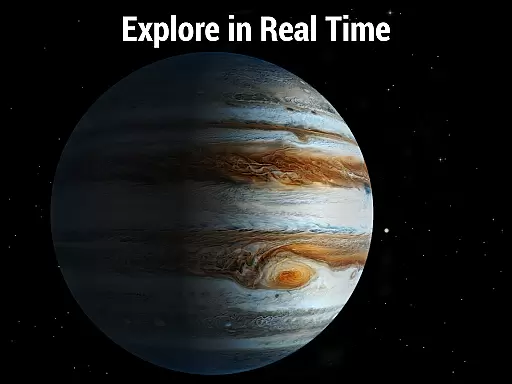
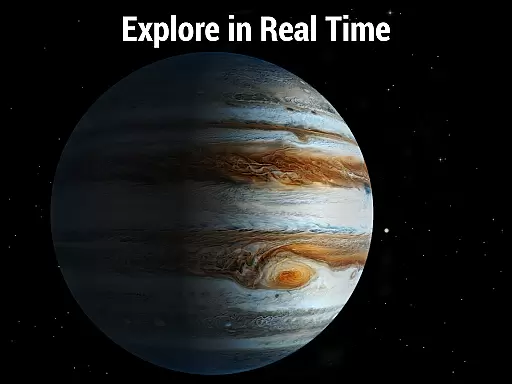
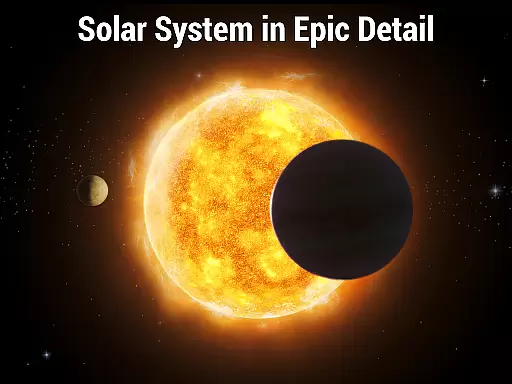
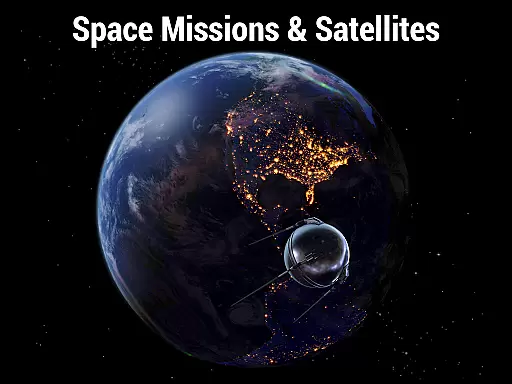
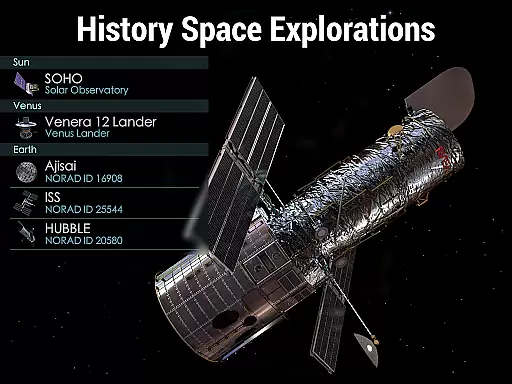
Solar Walk 2 is an advanced educational app designed for space enthusiasts and learners alike. This interactive 3D model of the Solar system allows users to explore planets, moons, spacecraft, and celestial events in real time. With its comprehensive encyclopedia feature, users can delve into astronomy facts, spacecraft missions, and significant cosmic occurrences.
The app provides a detailed study of the universe through its realistic simulations and visual effects. Users can navigate across the Solar system, observe planetary positions, and even use the time machine feature to witness past or future celestial events. Its intuitive interface makes it suitable for both beginners and advanced learners in astronomy.
Whether you're a student, educator, or simply fascinated by space exploration, Solar Walk 2 offers valuable insights and an immersive experience. The app's accurate representation of the cosmos and its engaging features make it an essential tool for anyone eager to learn about our Solar system.
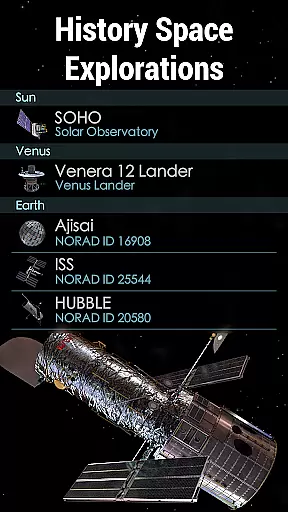
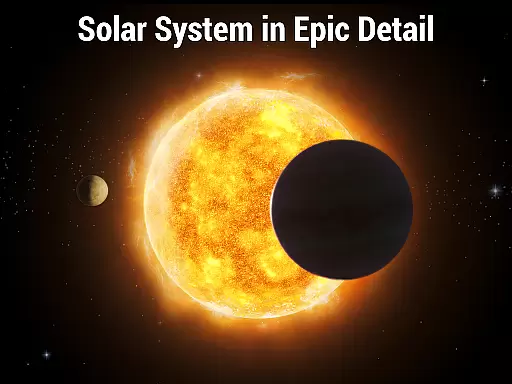
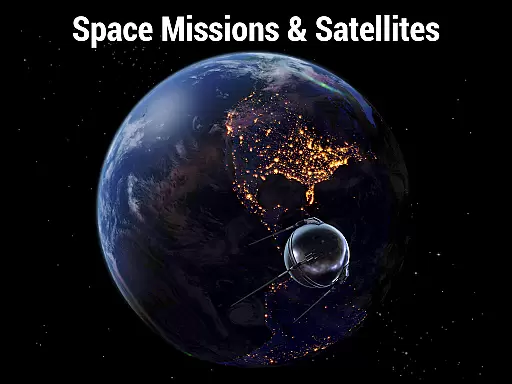
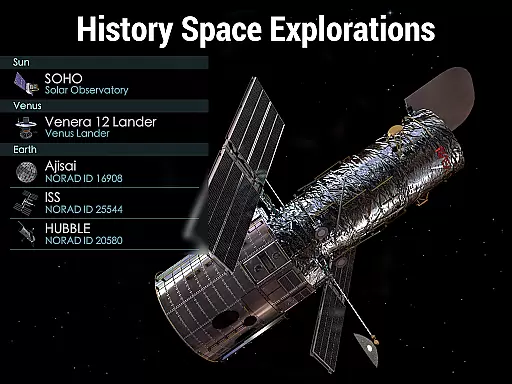
Solar Walk 2 stands out with its highly detailed 3D models of spacecraft, planets, and moons. These models are not only visually stunning but also provide real-time tracking of spacecraft trajectories and historical mission data. This functionality gives users a deeper understanding of space exploration and the dynamics of celestial bodies.
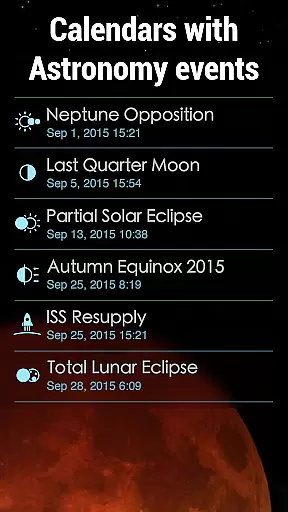
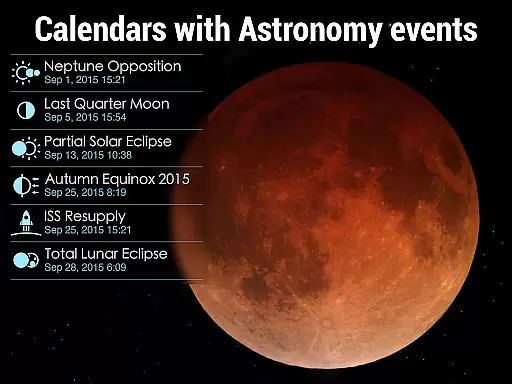
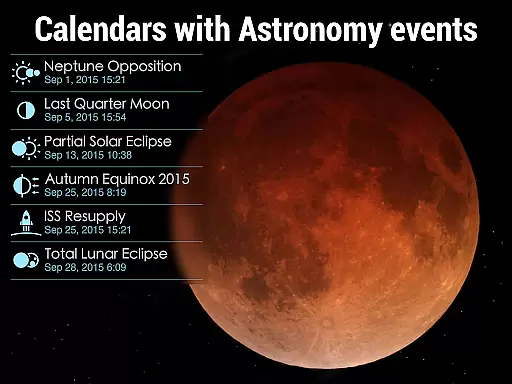
Another key feature is the celestial event calendar, which highlights significant astronomical events such as eclipses, moon phases, and satellite launches. By integrating a time machine tool, the app allows users to simulate and observe these events at any given time. This enhances the learning experience by connecting theoretical knowledge with practical observation.
The app also includes a news section that keeps users updated on the latest developments in space science. Alongside its rich visuals and educational content, Solar Walk 2 offers a seamless user experience, making it one of the most comprehensive tools for exploring the universe from your device.
In the realm of educational applications, content accuracy is paramount, especially for an app like Solar Walk 2 which serves as an encyclopedia of the Solar system. The app meticulously presents scientifically verified data about celestial bodies, ensuring that users receive precise information regarding planets, moons, and spacecraft. This commitment to accuracy extends to real-time positions and movements within the 3D model of the Solar system.
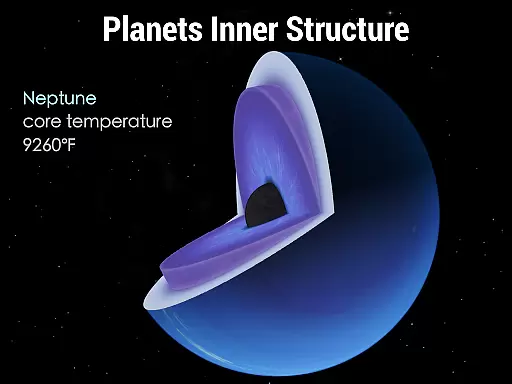
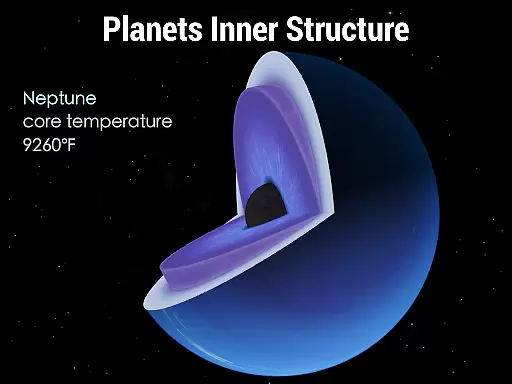
Solar Walk 2 employs advanced astronomical algorithms to simulate the universe faithfully. Users can explore space with assurance, knowing that each planet's internal structure, distance from the sun, mass, density, and orbital velocity are depicted based on credible scientific sources. Furthermore, the integration of a celestial event calendar provides accurate timelines of significant astronomy events, enhancing the learning experience.
The value derived from such precision is immense for learners and educators alike. By delivering authoritative content, Solar Walk 2 fosters a deeper understanding of complex astronomical concepts without the distraction of misinformation. It stands as a reliable resource where facts about space exploration and our Solar system are presented with scholarly rigor.
While Solar Walk 2 focuses primarily on providing an expansive encyclopedia of the Solar system, it also facilitates personalized learning paths through its diverse features tailored to individual curiosity and educational needs. The ability to navigate across the Solar system and explore planets in real time allows users to follow their interests at their own pace, creating a unique journey through space education.
With tools like the time machine feature, learners can set specific dates and times to observe celestial events or track historical space missions. This flexibility caters to varied learning styles, whether someone prefers structured study via the celestial event calendar or spontaneous discovery by traveling through space with intuitive navigation controls. Each user's exploration path becomes inherently customized.
This personal approach not only enhances engagement but also empowers users to construct knowledge actively rather than passively receiving information. As students delve into detailed planetary data or witness breathtaking visualizations of spacecraft trajectories, they build a personalized comprehension of astronomy that aligns with their academic pursuits or personal passions.
Realistic 3D models
Interactive time machine
Comprehensive celestial events
Engaging visual effects
User-friendly navigation
Premium access required
Large file size
Limited free content
Occasional bugs
High system requirements

Learn math, step-by-step
 4.30
4.30
Gain new skills in 10 minutes
4.70
Practice Casino Roulette Payouts for Table Game Dealers and Croupiers
4.40
Intuitive Transformer Lab - By a Lineman, For Linemen & Apprentices
4.50
Listen, request and record pronunciations in more than 450 languages. Everywhere
3.90
Your best partner for learning Japanese words. Based on a best-selling textbook.
2.80
Astronomy Guide To Night Sky
4.30
Our most popular app series returns, better than ever!
3.90
Discover Your Place in the Universe
4.70
Explore myths and gods across cultures with in-depth insights and stories.
5.00
The best way to study for your amateur radio license exam.
4.90
Memorize anything efficiently with AnkiDroid! Many pre-built decks available.
4.80
Childcare Management App: Daily sheets, sign in-out, billing and learning tools
4.70
Learning the ancient Viking language made simple
4.70
A magical world of fun, building, and learning with Mickey Mouse and more!
4.20
Build math skills in: addition, subtraction, multiplication and division.
4.10
For medical training - Visualize complex vein maps and structures in real-time.
4.10
Hasbro's Classic Board Game - Make Cavity Sam better or get the buzzer!
3.50
Pickleball guide complete with illustrated Pickleball drills and helpful info
4.0


User Reviews