
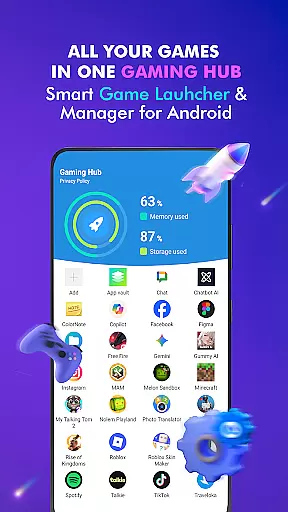
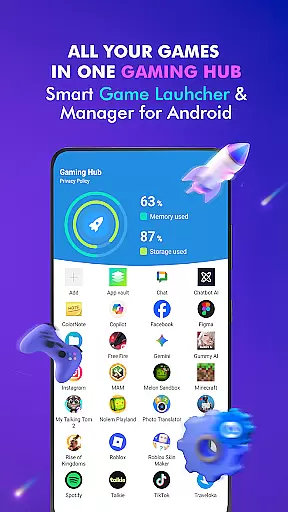
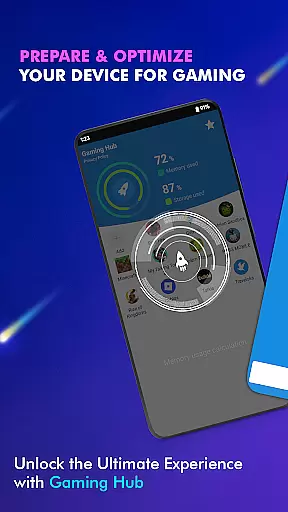

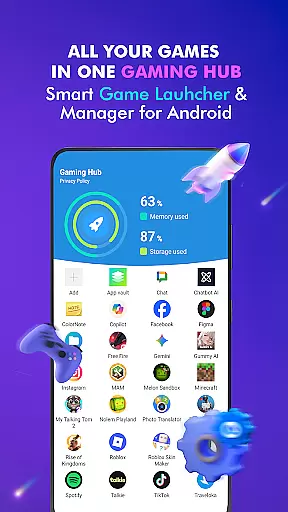
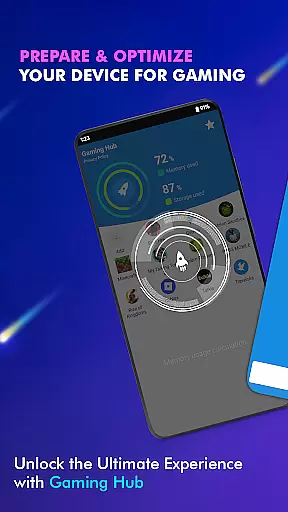
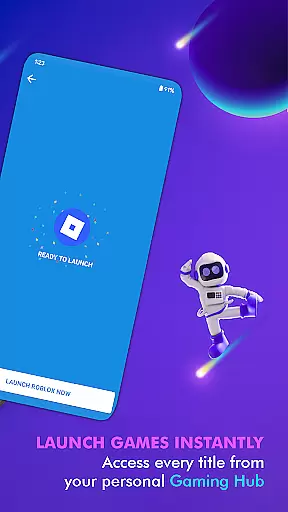
Gaming Hub is a comprehensive app management solution designed to simplify how Android users interact with their favorite games and apps. This Libraries & Demo category app offers an intuitive interface that centralizes all your gaming and app needs in one place, making it easier than ever to manage your digital library.
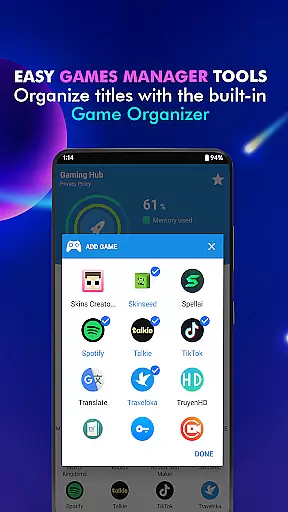
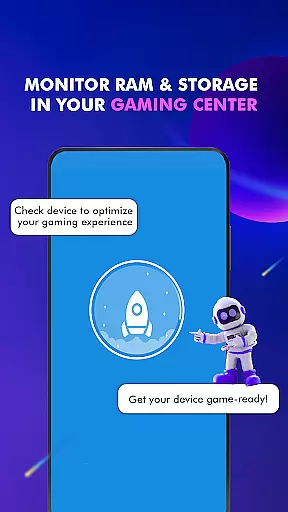
With Gaming Hub, you can automatically detect popular games from renowned publishers or manually add the apps you love. The app also provides essential performance monitoring tools, allowing you to track RAM usage and device storage, ensuring optimal gaming conditions at all times.
Whether you're a casual gamer or a dedicated enthusiast, Gaming Hub enhances your experience by offering quick access to your favorite titles while providing valuable insights into your device's performance metrics.
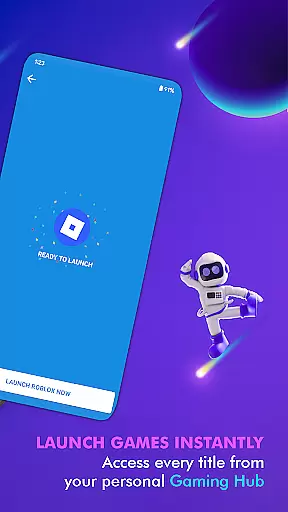
Gaming Hub stands out with its robust feature set tailored for gamers and app enthusiasts alike. One of its key features is the Android Game Launcher, which simplifies launching your favorite games and apps through an easy-to-navigate interface.
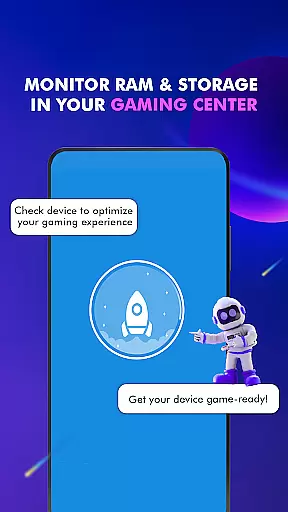
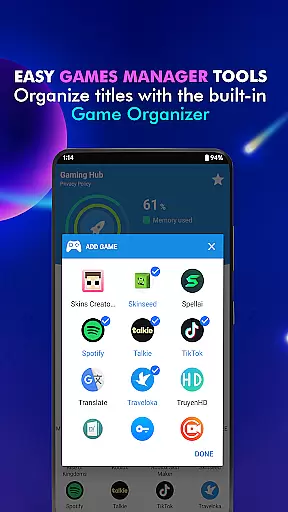
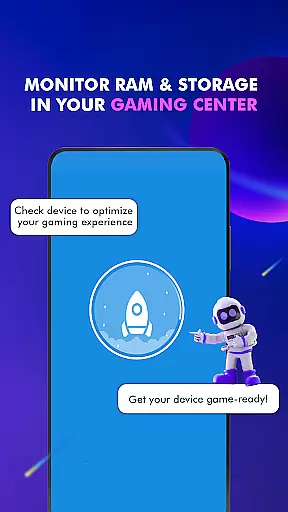
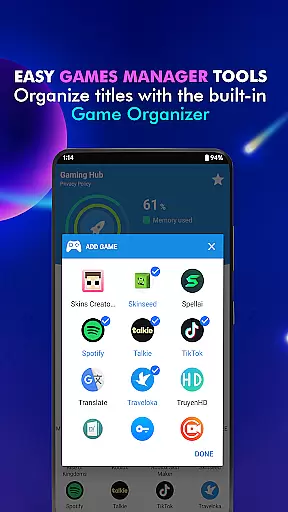
The app includes an Organizer Master that detects and adds popular games automatically, saving you time and effort. Additionally, the Performance Monitoring tool gives you real-time data on your device's RAM and storage, helping you maintain peak performance.
Another notable feature is the Launcher functionality, which allows for quick and seamless app launches. These features collectively ensure that Gaming Hub is not just an app manager but a complete smartphone gaming center.
Functionality completeness is a critical aspect of any app, and Gaming Hub excels in this area. The app offers a comprehensive suite of features designed to simplify the management of apps and games on Android devices. With its Android Game Launcher, Gaming Hub allows users to easily manage their favorite games and apps, ensuring that everything is organized and accessible from one central location.
Gaming Hub goes beyond just launching apps; it provides tools for app organization, performance monitoring, and quick access. The Organizer Master feature automatically detects popular games from renowned publishers and adds them to your library, while also allowing manual additions. This ensures that all your essential apps are centralized, making app management a seamless experience.
The benefits of using Gaming Hub are numerous. Users can monitor RAM usage and track device storage, optimizing their gaming experience. By providing valuable information on storage and device performance, Gaming Hub acts as an all-in-one management center. This functionality empowers users to maintain their device's health and efficiency, ultimately enhancing their overall app usage experience.
Usability is a key factor in determining an app's success, and Gaming Hub shines in providing a smooth operational experience. The app's user-friendly interface ensures that even those new to app management tools can navigate and utilize its features with ease. From the moment you open Gaming Hub, you're greeted with an intuitive layout that makes adding and launching your favorite games or apps a breeze.
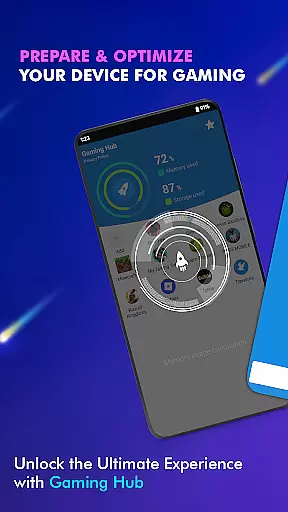
The operational smoothness of Gaming Hub is evident in its quick launch capabilities and efficient performance monitoring. When you tap on a game or app through the Game Launcher, the app activates necessary features before launching, ensuring a seamless transition. This attention to detail in the user experience demonstrates the app's commitment to providing a hassle-free environment for managing your digital content.
By focusing on usability and operational efficiency, Gaming Hub delivers tangible value to its users. The convenience of having all your games and apps in one place, combined with the ability to quickly launch them, significantly enhances productivity and enjoyment. This thoughtful design approach makes Gaming Hub a reliable choice for anyone seeking to streamline their app management process.
User-friendly interface
Centralized game management
Automatic game detection
Performance monitoring tools
Quick app launching
No direct game boosting
Limited to Android devices
Manual addition required for some apps
Basic customization options
Storage tracking could be more detailed

Do you want to drive easy ? do you wanna full mirror link Mobile with your car
 4.10
4.10
Connect and find your Smart Tag 2 devices through our app.
3.60
The Free Catholic Latin American Bible in complete Spanish
4.60
Mirror link car connector to share your screen with car dashboard
3.80
Explore The Holy Quran Majeed for Muslim. Listen to MP3 Quran & Al Quran Kareem.
4.80
A Pydroid Quick Install repository provider.
4.00
Simulator of real black light
3.50
Mirror phone to TV effortlessly! Stream, share & connect with Airplay ease.
3.60
Unlock the hidden menus of your phone with our mobile secret codes app.
4.20
Phone Software Update Quick Checker helps you to keep your phone apps up to date
4.50
Recite Quran Majeed القران with special 16 line real Kuran page in hand
4.30
Wireless reverse charging using phone now is possible
4.30
An impressive collection of tools, characters, weapons, skins and more!
4.30
use your smartphone as Remote control drones .
4.20
Test DPC is a sample device policy controller for use with Android Enterprise.
4.20
You can remote control and play much easier.
4.10
Ps2 plugins for 64 bit artitechture
3.70
A great tool help you to format Micro SD memory Card
3.10
Collection of high-quality, trendy skins and outfits!
4.2


User Reviews