
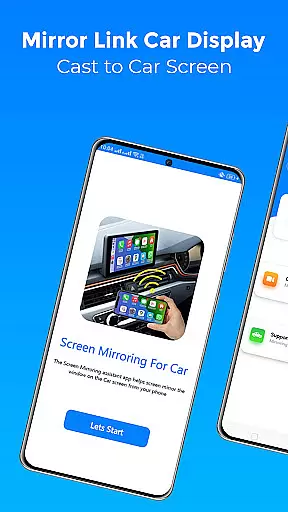
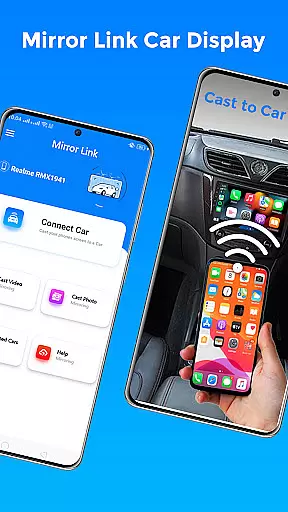
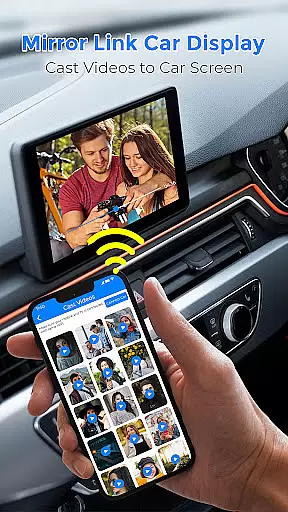
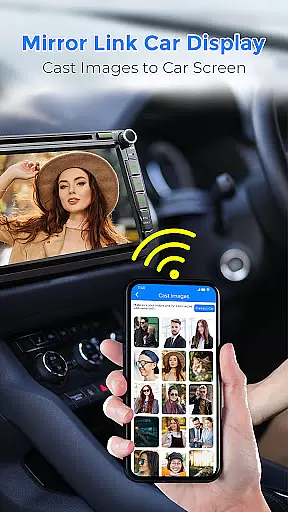
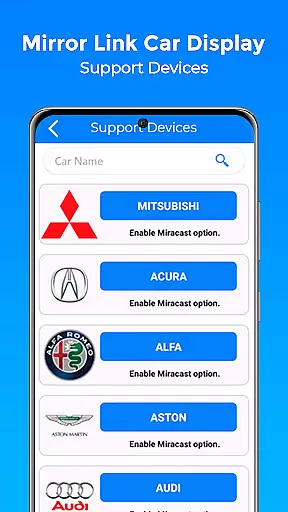
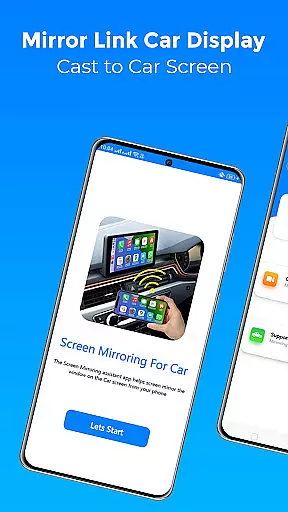
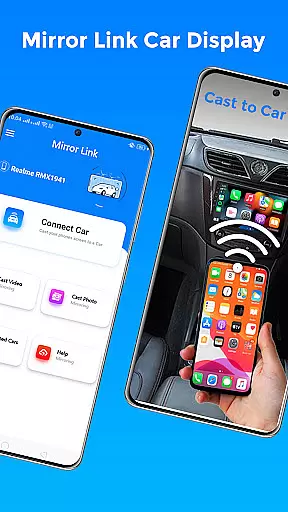
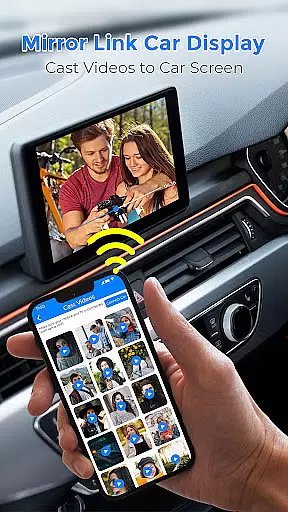
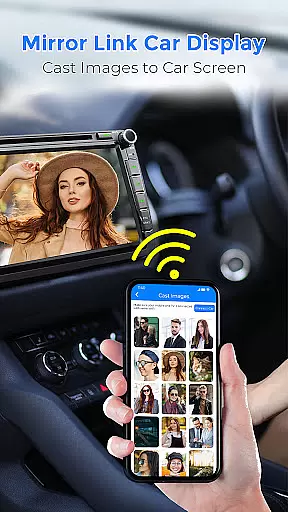
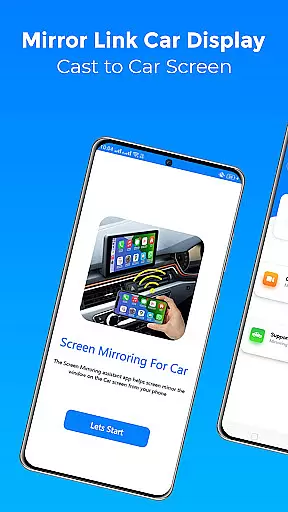
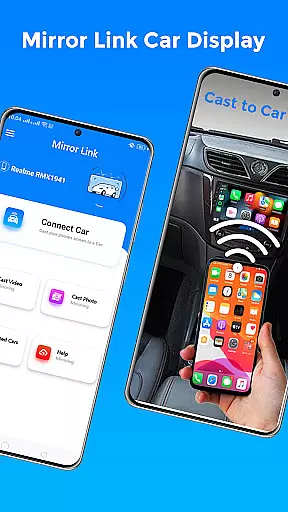
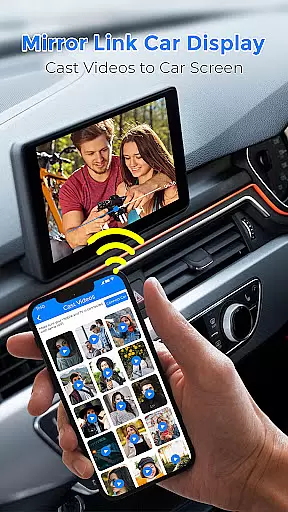
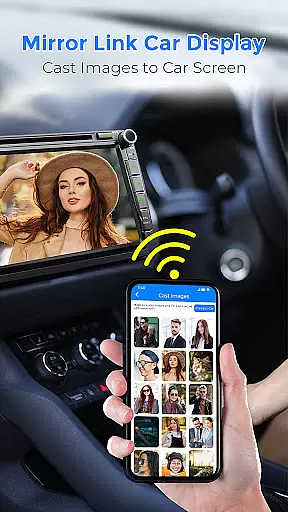
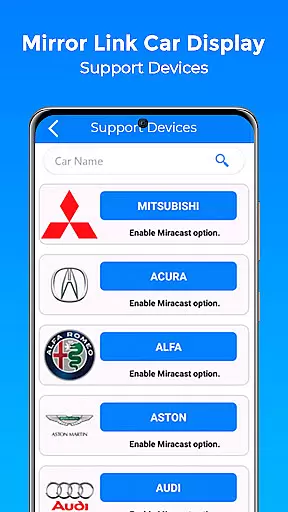
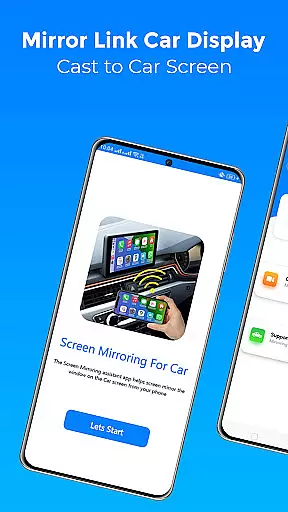
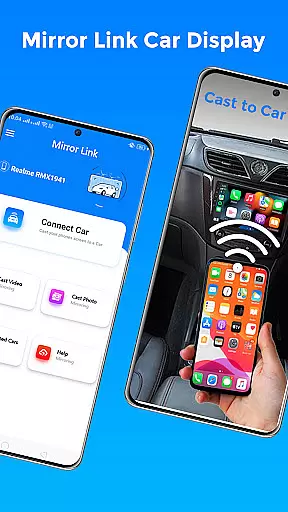
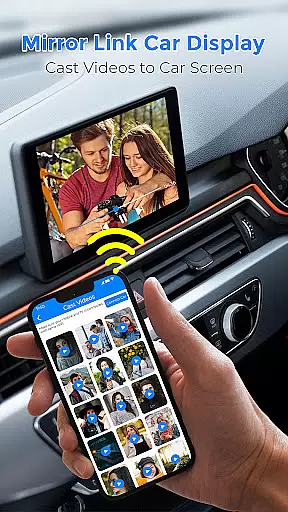
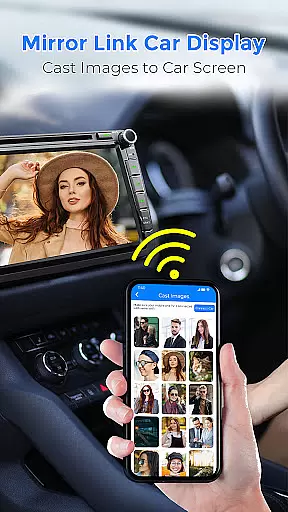
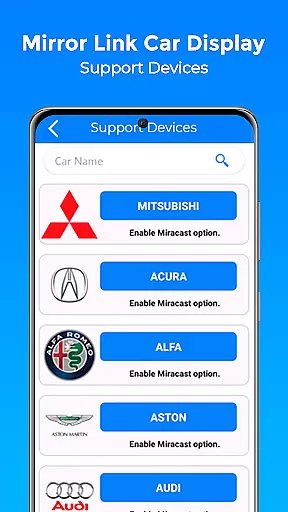
Mirror Link Car Display is a cutting-edge application designed to seamlessly connect your smartphone with your car's display system. This app enables users to mirror their phone screens onto their car's dashboard, enhancing the driving experience by providing easy access to navigation, media, and communication apps.
The core functionality revolves around wireless screen mirroring, allowing drivers to project their phone's display without the need for cumbersome cables. Whether it's streaming music, watching videos, or accessing maps, Mirror Link Car Display ensures that all content is readily available on the car's larger screen. The app supports both Android Auto and Apple CarPlay, making it versatile across different platforms.
With its user-friendly interface and stable connectivity, this app transforms your car's display into an extended touchscreen of your mobile device. It promotes safer driving habits by minimizing distractions and ensuring that essential apps are within arm's reach.
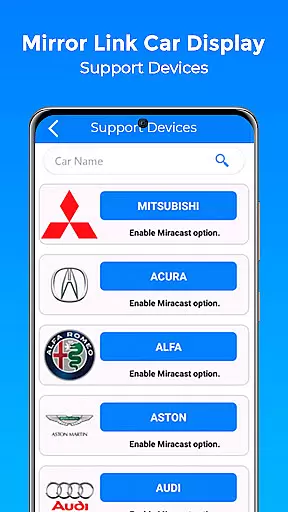
Mirror Link Car Display boasts an array of features tailored to enhance in-car entertainment and utility. One standout feature is its compatibility with both older and newer car models, ensuring broad accessibility. The app facilitates stable screen sharing between smartphones and car displays, enabling users to mirror their screens effortlessly.
Another notable feature is the one-click mirroring function, which allows users to project their phone screens onto the car's dashboard wirelessly. This functionality supports multimedia activities such as watching movies and listening to music directly through the car's sound system. Additionally, the app consolidates access to multiple vehicle controls within a single interface, streamlining the user experience.
By leveraging advanced wireless technologies like Miracast, Mirror Link Car Display delivers a seamless connection process. Users can enjoy automatic playback and pause functionalities when connecting their phones to the car's display, further enriching the driving experience with minimal manual intervention required.
Functionality completeness in a car display application like Mirror Link Car Display ensures that all essential features for an enhanced driving experience are included. This app offers screen mirroring, which is crucial for modern drivers who wish to integrate their mobile devices with their vehicle's display system.
The app covers various functionalities such as media playback, navigation, and communication, allowing users to safely interact with their phone's content through the car's touchscreen interface. With support for both Android Auto and Apple CarPlay, it provides a comprehensive solution adaptable to different vehicles and user preferences.
By incorporating wireless connectivity options like Miracast, the app eliminates the need for cumbersome cables, streamlining the connection process between the phone and car display. This wireless feature enhances user convenience and maintains a tidy car interior.
Ultimately, the completeness and coverage of Mirror Link Car Display's functionality deliver tangible benefits. Drivers can enjoy a seamless transition from their phone to the car screen, accessing entertainment, navigation, and communication tools without distraction, thus promoting safer driving practices.
Usability and operational smoothness are vital for any application, especially one designed for use while driving. Mirror Link Car Display focuses on providing an intuitive user interface that minimizes driver distraction and facilitates easy access to mirrored phone functions on the car's display.
The app simplifies the connection process with clear instructions and automatic device detection, ensuring that even those with minimal technical expertise can establish a link between their phone and car system effortlessly. Its one-click screen mirroring function exemplifies this ease-of-use, enabling drivers to focus more on the road.
Operational smoothness is further enhanced by stable screen sharing capabilities, which prevent interruptions during critical tasks such as navigation or receiving calls. The app's compatibility with a wide range of devices and car models ensures consistent performance across different setups.
By prioritizing usability and smooth operation, Mirror Link Car Display not only meets the functional needs of drivers but also enhances overall safety. Users can confidently interact with their vehicle's infotainment system, knowing that it will respond promptly and reliably to their inputs.
User-friendly interface
Wireless connectivity
Broad device compatibility
Stable screen mirroring
Enhanced driving safety
Limited offline functionality
Dependent on car model
Requires Wi-Fi connection
Potential lag issues
Subscription fees may apply

Game Booster GFX for smoother gaming experience. Enjoy 120 FPS and 4x Game Space
 4.20
4.20
Do you want to drive easy ? do you wanna full mirror link Mobile with your car
4.10
Enjoy Minecraft Mod Scary Neighbor Granny for Minecraft PE.
4.30
Sad ringtones full of feeling, sad music ringtones
3.90
With Endoscope Camera Connector you can connect your phone with endoscope cam
3.70
You can remote control and play much easier.
4.10
Mirror Link Car Display to share your screen with car dashboard wirelessly
4.1
Looking to connect your phone to your car screen? Mirror Link is the solution.
3.20
An impressive collection of tools, characters, weapons, skins and more!
4.30
Read Holy Quran Feel Like Real Quran & Listen Al Quran Mp3 Audio Online Offline.
4.70
Expo is a free & open source platform to build apps using JavaScript and React.
4.70
Block, disable and secure phone camera from secretly taking photos by spyware.
4.50
Wireless reverse charging using phone now is possible
4.30
a wireless controller that provides a seamless and gaming experience for players
3.80
Ps2 plugins for 64 bit artitechture
3.70
Mirror phone to TV effortlessly! Stream, share & connect with Airplay ease.
3.60
Collection of Maps and Mods for Dmod
3.30
Read Quran pak offline & listen online mp3 Quran in Al Quran Majeed app
4.3
Turn your phone into a wireless Xbox controller – play, stream & control anytime
4.4


User Reviews