
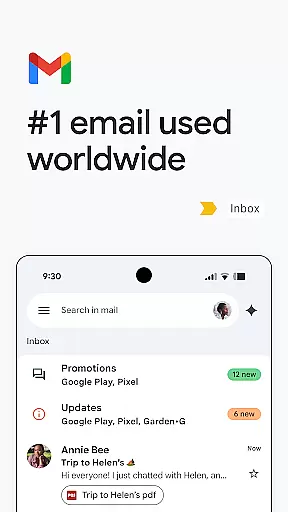
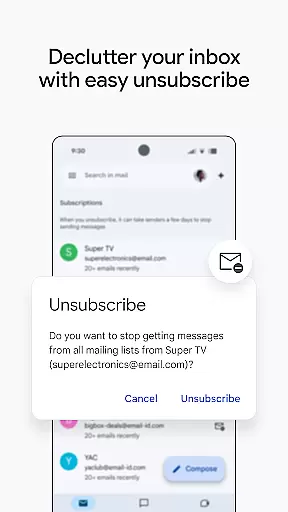
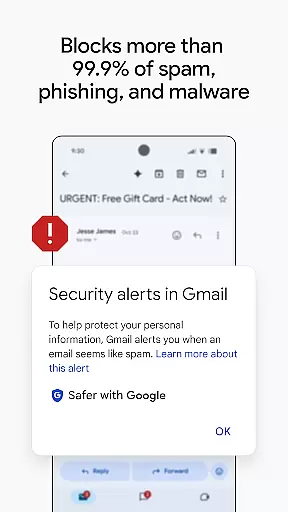
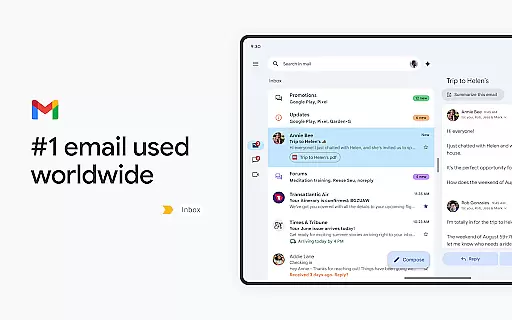
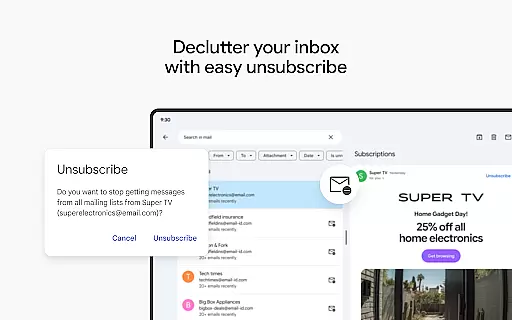
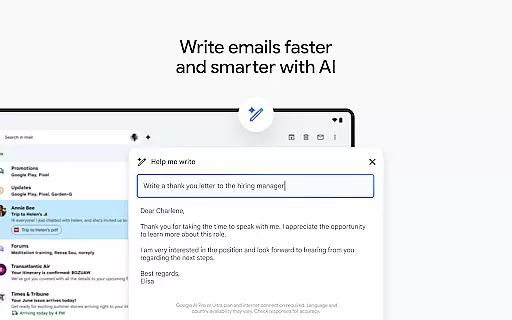
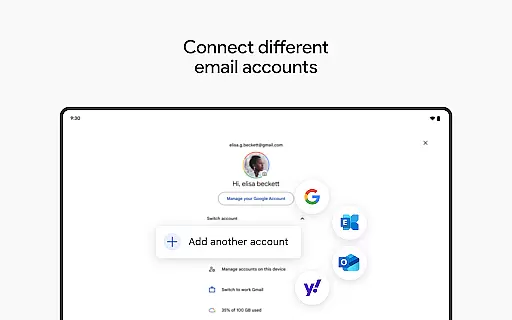
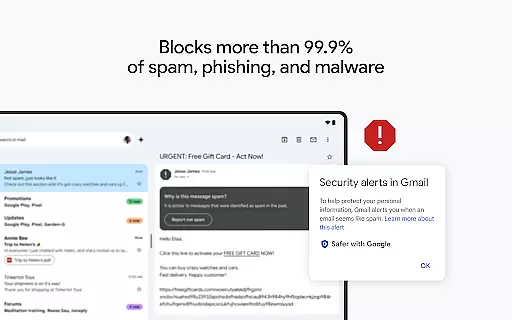
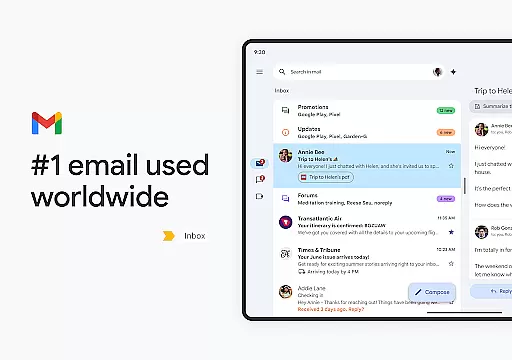
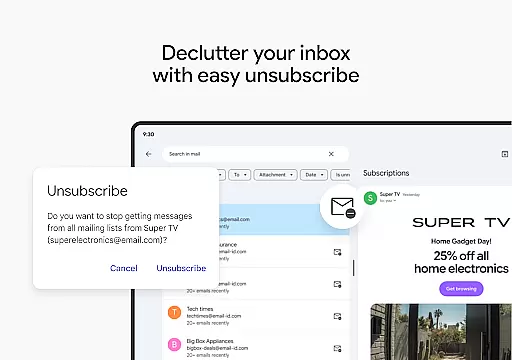
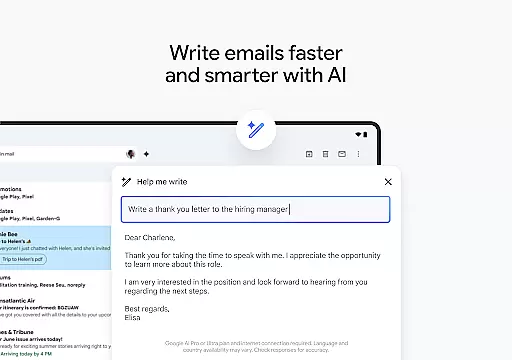
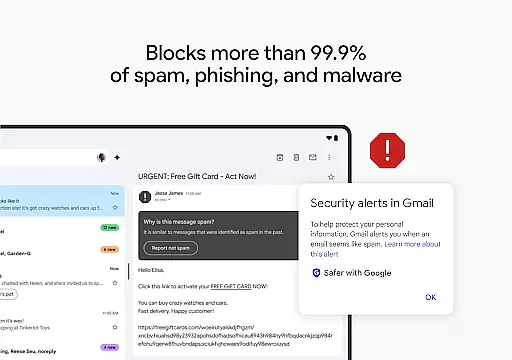
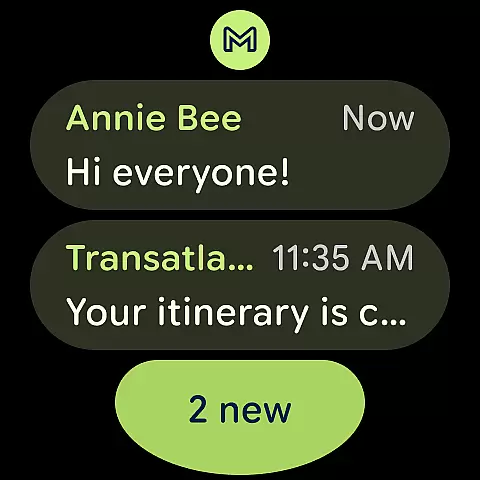
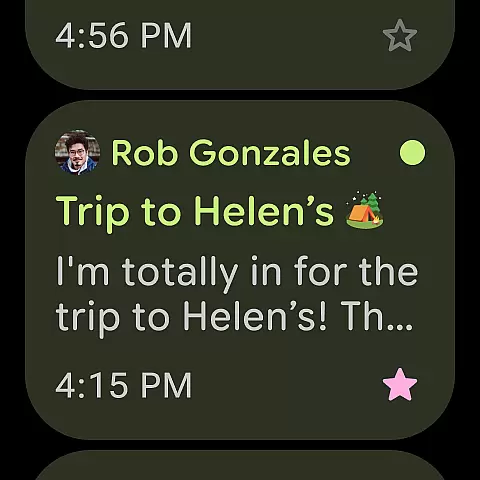
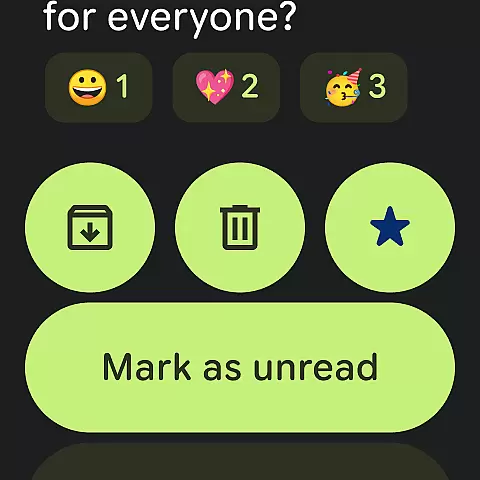
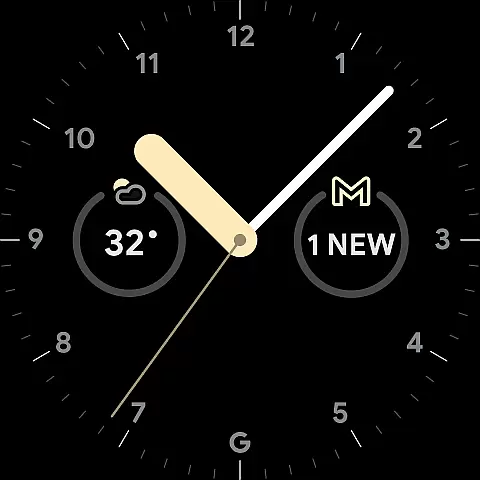
Gmail is the official email application from Google, designed to bring a seamless and secure emailing experience to Android devices. It offers advanced features such as AI-powered writing assistance, smart search capabilities, and multi-account support. With enhanced security measures that block over 99.9% of spam and phishing attempts, Gmail ensures your communications remain safe.
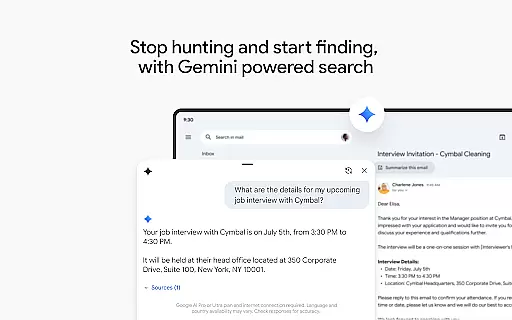
One of the standout features of Gmail is its integration with Google AI, which allows users to write emails faster, organize their inbox efficiently, and even search for specific details across emails and Google Drive files. The app also supports Wear OS, enabling users to manage their emails directly from their smartwatch. Whether you're handling personal or business emails, Gmail provides a comprehensive suite of tools to enhance productivity.
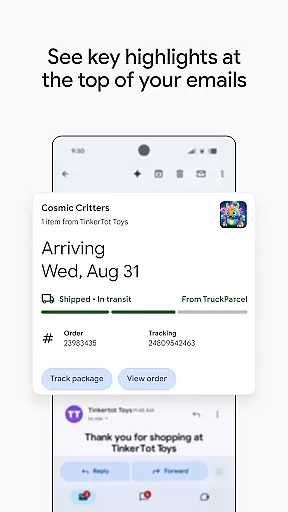
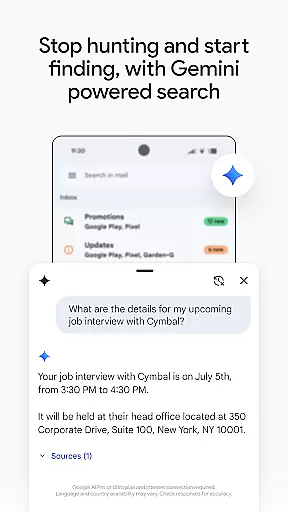
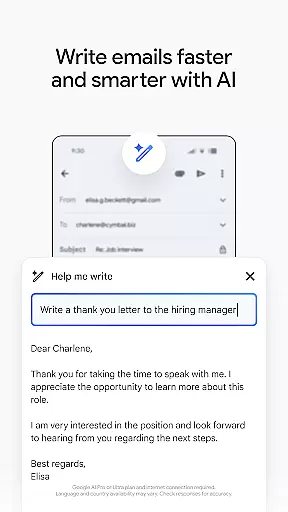
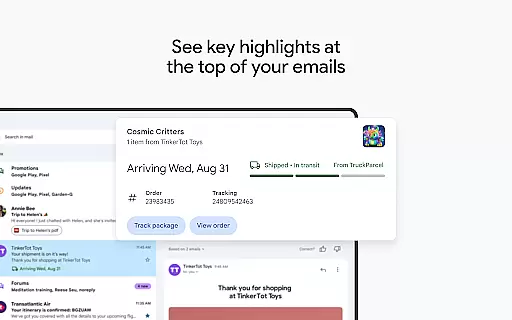
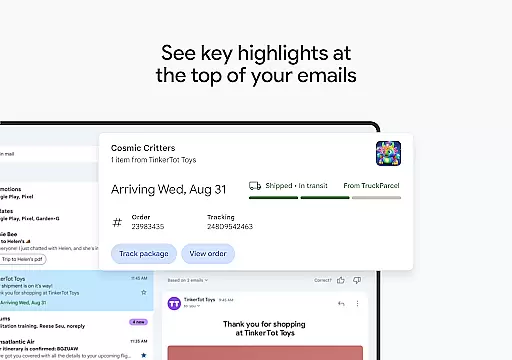
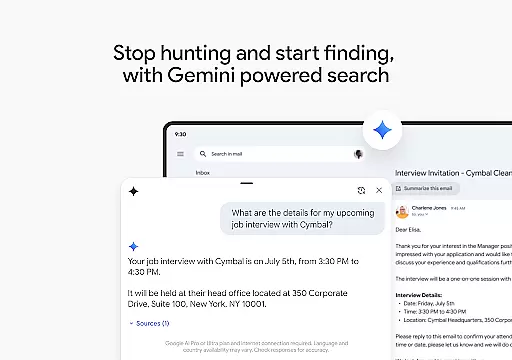
Gmail stands out with its powerful AI integrations, including 'Help me write' and contextual Smart Reply options that streamline email composition and responses. The app's search functionality is bolstered by Google's search prowess, allowing users to quickly find emails using relevant keywords or even ask Gemini to locate specific information. Additionally, Gmail offers summary cards at the top of emails, providing quick access to key details without needing to open the full message.
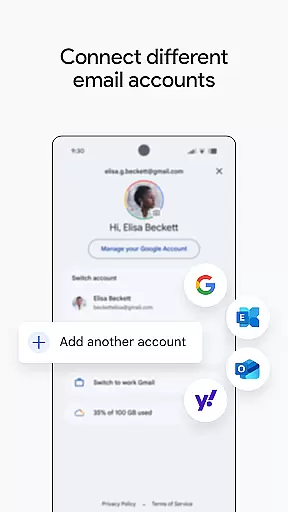
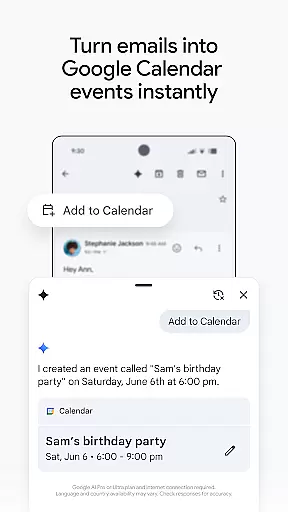
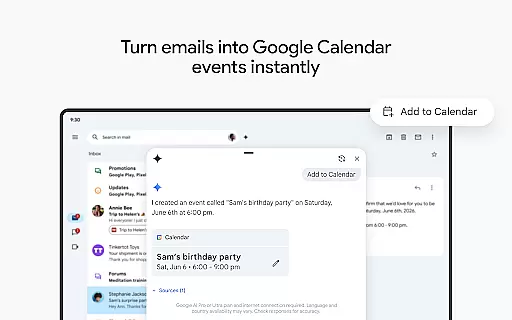
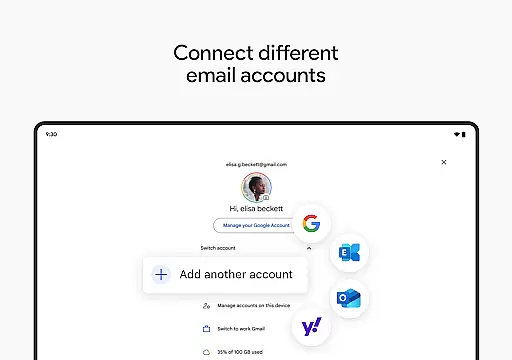
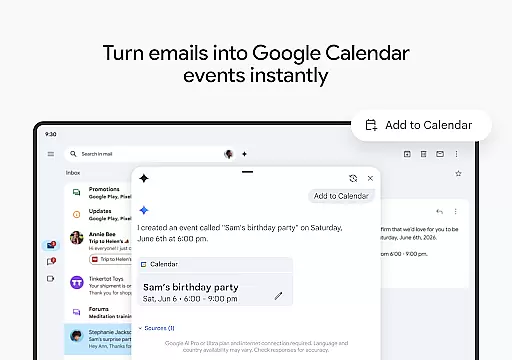
For users managing multiple accounts, Gmail supports switching between different email providers effortlessly. Security is another cornerstone feature, with automatic blocking of spam, phishing, and malware ensuring peace of mind. Moreover, Gmail integrates seamlessly with other Google Workspace tools like Calendar and Meet, enhancing collaboration and productivity. These robust features make Gmail an indispensable tool for both personal and professional use.
Companion app integration is essential for users who want a seamless experience across multiple devices. Gmail ensures that your emails, contacts, and calendar events are synchronized between your Android device and Wear OS smartwatch.
The Gmail app allows you to receive notifications directly on your wrist, making it easier to stay updated without needing to pull out your phone. This feature enhances productivity by providing quick access to important information.
With the ability to manage emails right from your watch, Gmail offers an unparalleled level of convenience. Whether you're in a meeting or on the go, you can respond to urgent messages or clear your inbox with simple voice commands or taps.
This integration extends beyond just email management; it also includes Google Calendar invites and task lists, ensuring all aspects of your digital life are connected. By leveraging the power of Wear OS, Gmail keeps you productive no matter where you are.
Ensuring compatibility with Wear OS devices is crucial for delivering a consistent user experience. Gmail has been optimized to work seamlessly with a variety of Wear OS smartwatches, providing users with a reliable way to manage their emails on the go.
Gmail supports a wide range of Wear OS devices, allowing users to choose the watch that best fits their lifestyle while still enjoying full access to their email accounts. This broad compatibility ensures that everyone can benefit from Gmail's powerful features.
In addition to basic email functionality, Gmail on Wear OS includes advanced features such as AI-powered writing assistance and contextual Smart Reply options. These tools help streamline communication and make managing emails more efficient.
By focusing on device compatibility, Gmail guarantees that users will have a smooth and intuitive experience regardless of which Wear OS device they use. This commitment to quality ensures that Gmail remains a top choice for both personal and professional use.
Advanced AI features
Multi-account support
Robust security measures
Seamless Google Workspace integration
Efficient search capabilities
Premium features require subscription
Limited offline functionality
Occasional sync issues
Privacy concerns with AI
Complex settings for new users

Embrace the holiday spirit with this magical animated watch face!
 4.40
4.40
Precision analog watch face with 7 complications and style options
4.2
A full-featured Amazon Alexa voice assistant that can show you things.
3.70
Simple Analog-Digital Watchface For Wear OS 3.0 and Up Smartwatches
4.0
Digital watch face with big numbers and many customization for Wear OS devices
4.40
The #1 source of faces for your smartwatch!
4.00
Real-time results, stats, schedules and player profiles for all leagues
4.60
A white realistic classic analog watch face with many customization options.
4.40
Track your active life in one place and share the journey with friends.
4.40
WTW M17 is a premium and luxurious hybrid watch face
4.70
The most customizable hybrid watch face. For Wear OS 5.0, API 34+ and later
4.70
Christmas watch face. For Wear OS devices.
4.30
Calming & relaxing sounds for sleeping and stress relief. Stay focused all day!
4.20
Daily Weather forecast with 15 weather images for Day & Night plus Big Bold time
4.10
A digital watch face that celebrates Christmas.
4.00
Authentic military-tactical design with ZULU time! Realistic and functional!
3.80
Stay in touch with your friends and family using LINE!
3.40
A Wintery Snow Globe on Your Wrist; now celebrating Christmas!
4.5
Minimalistic design modern digital watch face.
4.1


User Reviews