
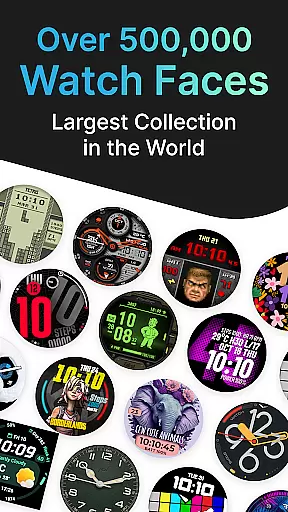
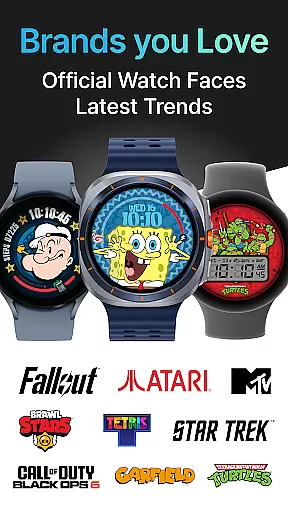
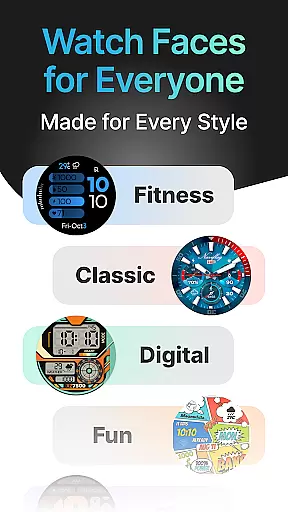
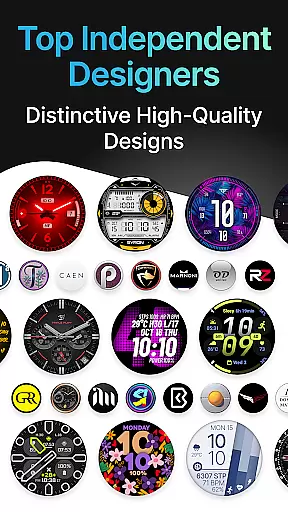
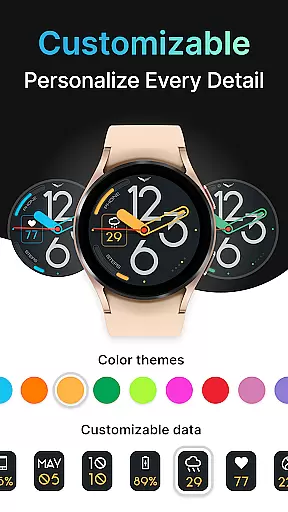
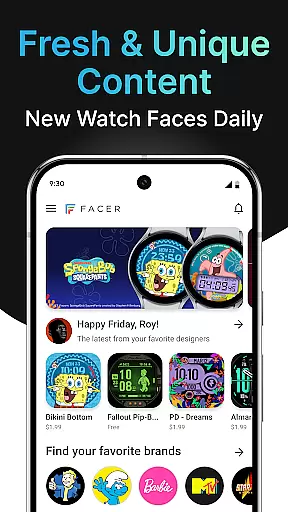
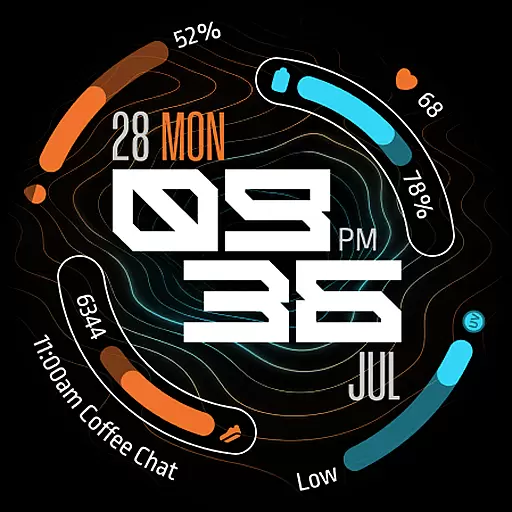
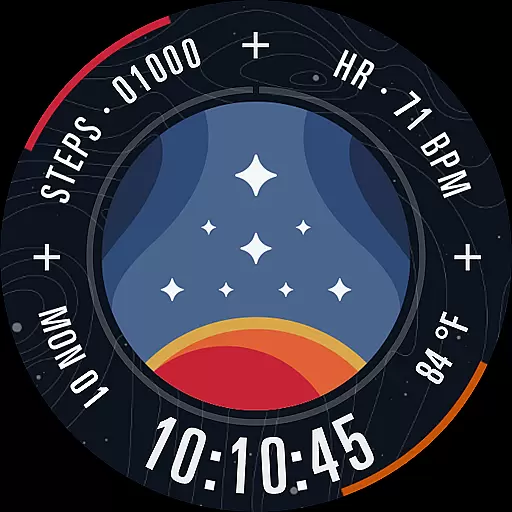
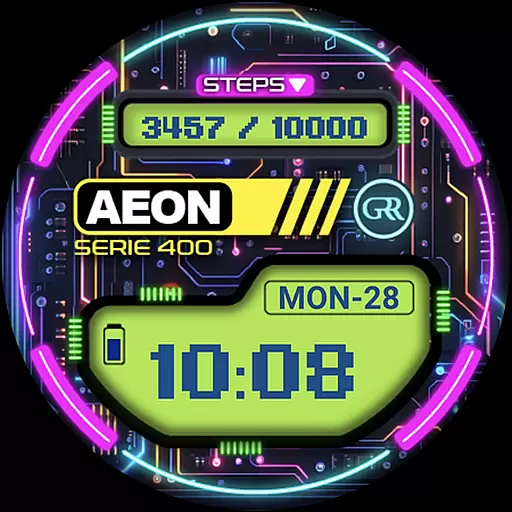
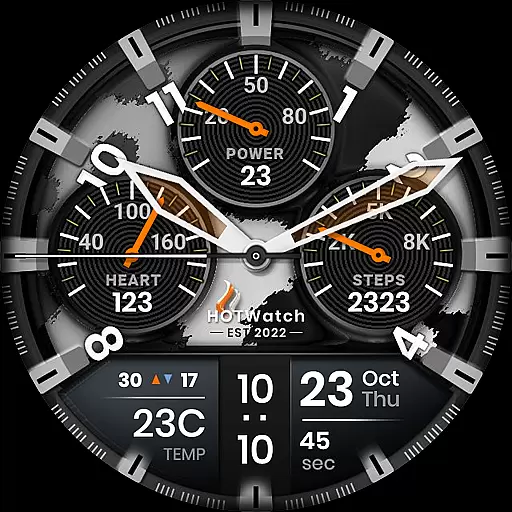
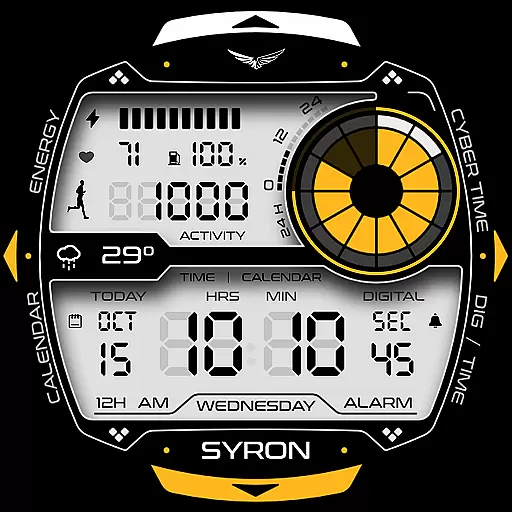
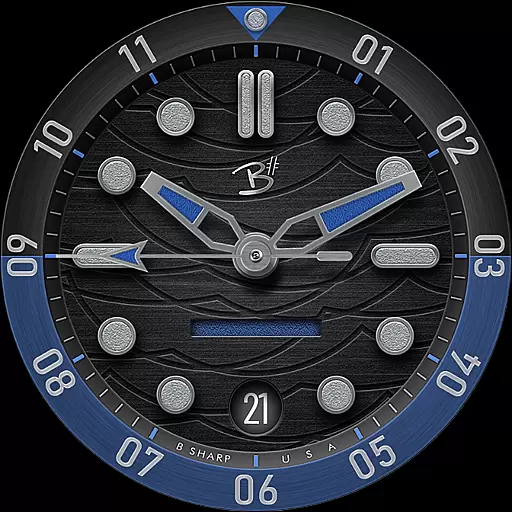
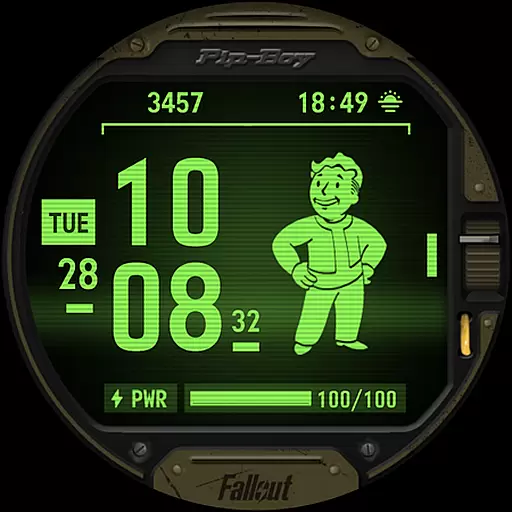

Facer Watch Faces is the ultimate customization tool for your smartwatch, offering over 500,000 free and premium watch faces from leading brands and independent artists. Whether you're looking to personalize your style or explore designs from talented creators, Facer provides unlimited possibilities.
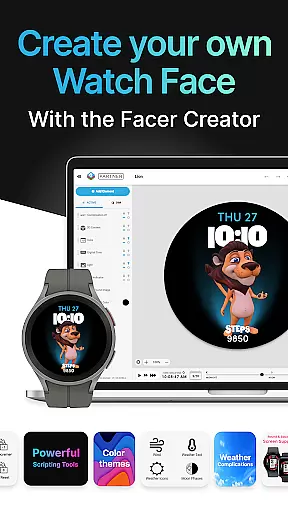
The app supports multiple platforms including Wear OS, Tizen, and Apple Watch, ensuring cross-device compatibility. With features like Facer Creator, users can design their own watch faces and share them with a global community of smartwatch enthusiasts.
Perfect for those who want to break away from default designs, Facer combines functionality with creativity, allowing users to express their individuality while enjoying practical features such as weather updates and fitness tracking.
Facer stands out with its massive library of watch faces, featuring everything from original designs by independent artists to branded options like Tetris™, Star Trek, and Garfield. This variety ensures there's something for every user, whether they prefer dynamic, artistic, or branded styles.
One of the app's key innovations is the Facer Creator tool, which allows users to design custom watch faces using a powerful web-based editor. This feature not only empowers creativity but also fosters a vibrant community of designers contributing unique content.
Additionally, Facer integrates seamlessly with health and fitness apps, displaying data such as step counts and heart rates directly on your watch face. The app also supports location-based weather updates, making it both functional and customizable.
Companion app integration is essential for smartwatch users who want a seamless experience between their wearable and mobile devices. Facer ensures that its application works harmoniously across your smartphone and smartwatch, providing a unified platform for managing watch faces.
By installing Facer on both your phone and compatible smartwatch, you can easily browse, select, and apply new watch faces. This dual-installation approach allows the companion app to synchronize your choices and preferences in real-time, ensuring that any changes made on one device are immediately reflected on the other.
The benefit of this integration is significant for users as it simplifies the process of customizing and updating watch faces. With just a few taps on their phone, users can instantly see the results on their smartwatch without needing to interact directly with the smaller screen interface.
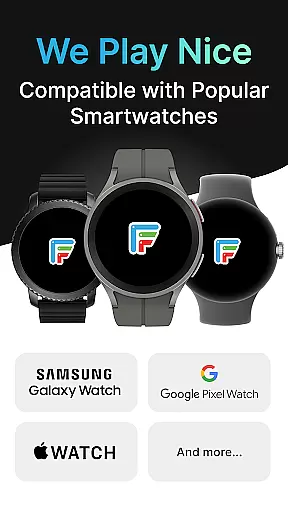
Facer's commitment to supporting multiple operating systems like Wear OS, Tizen, and Apple Watch underscores its dedication to delivering an integrated experience regardless of the ecosystem you're using. This cross-platform support empowers users with flexibility and convenience when personalizing their smartwatches.
Device compatibility is a critical factor for any smartwatch application, and Facer excels in this area by supporting a wide range of Wear OS devices. Whether you own a Samsung Galaxy Watch, Google Pixel Watch, or any other Wear OS smartwatch, Facer provides optimized performance and functionality tailored to your specific device.
Facer's extensive compatibility list includes popular models from brands such as Fossil, Diesel, Armani, Citizen, Skagen, Misfit, Michael Kors, and more. This broad support ensures that no matter which Wear OS smartwatch you choose, you'll have access to Facer's vast library of customizable watch faces.
For users with older Tizen-based Samsung smartwatches or those who upgraded to newer versions of Wear OS, Facer continues to deliver a consistent experience. The app intelligently adapts its features based on the operating system version, guaranteeing that all users receive the best possible service.
By prioritizing Wear OS and device compatibility, Facer not only enhances user satisfaction but also solidifies its position as a versatile tool for personalizing smartwatches across different platforms and generations of technology.
User-friendly interface
Extensive watch face library
Cross-platform support
Customizable designs
Active creator community
Premium faces require payment
Some features need permissions
Occasional sync issues
Limited free options
Legacy version inconsistencies

"PER27 Galaxy Digital" is a digital Wear OS watch face designed by PERSONA
 4.10
4.10
Calming & relaxing sounds for sleeping and stress relief. Stay focused all day!
4.20
Rose gold watch face with festive lights & customizable features.
4.60
A full-featured Amazon Alexa voice assistant that can show you things.
3.70
A modern premium sporty hybrid watch face for Wear OS by Ballozi
4.70
Be an elegant and classy secret agent, with this carefully detailed watch face
4.70
Retro digital watch face with customizable colors and a unique lighting effect
4.60
Hybrid watch face for Wear OS with customizable complications by Matteo Dini MD
4.70
Your music, your playlists, and more—offline and unlimited.
4.20
The most customizable minimal watch face. For Wear OS 5.0, API 34+ and later
4.70
Diet tracker for weight loss - track calories, food and macros. Simple and easy!
4.70
Simple, helpful messaging by Google
4.60
Connect to your Bluelink equipped Hyundai vehicle from your smartphone.
4.50
Bold weather Digital watchface with forecast & optional animated background
4.40
A customizable Christmas watch face for Wear OS with a countdown.
4.20
Let's celebrate Thanksgiving - Wear Os watch face
4.20
Christmas and New Year - Themed Watchface
4.5
A Wintery Snow Globe on Your Wrist; now celebrating Christmas!
4.3
3 Complications. All shadow on/off. 30 Themes color palette...
4.3


User Reviews