
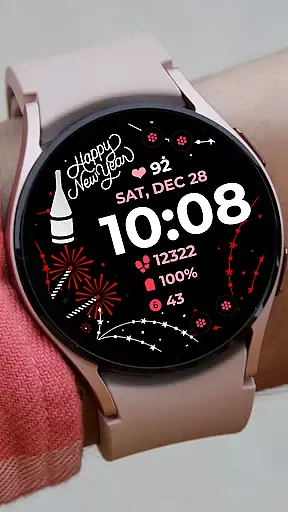
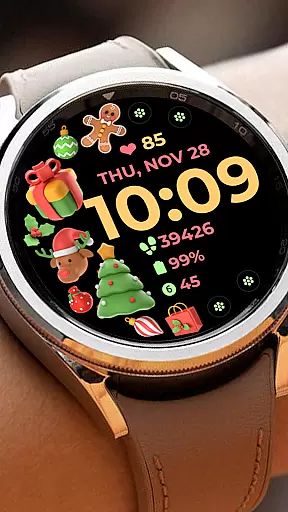
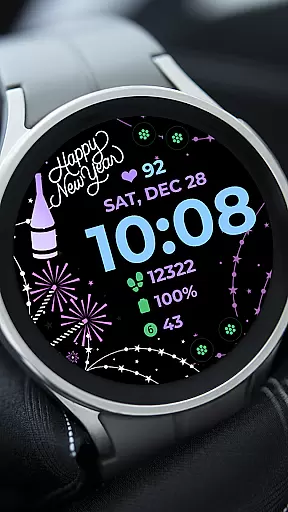
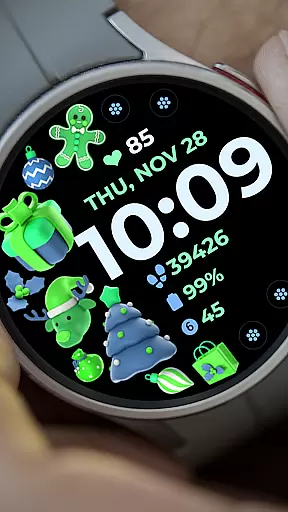
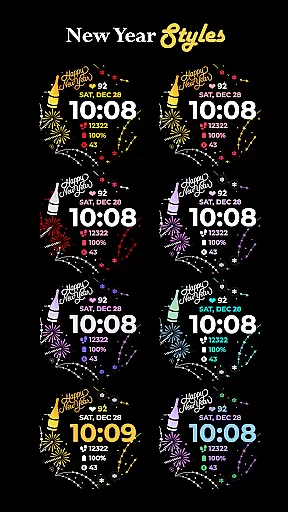
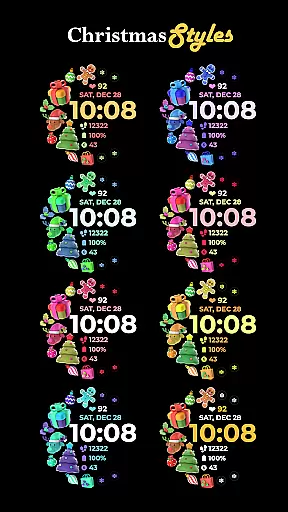
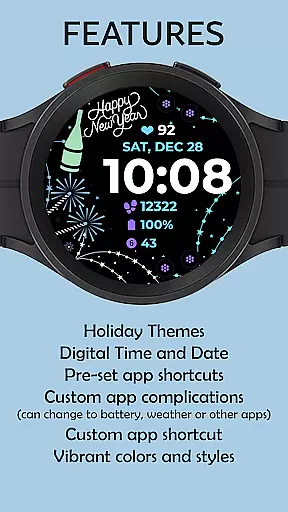
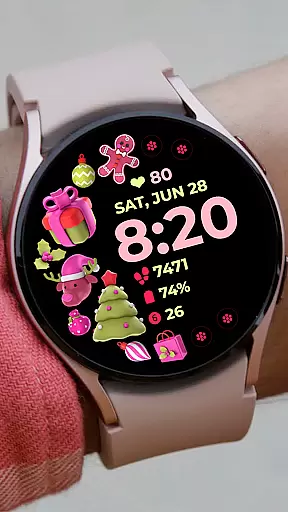
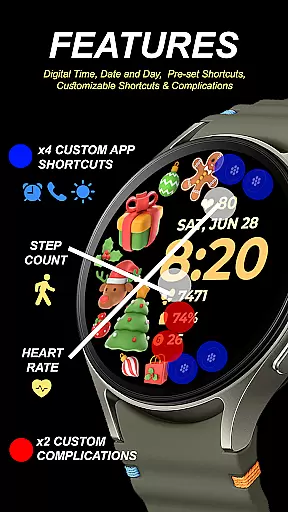
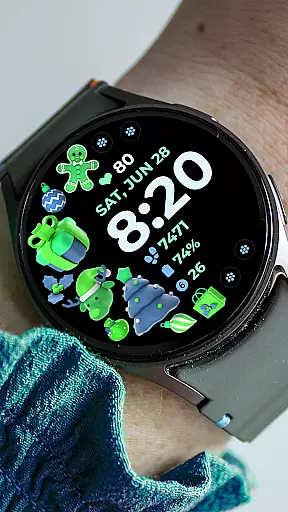
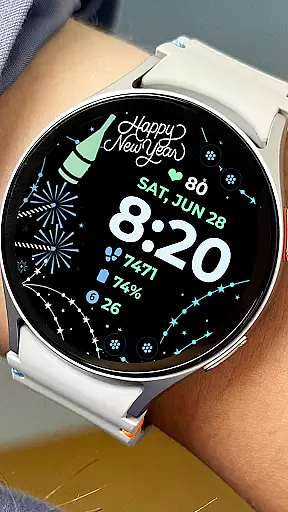
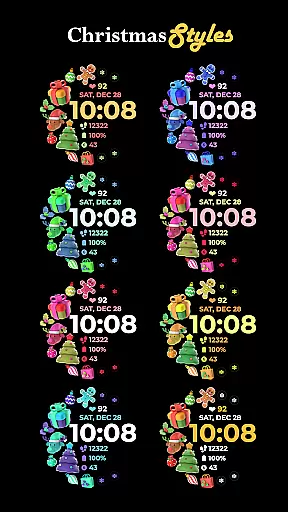
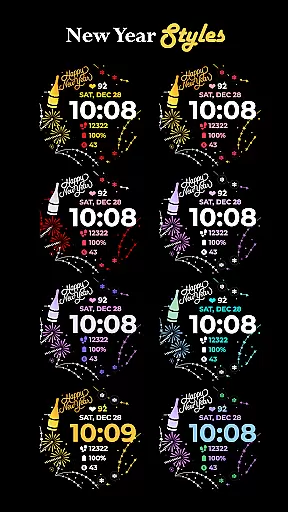
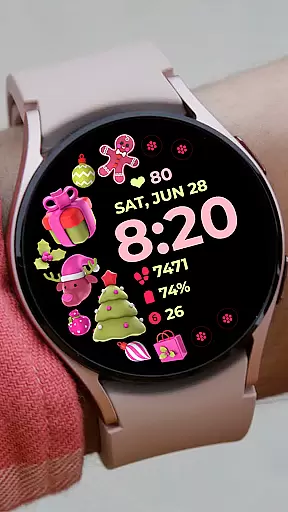
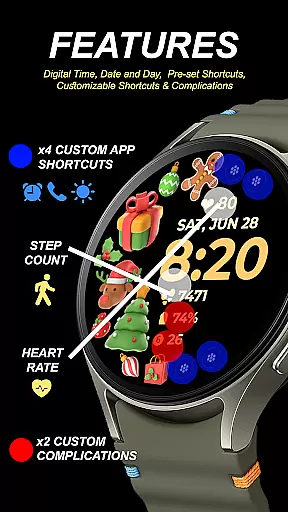
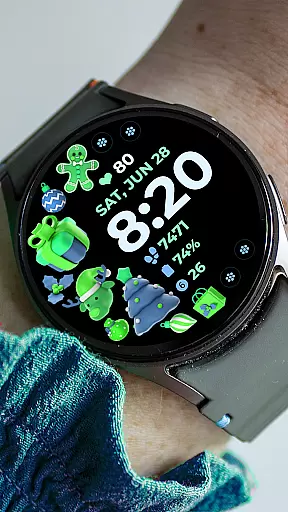
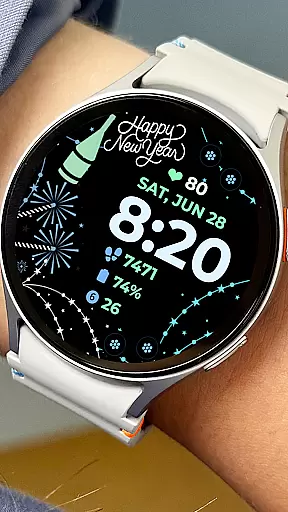
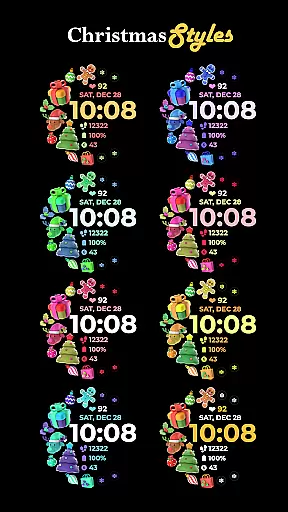
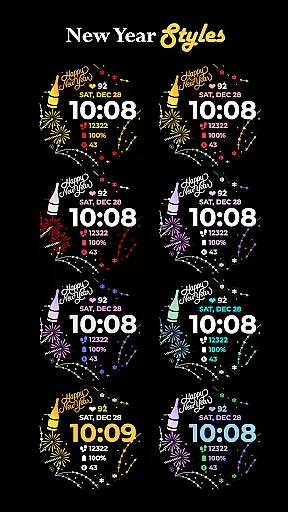
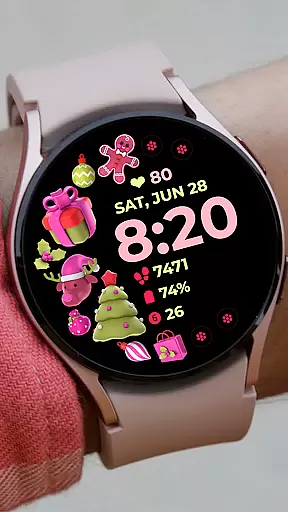
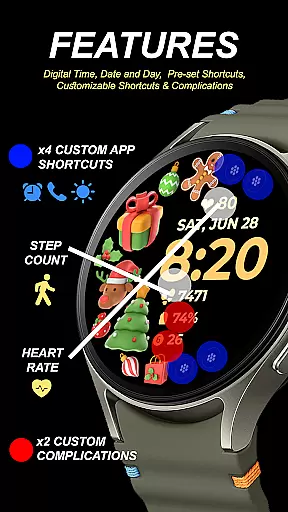
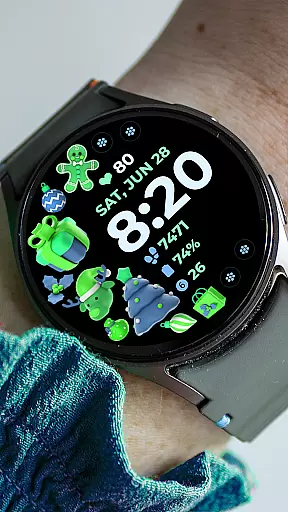
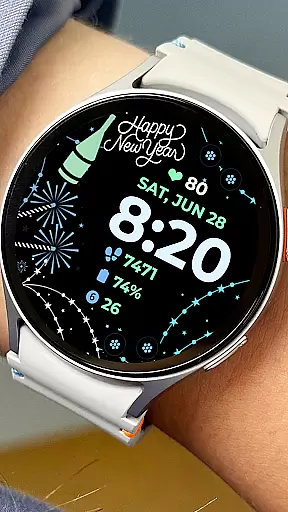
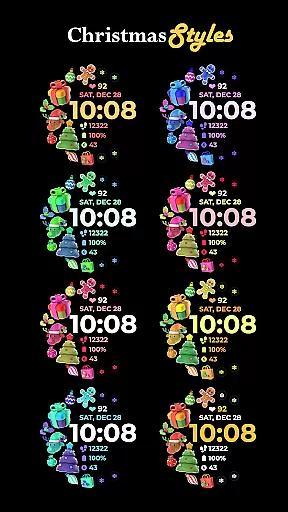
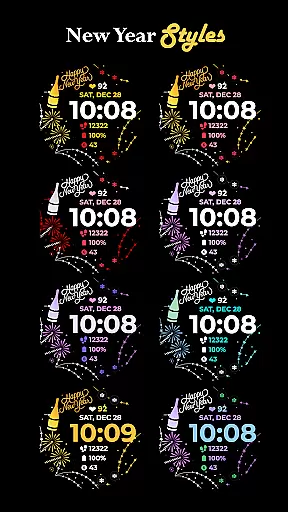
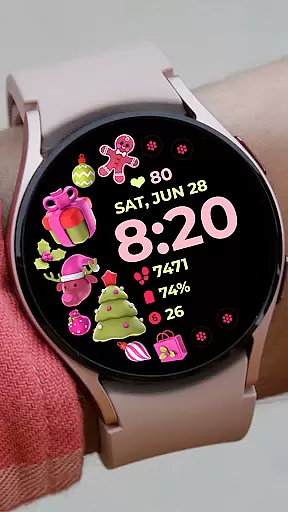
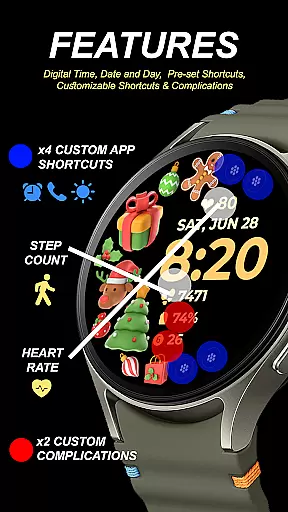
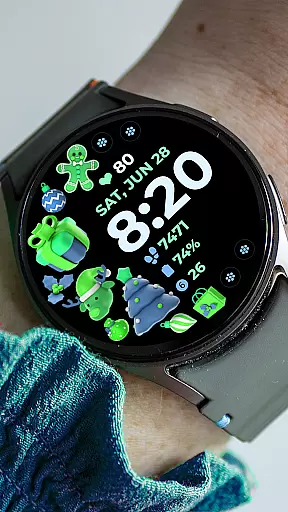
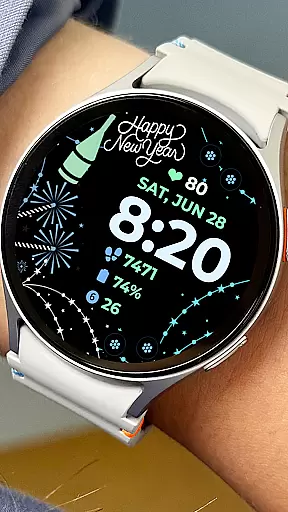
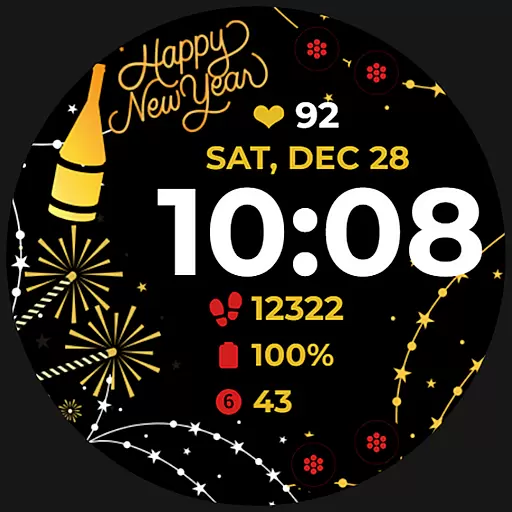
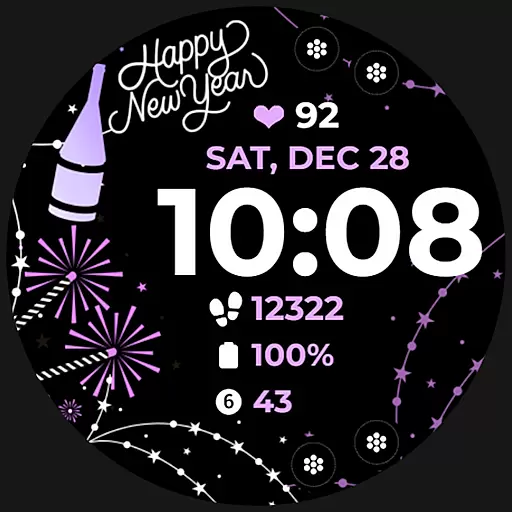
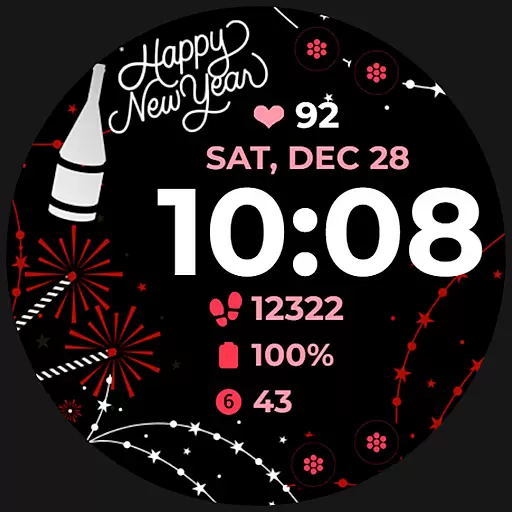
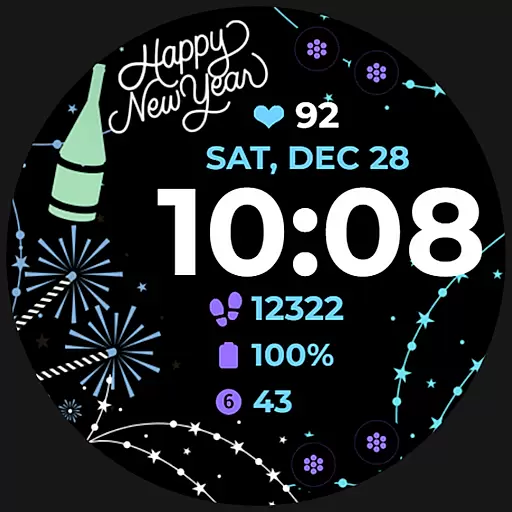
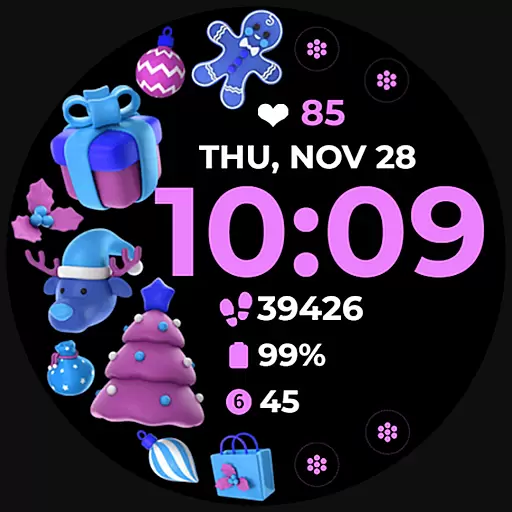
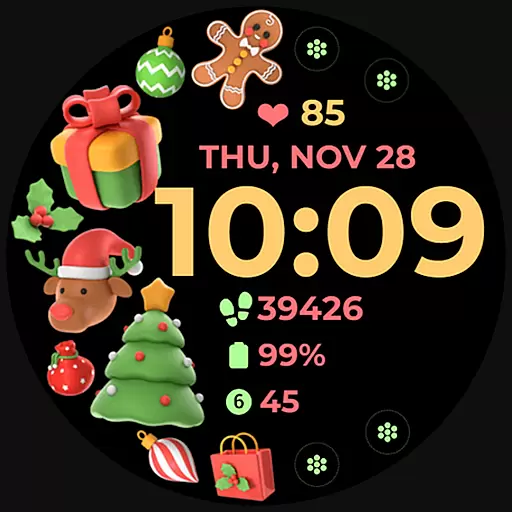
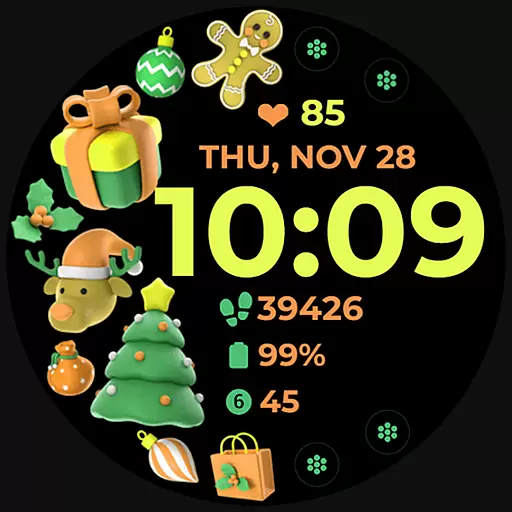
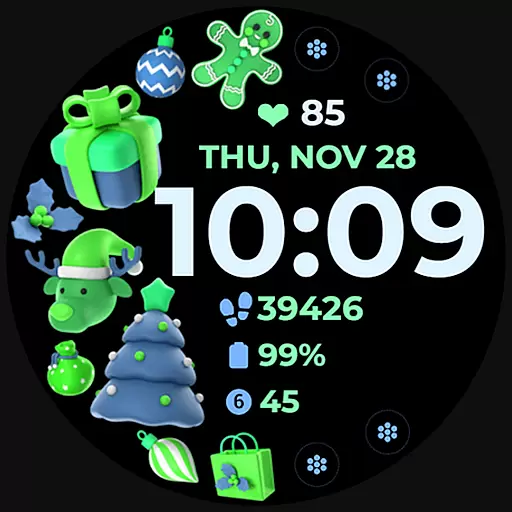
Holiday Art is a feature-rich watch face app designed specifically for Wear OS devices, including the Samsung Galaxy Watch 4. Developed using Samsung's 'Watch Face Studio' tool, this app offers users a customizable and visually appealing interface that enhances their smartwatch experience.
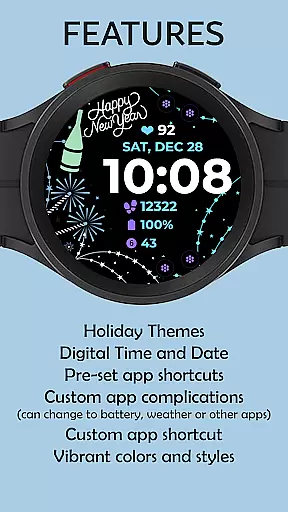
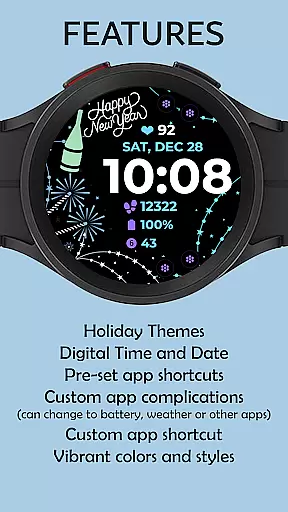
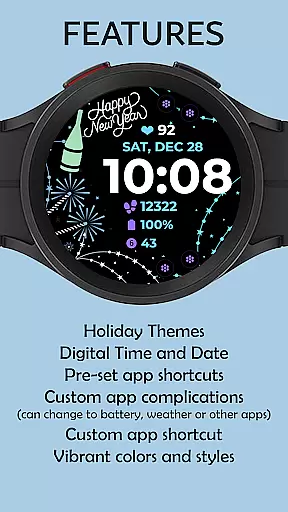
The app provides essential timekeeping functions through its digital clock display while also offering additional features such as date and day indicators, an Always-On Display (AOD) option, and preset app shortcuts. Users can further personalize their watch faces with customizable app shortcuts, complications, styles, and color palettes. These customization options allow for a tailored user experience that caters to individual preferences and needs.
Whether you're looking to match your watch face with your daily outfit or want quick access to your most-used apps, Holiday Art ensures seamless integration between style and functionality. The app's intuitive design makes it easy to install and set up, providing users with a hassle-free way to enhance their smartwatch's appearance and usability.
Holiday Art stands out with its comprehensive feature set that caters to both aesthetic and functional requirements of smartwatch users. The app includes a digital clock display that shows the current time in a clear and readable format, making it easy to check the time at a glance. Additionally, the inclusion of date and day indicators helps users keep track of their schedule without needing to unlock their phone.
One of the key highlights of Holiday Art is its Always-On Display (AOD) capability, which allows users to view the time and other important information even when the watch screen is not actively engaged. This feature is particularly useful for those who want to quickly check notifications or the time without having to wake up their device. Furthermore, the app supports preset app shortcuts, enabling users to launch frequently used applications directly from their watch face.
Customization is at the heart of Holiday Art's appeal. Users can personalize their watch faces with customizable app shortcuts and complications, allowing them to tailor the layout and functionality to suit their specific needs. The ability to change styles and color palettes adds another layer of personalization, ensuring that each user can create a unique look that reflects their personality. These features collectively make Holiday Art a versatile and user-friendly choice for anyone seeking to enhance their smartwatch experience.
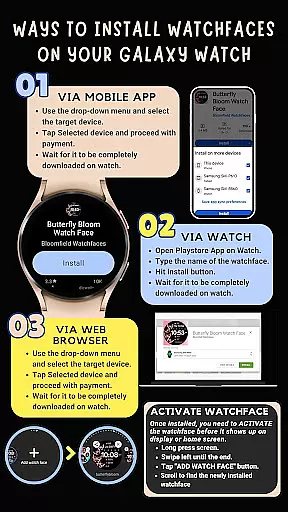
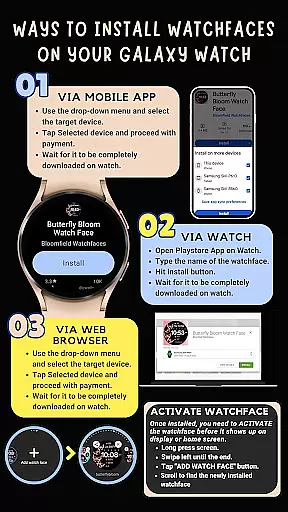
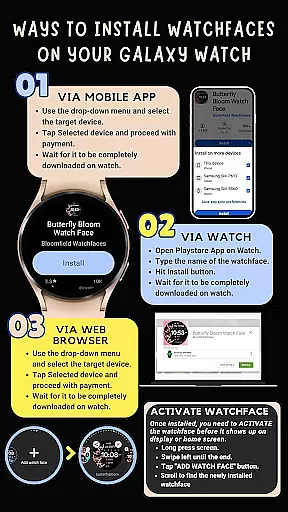
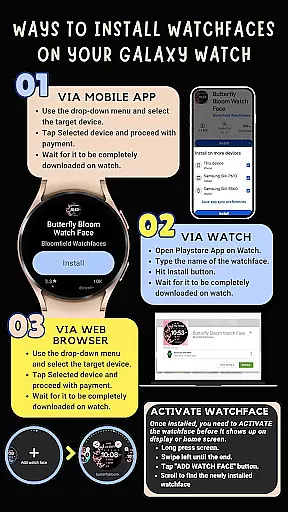
Companion app integration is essential for Android Wear applications as it ensures seamless synchronization between the wearable and its paired smartphone. Holiday Art watch face excels in this aspect by providing clear installation instructions and ensuring that all features are accessible directly from the watch interface.
The application automatically installs on the watch with a visible download icon during the process, indicating active communication between devices. To further enhance this integration, users must ensure their watch is strongly connected to their phone via the same Wi-Fi network and logged into their Google account directly on the watch.
This robust companion app integration allows users to enjoy all functionalities without constantly relying on their smartphones. With proper setup, features like Digital Clock, Date & Day, Always-On Display (AOD), and customizable shortcuts become readily available, offering a comprehensive user experience tailored specifically for wearable technology.
Ensuring compatibility across various Wear OS devices is crucial for any Android Wear application. Holiday Art watch face has been thoroughly tested on real devices such as the Galaxy Watch 4 and is approved by the Google Play Store team, guaranteeing optimal performance on supported devices.
This watch face supports an array of features including Digital Clock, Date & Day display, Always-On Display (AOD), and customizable app shortcuts. These features are designed to work seamlessly on devices running the new Wear OS Google/One UI Samsung operating system, ensuring users have access to a fully functional interface.
Moreover, while some features may not be available on certain watches due to hardware limitations, the core functionalities remain consistent. By adhering to strict testing protocols and maintaining high standards of quality assurance, Holiday Art guarantees reliable performance and compatibility across its supported device range.
User-friendly interface
Highly customizable
Always-On Display
Quick access to apps
Visually appealing design
Limited to Wear OS
Installation process
Feature availability varies
Premium pricing model
Requires strong connection

Diet tracker for weight loss - track calories, food and macros. Simple and easy!
 4.70
4.70
Rose gold watch face with festive lights & customizable features.
4.60
Snowflake Rose Gold Watch Face - Digital, modern, & sleek with GYRO effect.
4.10
A heartwarming Christmas scene featuring a cute image of Santa and Rudolf
4.0
Beautiful artistic animated digital watch face, with a customizable layout!
4.40
Digital, flexibly customizable watch face. For Wear OS 5.0, API 34+ and later.
5.00
Authentic military-tactical design with ZULU time! Realistic and functional!
3.80
Find EV charging stations
4.30
Hybrid Vibrant Health Watch Face for Wear OS
4.4
Beautiful, colorful and practical watch face. For Wear OS devices.
5.00
A modern hybrid informative watch face for Wear OS designed by BALLOZI
4.80
Be an elegant and classy secret agent, with this carefully detailed watch face
4.70
Walking app for weight loss: walk & step tracker, pedometer, indoor treadmill
4.60
Bold, Modern Hybrid Watch Face for Wear OS. 10 Colors, Rich Info Display.
4.30
The #1 source of faces for your smartwatch!
4.00
A digital watch face that celebrates Christmas.
4.00
Animated Watch Face and Customizable with 24 Backgrounds. Perfect for Christmas!
3.90
Watch the sharpness of the sky on your wrist..
3.70
an Analog Watch Face for winter season with freeze winter background for Wear OS
4.2


User Reviews