
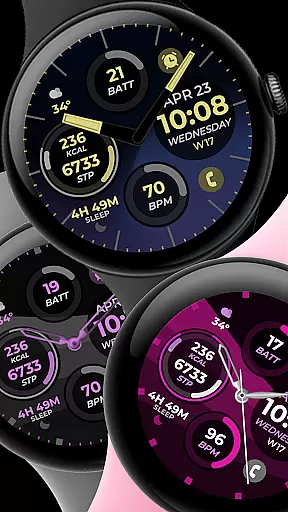
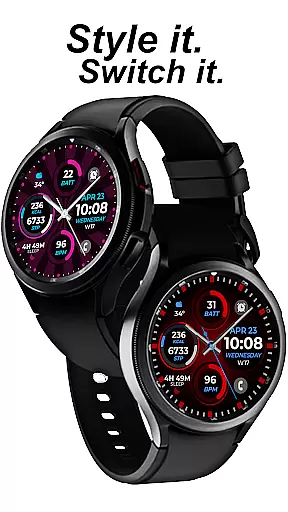
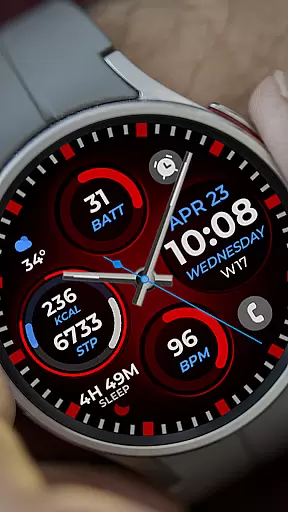
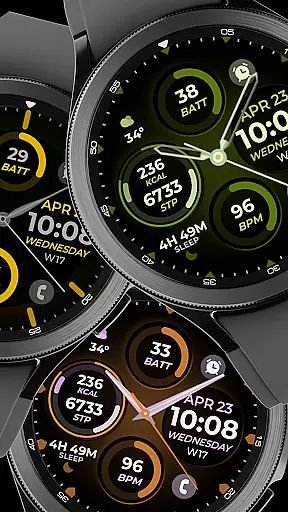
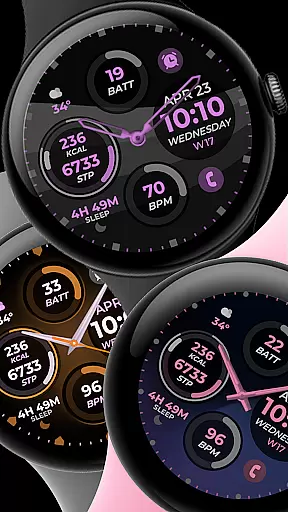
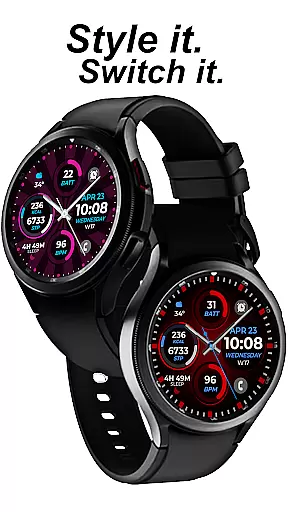
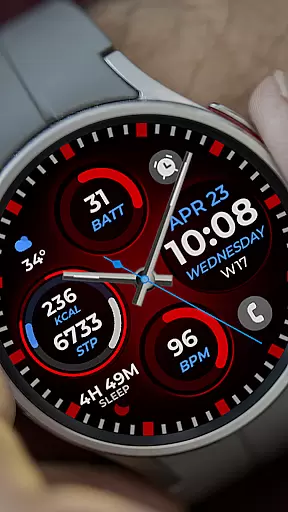
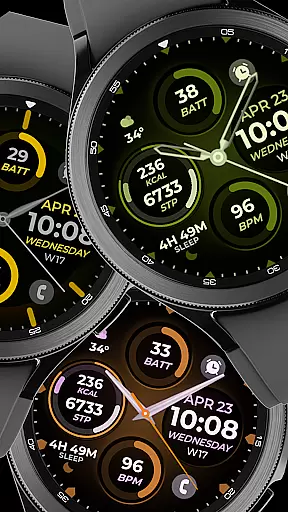
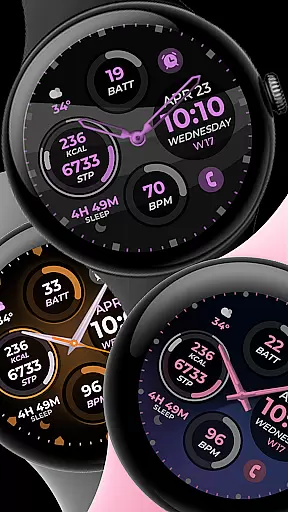
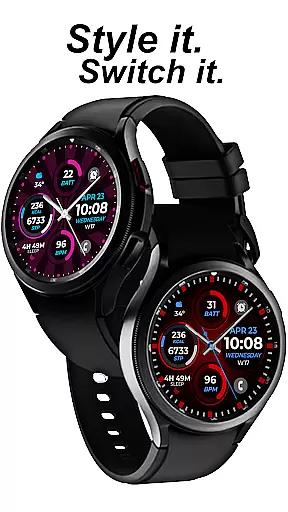
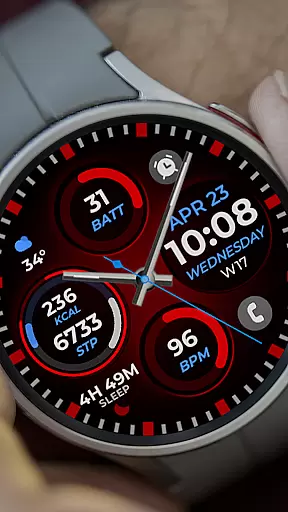
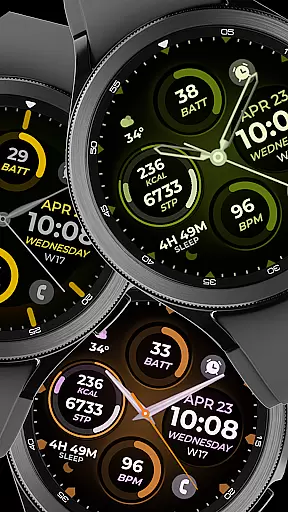
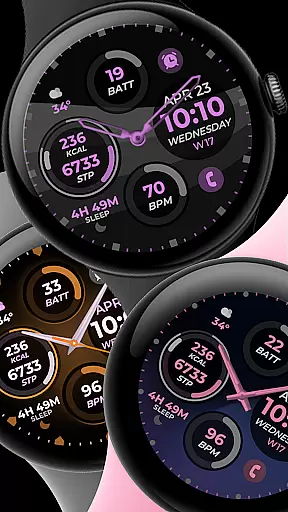
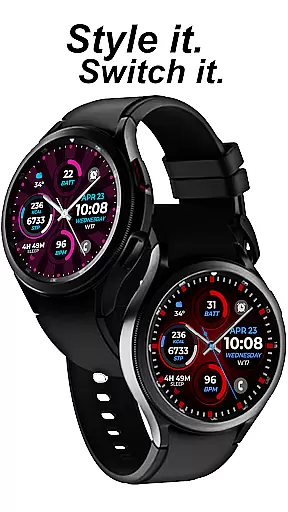
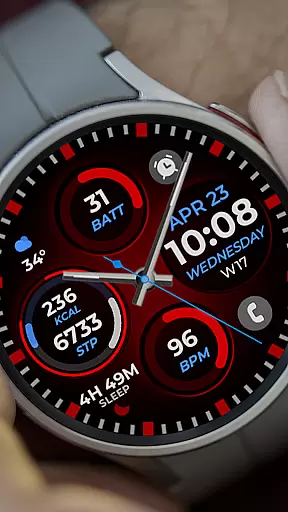
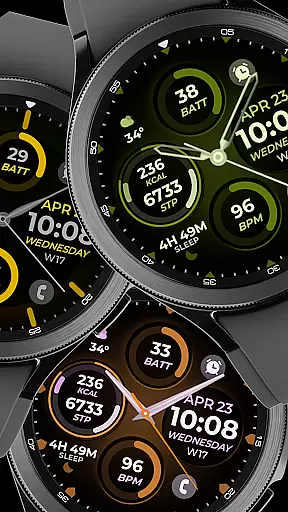
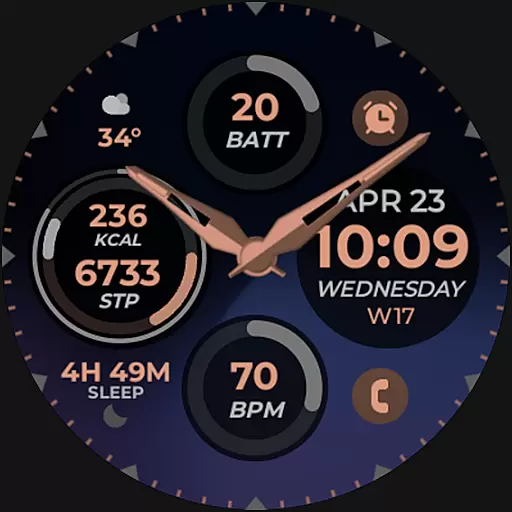
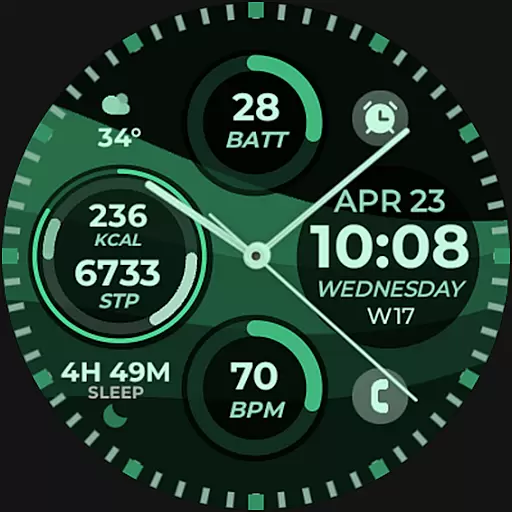
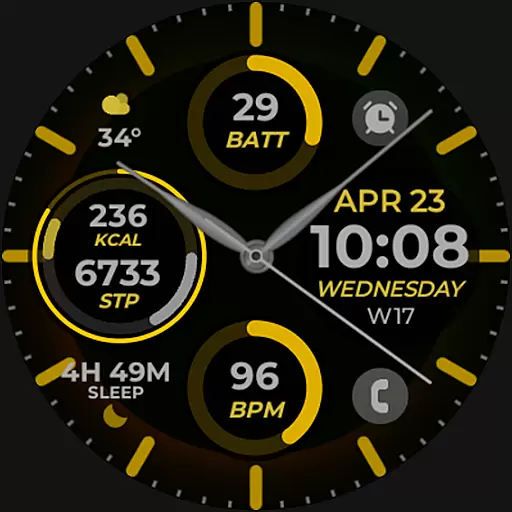
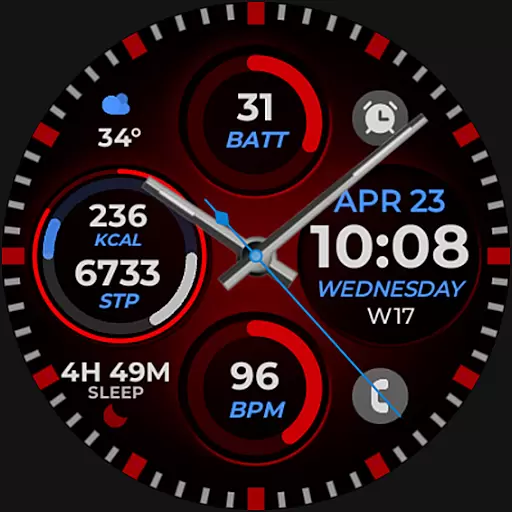
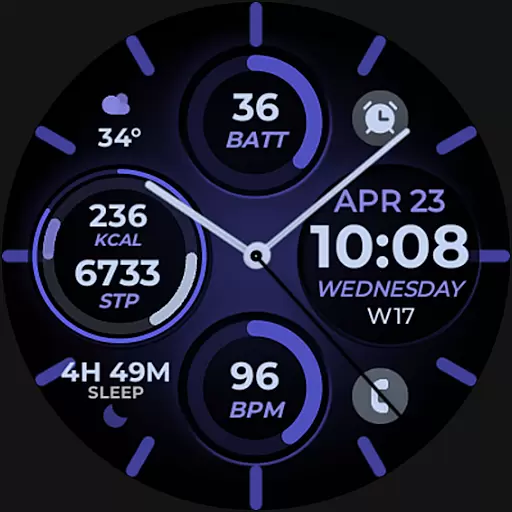
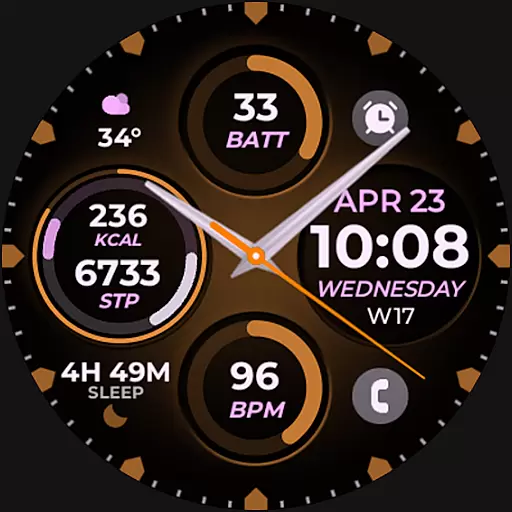
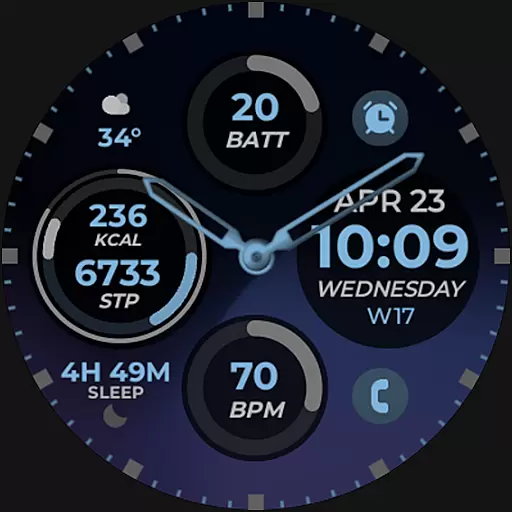
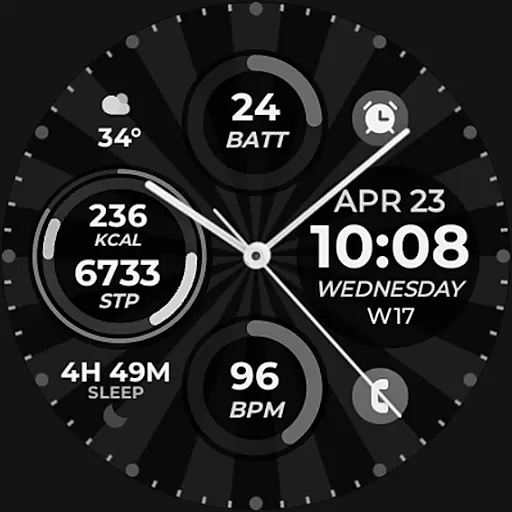
Vibrant Fit Hybrid is a feature-rich watch face app designed specifically for Wear OS devices, including the Samsung Galaxy Watch 4. This application offers users a customizable and visually appealing interface that enhances their smartwatch experience.
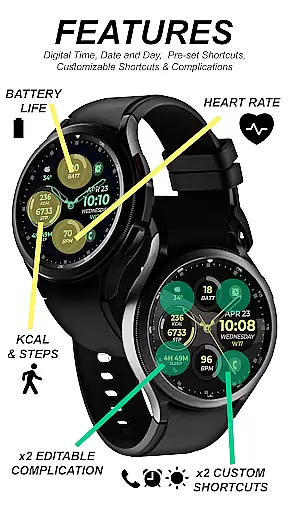
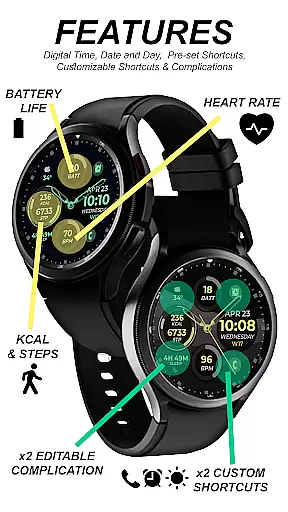
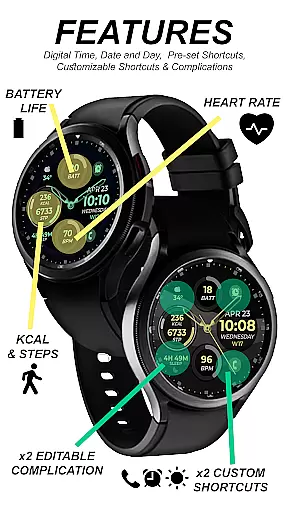
The app provides both digital and analog clock options, date display, always-on functionality (AOD), and various customization features such as preset app shortcuts, custom app shortcuts, complications, color palettes, watch hands, and index styles. These features collectively ensure that users can tailor their watch faces to suit their personal preferences while maintaining optimal functionality.
Whether you're looking to simply tell time or want a more interactive smartwatch experience, Vibrant Fit Hybrid caters to diverse user needs. Its seamless integration with Wear OS makes it an ideal choice for those seeking both style and utility on their wrist-worn device.
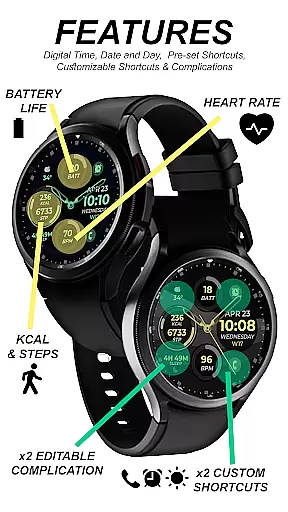
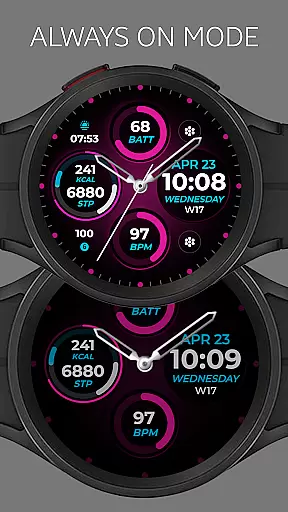
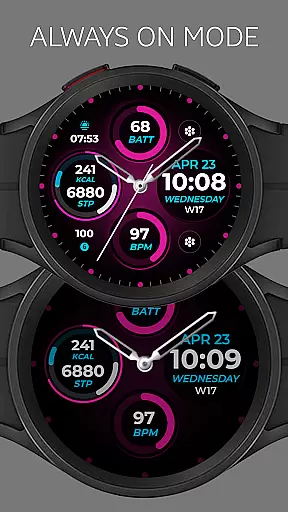
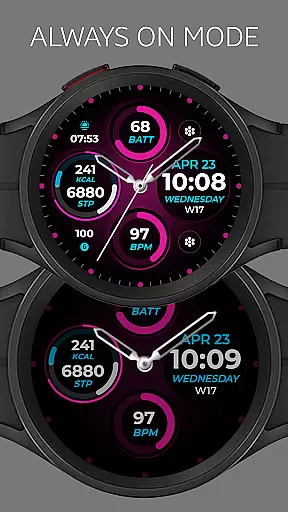
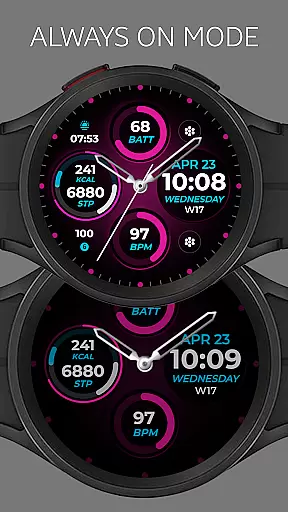
Vibrant Fit Hybrid stands out due to its extensive range of features tailored for Wear OS users. The app includes both digital and analog clock displays, ensuring versatility in how users view time. Additionally, the always-on display (AOD) feature allows users to check the time without needing to wake their device, conserving battery life while providing convenience.
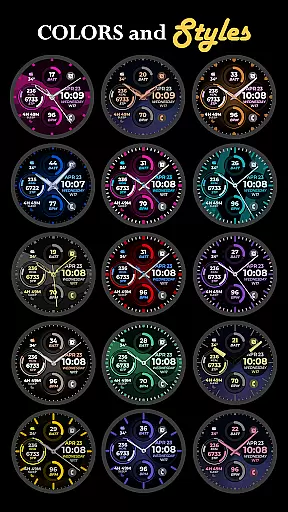
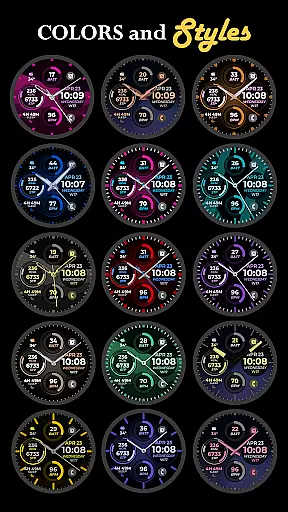
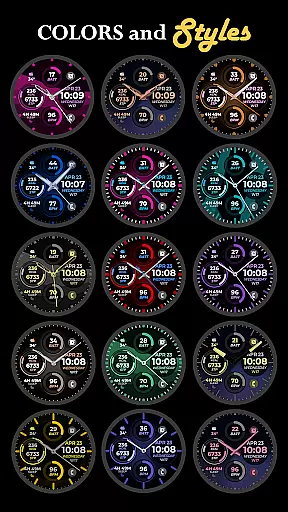
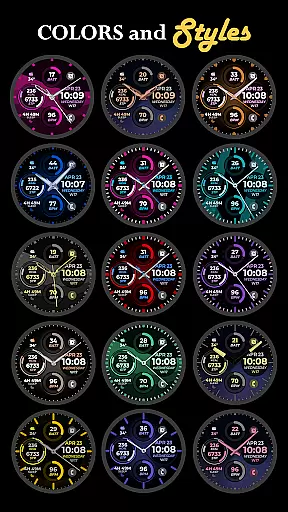
Customization is at the heart of this app's design. Users can personalize their watch faces with different color palettes, watch hands, and index styles. Moreover, the inclusion of preset app shortcuts and custom app shortcuts enables quick access to frequently used applications directly from the watch face. Complications further enhance this by allowing additional information like weather updates or fitness stats to be displayed.
These features not only make Vibrant Fit Hybrid highly functional but also adaptable to individual preferences, offering a personalized smartwatch experience that combines aesthetics with practicality.
Companion app integration is essential for smartwatch users who want a seamless experience between their wearable and smartphone devices. Vibrant Fit Hybrid ensures that its watch face apps are thoroughly tested on real devices like the Galaxy Watch 4 and have been reviewed and approved by the Google Play Store Team.
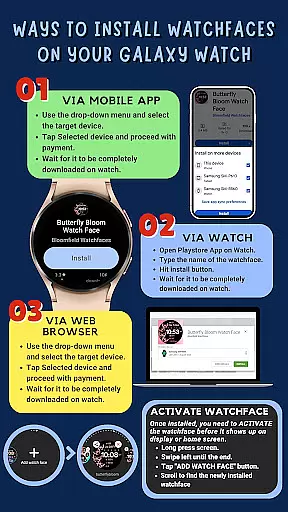
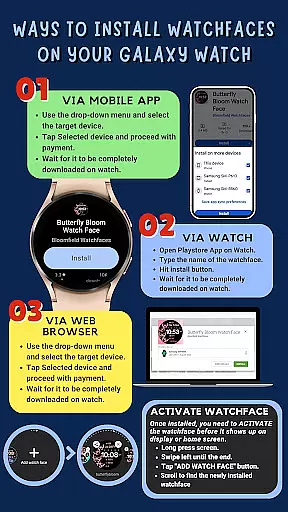
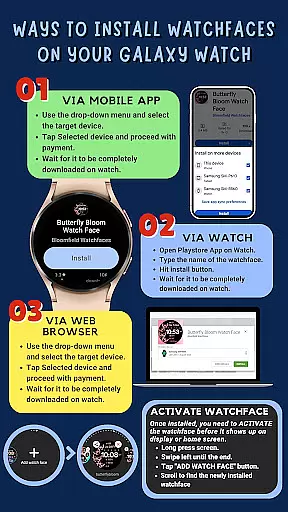
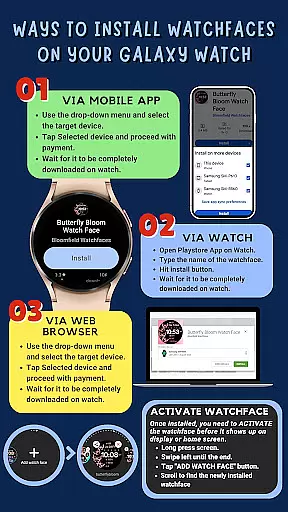
To facilitate installation, the watch faces automatically install on the watch with a visible download icon during the process. It's important to maintain a strong connection between the watch and phone using the same Wi-Fi network. Logging into your Google account directly on the watch further enhances this connectivity.
After downloading, users should wait a few minutes for the watch face to transfer completely. Notifications will confirm successful transfers. If issues arise, users can manually search for 'Vibrant Fit Hybrid' in the Play Store on their watch and hit the install button.
This streamlined companion app integration allows users to enjoy features such as digital/analog clocks, date display, always-on functionality, preset app shortcuts, custom app shortcuts, complications, and customizable color palettes without hassle.
Ensuring compatibility across various Wear OS devices is crucial for any application targeting the Android Wear platform. Vibrant Fit Hybrid has been developed using Samsung's 'Watch Face Studio' tool, specifically designed for devices running on the new Wear OS Google/One UI Samsung operating system, including models like the Samsung Galaxy Watch 4.
The app supports an array of features tailored for these advanced systems, including digital and analog clock displays, date information, always-on display (AOD), preset app shortcuts, custom app shortcuts, complications, and a customizable color palette along with different watch hands and index styles.
While most features are available across supported devices, some functionalities might not be accessible on certain watches due to hardware or software limitations. Users are encouraged to check feature availability based on their specific device model.
For those interested in exploring more options, the full collection of watch faces can be found at the provided link, ensuring maximum compatibility and user satisfaction across different Wear OS devices.
User-friendly interface
Highly customizable options
Always-on display functionality
Quick access to apps via shortcuts
Visually appealing designs
Limited compatibility with older devices
Requires strong Wi-Fi connection
Installation process may seem complex
Some features might not work on all watches
Refund policy limited to 48 hours

Christmas watch face. For Wear OS devices.
 4.30
4.30
Christmas - Festive - Christmas Village - Winter - Christmas lights
5.00
Digital watch face with big numbers and many customization for Wear OS devices
4.40
Fitness interactive virtual pet super fighter boy watch face
4.3
Hyperlocal rain alerts by MyRadar using patent-pending technology, radar & more
4.80
The Chevron App allows you to pay for fuel from the comfort of your car!
4.80
Real-time weather radar with temperatures, warnings, hurricanes, and widgets
4.80
Want to take charge of your health? Let Google Fit help you reach your goals.
3.50
Control your Samsung Smart TVs, appliances, and SmartThings-compatible devices
4.60
Easy Voice Recorder is your everyday companion to record important moments.
4.70
Your second brain for organizing your life: to-do, calendar, reminder.
4.70
Highly customizable hybrid watch face for Wear OS, perfect for everyday use.
4.60
Connect to your Bluelink equipped Hyundai vehicle from your smartphone.
4.50
Current temperature, weather hourly, weather radar by the weather forecast app
4.40
Your music, your playlists, and more—offline and unlimited.
4.20
Snowflake Rose Gold Watch Face - Digital, modern, & sleek with GYRO effect.
4.10
Christmas and New Year - Themed Watchface
4.1
Precision analog watch face with 7 complications and style options
4.1
Christmas is near, let's count together the days left until Santa comes
4.5


User Reviews