
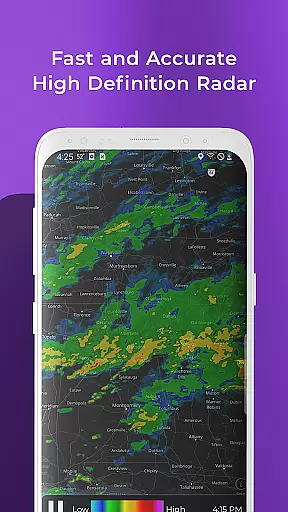
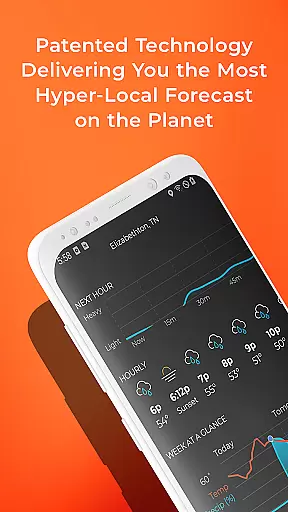
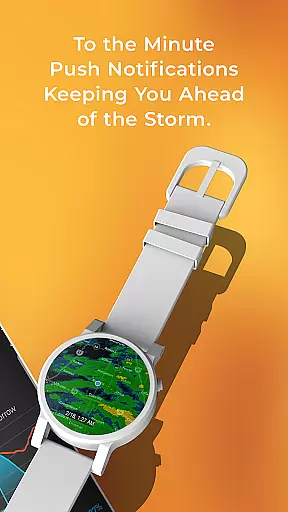
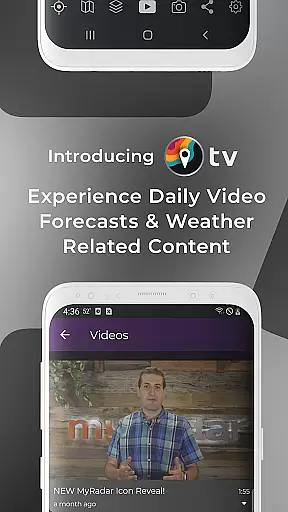
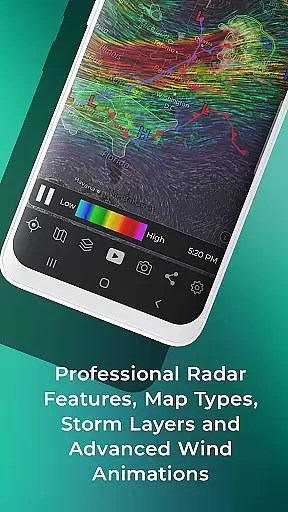
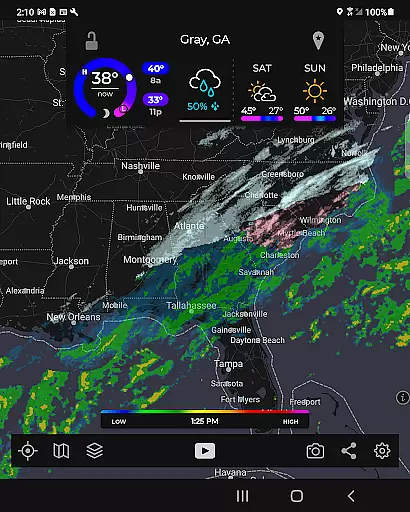
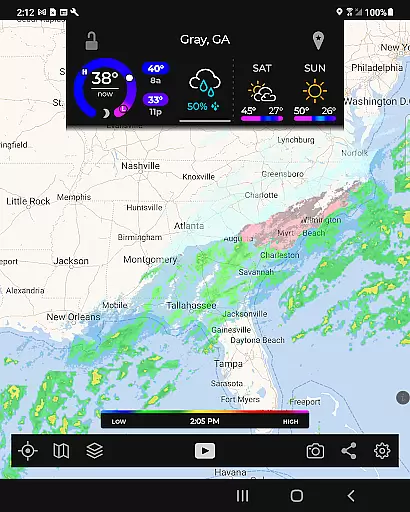
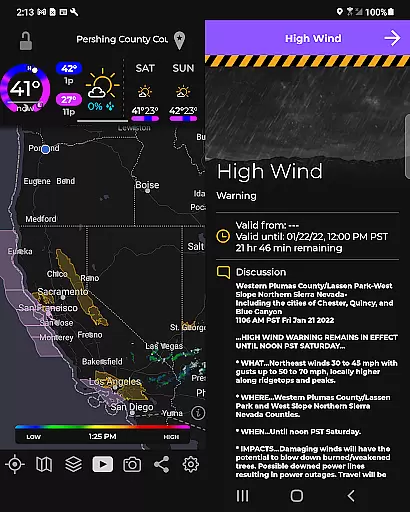
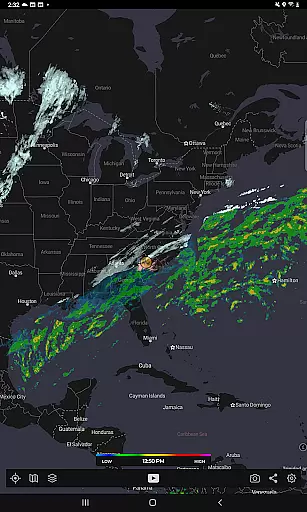
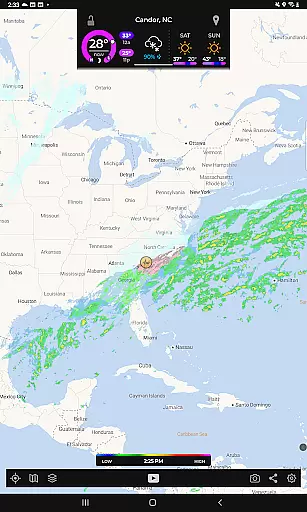
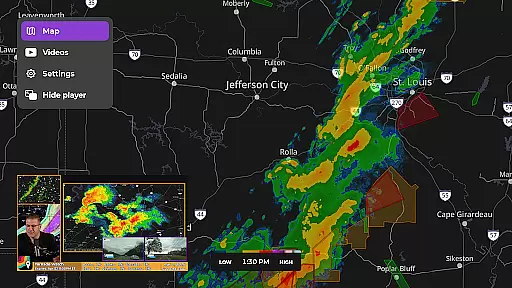
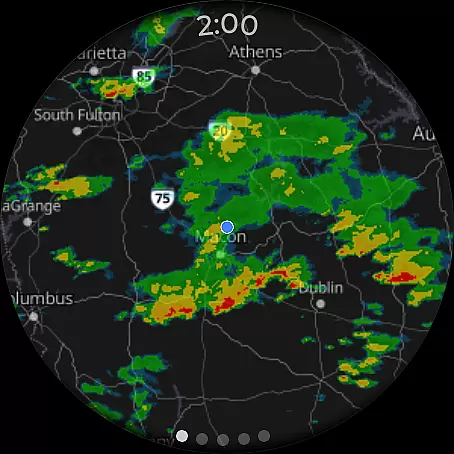
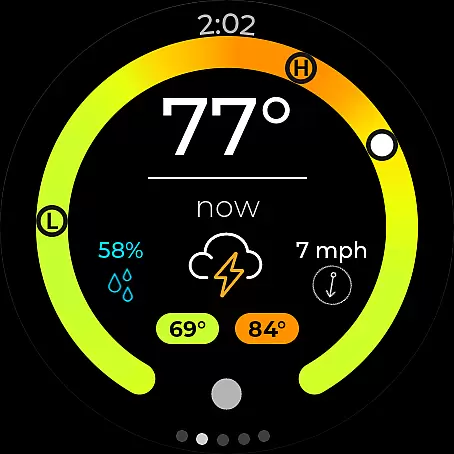
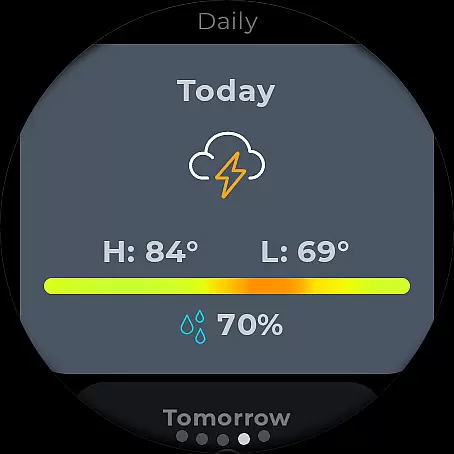
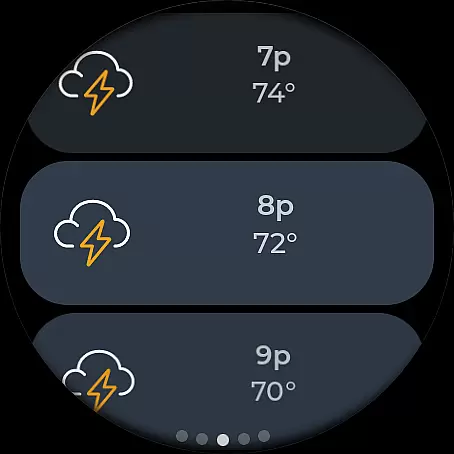
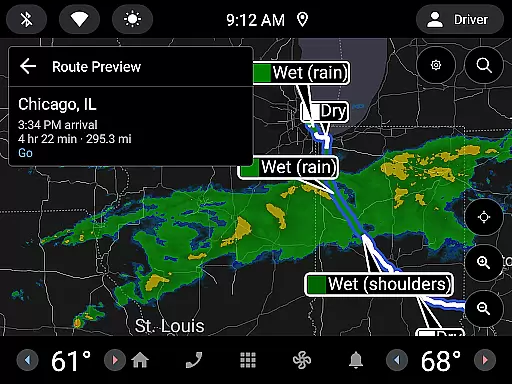
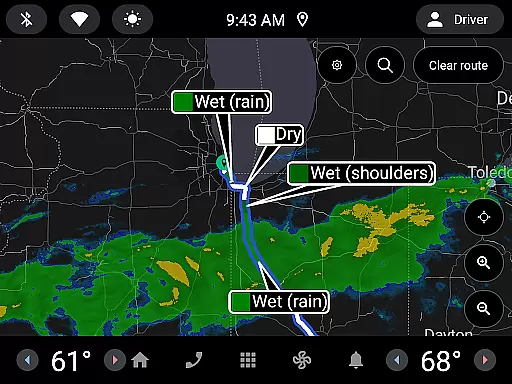
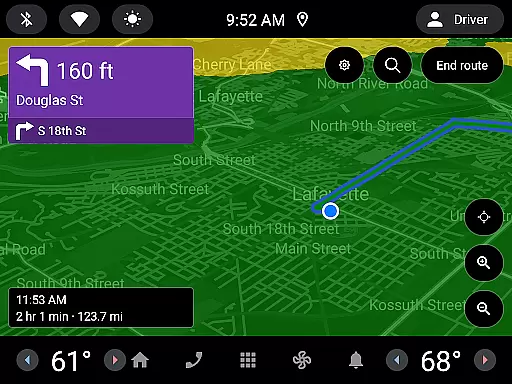
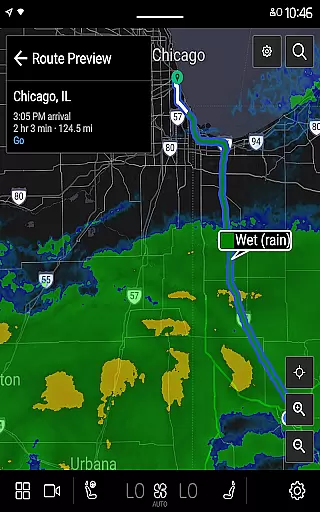
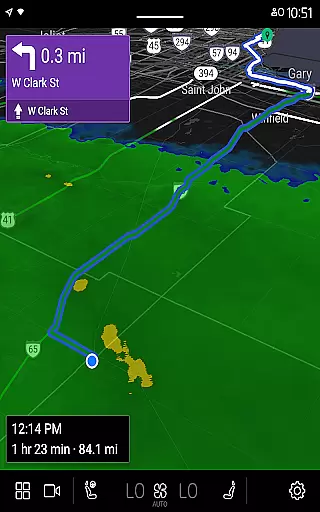
MyRadar Weather Radar is a powerful weather app designed for Android Wear, providing users with crucial weather information directly on their smartwatches. The app's core functionality revolves around its animated live radar feature, which displays real-time weather conditions around the user's location. This allows for quick assessment of approaching weather patterns, making it an essential tool for those on-the-go.
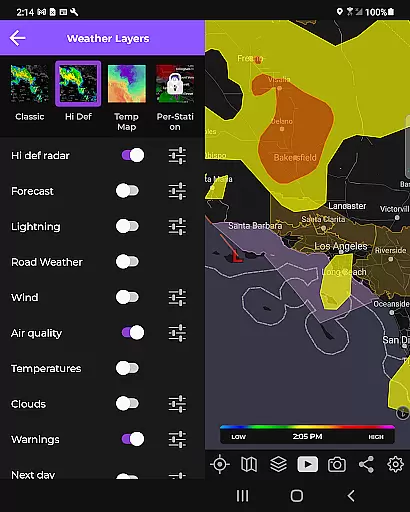
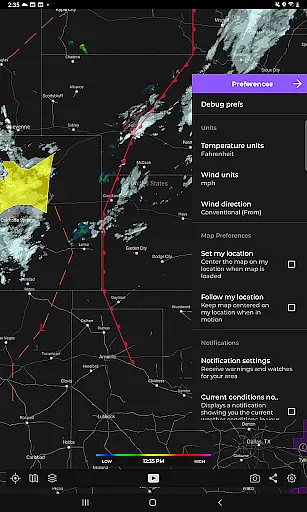
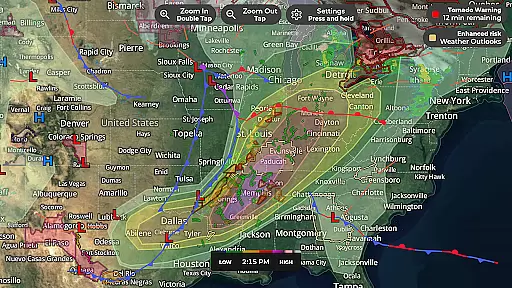
Beyond basic radar capabilities, MyRadar offers advanced data layers and alert systems. Users can access various specialized layers such as wind patterns, earthquake activity, hurricane tracking, and wildfire updates. These features are presented through a custom mapping system that utilizes device GPU for optimal performance, ensuring smooth zooming and panning across global weather maps.
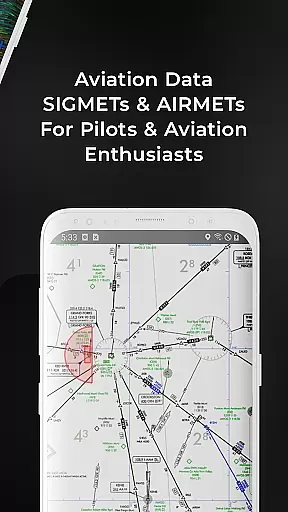
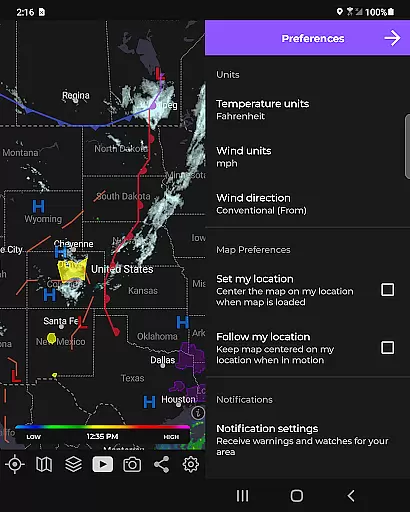
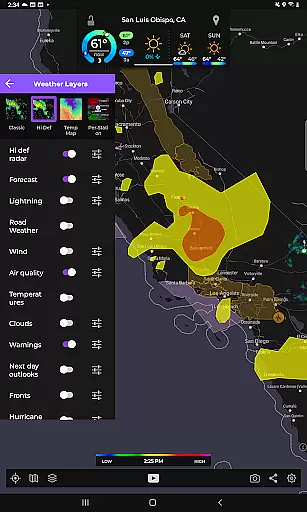
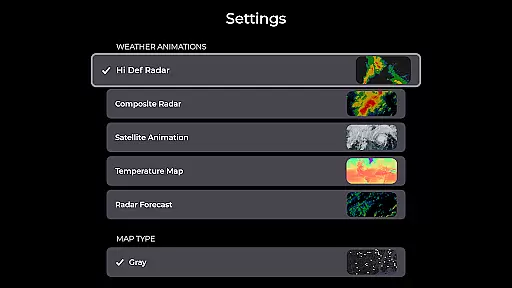
One of MyRadar's standout features is its comprehensive collection of weather-related data layers. The app provides users with visual representations of surface winds, jetstream patterns, frontal boundaries, seismic activities, tropical storms, and even aviation data. Each layer serves a unique purpose, from tracking hurricanes worldwide to monitoring local wildfire activities in the United States.
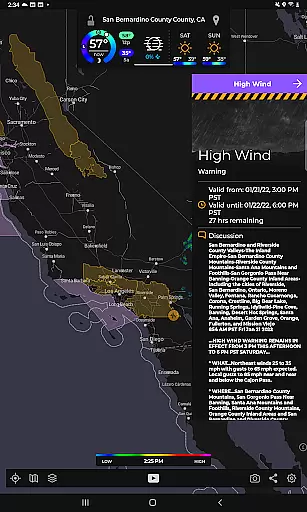
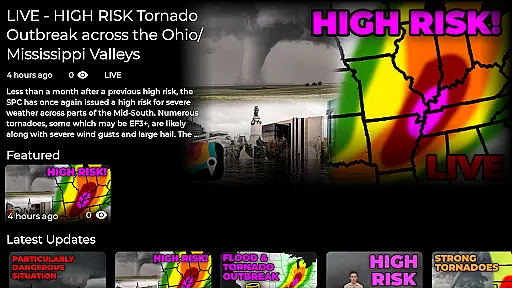
The app also excels in its alert system capabilities. It offers patent-pending hyper-local rainfall predictions, notifying users up to an hour in advance about impending rain at their exact location. Additionally, users can receive alerts from the National Weather Center regarding severe weather conditions like tornadoes and hurricanes. For those seeking more detailed information, a premium upgrade unlocks professional radar packs and real-time hurricane tracking features.
Companion app integration is crucial for wearable devices as it ensures seamless data sharing and functionality between the main application and its wearable counterpart. MyRadar Weather Radar excels in this aspect by offering a dedicated Wear OS app that works in tandem with the smartphone version.
The Wear OS app provides essential weather information through interactive tiles, allowing users to access radar images and current conditions directly from their smartwatch. This integration enables users to stay informed about weather updates without needing to take out their phone.
By maintaining consistent data synchronization between the smartphone and Wear OS versions, MyRadar ensures that users receive timely alerts and notifications on both devices. This feature enhances user convenience, especially when they are on-the-go or engaged in activities where accessing a phone might be cumbersome.
The companion app's ability to display radar images and current weather conditions on a smartwatch demonstrates MyRadar's commitment to providing comprehensive weather solutions across multiple platforms, thereby improving overall user experience and preparedness.
Wear OS/device compatibility refers to an application's ability to function effectively across various Wear OS-powered devices. MyRadar Weather Radar addresses this need by ensuring its Wear OS app is optimized for a wide range of smartwatches running on the platform.
The app's compatibility extends to different screen sizes and resolutions, providing clear and readable weather information regardless of the device being used. This adaptability ensures that users can rely on MyRadar for accurate weather updates whether they own a newer model or an older Wear OS device.
MyRadar takes advantage of the hardware capabilities present in Wear OS devices, utilizing the device's GPU to render smooth and responsive map interactions. The pinch/zoom functionality available on the smartphone version is also present here, allowing users to explore weather patterns with ease.
By focusing on broad device compatibility and leveraging the strengths of the Wear OS platform, MyRadar delivers a consistent and reliable weather monitoring experience that enhances user accessibility and convenience across different smartwatch models.
Fast and easy-to-use interface
Comprehensive weather data layers
Hyper-local rain alerts
Customizable mapping system
Premium upgrade options
Basic features may feel limited
Premium subscription required
Advanced tools can be complex
Occasional GPS inaccuracies
Heavy reliance on internet connection

WTW M17 is a premium and luxurious hybrid watch face
 4.70
4.70
Precision analog watch face with 7 complications and style options
4.3
MyNISSAN® lets you remotely control your car from your phone.*
4.50
Gym & home workout plans with strength training, exercise tracking, HIIT & more.
4.60
Real-time weather radar with temperatures, warnings, hurricanes, and widgets
4.80
Animated video-game inspired “secret agent” simulation, right on your wrist!
4.20
Connect, create, and collaborate with Gmail, part of Google Workspace.
4.10
Fast and smart typing with Emojis, GIFs, and more
4.50
Download full tracks, listen to music offline, make unlimited playlists.
4.80
Christmas - Festive - Christmas Village - Winter - Christmas lights
5.00
Beautiful, colorful and practical watch face. For Wear OS devices.
5.00
Easy Voice Recorder is your everyday companion to record important moments.
4.70
Monitor health with the stress test and pulse checker in the heart rate app.
4.60
Real-time results, stats, schedules and player profiles for all leagues
4.60
Deck out your Wear OS Watch face with a beautifully decorated pine wreath!
4.50
Digital watch face with big numbers and many customization for Wear OS devices
4.40
"PER27 Galaxy Digital" is a digital Wear OS watch face designed by PERSONA
4.10
Snowflake Rose Gold Watch Face - Digital, modern, & sleek with GYRO effect.
4.10
Stay in touch with your friends and family using LINE!
3.40


User Reviews