
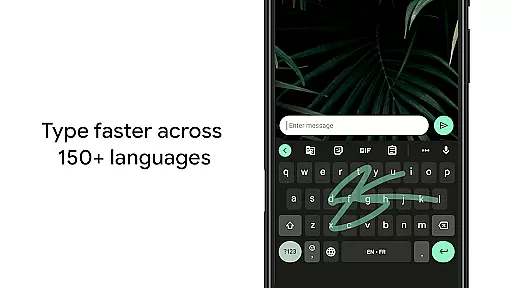
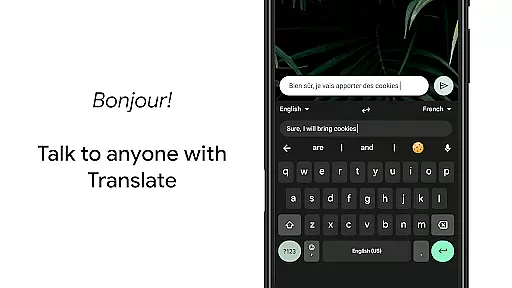
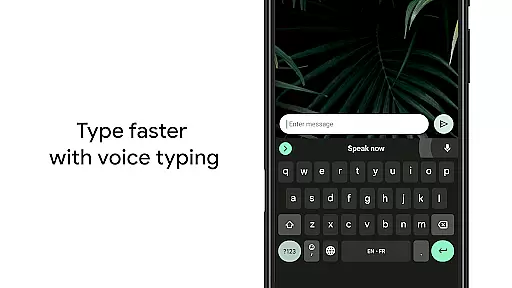
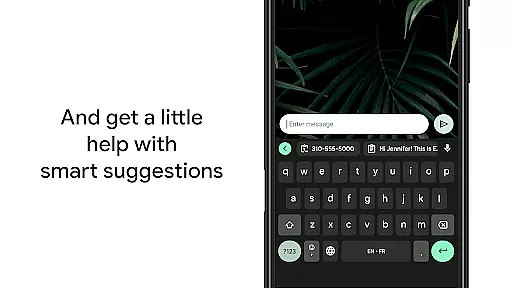
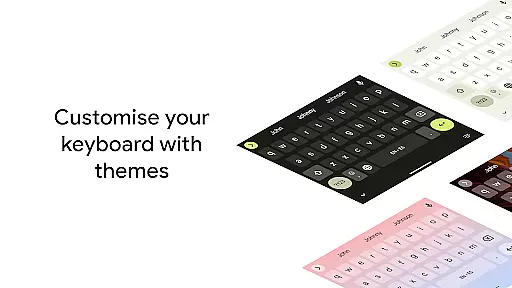
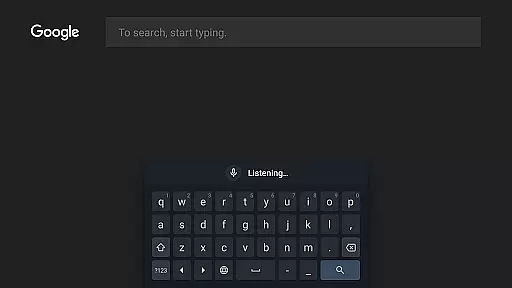
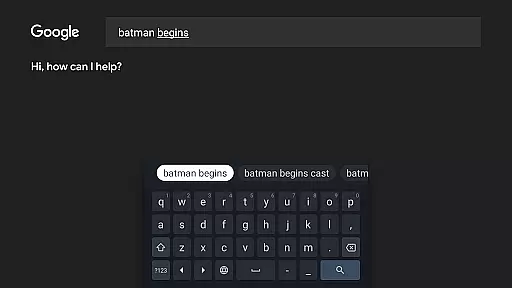
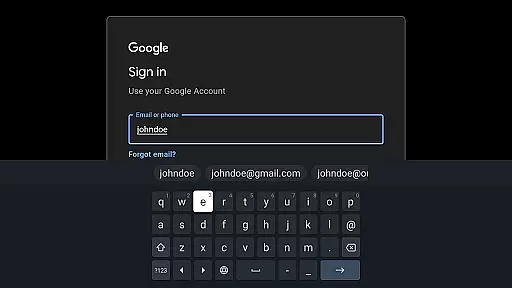
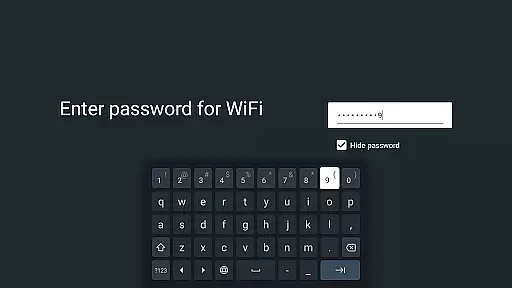
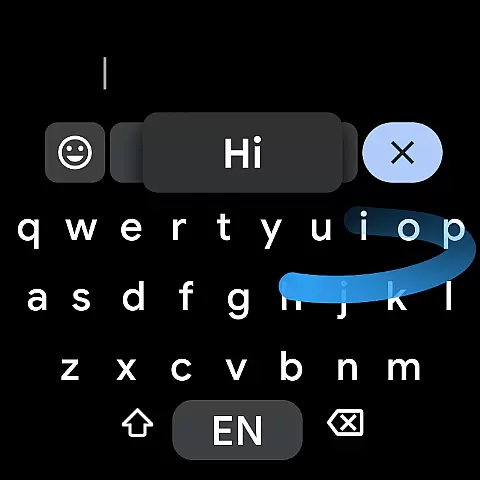
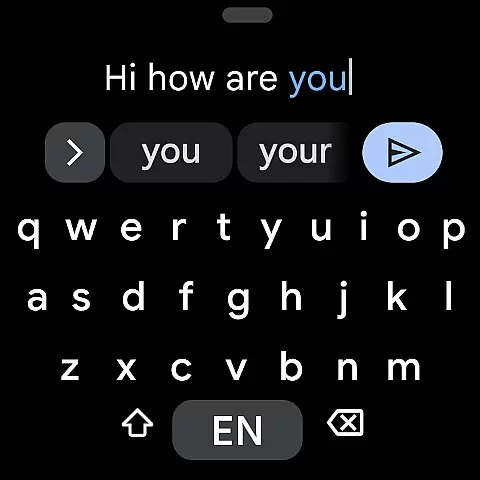
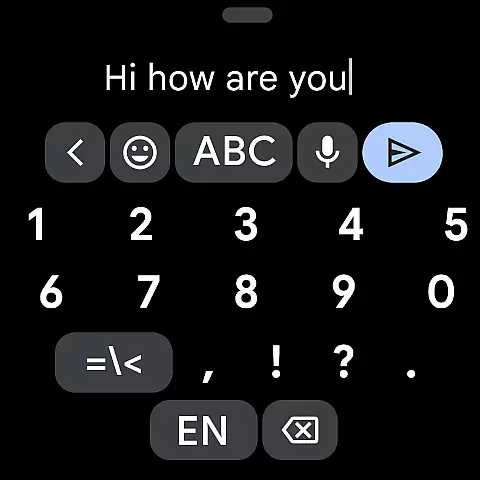
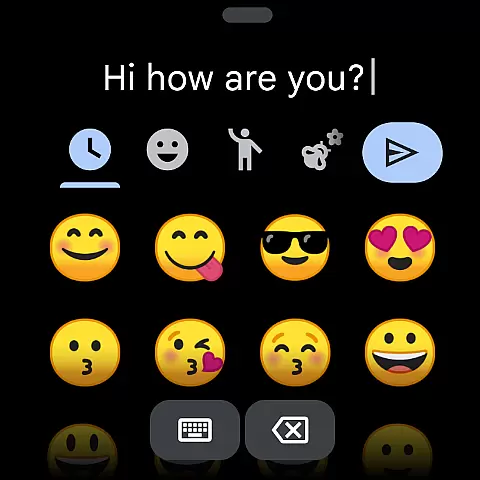
Gboard is a versatile keyboard app designed for Android devices, offering an array of features to enhance typing efficiency and convenience. It includes Glide Typing for faster input, voice typing for hands-free text entry, handwriting recognition, and multilingual support. The app also integrates Google Translate directly into the keyboard interface, allowing users to translate text on-the-fly.
With support for hundreds of languages and dialects, Gboard ensures global accessibility. Its intuitive design provides users with customizable options such as themes and one-handed mode, making it adaptable to various user preferences and device sizes. Whether you're typing in your native language or communicating across different languages, Gboard delivers speed, accuracy, and ease of use.
Gboard stands out with its comprehensive feature set tailored to modern communication needs. One of its key highlights is Glide Typing, which allows users to type quickly by sliding their finger across the keyboard. This feature is complemented by advanced voice typing capabilities that enable seamless dictation, even while on the move.
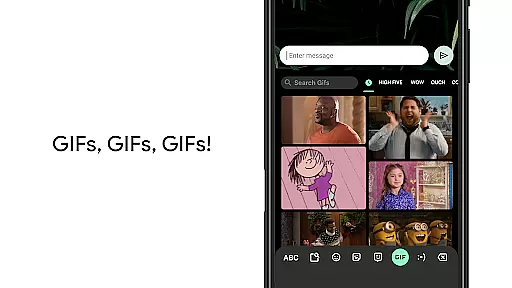
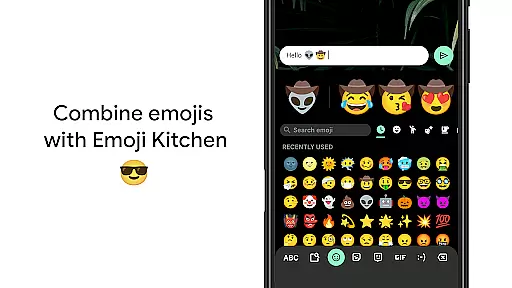
The app also supports handwriting input and emoji search, providing additional ways to express yourself. With built-in Google Translate functionality, users can communicate across language barriers effortlessly. Moreover, Gboard's support for GIF searches and multilingual typing ensures that conversations remain dynamic and engaging without the need for manual language switching.
For those seeking personalization, Gboard offers customizable themes and practical shortcuts like gesture cursor control and quick deletion. These thoughtful additions not only improve usability but also cater to individual typing styles, ensuring a comfortable and efficient experience for every user.
Gboard offers seamless companion app integration, ensuring that your typing experience is consistent across all devices. By syncing with the main Google Keyboard application, Gboard provides users with a reliable and efficient typing solution on their Wear OS devices.
The integration allows for real-time data sharing between your mobile device and smartwatch. This means that your personalized dictionary, typing preferences, and even clipboard content can be accessed from your wrist, making it easier to communicate on the go.
Users benefit from features such as Glide Typing, Voice Typing, and Emoji Search directly on their smartwatches. These core functionalities ensure that you can type quickly and accurately without needing to pull out your phone.
This synchronization enhances productivity by allowing users to respond to messages or search queries swiftly, maintaining the high standard of usability expected from Google's suite of products.
Gboard is designed with extensive compatibility in mind, supporting a wide range of Wear OS devices and ensuring that no matter what device you own, you'll have access to its advanced typing features. The keyboard layout adapts seamlessly to various screen sizes and resolutions.
With support for numerous languages including Chinese, English, Spanish, and many others, Gboard caters to a global audience. This multilingual support extends to Android Wear devices, providing an inclusive experience for users worldwide.
In addition to language support, Gboard also ensures that its innovative features like Gesture cursor control and One-handed mode are fully functional on Wear OS. These features enhance user interaction by simplifying navigation and text input on smaller screens.
By focusing on compatibility and functionality, Gboard guarantees a smooth and intuitive typing experience on any supported Wear OS device, reinforcing its position as a versatile tool for smartwatch users.
Fast and reliable typing
Voice typing for multitasking
Multilingual support
Google Translate integration
Customizable themes
No offline maps
Limited Wear OS features
Some lag on older devices
Occasional update bugs
Ads in free version

Watch the sharpness of the sky on your wrist..
 3.70
3.70
Rose gold watch face with festive lights & customizable features.
4.60
Stunning modern digital watch face with 7 complications and strong contrast
4.0
Be an elegant and classy secret agent, with this carefully detailed watch face
4.70
Kia Access makes getting your vehicle information easier than ever
4.60
Nutrition, Macro tracker: Food, fitness & healthy diet tracking for weight loss
4.60
Stay in touch with your friends and family using LINE!
3.40
A realistic hybrid watch face with many customization options.
4.60
Start and succeed with PAP
4.10
Hybrid watch face for Wear OS with customizable complications by Matteo Dini MD
4.70
Retro digital watch face with customizable colors and a unique lighting effect
4.60
To-Do List: daily schedule planner, task organizer, to do reminder app, calendar
4.60
Bold weather Digital watchface with forecast & optional animated background
4.40
A white realistic classic analog watch face with many customization options.
4.40
Viewer for Wyze/Yi/Eufy/Arlo/ONVIF/RTSP/P2P IP cams w/ adv. features & DIY DVR
4.00
Wear Os Watch Face - Animated Snow - Sesonal for Christmas & Winter
4.4
Precision analog watch face with 7 complications and style options
4.2
A watch face that fuses motorsport precision with contemporary smartwatch design
4.2
Funny animated watch face for Thanksgiving
4.3


User Reviews