
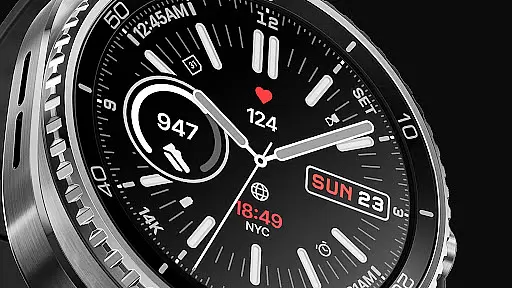
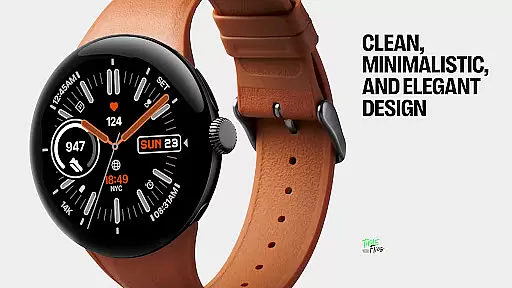
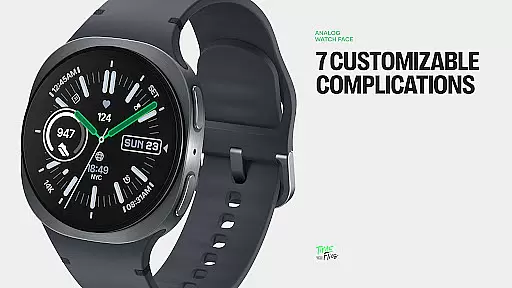
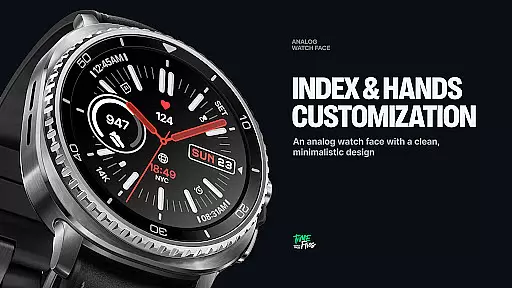
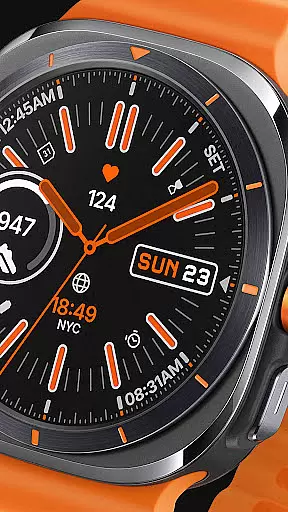
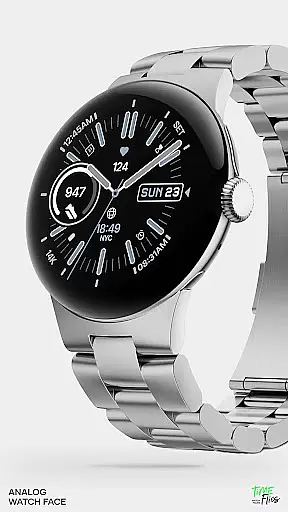
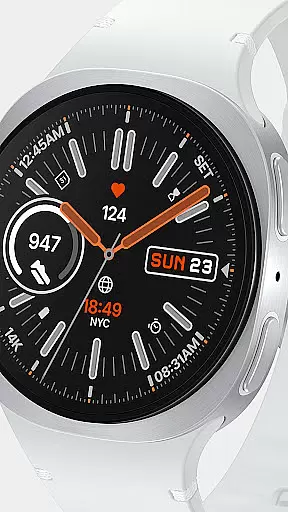
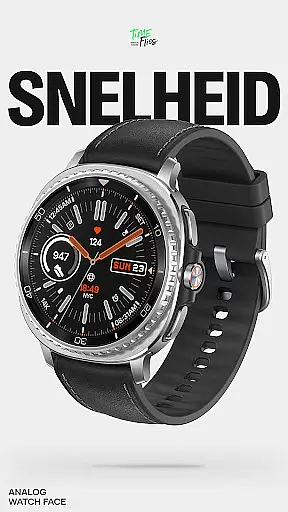
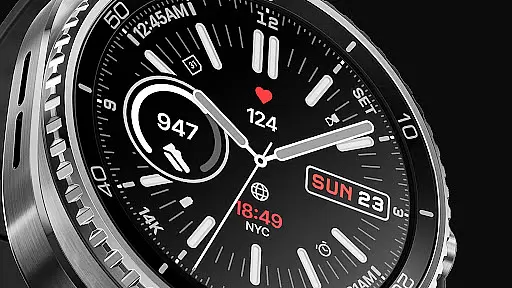
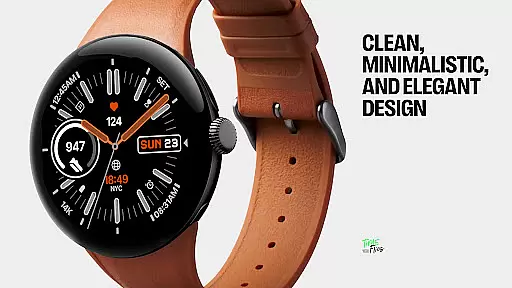
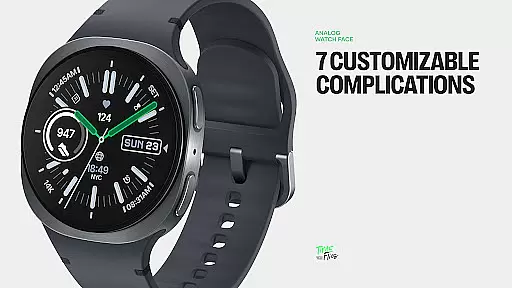
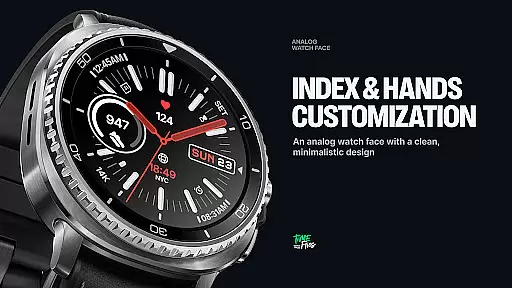
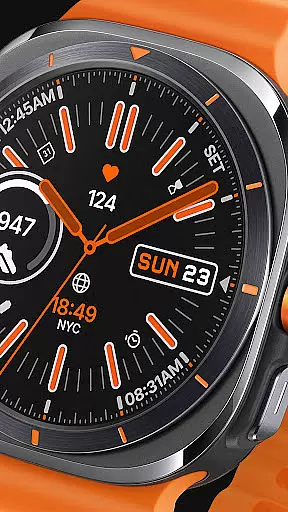
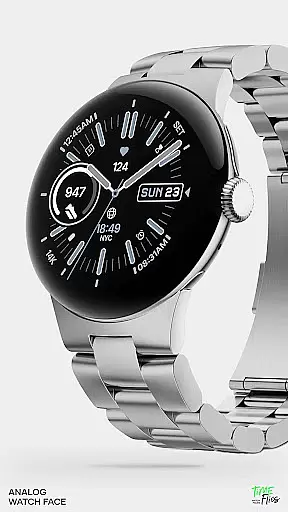
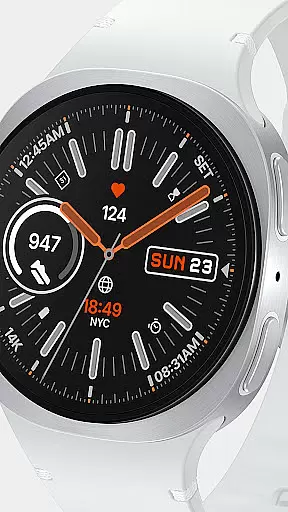
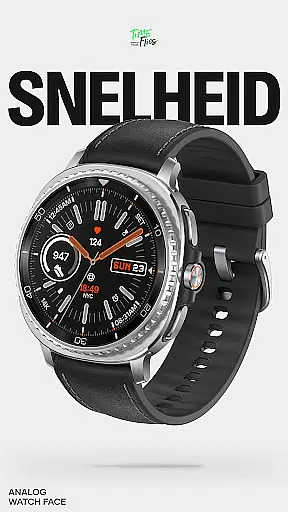
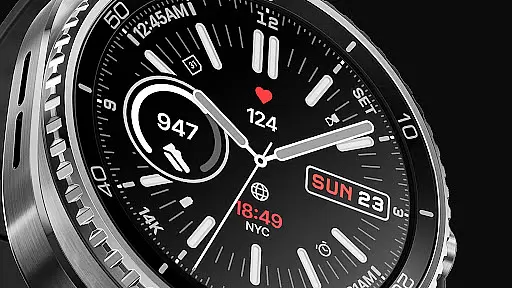
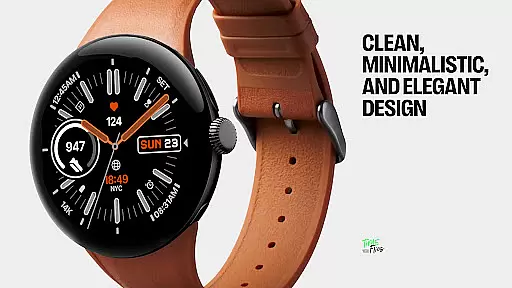
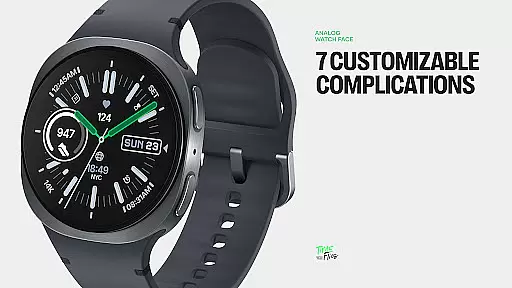
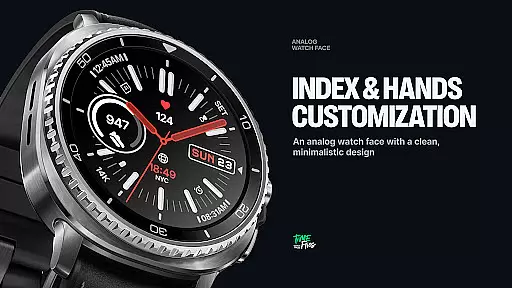
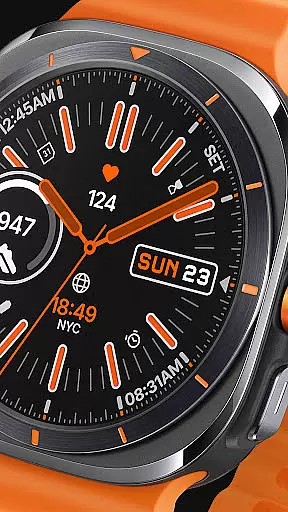
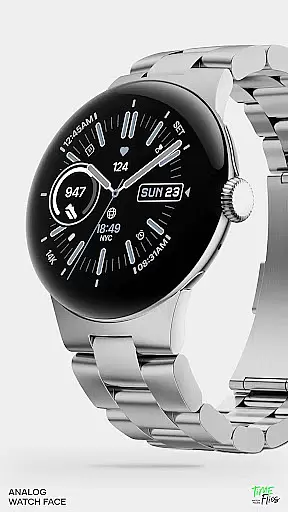
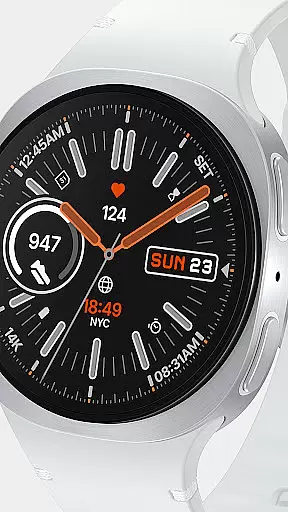
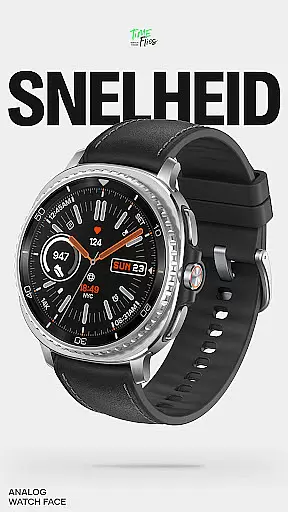
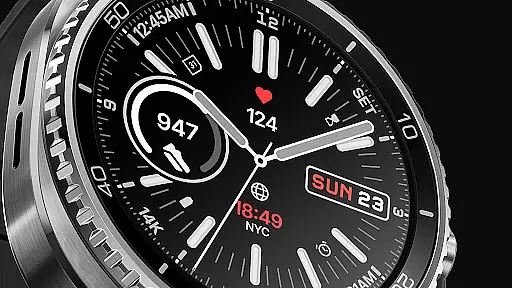
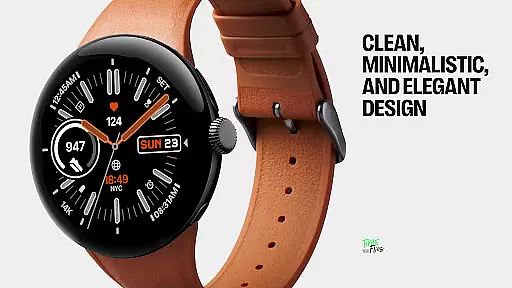
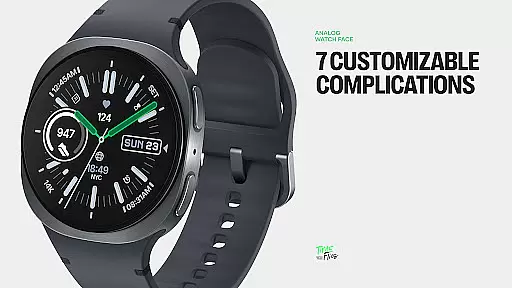
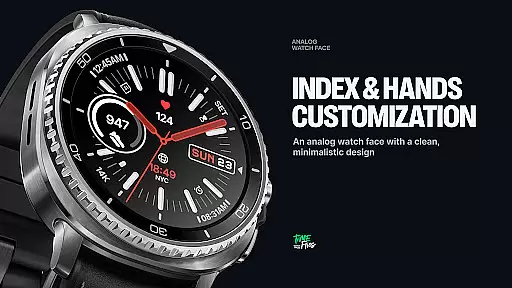
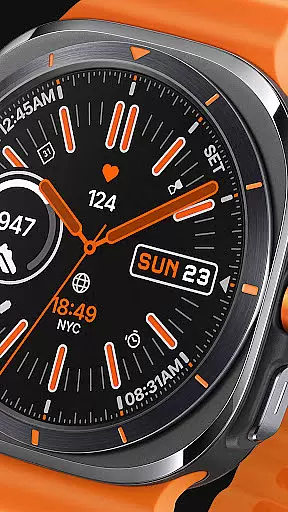
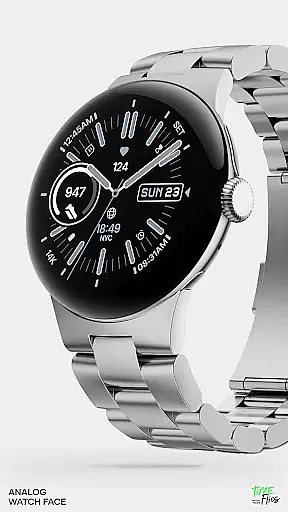
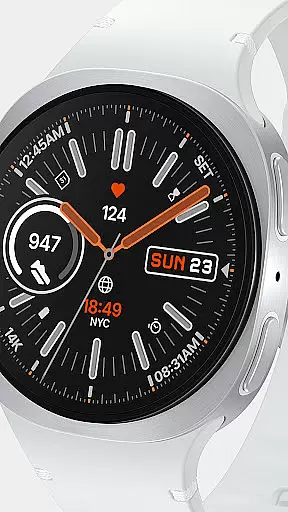
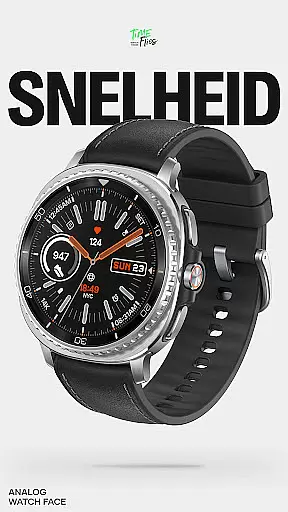
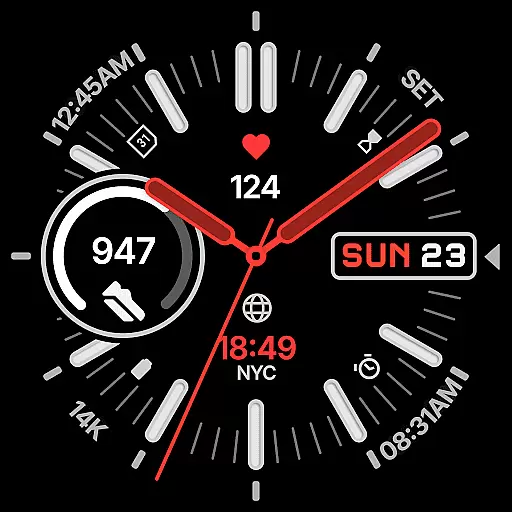
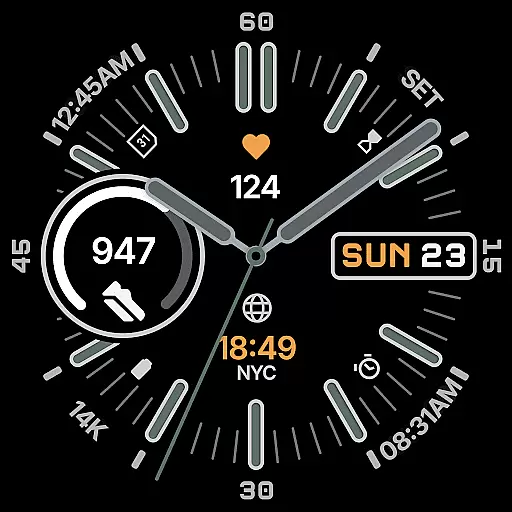
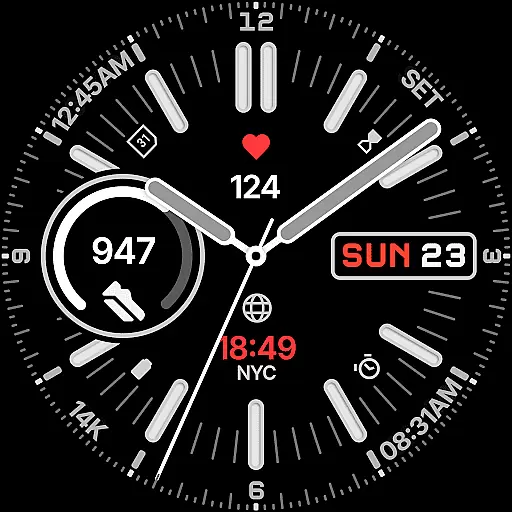
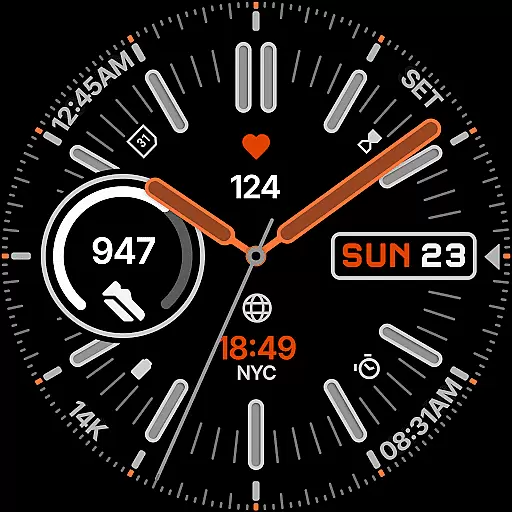
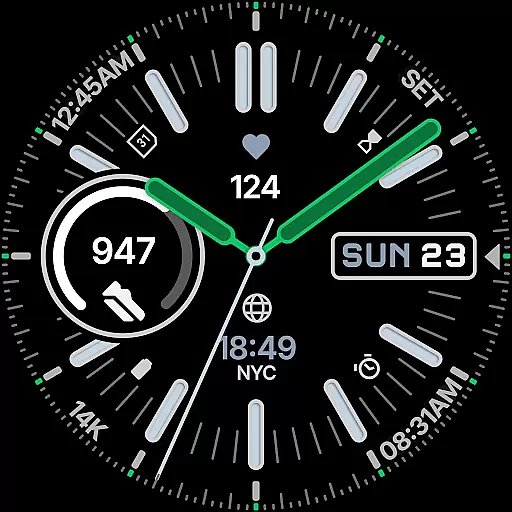
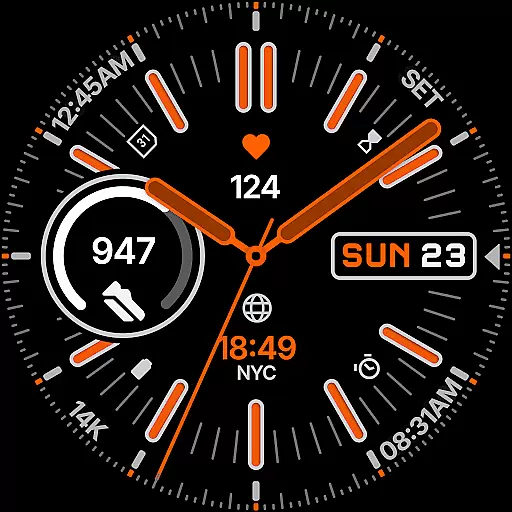
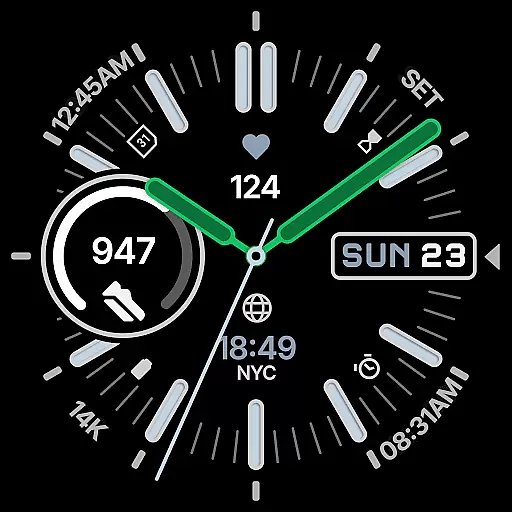
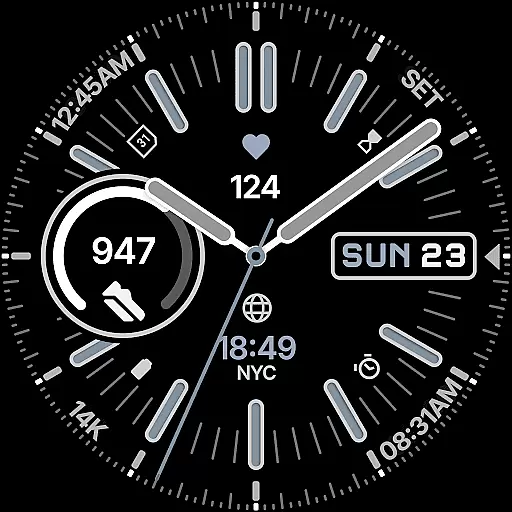
Snelheid Analog Watch Face is a Wear OS watch face that combines motorsport-inspired design with modern smartwatch functionality. Featuring bold indices, dashboard-style typography, and vibrant accents, it delivers both style and utility. The dynamic dial integrates analog timekeeping with digital features, offering seven customizable complications for quick access to essential data like health metrics, weather, and more.
With 30 curated color schemes, multiple index styles, and battery-efficient Always-on Display modes, Snelheid adapts to various preferences and uses. Whether for professional settings or outdoor activities, this watch face maintains its motorsport character while providing versatility and elegance.
Snelheid stands out with its fusion of analog aesthetics and digital intelligence. The watch face includes seven fully customizable complications, allowing users to personalize their display with health metrics, activity trackers, weather updates, or world time zones. Its design emphasizes clarity, ensuring important information is accessible at a glance.
Customization options are extensive, featuring 30 curated color schemes, multiple index styles, and various dial configurations. The Always-on Display mode balances visibility with power efficiency, making it suitable for all-day wear. Additionally, an optional Android companion app simplifies setup and customization directly from your smartphone, enhancing user convenience.
Companion app integration is crucial for a seamless wearable experience. Snelheid offers an optional Android companion app that simplifies the setup and customization process, allowing users to personalize their watch face directly from their phone.
The companion app provides an intuitive interface where users can easily adjust settings such as color schemes, complications, and index styles. This ensures that your Wear OS device reflects personal style and preferences without needing to interact with the smaller screen on your smartwatch.
By leveraging the capabilities of a smartphone, the companion app enhances the overall functionality of Snelheid. Users can save and switch between multiple configurations, making it easy to adapt the watch face for different occasions or activities throughout the day.
Ensuring broad compatibility with Wear OS devices is essential for any watch face. Snelheid is designed to work seamlessly across a variety of smartwatches running Wear OS, providing a consistent experience regardless of the specific model you own.
The design takes into account different display types and sizes, ensuring at-a-glance clarity whether on a steel-bezel smartwatch or a minimalist curved display. This adaptability makes Snelheid suitable for both everyday professional wear and active outdoor use.
In addition to supporting various devices, Snelheid also optimizes battery efficiency through Clean Always-on Display modes. These modes maintain functionality while conserving power, which is particularly beneficial for users who need their smartwatch to last throughout the day without frequent charging.
Highly customizable
Versatile design
Bold and elegant
Efficient Always-on Display
Quick-access complications
Limited to Wear OS
Companion app needed
Battery usage varies
Premium feel costs
Complex for beginners

Highly customizable hybrid watch face for Wear OS, perfect for everyday use.
 4.60
4.60
Beautiful, colorful and practical watch face. For Wear OS devices.
5.00
3 Complications. All shadow on/off. 30 Themes color palette...
4.5
Digital watch face. For Wear OS devices.
4.40
Ideal for surviving in the wasteland left after nuclear fallout
4.50
Find EV charging stations
4.30
Real-time weather radar with temperatures, warnings, hurricanes, and widgets
4.80
Hybrid Vibrant Health Watch Face for Wear OS
4.2
Want to take charge of your health? Let Google Fit help you reach your goals.
3.50
Rose gold watch face with festive lights & customizable features.
4.60
Connect to your Bluelink equipped Hyundai vehicle from your smartphone.
4.50
Fast and smart typing with Emojis, GIFs, and more
4.50
Embrace the holiday spirit with this magical animated watch face!
4.40
Bold, Modern Hybrid Watch Face for Wear OS. 10 Colors, Rich Info Display.
4.30
Locate your family members by GPS phone location tracker everywhere and anytime
4.30
Let's celebrate Thanksgiving - Wear Os watch face
4.20
Snowflake Rose Gold Watch Face - Digital, modern, & sleek with GYRO effect.
4.10
Structured watch face with seven complications and modular UI elements
3.90
Fitness interactive virtual pet super fighter boy watch face
4.2


User Reviews