
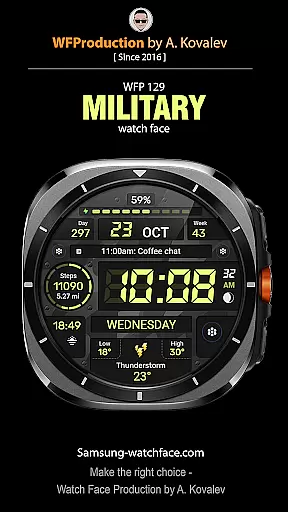
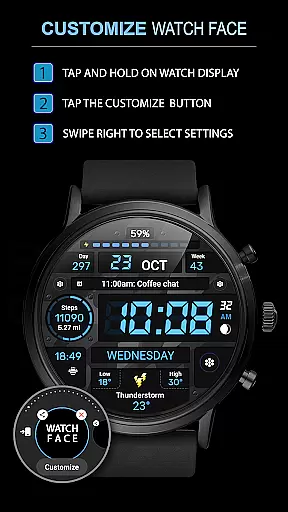
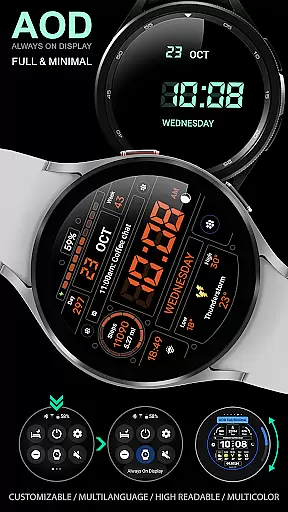
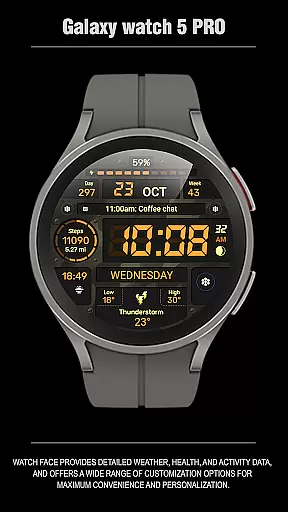
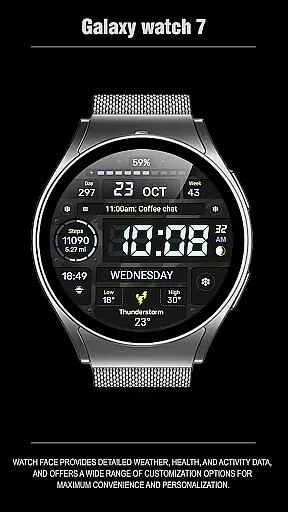
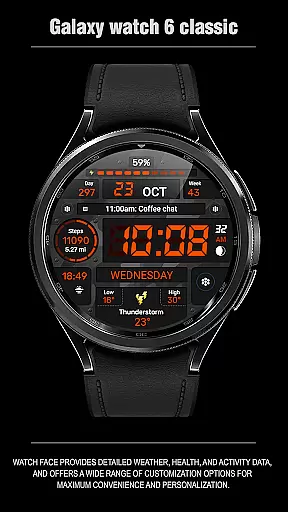
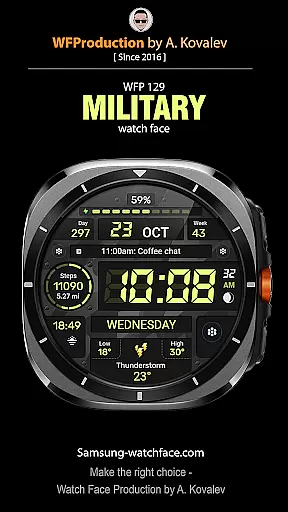
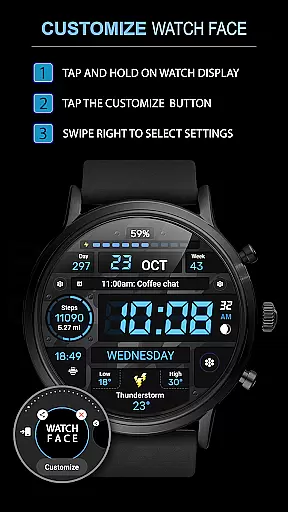
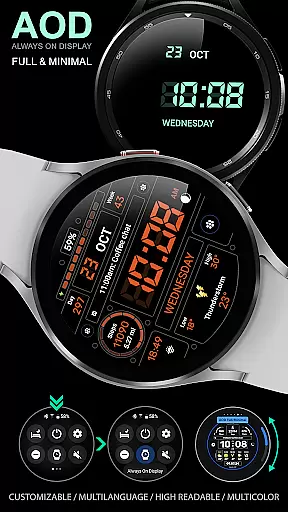
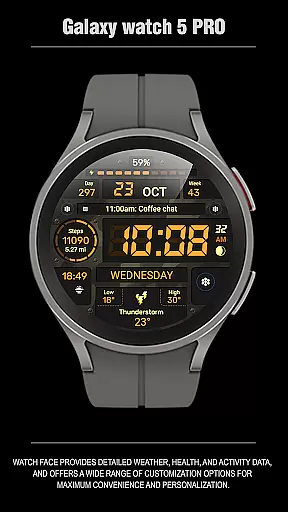
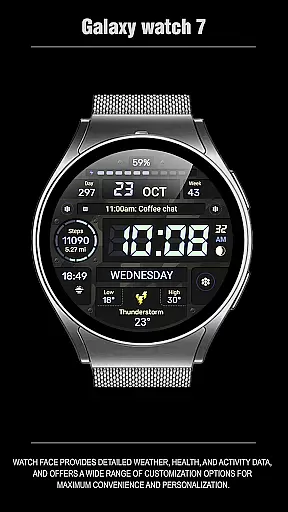
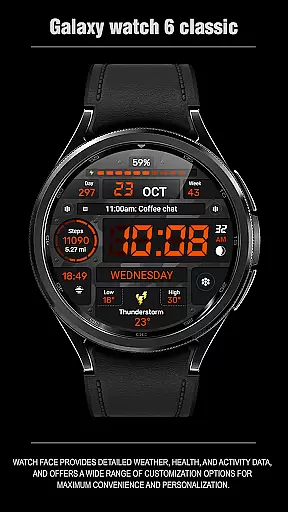
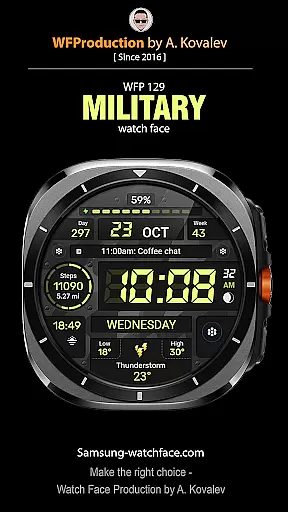
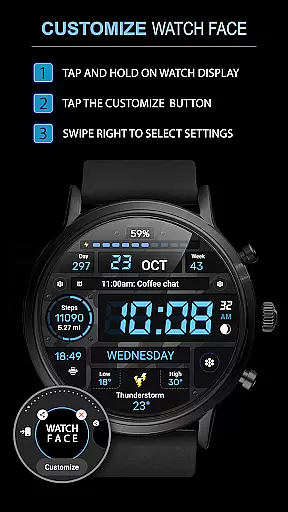
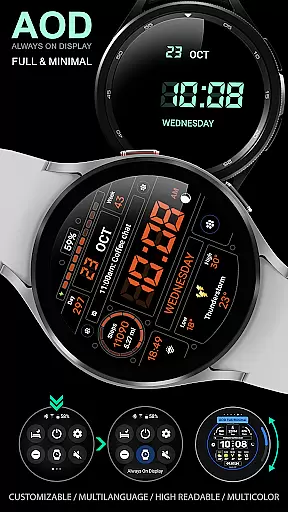
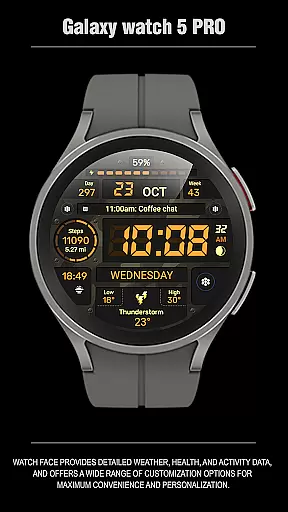
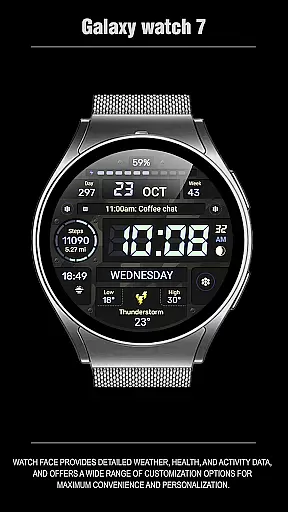
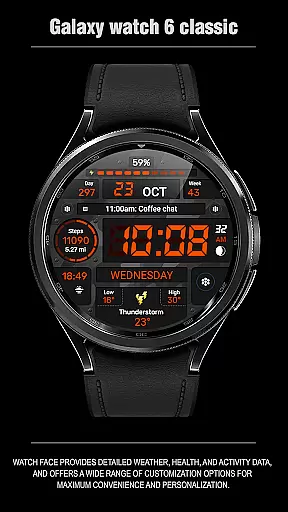
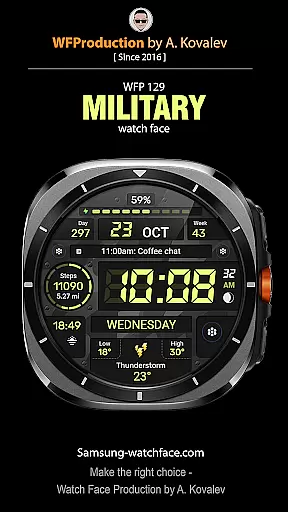
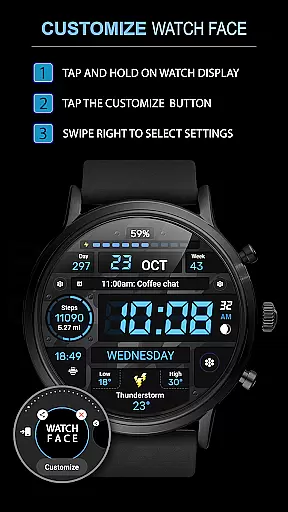
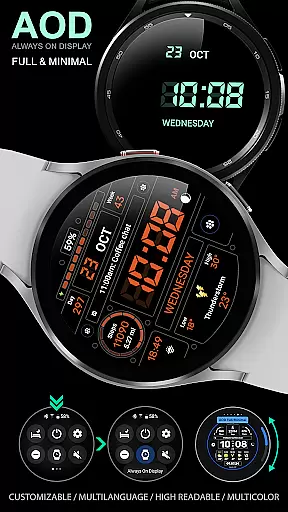
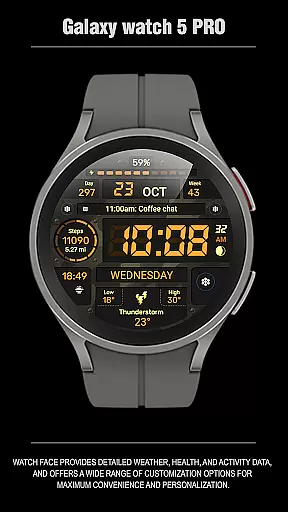
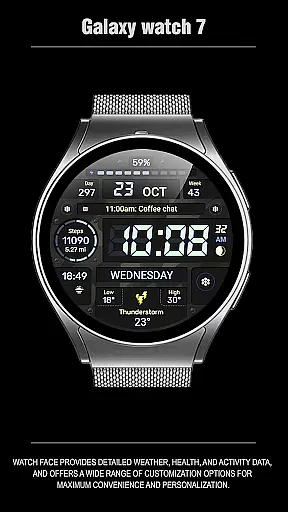
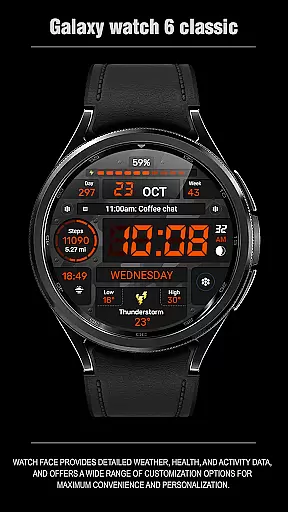
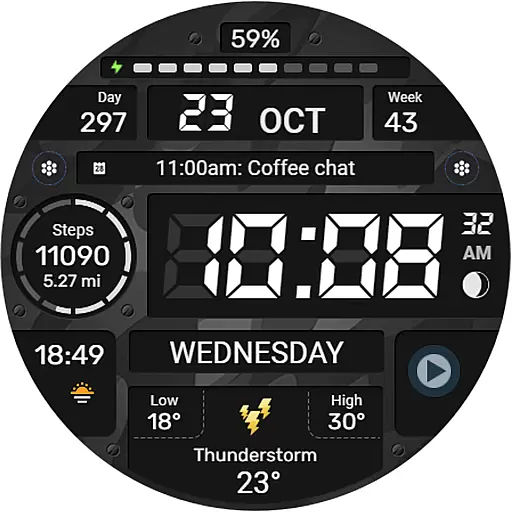
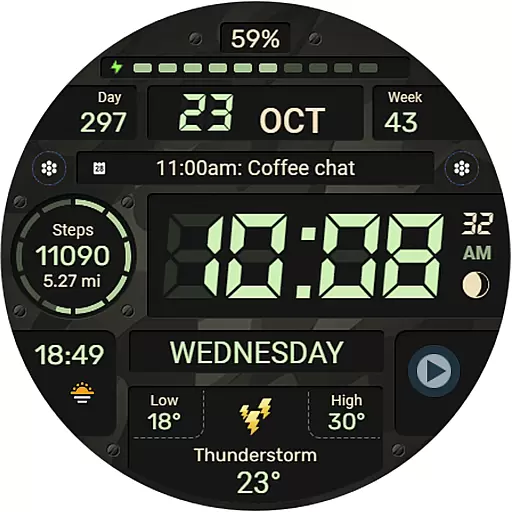
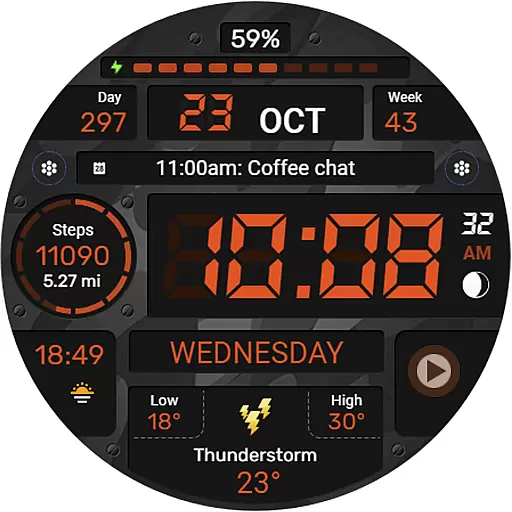
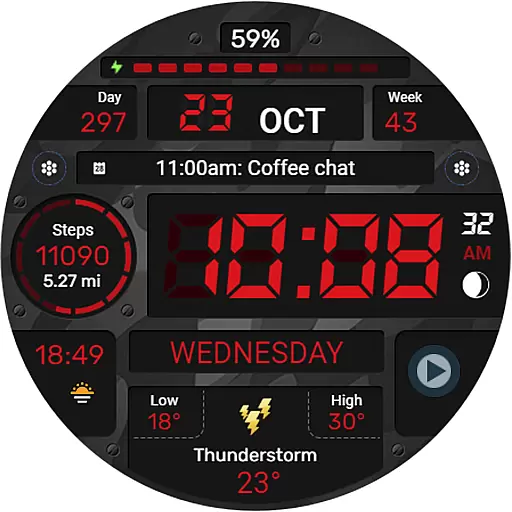
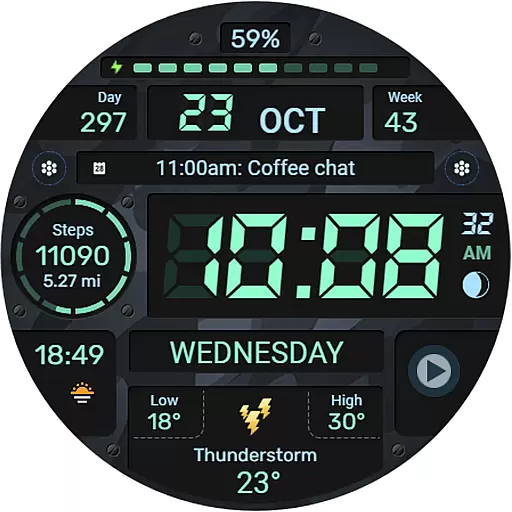
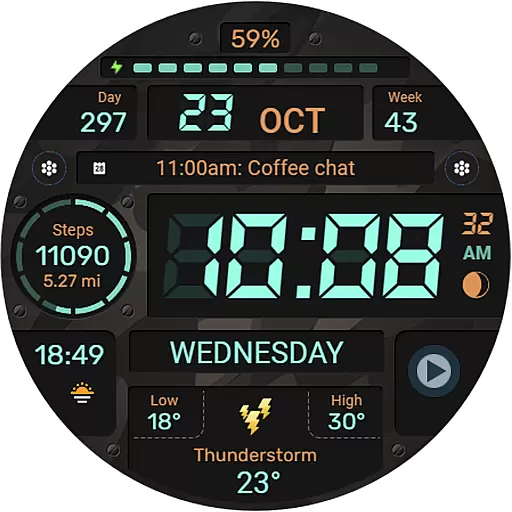
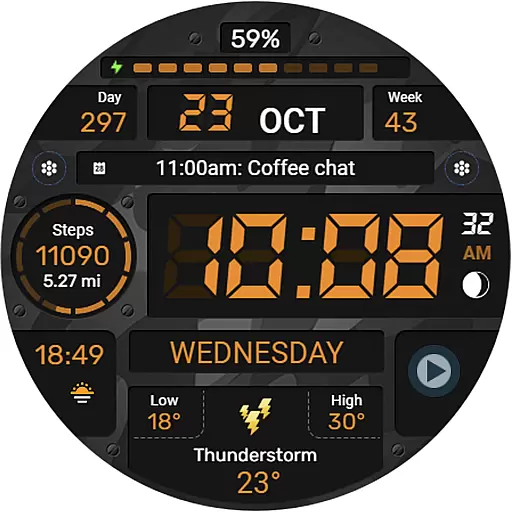
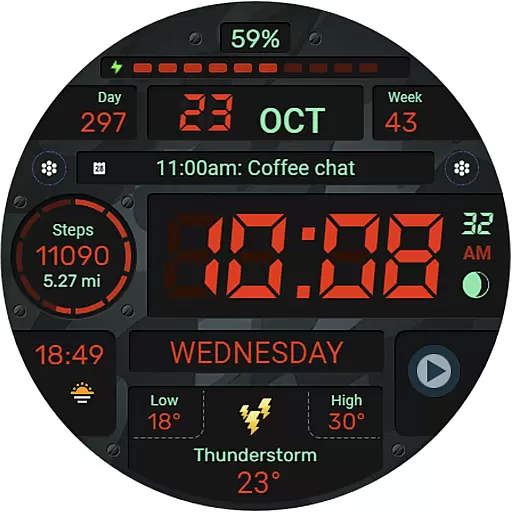
WFP 129 Military watch face is a versatile and customizable digital watch face designed for devices running WearOS 4 with API Level 30 or higher. This application offers users the ability to personalize their smartwatch display with various features such as complications, widgets, and multiple background color options.
The watch face stands out with its high resolution and optimization, ensuring crisp visuals and efficient battery usage. It supports both 12/24 hour time formats, distance in Km/Miles, weather in Fahrenheit/Celsius, and includes an always-on display mode that can be customized. With multilingual support and additional settings for phone charge widgets, it caters to a wide audience looking for both functionality and style on their wearable device.
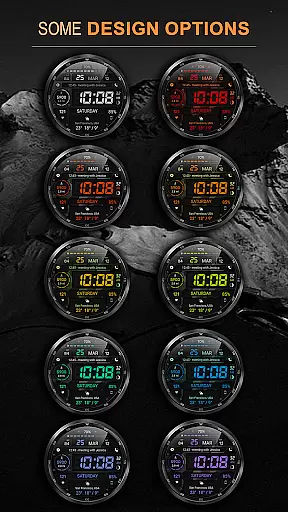
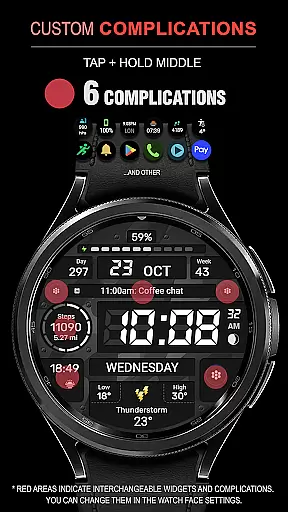
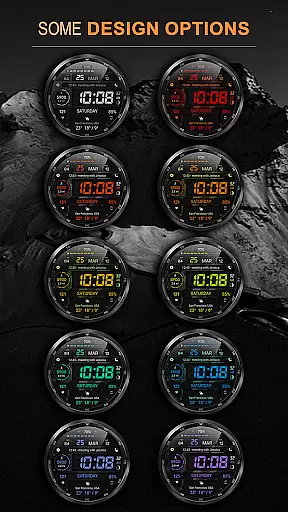
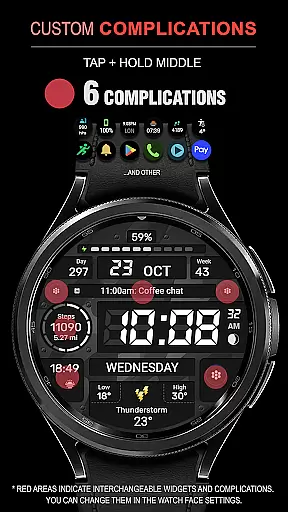
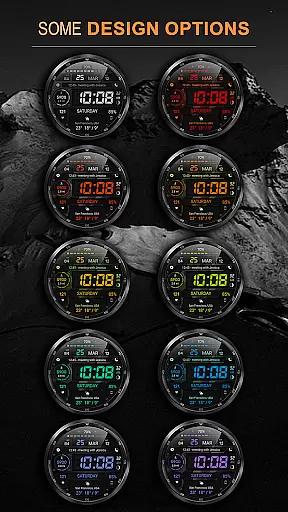
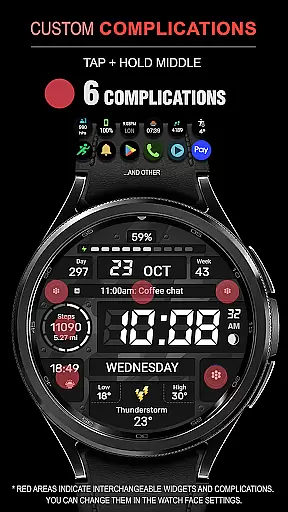
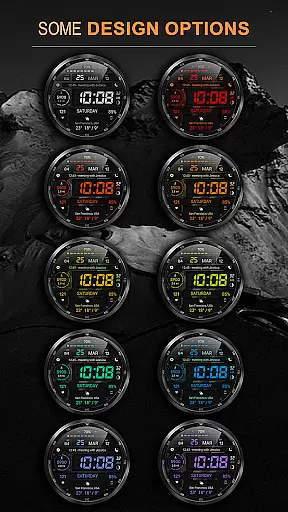
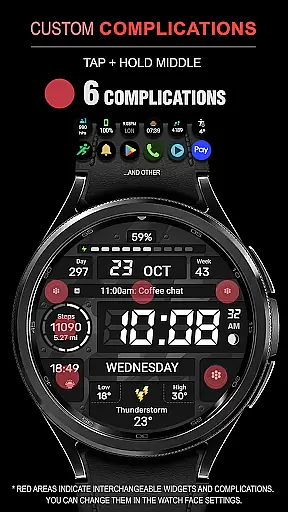
One of the key highlights of WFP 129 Military watch face is its rich feature set which includes six different complications and widgets, allowing users to access important information at a glance. The app provides thirty unique background color combinations, giving users the freedom to tailor the appearance of their watch face to suit their personal preferences.
In addition to aesthetic customization, this app also focuses on performance with high optimization techniques that result in low battery consumption. Users can choose between Fahrenheit or Celsius for weather updates, toggle between Km or Miles for distance measurement, and select from various AOD modes including full and minimal views. These practical features ensure that the watch face is not only visually appealing but also highly functional for everyday use.
For smartwatch users, seamless companion app integration is essential for a unified experience. The WFP 129 Military watch face ensures that all features are perfectly synchronized with its companion app, allowing for effortless customization and settings management.
This application supports devices running WearOS 4 and API Level 30+, ensuring that the latest technology is utilized for an optimal experience. Users can easily install the watch face by following simple instructions available on samsung-watchface.com, making the setup process straightforward and hassle-free.
With options to use phone charge widgets and display information such as calories and floors climbed, this app extends the functionality of your wearable device. Detailed guides found on their website help users make the most out of these features, enhancing both utility and user engagement.
Compatibility with various devices is a key factor when choosing a smartwatch face. The WFP 129 Military watch face is designed to work seamlessly with Wear OS, providing users with a versatile and adaptive interface that caters to different preferences and needs.
Boasting support for high resolutions and offering thirty background color combinations, this watch face delivers sharp visuals and personalized aesthetics. Its optimization guarantees low battery consumption while maintaining top-notch performance across supported devices, which is crucial for preserving the smartwatch's longevity and usability.
Moreover, multilingual support and flexible time format settings ensure that users from diverse backgrounds can utilize the watch face comfortably. Whether you prefer distances in kilometers or miles, or weather updates in Fahrenheit or Celsius, this application accommodates these choices, delivering a tailored experience that aligns with individual lifestyles.
User-friendly interface
Highly customizable
Optimized battery usage
Versatile widget options
Multilingual support
Limited to WearOS 4
API level 30+ required
No iOS compatibility
Premium features need purchase
Complex setup for beginners

"PER27 Galaxy Digital" is a digital Wear OS watch face designed by PERSONA
 4.10
4.10
WTW M17 is a premium and luxurious hybrid watch face
4.70
Embrace the festive spirit with our Christmas Countdown watchface for Wear OS
4.10
Analog watch face with 8 complications and expedition styling
4.4
Artistic Digital Watchface
4.1
Sleek, highly customizable watch face inspired by Galaxy Watch Circle Dashboard.
4.0
Bold, Modern Hybrid Watch Face for Wear OS. 10 Colors, Rich Info Display.
4.30
Gym & home workout plans with strength training, exercise tracking, HIIT & more.
4.60
A white realistic classic analog watch face with many customization options.
4.40
The Chevron App allows you to pay for fuel from the comfort of your car!
4.80
Be an elegant and classy secret agent, with this carefully detailed watch face
4.70
Real-time results, stats, schedules and player profiles for all leagues
4.60
Fast and smart typing with Emojis, GIFs, and more
4.50
Reliable phone calls with spam protection, caller ID and more helpful features
4.40
Bold weather Digital watchface with forecast & optional animated background
4.40
Premium hybrid watch face with many customizations for Wear OS devices.
4.40
Watch face for Wear OS.
4.20
Structured watch face with seven complications and modular UI elements
3.90
Stylish digital watch face for Wear OS devices with customizable features
4.2


User Reviews