
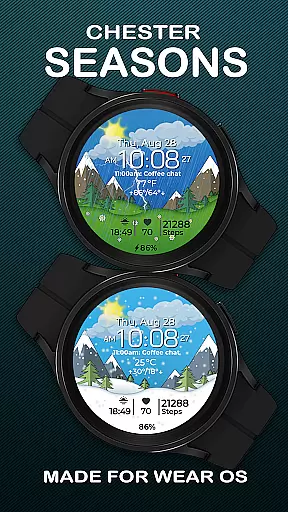
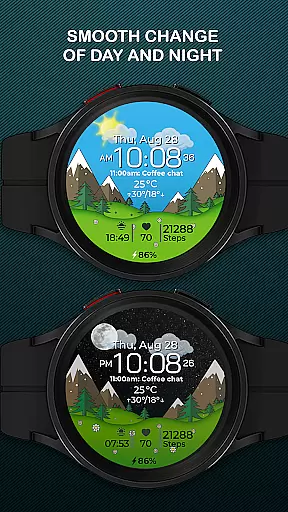
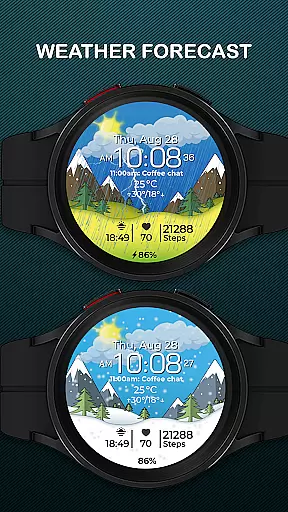
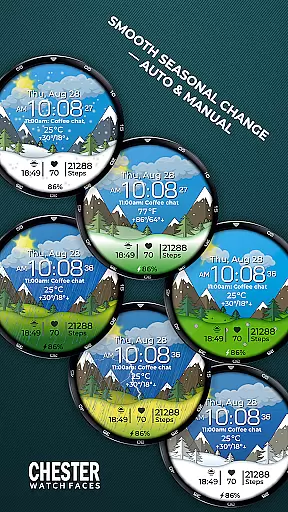
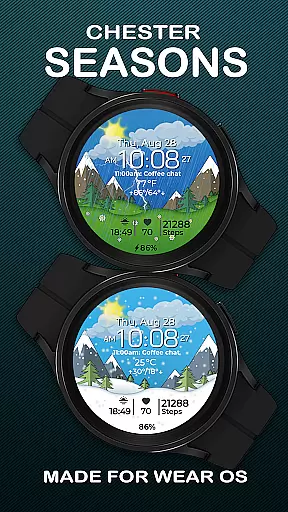
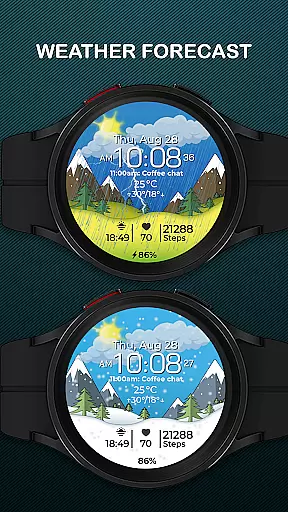
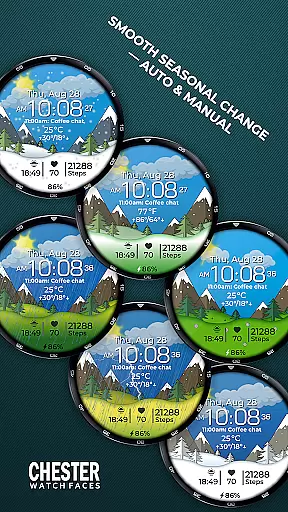
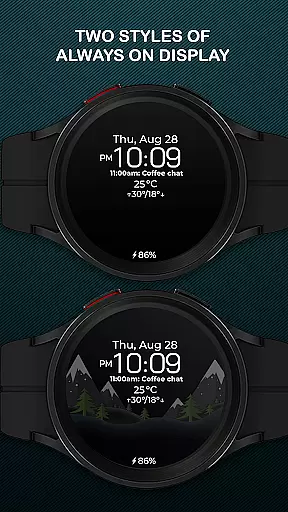
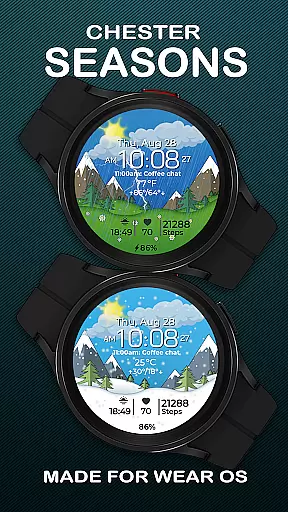
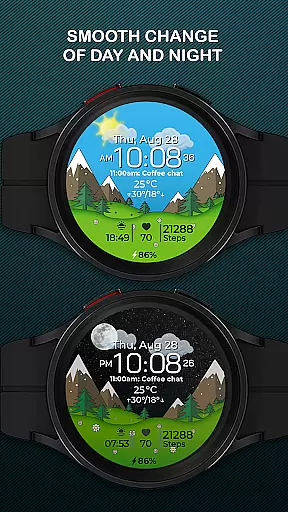
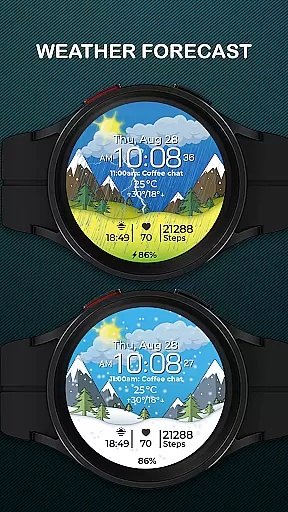
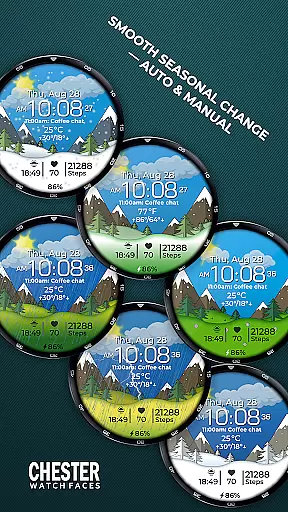
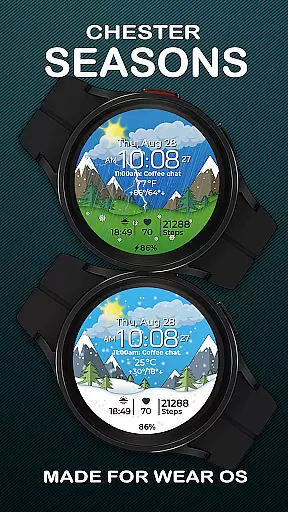
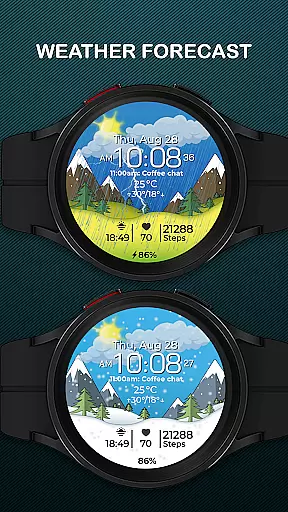
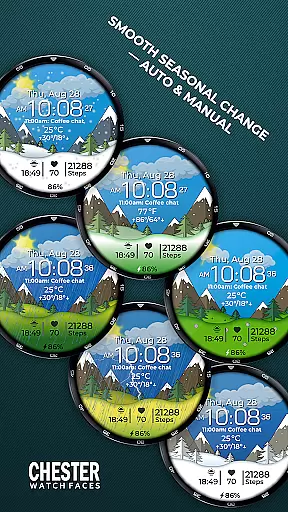
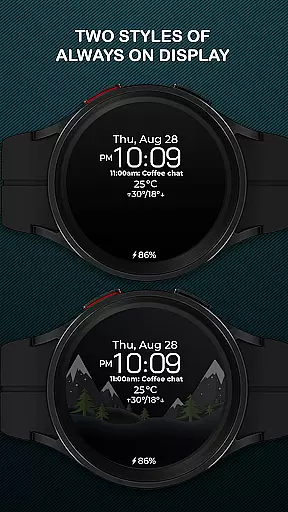
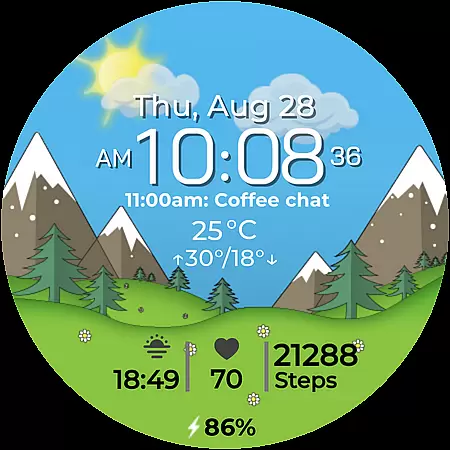
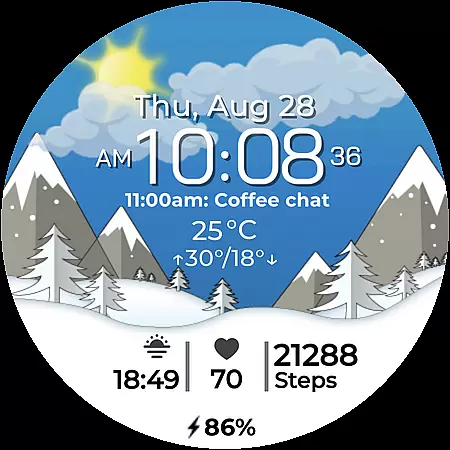
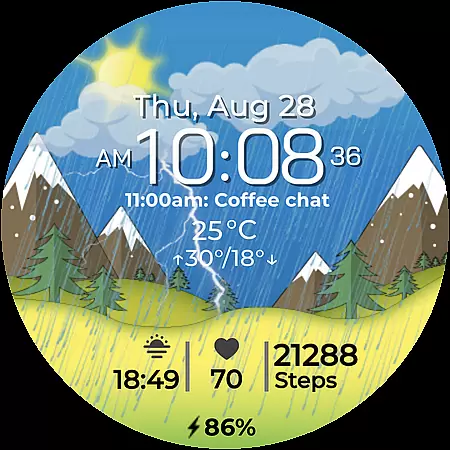
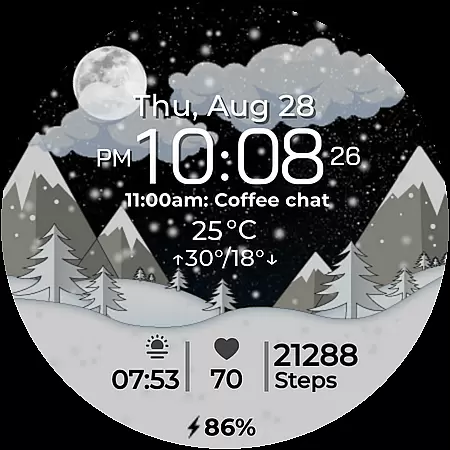
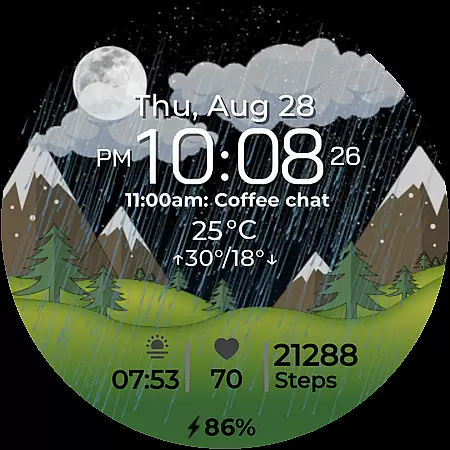
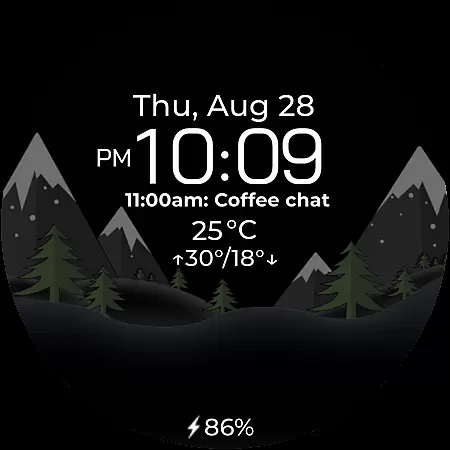
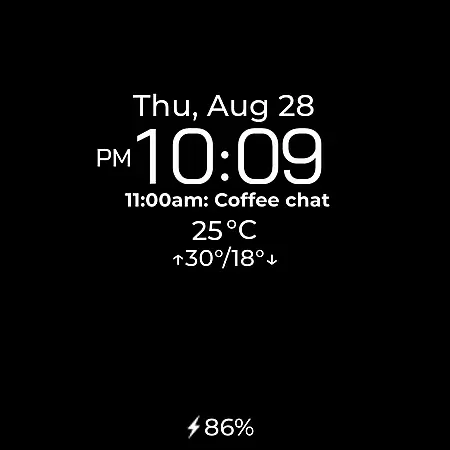
Chester Seasons is a dynamic and stylish watch face for Wear OS devices, designed to bring both functionality and aesthetic appeal to your smartwatch. This app transforms your wearable into a personalized accessory that adapts to seasonal changes and provides essential information at a glance.
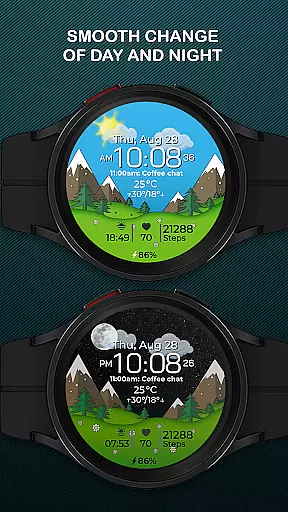
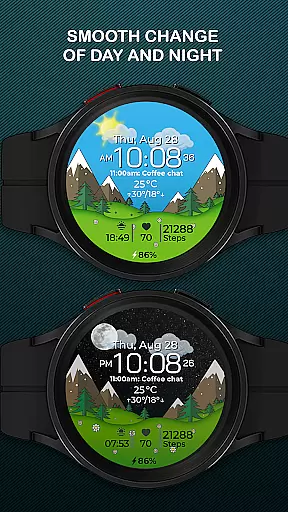
With features like smooth day & night transitions, weather display, and interactive tap zones, Chester Seasons offers users an engaging experience. The watch face supports rich customization options including complications, quick access zones, and temperature displays in both Celsius and Fahrenheit. Compatible with Wear OS API 30+ devices, it works seamlessly on popular models like Google Pixel Watch and Samsung Galaxy Watch series.
This application is particularly useful for users who want more than just timekeeping from their smartwatch. It combines practical information with beautiful animations, making it suitable for various occasions while maintaining usability throughout the year.
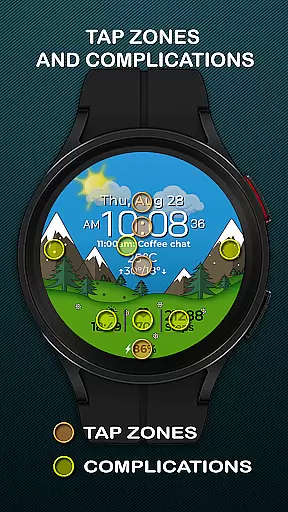
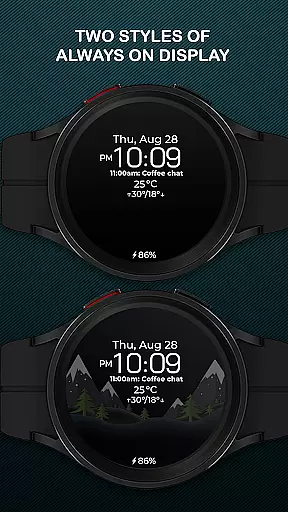
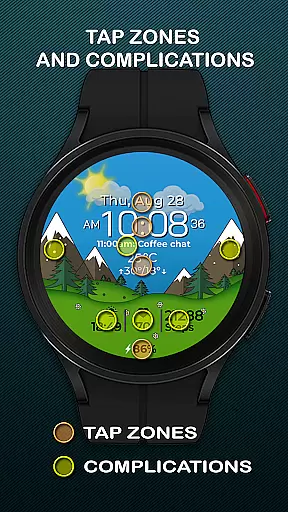
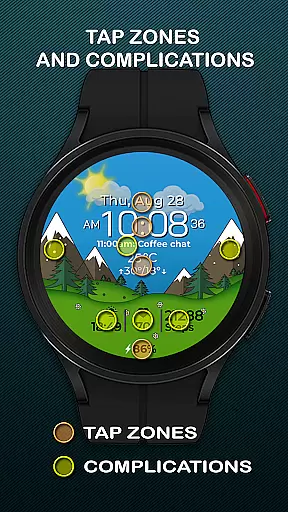
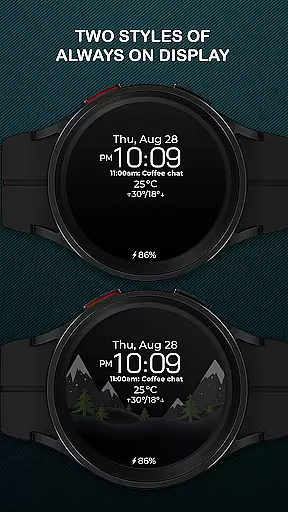
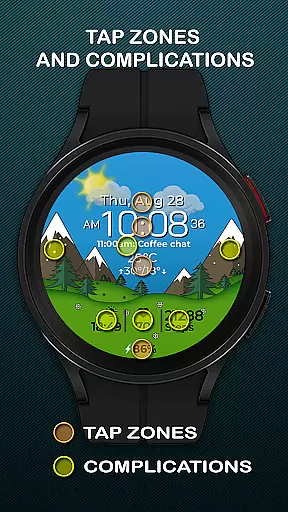
Chester Seasons stands out with its comprehensive feature set tailored for Wear OS users. The watch face displays time, date, month, and day of the week alongside a battery level indicator, keeping users informed about their device's status. Four customizable complications allow users to choose what information is displayed, such as weather conditions or fitness tracking data.
Unique to this app are its interactive elements - three quick access zones enable instant launching of favorite apps or workouts while interactive tap zones provide additional control. Smooth transitions between day and night cycles, along with automatic seasonal background changes, create an immersive experience. Users can also manually adjust seasonal settings if desired.
The application supports both Celsius and Fahrenheit temperature scales, showing current weather conditions along with daily max and min temperatures. While all features work optimally on Wear OS API 34+, basic functionality remains available on older versions. With compatibility across multiple devices including Google Pixel Watch and Samsung Galaxy Watch series, Chester Seasons ensures broad accessibility for smartwatch enthusiasts.
Companion app integration is essential for a seamless wearable experience. Chester Seasons watch face offers deep integration with the main companion app, ensuring that all features are easily accessible and customizable.
The app allows users to adjust settings such as weather display, manual seasonal background changes, and complication preferences directly from their smartphone. This ensures that users can personalize their watch face without hassle, enhancing the overall user experience.
By leveraging the companion app, Chester Seasons provides real-time updates and synchronization between the phone and the watch. This means any changes made in the app are immediately reflected on the watch face, providing up-to-date information at a glance.
This level of integration not only simplifies the customization process but also ensures that users can make the most out of their Wear OS devices, enjoying both style and functionality on their wrist.
Ensuring broad device compatibility is crucial for any Wear OS application. Chester Seasons watch face is designed to work seamlessly with all Wear OS API 30+ devices, including popular models like Google Pixel Watch and Samsung Galaxy Watch series.
The watch face takes full advantage of the capabilities offered by these devices, providing features such as interactive tap zones, quick access zones for apps and workouts, and smooth day & night transitions. These functionalities enhance the user experience by making interactions more intuitive and engaging.
However, it's important to note that some advanced features, like weather display and manual background changes for seasons, are not available on devices running below Wear OS API 34. Users are encouraged to check their device's specifications to ensure full feature availability.
With its wide compatibility and adaptive design, Chester Seasons transforms any compatible Wear OS smartwatch into a dynamic accessory that caters to various lifestyles and preferences.
Stylish design
Rich customization
Interactive features
Seasonal adaptation
Wide compatibility
No rectangular support
Limited on older OS
Weather needs API 34+
Manual season requires API 34+
Complication limit

WTW M17 is a premium and luxurious hybrid watch face
 4.70
4.70
an Analog Watch Face for winter season with freeze winter background for Wear OS
4.0
Wear Os Watch Face - Animated Snow - Sesonal for Christmas & Winter
4.2
Current temperature, weather hourly, weather radar by the weather forecast app
4.40
Analog watch face with 8 complications and expedition styling
4.4
Be an elegant and classy secret agent, with this carefully detailed watch face
4.70
Gym & home workout plans with strength training, exercise tracking, HIIT & more.
4.60
Viewer for Wyze/Yi/Eufy/Arlo/ONVIF/RTSP/P2P IP cams w/ adv. features & DIY DVR
4.00
From periods to pregnancy & perimenopause, Flo helps you track it all. Try now.
4.70
Christmas Theme Watch Face for Wear Os
5.00
A modern premium sporty hybrid watch face for Wear OS by Ballozi
4.70
Digital watch face with big numbers and many customization for Wear OS devices
4.40
Christmas watch face. For Wear OS devices.
4.30
Connect, create, and collaborate with Gmail, part of Google Workspace.
4.10
Get helpful reminders, take progress photos and find answers to your questions.
3.90
Authentic military-tactical design with ZULU time! Realistic and functional!
3.80
Watch the sharpness of the sky on your wrist..
3.70
Wear Os Watch Face - Animated Snow Effect & Christmas Lights
4.2
Contemporary digital watch face with five complications
4.5


User Reviews