
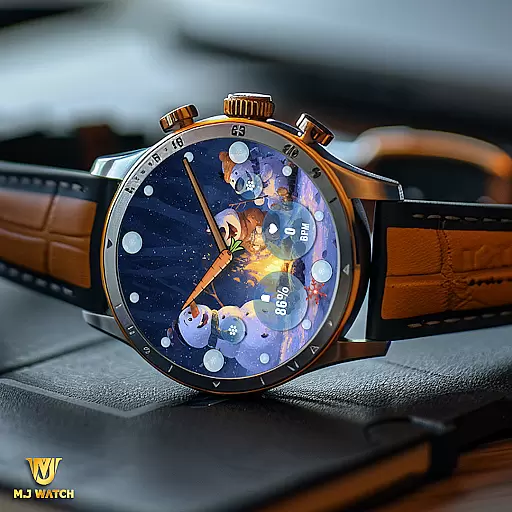
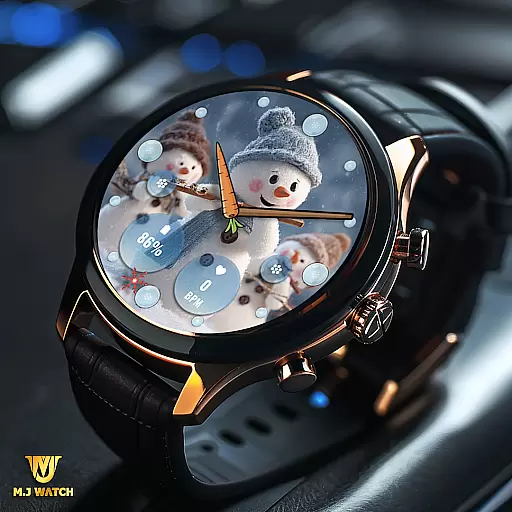
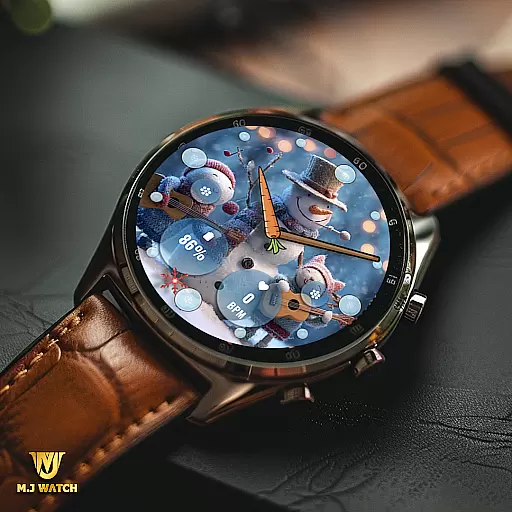
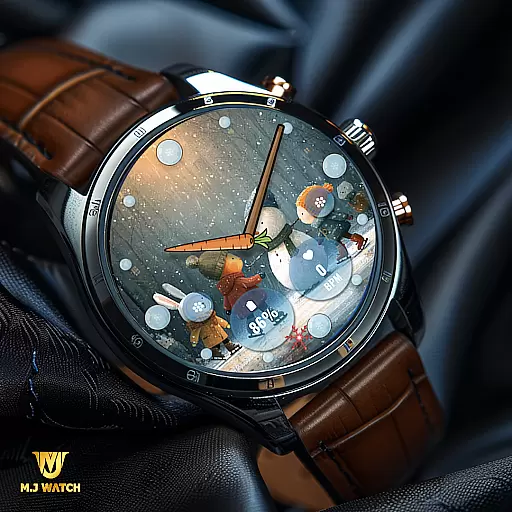
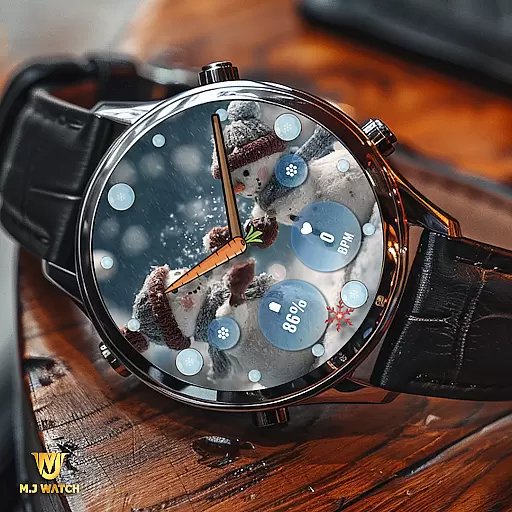
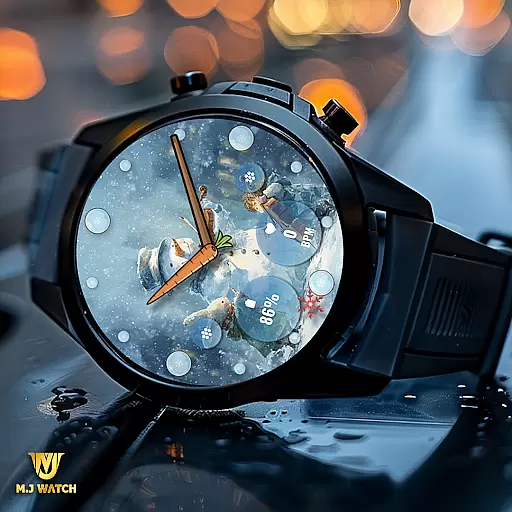
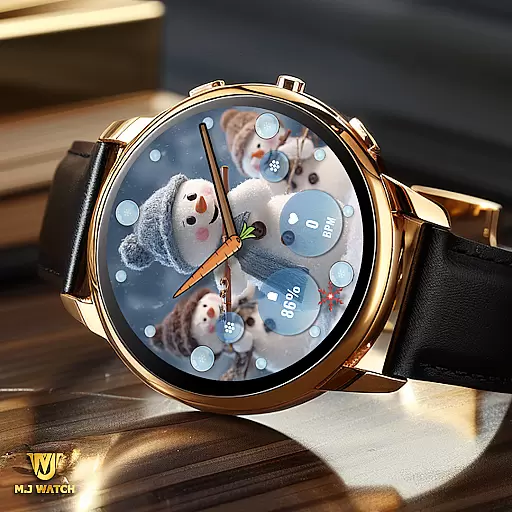
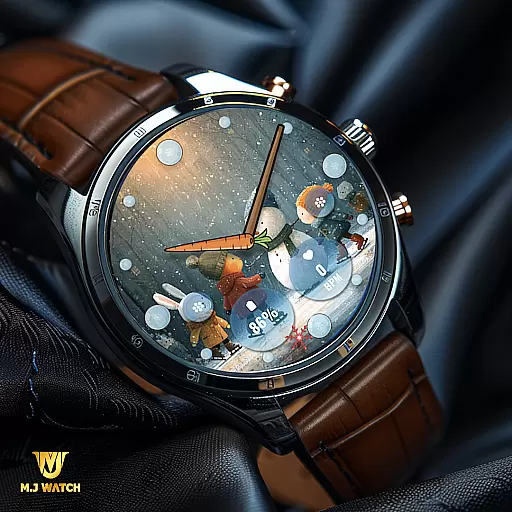
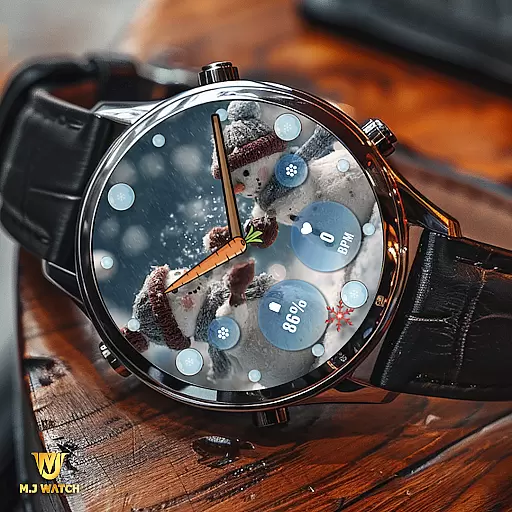
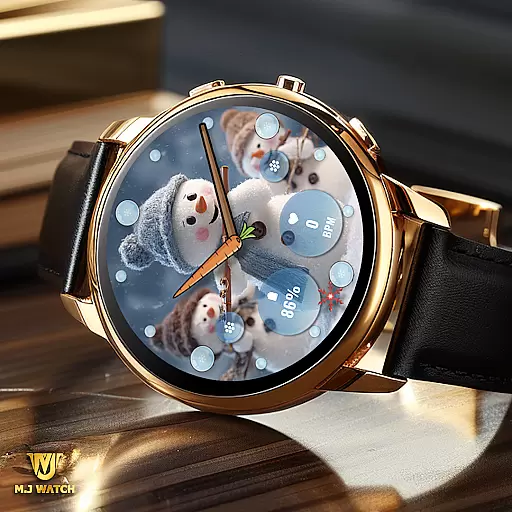
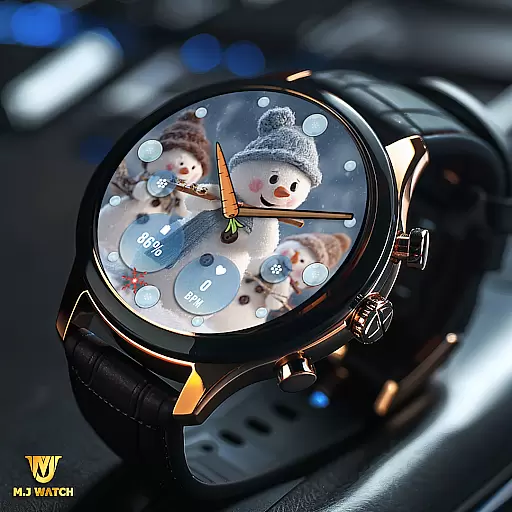
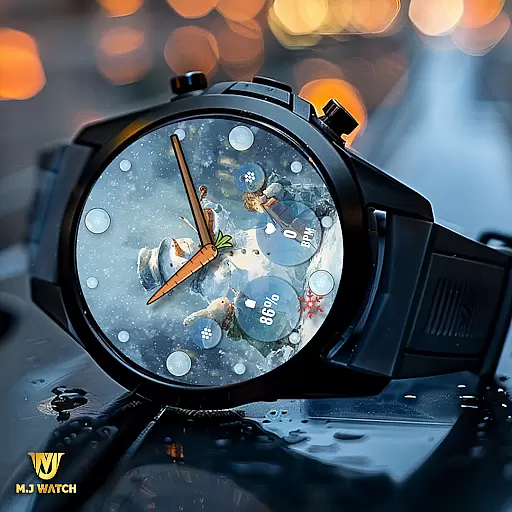
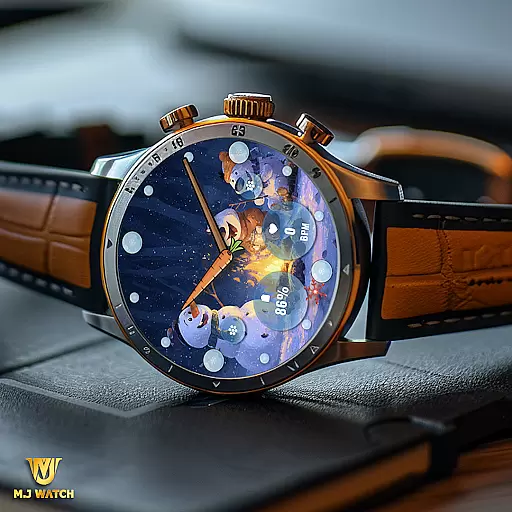
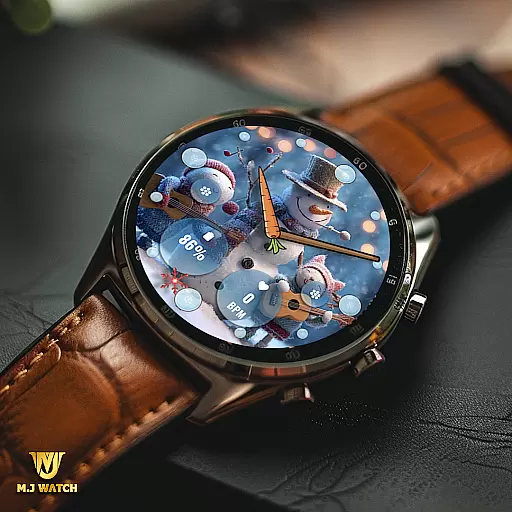
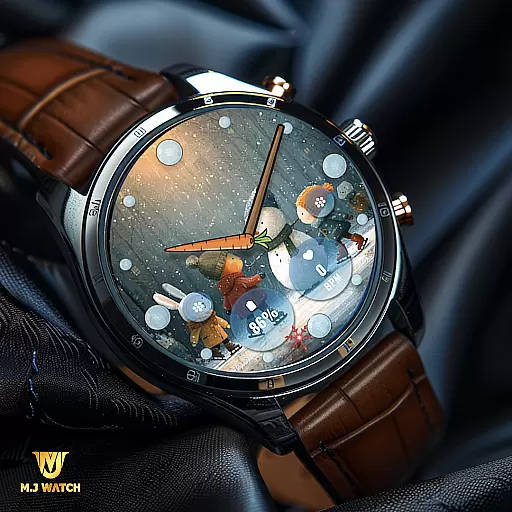
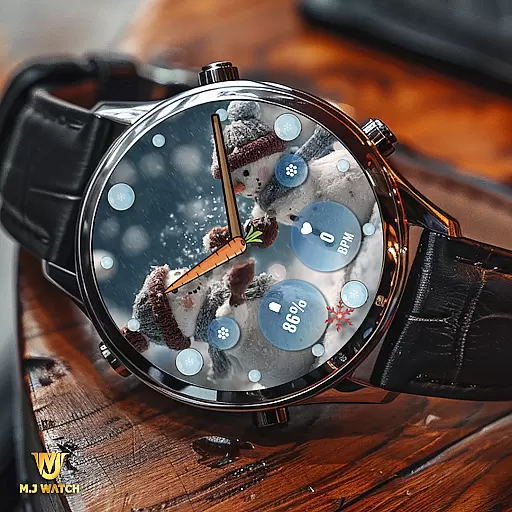
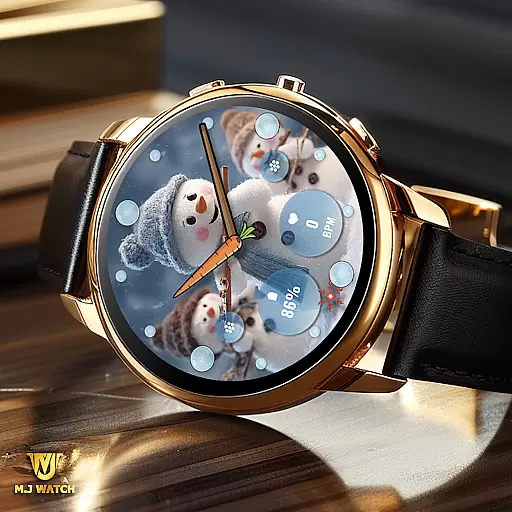
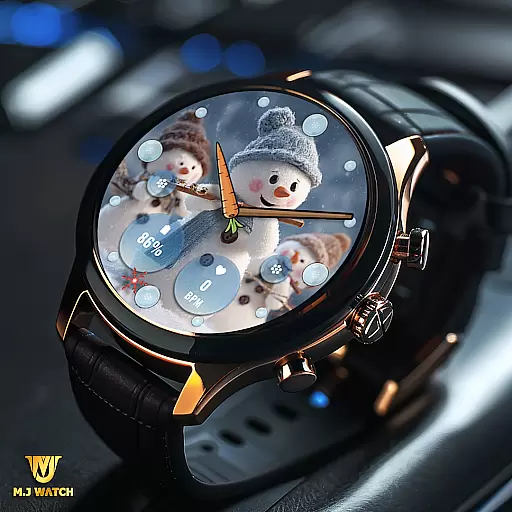
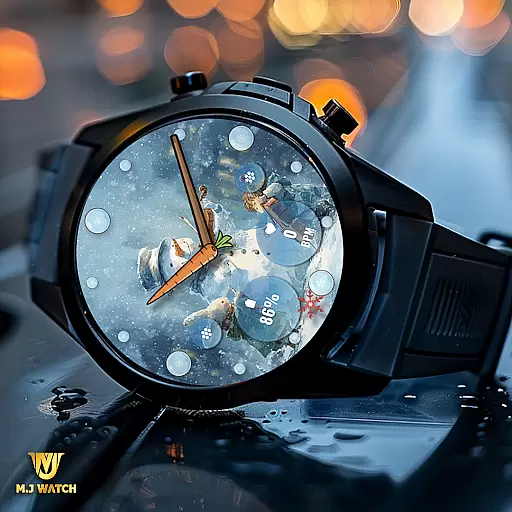
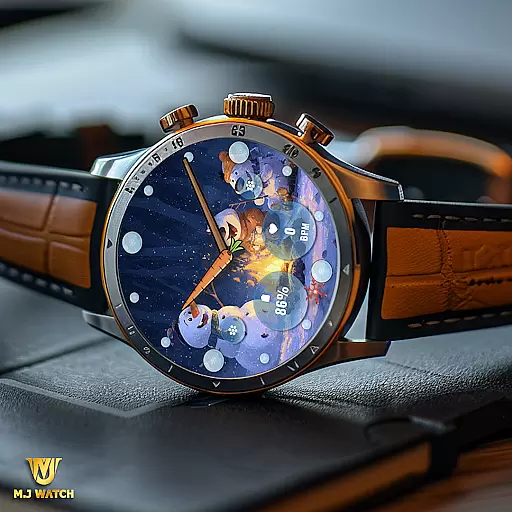
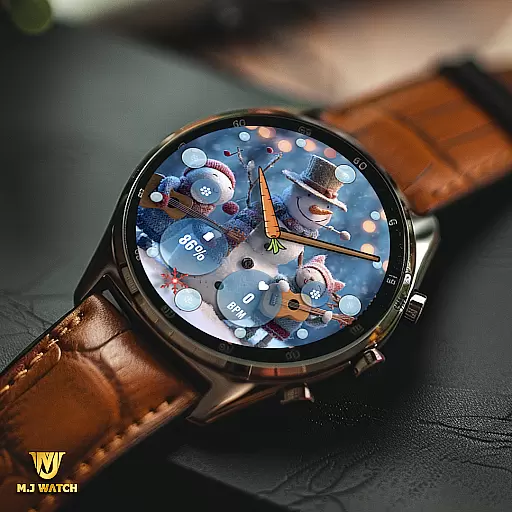
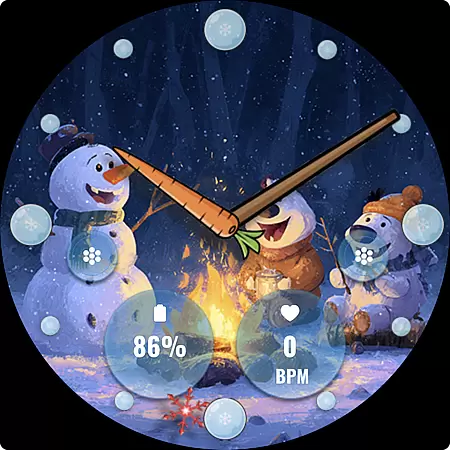
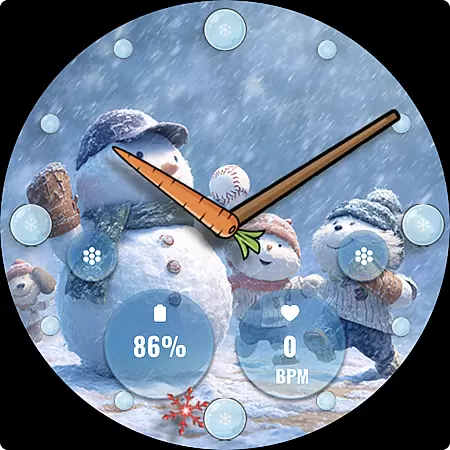
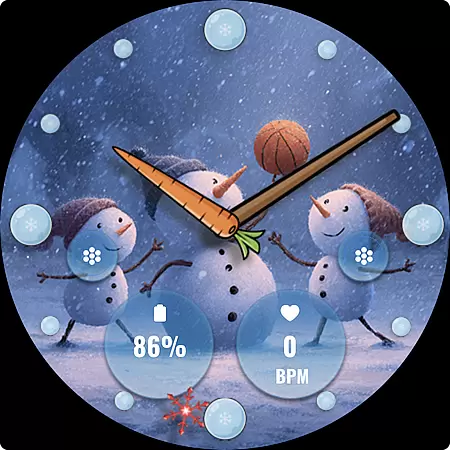
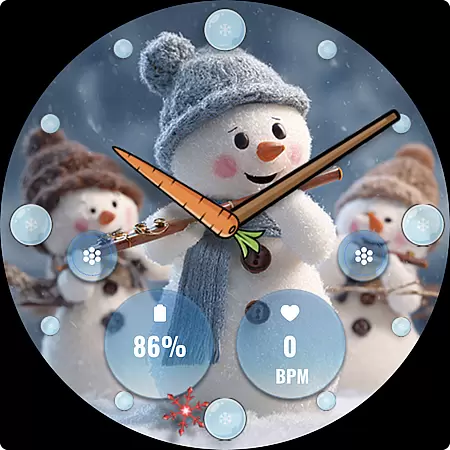
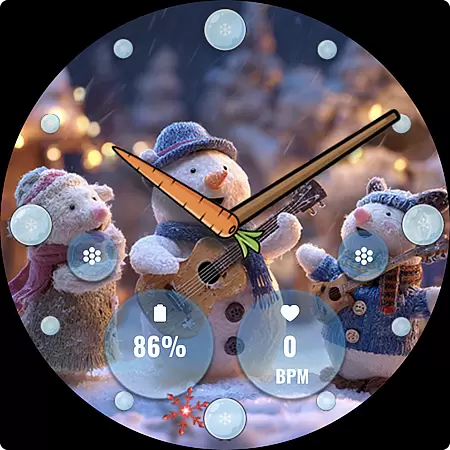
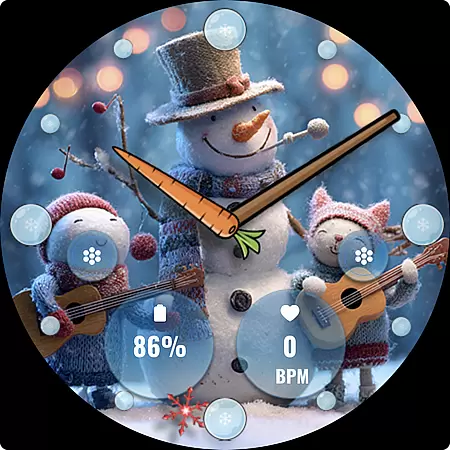
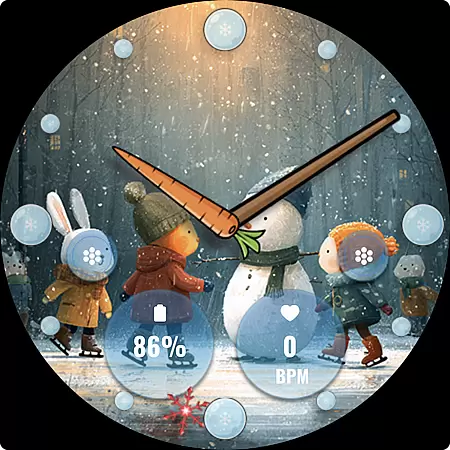
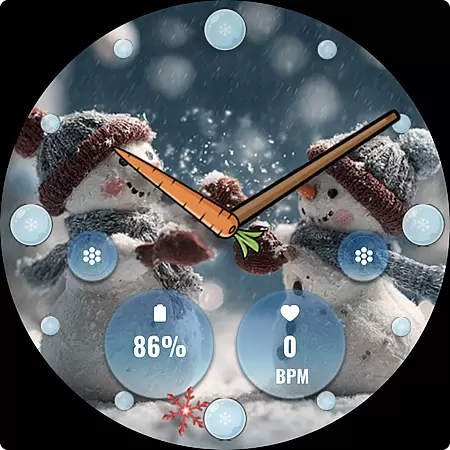
FLW105 Snowman Freeze Winter is a specially designed watch face for Wear OS devices, perfect for winter season enthusiasts. This analog watch face features a stunning freeze ice background that brings the chill of winter to your smartwatch screen.
The watch face offers multiple customization options including two custom complications and two shortcuts, allowing users to display their preferred information and access frequently used functions with ease. With 10 unique winter-themed images featuring charming snowmen, users can personalize their watch face to match their style.
This application is ideal for those who appreciate both functionality and aesthetics on their wearable devices, providing a visually appealing way to stay informed during the colder months.
FLW105 Snowman Freeze Winter stands out with its rich feature set tailored for Wear OS users. The analog watch hands not only indicate time accurately but also add a classic touch to the overall design.
One of the key highlights is the ability to customize the watch face extensively. Users can choose from two custom complications to show relevant information such as weather updates or fitness stats. Additionally, two custom shortcuts enable quick access to frequently used apps or settings.
The inclusion of 10 beautifully crafted winter scenes with snowmen provides a delightful visual experience. To modify settings or switch images, users simply need to press and hold the watch face followed by pressing 'Customise', making personalization effortless and intuitive.
Companion app integration is essential for a seamless wearable experience. FLW105 Snowman Freeze Winter ensures that all features are perfectly synced with your smartphone. This includes the ability to customize watch faces and complications directly from your mobile device.
The application allows users to change what information is displayed on their wearable, such as weather updates or calendar events. By pressing and holding the watch face, then selecting Customize, users can easily modify settings. This streamlined process enhances user convenience and accessibility.
With two custom shortcuts available, users can set preferred actions or apps to launch quickly. This functionality bridges the gap between smartphones and wearables, providing a cohesive ecosystem. The synchronization of these features ensures that users have a personalized and efficient experience.
Ensuring compatibility with Wear OS and various devices is crucial for optimal performance. FLW105 Snowman Freeze Winter supports a wide range of Wear OS devices, offering an analog watch face with freeze ice background. This compatibility guarantees that users can enjoy the winter-themed design regardless of their device model.
The watch face features analog hands for hour, minute, and second, ensuring accurate timekeeping. Additionally, it offers ten unique freeze winter images with snowmen, enhancing visual appeal. These features are designed to work seamlessly across different screen sizes and resolutions.
Users can also take advantage of customizable complications and shortcuts, which adapt to various device capabilities. This flexibility ensures that everyone can tailor their watch face to suit their preferences. Overall, FLW105 provides a versatile and engaging experience for all Wear OS users.
Visually Stunning Design
Highly Customizable Features
User-Friendly Interface
Perfect for Winter Enthusiasts
Compatible with Wear OS
Limited to Wear OS
Only Seasonal Appeal
Requires Manual Customization
No Digital Watch Option
Consumes More Battery

A customizable Christmas watch face for Wear OS with a countdown.
 4.20
4.20
Watch the sharpness of the sky on your wrist..
3.70
Wear Os Watch Face - Animated Snow Effect & Magic Spark - 6 Scenes
4.10
Easy Voice Recorder is your everyday companion to record important moments.
4.70
Nutrition, Macro tracker: Food, fitness & healthy diet tracking for weight loss
4.60
Real-time results, stats, schedules and player profiles for all leagues
4.60
Hybrid Vibrant Health Watch Face for Wear OS
4.4
Fast and smart typing with Emojis, GIFs, and more
4.50
Control your Samsung Smart TVs, appliances, and SmartThings-compatible devices
4.60
Ideal for surviving in the wasteland left after nuclear fallout
4.50
Embrace the holiday spirit with this magical animated watch face!
4.40
Digital watch face. For Wear OS devices.
4.40
Bold, Modern Hybrid Watch Face for Wear OS. 10 Colors, Rich Info Display.
4.30
Snowflake Rose Gold Watch Face - Digital, modern, & sleek with GYRO effect.
4.10
Connect, create, and collaborate with Gmail, part of Google Workspace.
4.10
Get helpful reminders, take progress photos and find answers to your questions.
3.90
Wear Os Watch Face - Animated Snow Effect & Christmas Lights
4.5
Funny animated watch face for Thanksgiving
4.0
Minimalistic design modern digital watch face.
4.5


User Reviews