
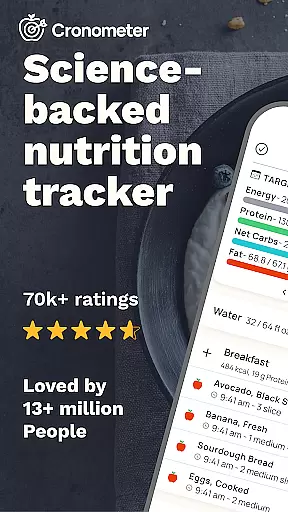
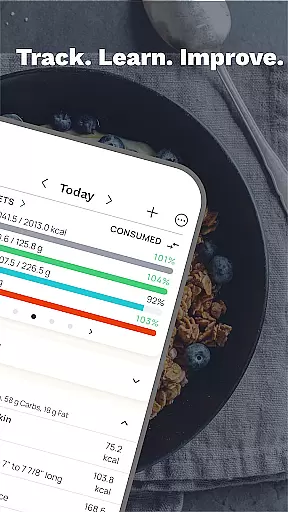
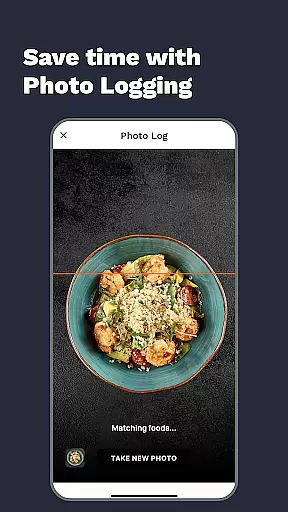
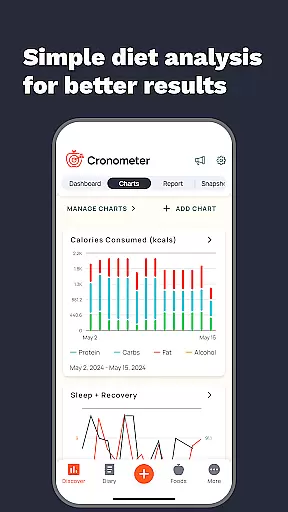
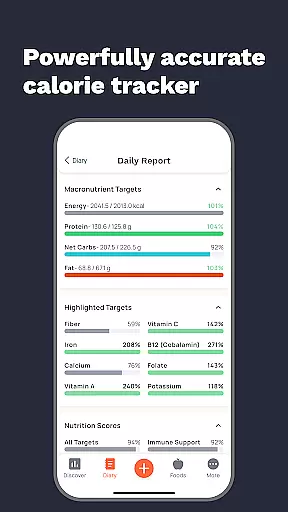
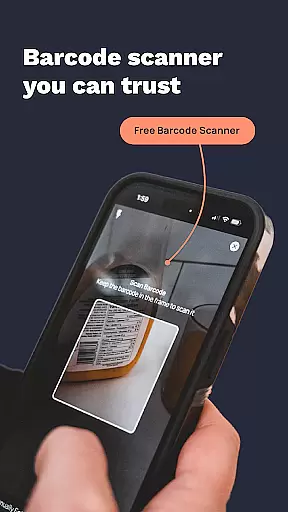
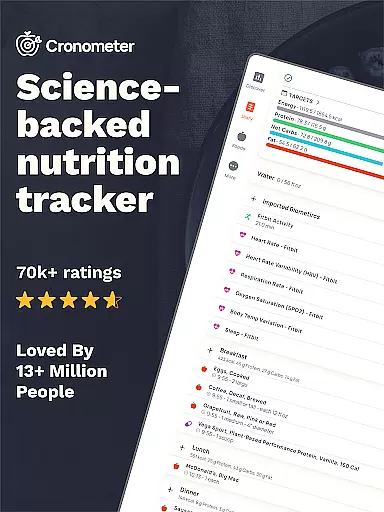
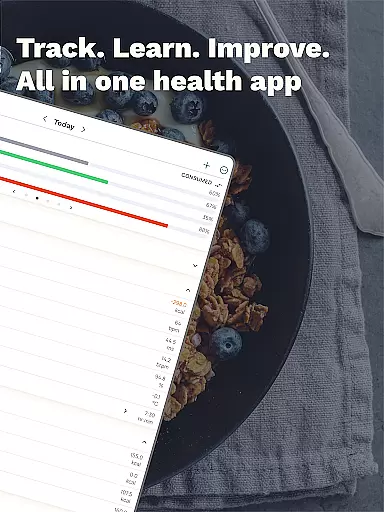
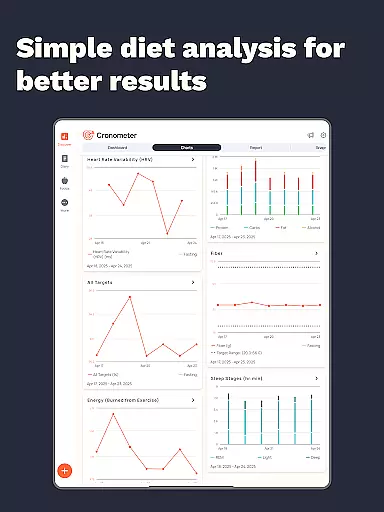
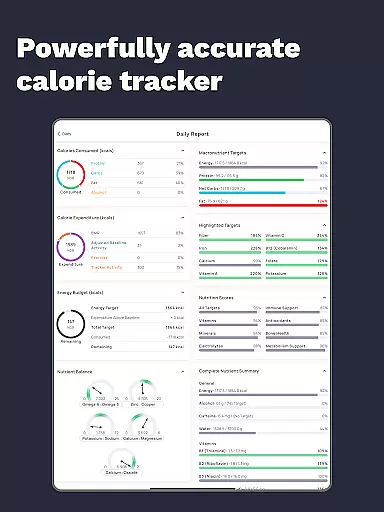
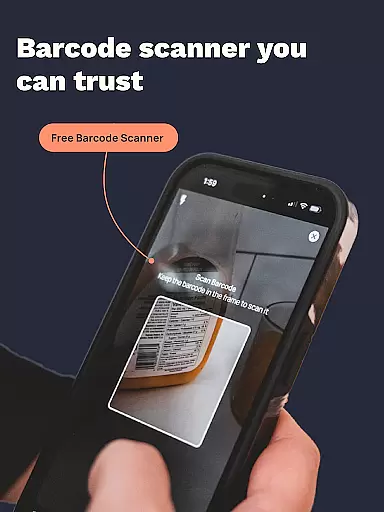
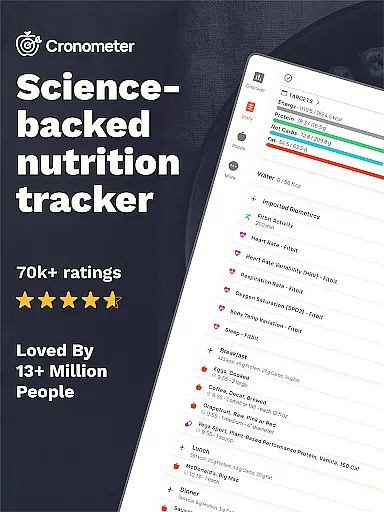
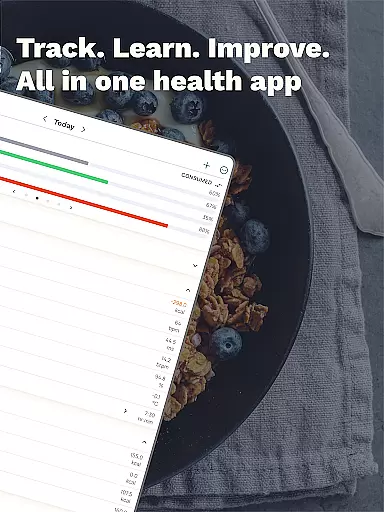
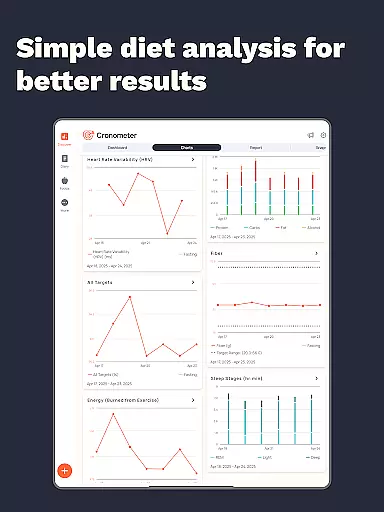
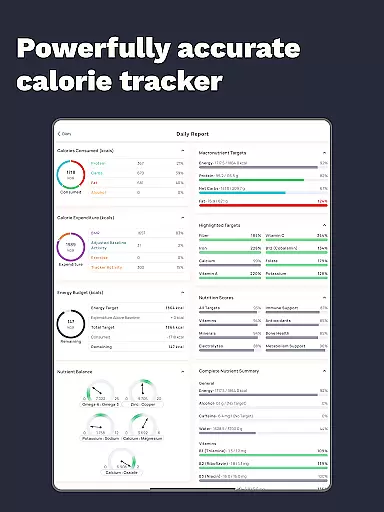
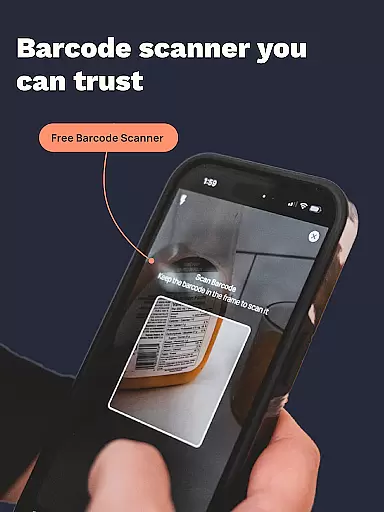
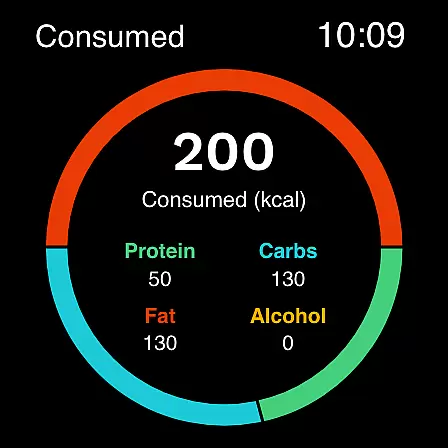
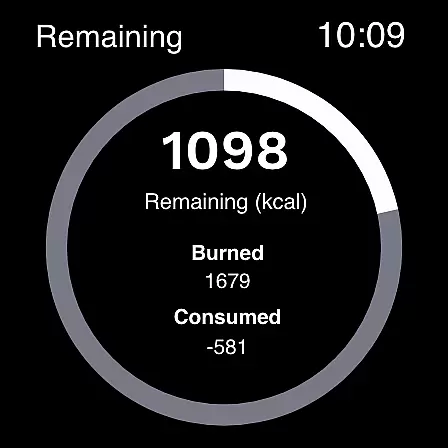
Calorie Counter by Cronometer is a comprehensive nutrition tracking app designed for Android Wear devices. This powerful calorie counter and macro tracker helps users achieve their health goals through precise food logging and nutrient analysis. With its AI-powered photo logging feature, users can quickly track meals by simply taking photos of their food.
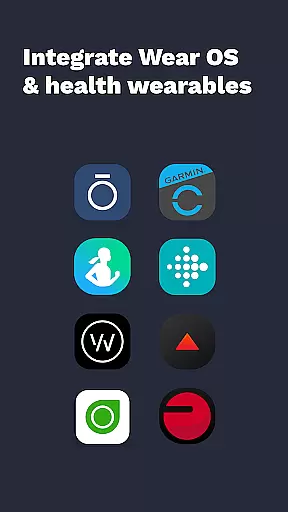
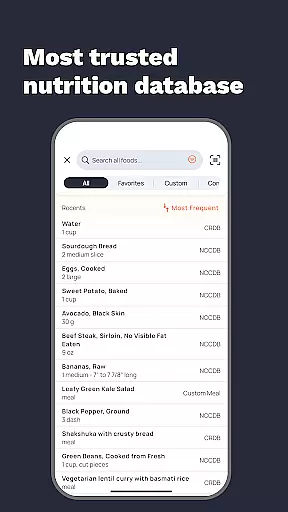
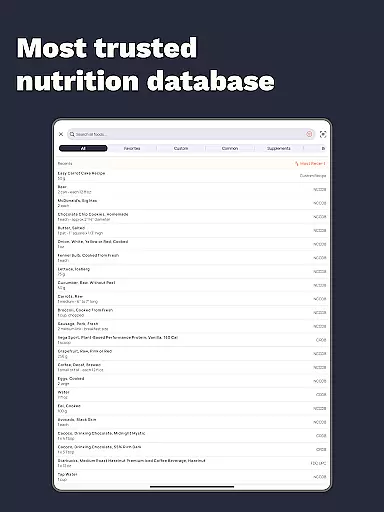
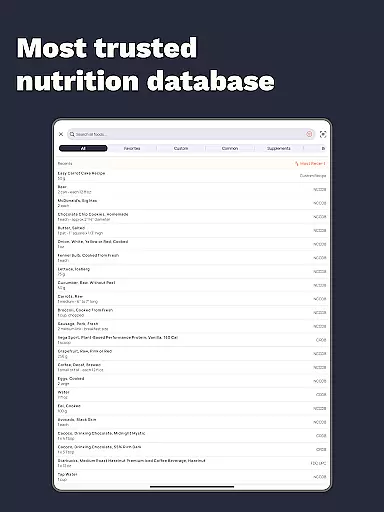
The app stands out with its database of 1.1 million+ verified foods, providing unmatched accuracy in calorie and nutrient tracking. Beyond basic food logging, Cronometer offers advanced features including wearable integrations with Fitbit, Garmin, and other devices, creating a unified health monitoring system that goes beyond simple calorie counting.
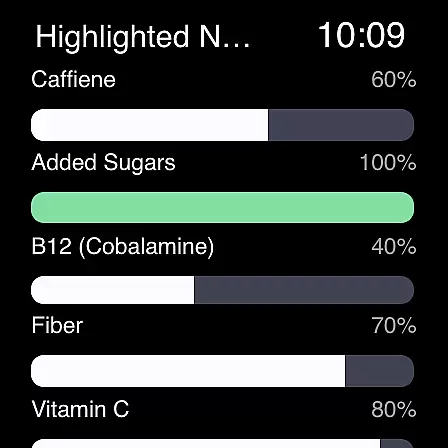
Cronometer's standout feature is its AI-driven photo logging capability, which revolutionizes meal tracking on Android Wear devices. Users can capture meal photos, with the app automatically identifying ingredients and estimating portions. The app's extensive database covers not only calories and macronutrients but also tracks 84 micronutrients, offering unparalleled depth in nutritional analysis.
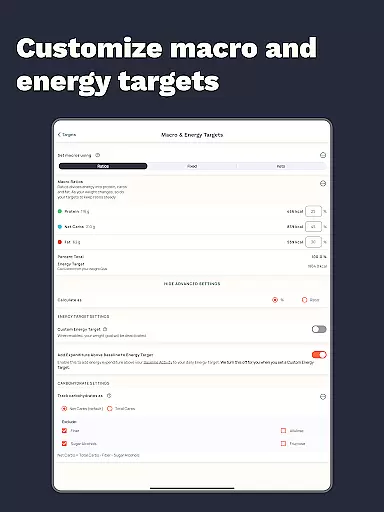
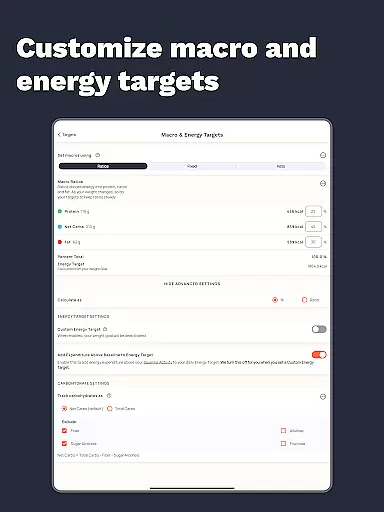
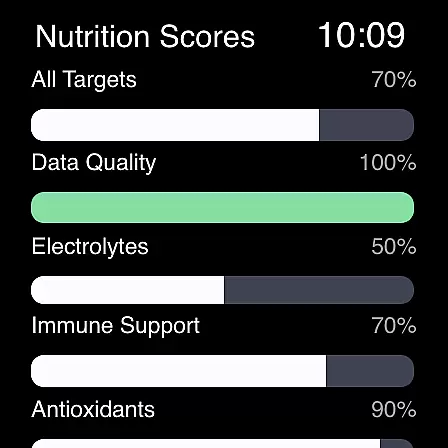
Advanced users can benefit from Cronometer Gold's premium features including custom biometric tracking, nutrition scores across 8 key areas, and detailed nutrient analysis tools. The app's integration with wearables creates a seamless experience for tracking various health metrics alongside nutrition data, making it an essential tool for both fitness enthusiasts and health professionals.
Companion app integration is essential for users who want a seamless experience between their mobile devices and wearables. Cronometer excels in this area by ensuring that its Android Wear application works harmoniously with its smartphone counterpart. This integration allows users to access and input data from either device without missing a beat.
The app's functionality on Wear OS focuses on core features like calorie and macro tracking, which are crucial for maintaining a consistent health regimen. Users can easily log meals, track nutrients, and monitor their progress directly from their smartwatch. This ensures that even when the phone isn't handy, health tracking doesn't have to pause.
By leveraging companion app integration, Cronometer provides real-time synchronization of data across devices. Whether you're logging meals via AI-powered photo logging on your phone or checking your nutrient intake on your watch, the information is always up-to-date and accurate. This interconnected ecosystem enhances user convenience and supports better adherence to personal health goals.
Ultimately, the value of companion app integration lies in its ability to streamline the user experience. Cronometer's thoughtful design ensures that whether you're at home or on the go, your health data is unified and accessible. This cohesive approach empowers users to take control of their nutrition and fitness journey with minimal friction.
Device compatibility is a critical factor for apps designed for platforms like Wear OS. Cronometer addresses this need by ensuring its app functions smoothly across a wide range of devices. This compatibility allows users with different smartwatches and phones to enjoy a consistent and reliable experience.
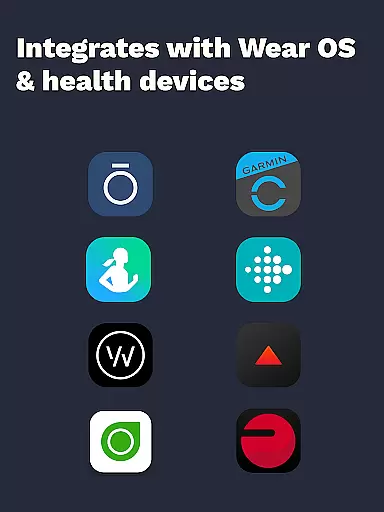
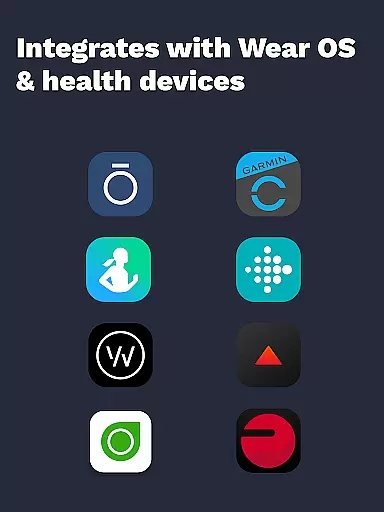
Cronometer's Wear OS app is optimized to work seamlessly with various devices, including popular models from brands like Fitbit, Garmin, and more. This broad compatibility means that regardless of the specific wearable or smartphone you own, Cronometer can deliver its comprehensive nutrition tracking features without compromise.
In addition to supporting multiple devices, Cronometer also integrates with other health technologies. For instance, users can sync data from devices such as Dexcom, Oura, and Apple Watch. This interoperability enhances the app's utility by consolidating health metrics into one platform, providing a holistic view of the user's well-being.
By prioritizing Wear OS and device compatibility, Cronometer ensures that its users can focus on what matters mostu2014their healthu2014without worrying about technical limitations. The app's ability to deliver accurate and timely data across various devices underscores its commitment to accessibility and user-centric design.
Accurate nutrient tracking
Extensive food database
AI-powered photo logging
Wearable device integration
Comprehensive health metrics
Premium features costly
Complex for beginners
Limited free version
Requires manual entry
Occasional sync issues

Precision analog watch face with 7 complications and style options
 4.3
4.3
3 Complications. All shadow on/off. 30 Themes color palette...
4.0
Monitor health with the stress test and pulse checker in the heart rate app.
4.60
Find EV charging stations
4.30
Real-time results, stats, schedules and player profiles for all leagues
4.60
A realistic hybrid watch face with many customization options.
4.60
Control your Samsung Smart TVs, appliances, and SmartThings-compatible devices
4.60
Track airplanes and follow flights with our real-time flight tracker
4.50
Download full tracks, listen to music offline, make unlimited playlists.
4.80
A modern hybrid informative watch face for Wear OS designed by BALLOZI
4.80
WTW M17 is a premium and luxurious hybrid watch face
4.70
A modern premium sporty hybrid watch face for Wear OS by Ballozi
4.70
Christmas watch face. For Wear OS devices.
4.30
Snowflake Rose Gold Watch Face - Digital, modern, & sleek with GYRO effect.
4.10
sleep, alarm, snoring, stress, healing, focus, sound therapy, circadian rhythm
4.10
Viewer for Wyze/Yi/Eufy/Arlo/ONVIF/RTSP/P2P IP cams w/ adv. features & DIY DVR
4.00
Watch face designed for Thanksgiving Day. 7 Background Styles included.
3.20
Fitness interactive virtual pet super fighter boy watch face
4.0
Funny animated watch face for Thanksgiving
4.5


User Reviews