
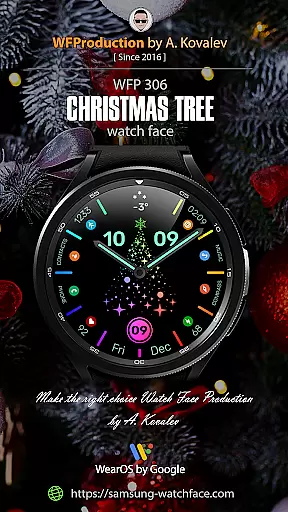
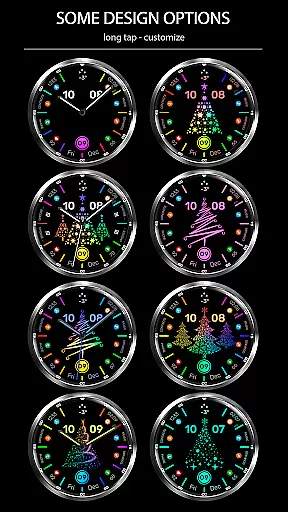
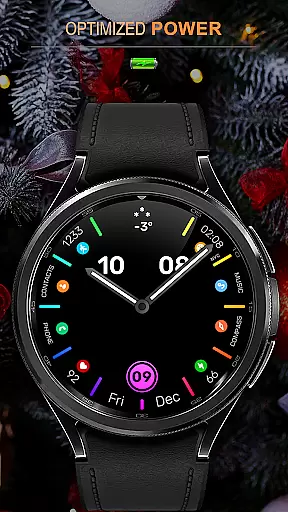
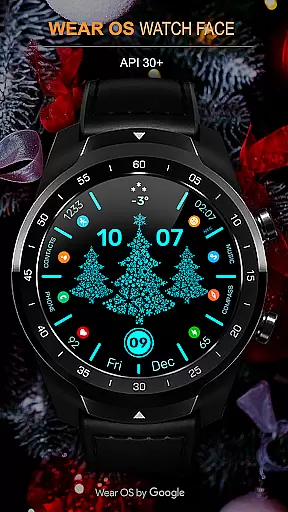
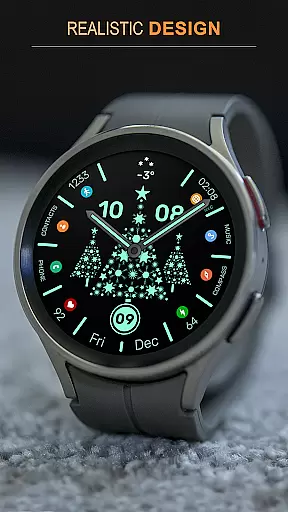
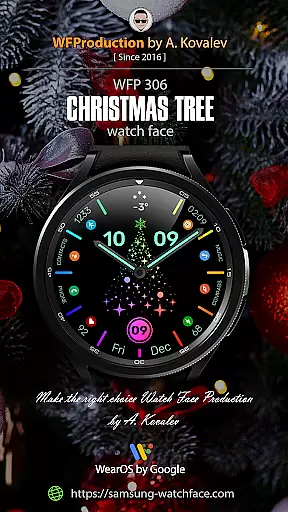
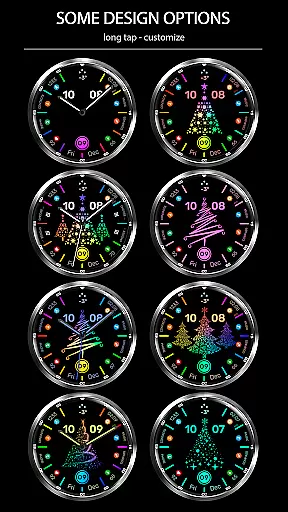
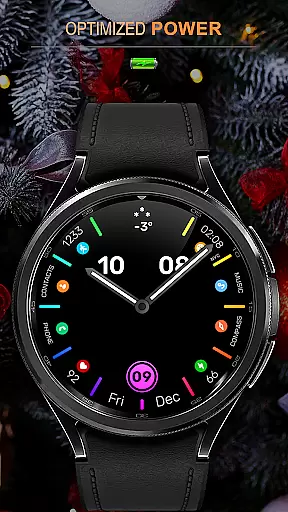
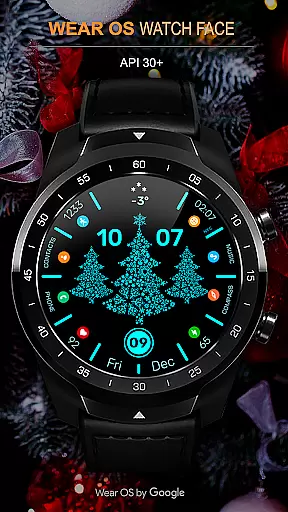
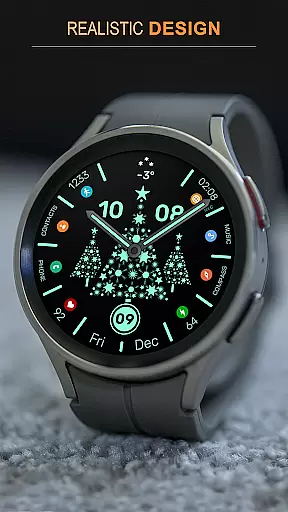
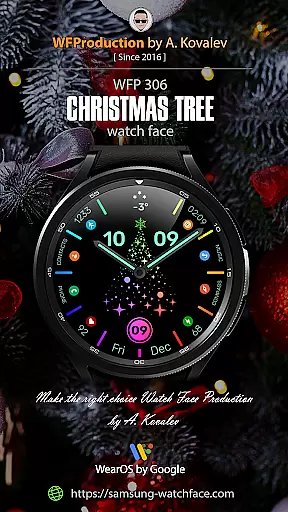
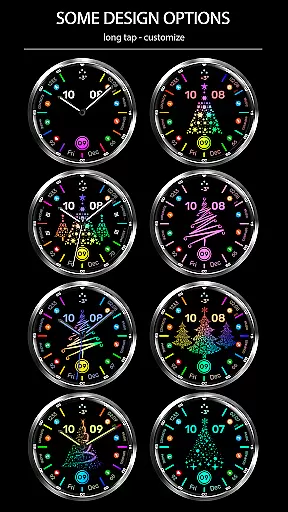
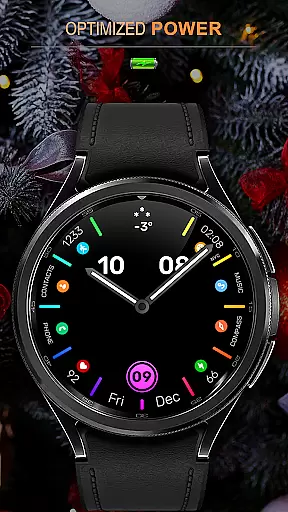
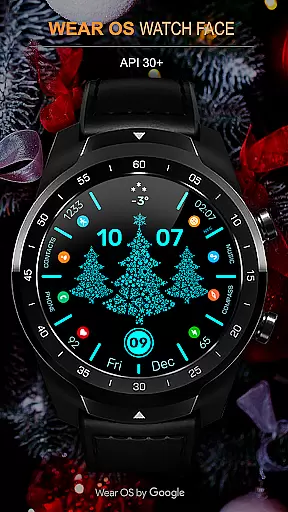
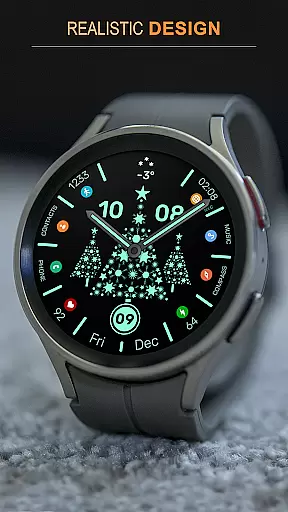
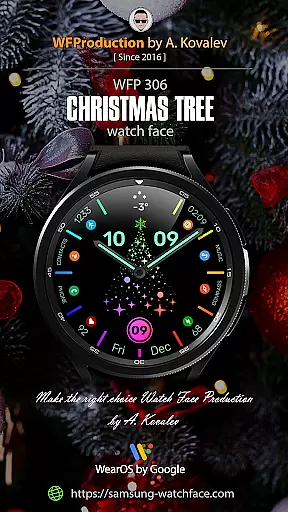
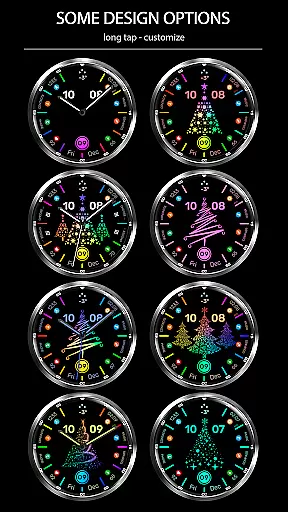
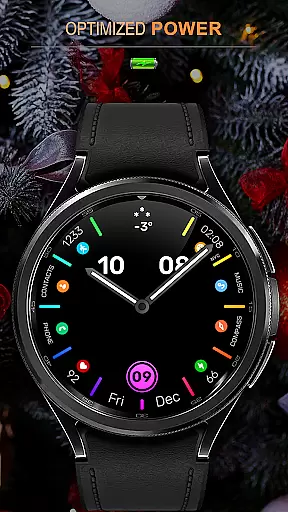
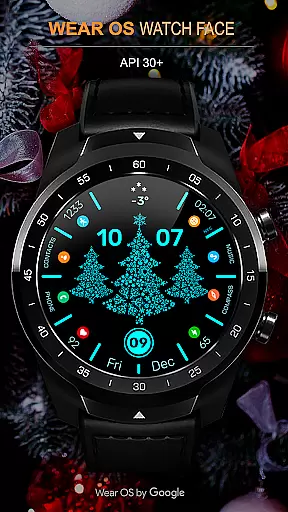
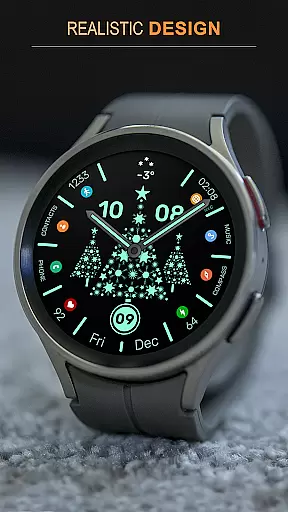
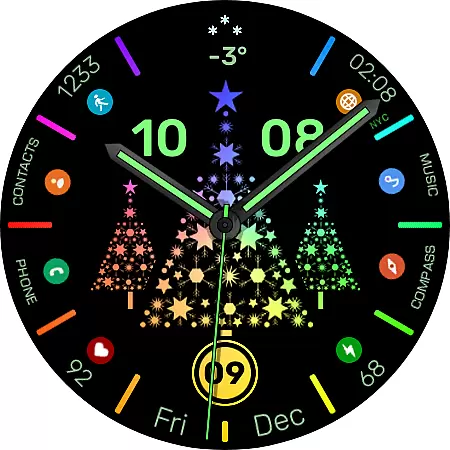
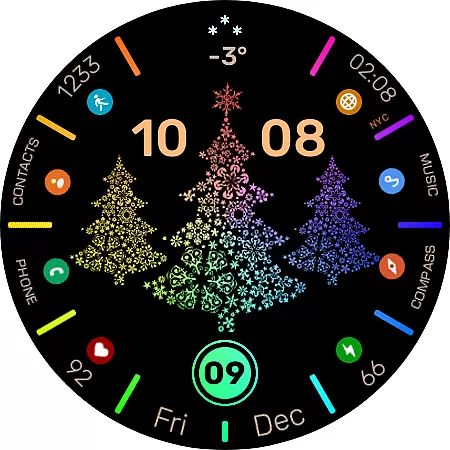
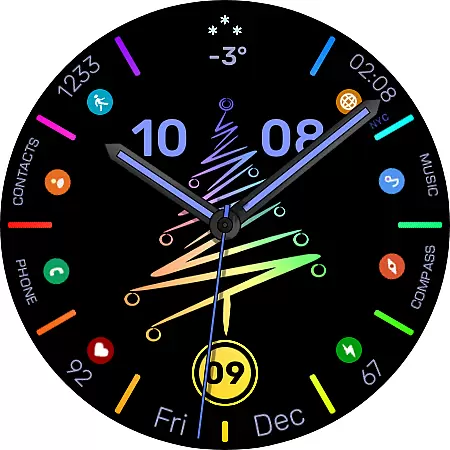
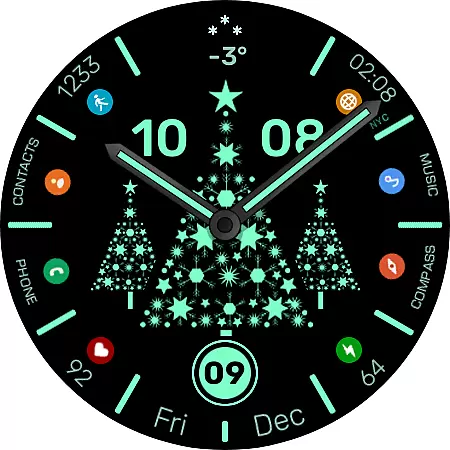
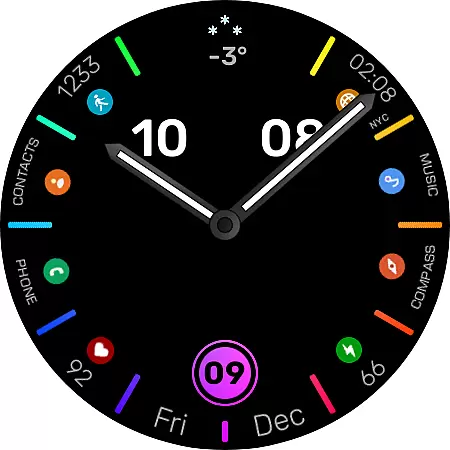
WFP 306 Christmas tree is a festive-themed watch face designed for devices running WearOS 4 with API Level 30 or higher. This application brings holiday spirit to your smartwatch with its six types of Christmas trees that you can customize according to your preference. Not only does it support high-resolution displays, but it also ensures low battery consumption, making it both visually appealing and efficient.
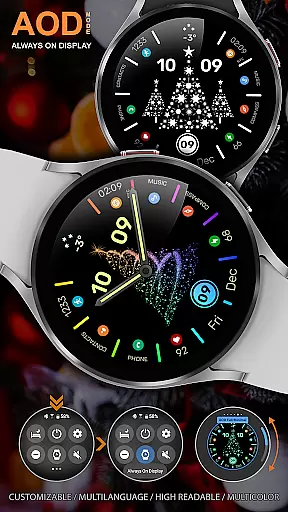
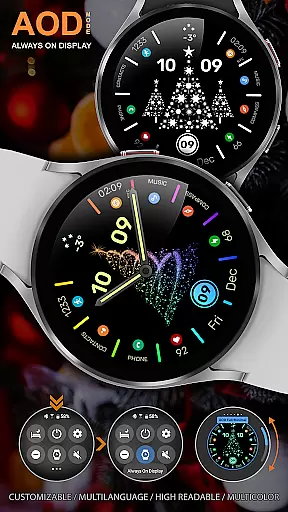
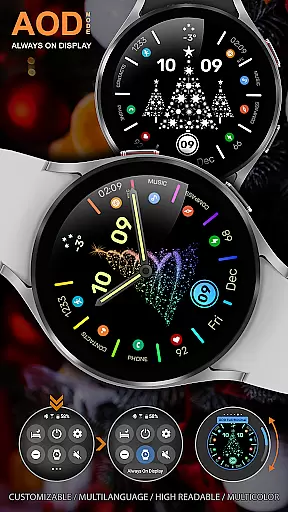
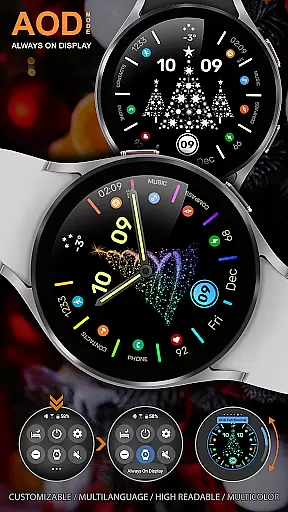
The watch face features multi-color mode where the display changes color over time, adding dynamic visuals to your device. It offers options like 12/24 hour time format, hands and Christmas tree image disable function, custom application shortcuts, widgets, and Always-On Display (AOD) customization. With these features, users can tailor their watch face to match their personal style while enjoying optimized performance.
Perfect for those who wish to celebrate the season in a tech-savvy way, this watch face combines aesthetics with practicality. Users can stay updated on promotions and news via various social media platforms, ensuring they never miss out on the latest updates or festive deals.
The WFP 306 Christmas tree watch face stands out with its array of customization options. At the tap of the center, an animation enlivens your screen, enhancing user interaction. The high resolution and optimization guarantee crisp graphics without compromising device performance, while multilingual support makes it accessible to a global audience.
Battery efficiency is a core focus, allowing users to enjoy an extended device lifespan even with such a feature-rich watch face. Options like disabling hands or the Christmas tree image cater to minimalistic preferences or performance tuning. Furthermore, users can personalize their experience with custom application shortcuts and widgets, as well as choose between Full or Minimal AOD modes.
With six different Christmas tree designs and color-changing capabilities, personal expression is at the heart of this app's offerings. Whether you're looking to showcase your holiday cheer or simply want a functional yet festive watch face, WFP 306 provides numerous ways to make your smartwatch truly yours.
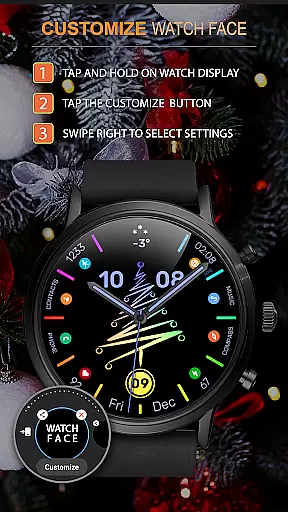
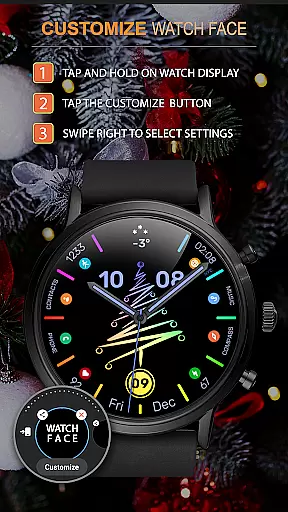
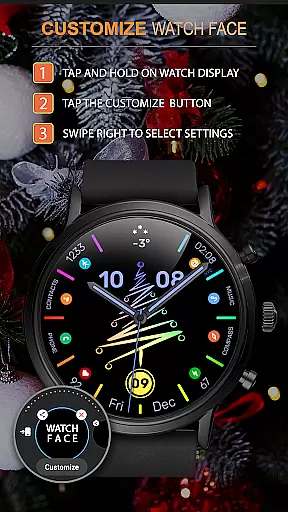
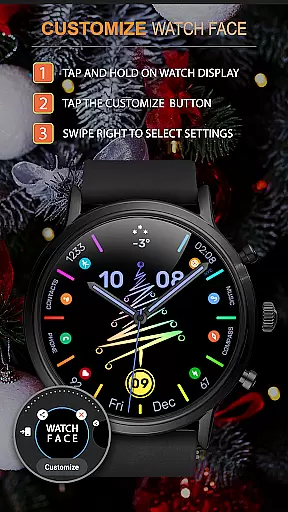
Companion app integration is essential for Android Wear applications as it ensures seamless synchronization between the watch face and its companion smartphone app. The WFP 306 Christmas tree watch face excels in this aspect by providing users with comprehensive instructions for setup and use, which can be accessed via samsung-watchface.com. This allows users to easily configure additional features such as phone charge widgets and health statistics like calories and floors climbed.
The watch face supports customization options that are manageable through the companion app, ensuring a tailored experience for the user. With clear guidance on how to utilize these features, including promotional benefits like 'Buy 1 - Get 1 free,' users can maximize their investment in both functionality and personal style.
Furthermore, the availability of multilingual support and multiple time formats enhances the usability across different regions and preferences. Users can stay updated with the latest news and promotions by following provided links to social media channels and the official website, thus fostering an engaged community around the product.
Compatibility with various devices running on Wear OS 4, API Level 30+, is a critical feature for any Android Wear application. The WFP 306 Christmas tree watch face guarantees this compatibility, offering users a versatile and optimized experience regardless of their specific device model. This wide-reaching support ensures that more users can enjoy the festive design and advanced functionalities without concern for technical limitations.
In addition to supporting high resolution displays and offering low battery consumption, the watch face provides several customization options. These include six types of Christmas trees, color change capabilities, and the ability to disable certain elements like hands or the Christmas tree image itself. Such flexibility not only caters to aesthetic preferences but also contributes to performance optimization based on individual device capabilities.
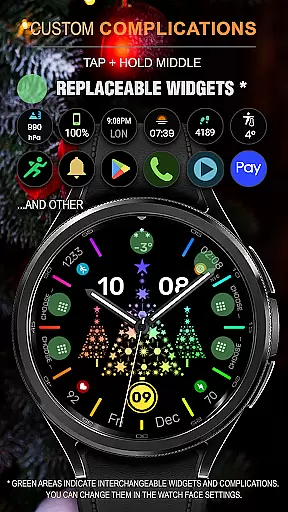
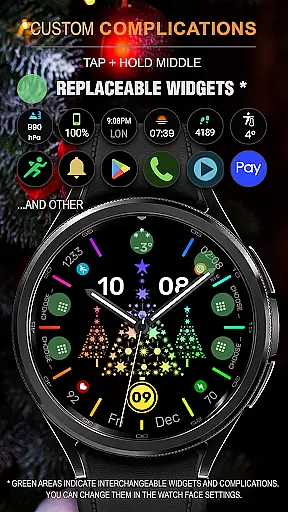
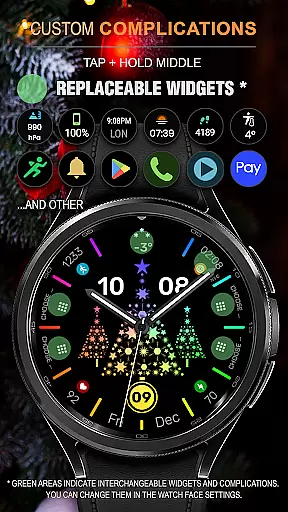
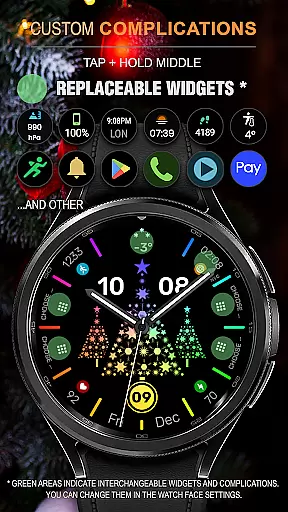
Moreover, the inclusion of custom application shortcuts and widgets further enriches the user experience by allowing quick access to frequently used functions. By prioritizing both form and function, the WFP 306 Christmas tree watch face delivers a balanced solution that meets diverse user needs while maintaining robust compatibility with Wear OS devices.
Highly customizable
Low battery usage
Visually appealing design
Multi-language support
Festive animations
Limited to WearOS
Requires API level 30+
No iOS compatibility
Premium features cost
Complex setup for beginners

Gym Log & Workout Tracker | Fitness Journal, Training & Weight Lifting Planner
 4.90
4.90
Calming & relaxing sounds for sleeping and stress relief. Stay focused all day!
4.20
Precision analog watch face with 7 complications and style options
4.0
Snowflake Rose Gold Watch Face - Digital, modern, & sleek with GYRO effect.
4.10
Deck out your Wear OS Watch face with a beautifully decorated pine wreath!
4.50
Bold, Modern Hybrid Watch Face for Wear OS. 10 Colors, Rich Info Display.
4.30
Get helpful reminders, take progress photos and find answers to your questions.
3.90
Want to take charge of your health? Let Google Fit help you reach your goals.
3.50
Download full tracks, listen to music offline, make unlimited playlists.
4.80
The most customizable minimal watch face. For Wear OS 5.0, API 34+ and later
4.70
The most customizable hybrid watch face. For Wear OS 5.0, API 34+ and later
4.70
Hybrid watch face for Wear OS with customizable complications by Matteo Dini MD
4.70
Bold weather Digital watchface with forecast & optional animated background
4.40
A customizable Christmas watch face for Wear OS with a countdown.
4.20
Watch face for Wear OS.
4.20
Hyper-Realistic Airplane Dashboard Watch Face With 10 Skins and Custom AOD
4.00
Christmas and New Year - Themed Watchface
4.1
A watch face that fuses motorsport precision with contemporary smartwatch design
4.4
Funny animated watch face for Thanksgiving
4.0


User Reviews