
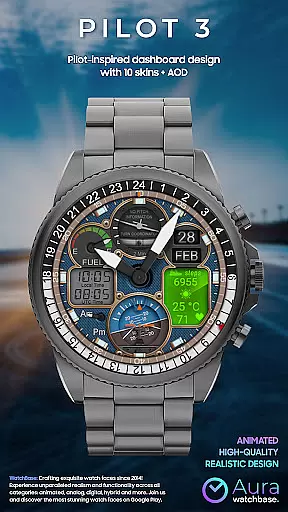
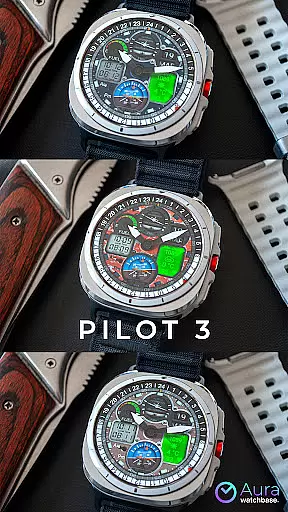
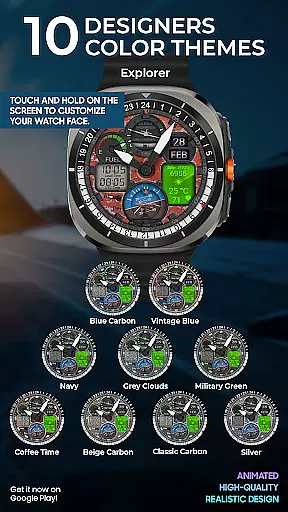
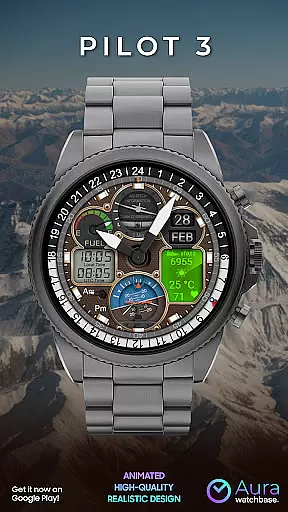
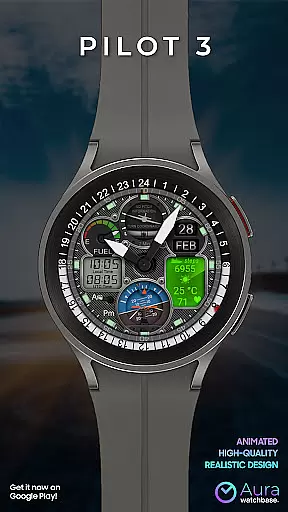
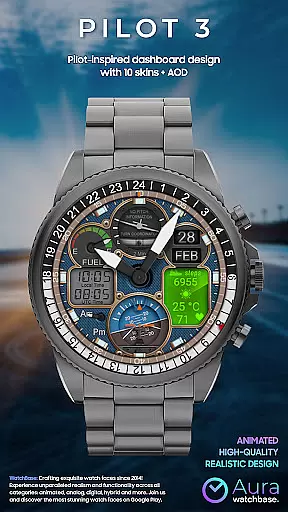
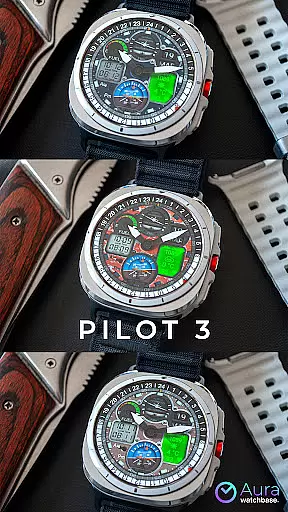
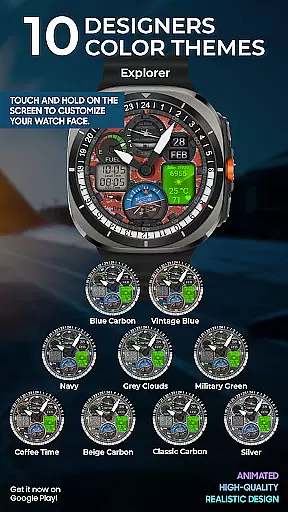
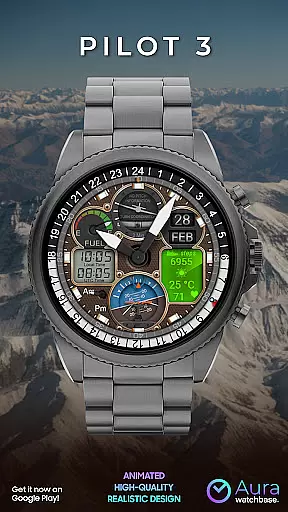
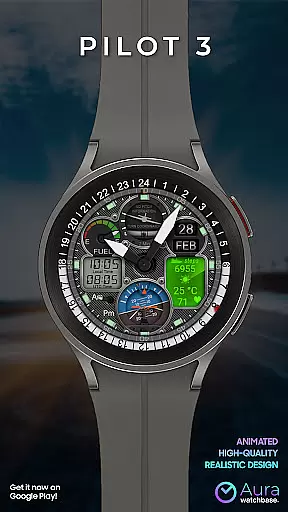
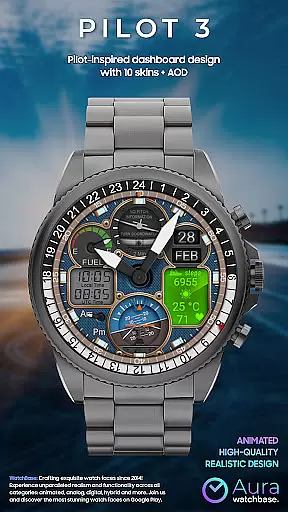
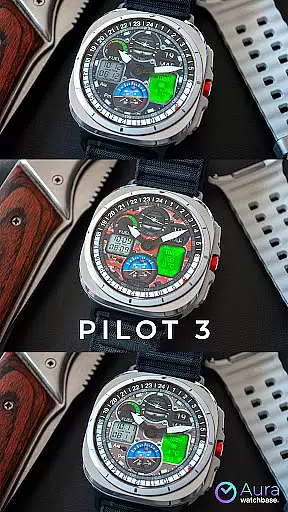
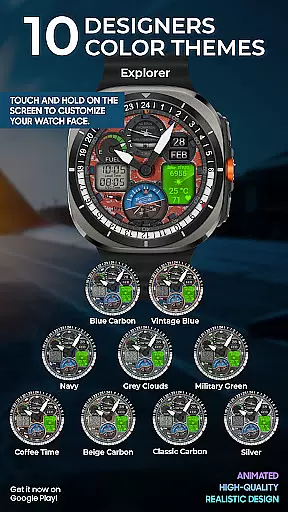
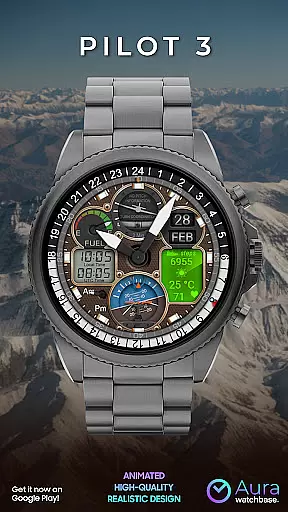
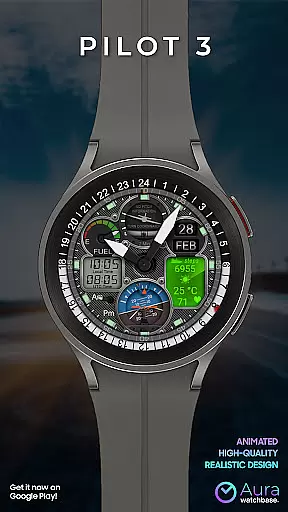
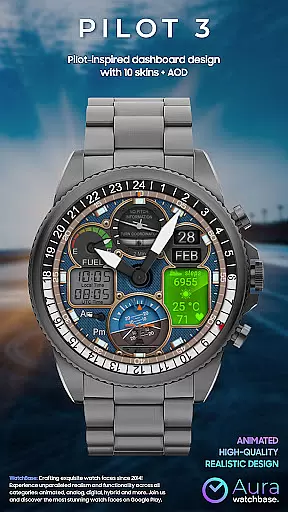
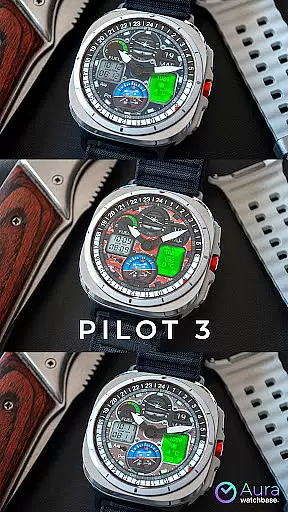
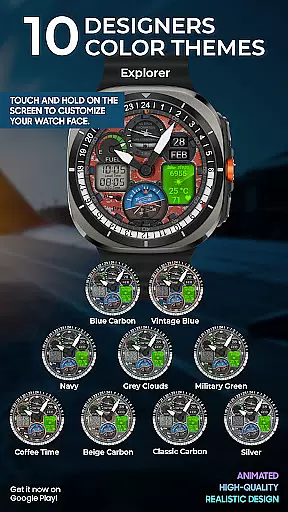
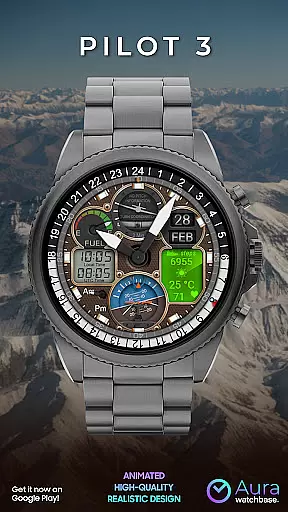
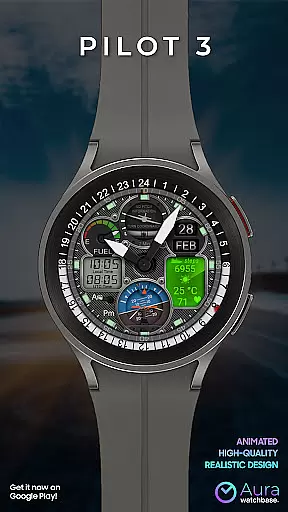
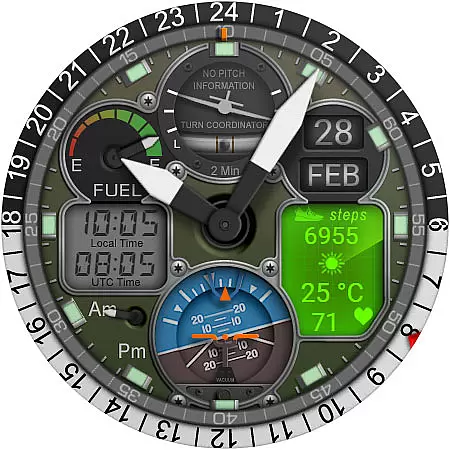
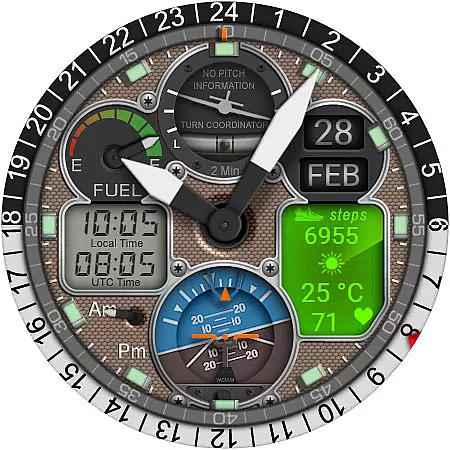
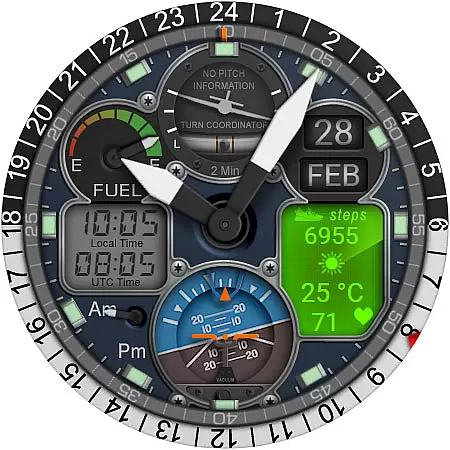
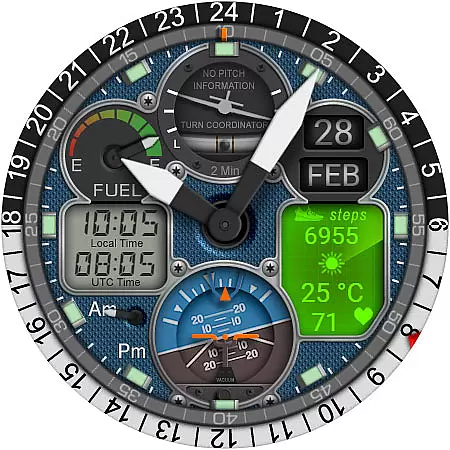
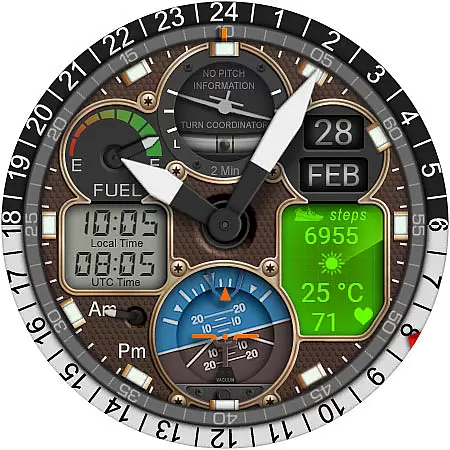
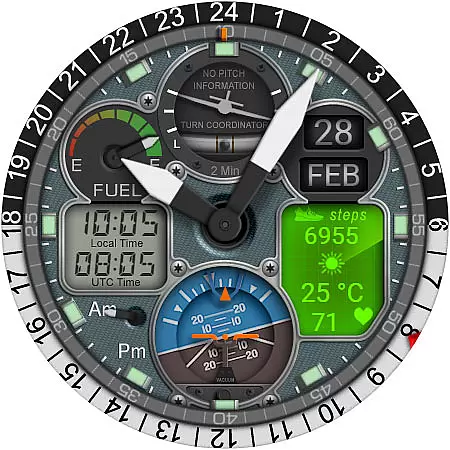
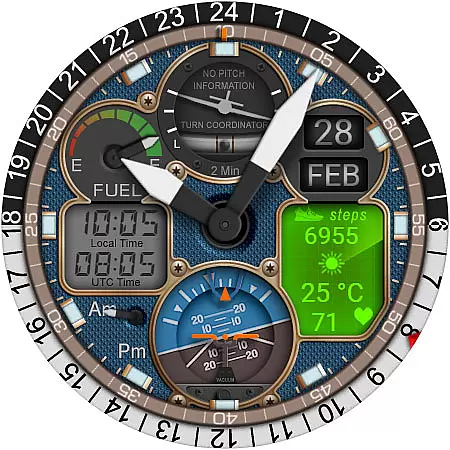
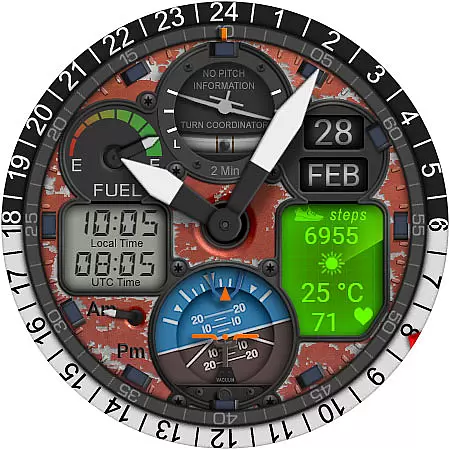
WB PILOT 3 Animated Watch Face brings the thrill of aviation to your Wear OS smartwatch. Designed exclusively for devices running Wear OS 5 and higher, this hybrid watch face combines stunning graphics with functional features. With 10 unique skins and animated elements like the Turn Coordinator and Altitude Indicator, it offers an immersive cockpit experience on your wrist.
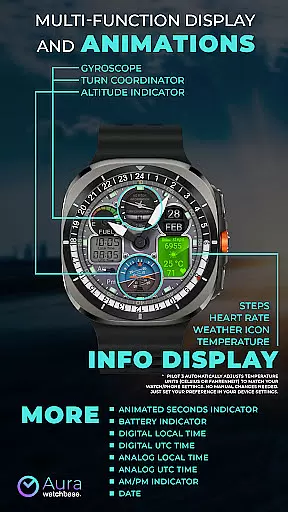
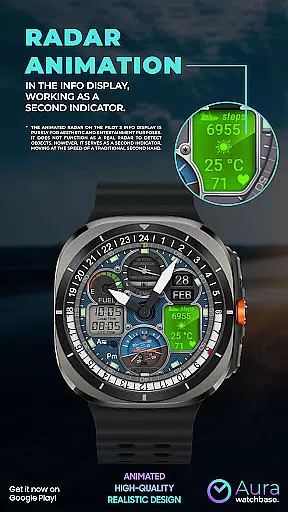
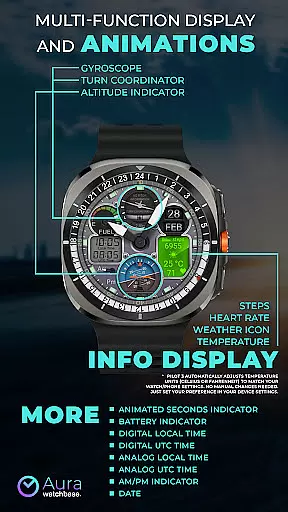
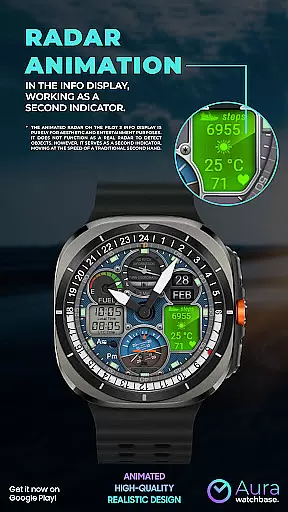
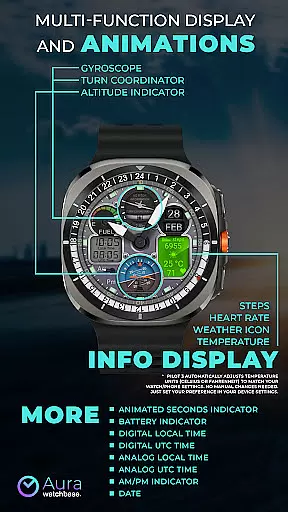
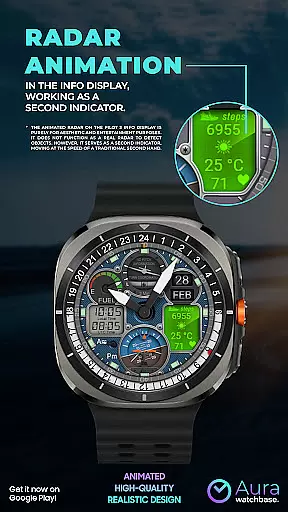
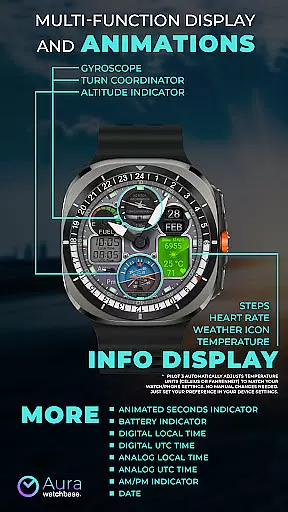
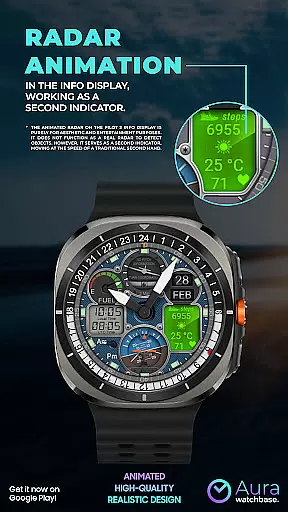
The watch face provides both digital and analog time displays, including local and UTC time options. It also features practical indicators such as battery level, date, steps, heart rate, and weather information. The animated radar, while purely aesthetic, serves as a second hand, adding visual appeal without compromising functionality.
WB PILOT 3 stands out with its rich feature set tailored for aviation enthusiasts. The watch face includes 10 customizable skins and multiple animated elements that mimic real cockpit instruments, such as the Turn Coordinator and Altitude Indicator. These animations not only enhance visual appeal but also provide a dynamic user experience.
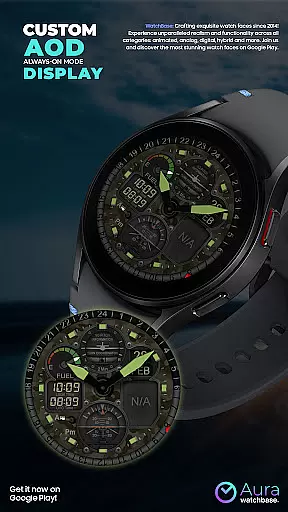
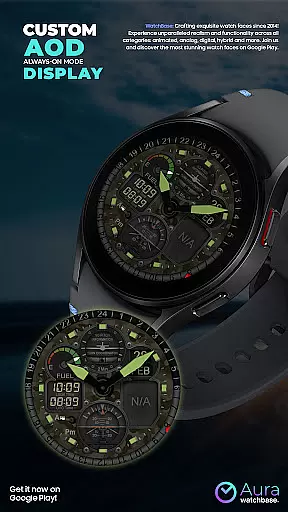
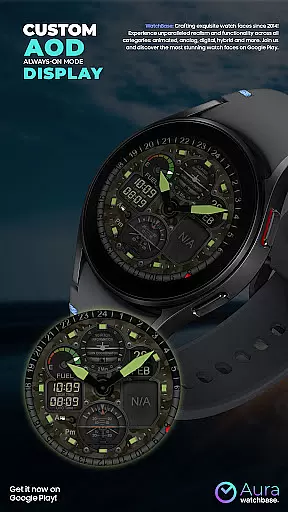
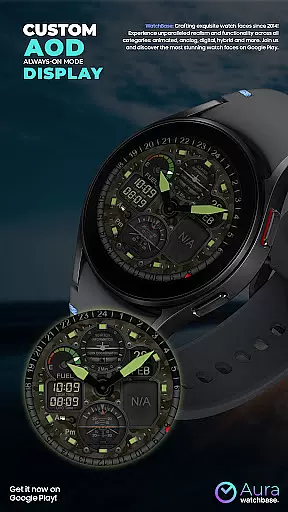
Practical features include dual time zones in both digital and analog formats, AM/PM indicators, and an always-on-display (AOD) option. Users can also view essential health and activity metrics like steps and heart rate directly on their watch face. The temperature display automatically adjusts to match the user's device settings, ensuring seamless integration without manual adjustments.
Customization is made easy through the companion app, allowing users to personalize their watch face effortlessly. Whether you're looking for functional utility or aesthetic pleasure, WB PILOT 3 delivers a comprehensive package that caters to various preferences and needs.
Companion app integration is a crucial feature for smartwatch applications as it enhances the overall user experience by enabling seamless interaction between the wearable and its paired smartphone. This connection allows for advanced customization options, easier installation processes, and real-time data synchronization.
In the case of WB PILOT 3 Animated Watch Face, the companion app plays a vital role in simplifying the installation process. After purchasing the watch face, users can tap the install button within the phone app, which triggers an installation prompt on their smartwatch. This ensures that the latest version of the watch face is correctly deployed without requiring manual intervention from the user.
The companion app also addresses common synchronization issues. For instance, if a user who has already purchased the watch face encounters prompts to buy it again on their watch, they can rest assured knowing this is merely a temporary glitch. The system will not charge them twice, and restarting the watch often resolves these issues quickly.
By leveraging the companion app's capabilities, WB PILOT 3 ensures that users enjoy a hassle-free experience when customizing and maintaining their animated watch faces, ultimately enhancing satisfaction and usability.
Device compatibility is a fundamental aspect of any Wear OS application, ensuring that the software functions correctly across various supported devices. For watch faces like WB PILOT 3, compatibility directly impacts user satisfaction, as it determines whether the intricate graphics and animations can be fully appreciated on the user's specific device.
WB PILOT 3 Animated Watch Face is designed to work seamlessly with devices running Wear OS 5 and higher. This strategic decision ensures access to advanced features such as high-resolution displays and sophisticated animation rendering capabilities, which are essential for delivering the cockpit-inspired experience promised by the application.
Moreover, the watch face automatically adjusts temperature units (Celsius or Fahrenheit) based on the user's device settings, demonstrating thoughtful attention to detail in terms of localization and personal preference accommodation. This automatic adjustment eliminates the need for manual configuration, providing a more intuitive and user-friendly interface.
By focusing on robust Wear OS integration and carefully considering device specifications, WB PILOT 3 guarantees that users will enjoy optimal performance and visual fidelity, making the most of their smartwatch's capabilities while experiencing the thrill of piloting through stunning animated elements.
Stunning graphics
Customizable skins
Animated elements
Dual time zones
Health metrics
Wear OS 5+ only
Non-functional radar
Installation issues
Companion app needed
Premium cost

Christmas watch face. For Wear OS devices.
 4.30
4.30
Snowflake Rose Gold Watch Face - Digital, modern, & sleek with GYRO effect.
4.10
Embrace the festive spirit with our Christmas Countdown watchface for Wear OS
4.10
Digital watch face with big numbers and many customization for Wear OS devices
4.40
Hyperlocal rain alerts by MyRadar using patent-pending technology, radar & more
4.80
To-Do List: daily schedule planner, task organizer, to do reminder app, calendar
4.60
Real-time results, stats, schedules and player profiles for all leagues
4.60
Viewer for Wyze/Yi/Eufy/Arlo/ONVIF/RTSP/P2P IP cams w/ adv. features & DIY DVR
4.00
A realistic hybrid watch face with many customization options.
4.60
Real-time weather radar with temperatures, warnings, hurricanes, and widgets
4.80
WTW M17 is a premium and luxurious hybrid watch face
4.70
MyNISSAN® lets you remotely control your car from your phone.*
4.50
"PER27 Galaxy Digital" is a digital Wear OS watch face designed by PERSONA
4.10
Professional weather radar and more
3.90
Watch the sharpness of the sky on your wrist..
3.70
Watch face designed for Thanksgiving Day. 7 Background Styles included.
3.20
Wear Os Watch Face - Animated Snow - Sesonal for Christmas & Winter
4.1
Precision analog watch face with 7 complications and style options
4.1
3 Complications. All shadow on/off. 30 Themes color palette...
4.4


User Reviews