
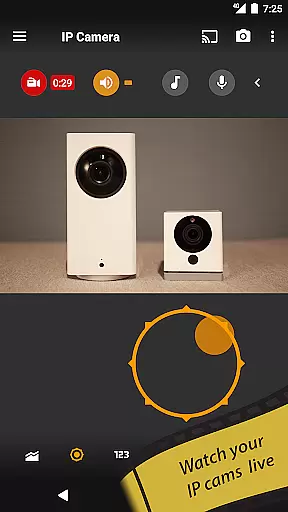
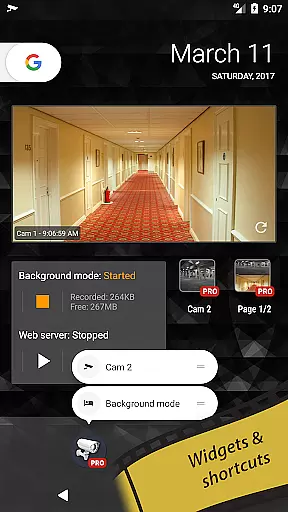
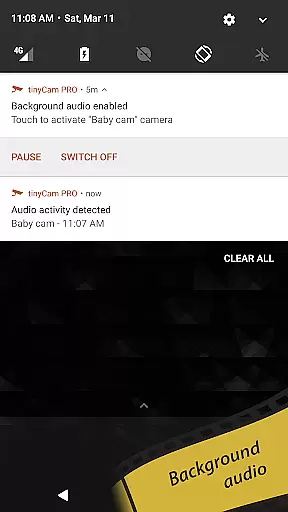
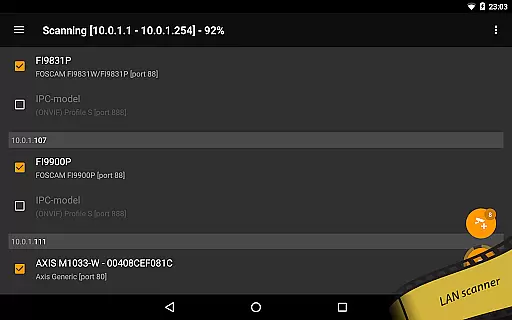
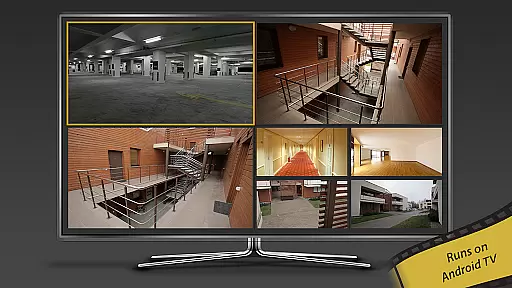
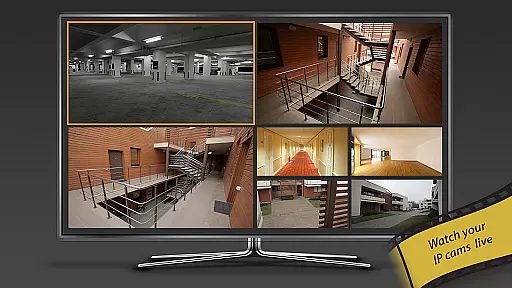
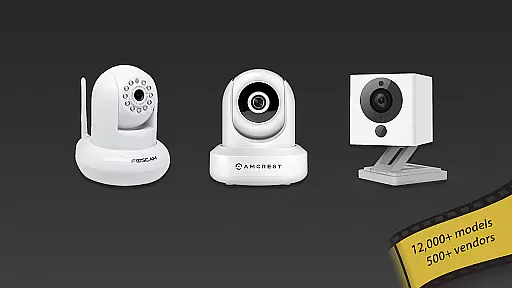
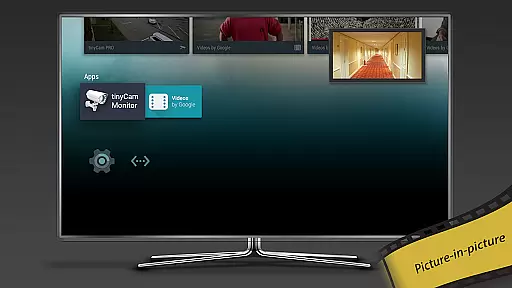
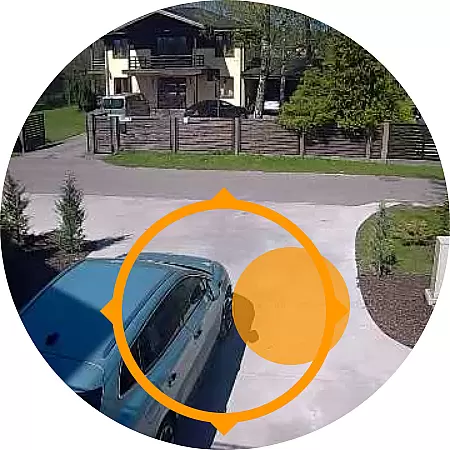
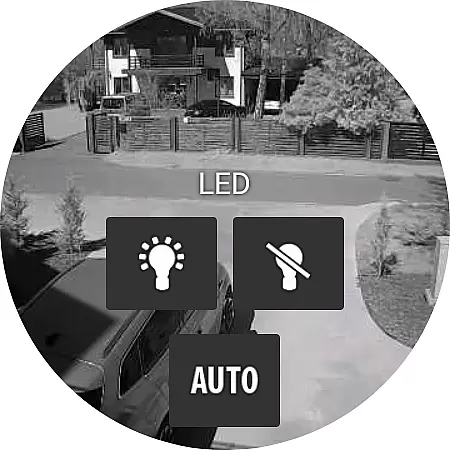
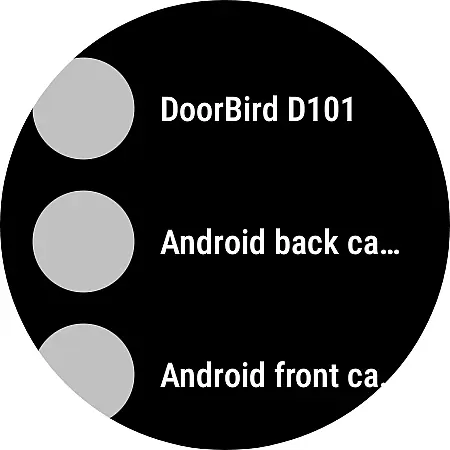
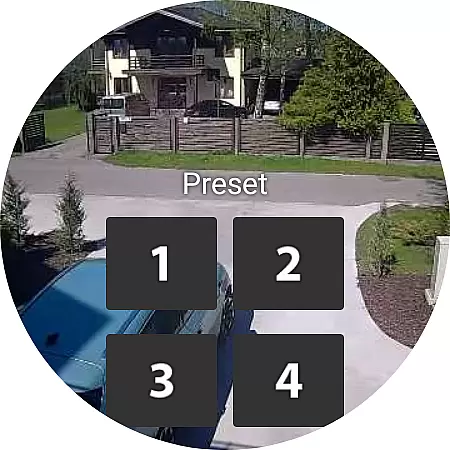
tinyCam Monitor PRO is the ultimate Android application for remote surveillance and video recording, designed to provide users with a secure way to monitor their homes, businesses, or any other location. With support for a wide range of IP cameras, video encoders, and DVRs, this app offers an intuitive interface along with advanced features such as MJPEG, H264, and H265 video formats. The app stands out with its ONVIF Profile S compatibility, ensuring broad camera support including many affordable options.
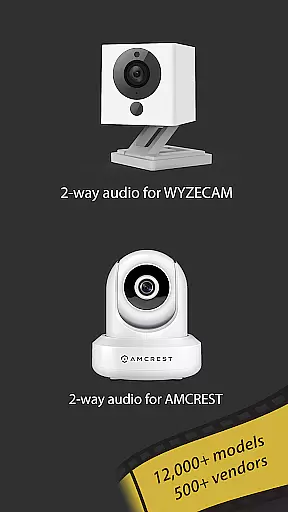
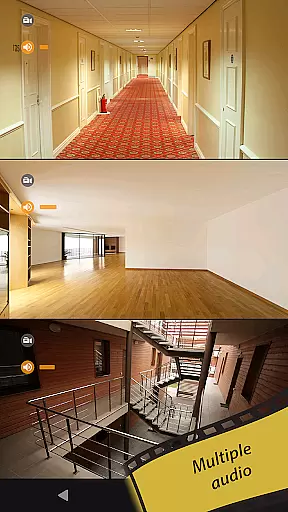
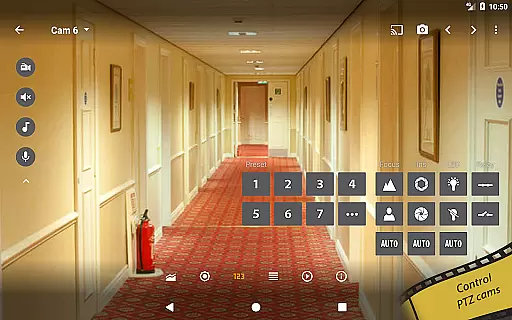
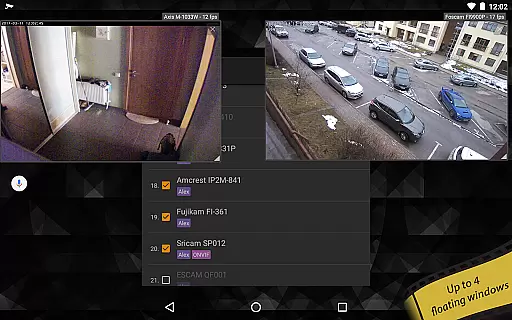
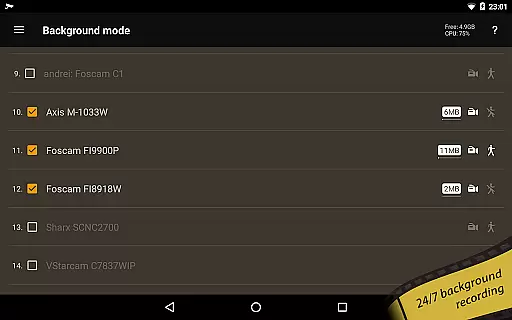
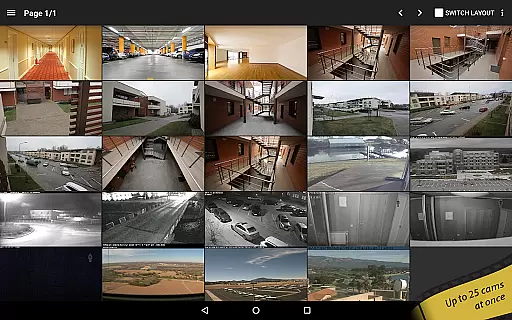
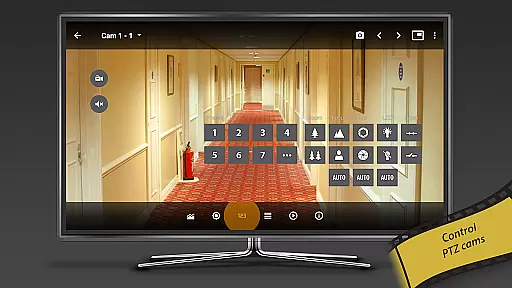
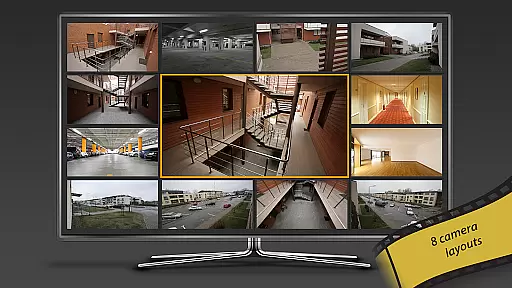
Beyond basic monitoring, tinyCam Monitor PRO includes smart camera support, two-way audio, SSL encryption for secure connections, and multiple layout options allowing users to view an unlimited number of cameras simultaneously. It also supports PTZ control, relay and LED controls, and continuous MP4 video recording on various storage options. Unique capabilities like background recording, time-lapse functionality, and AI object detection make it a comprehensive solution for both personal and professional surveillance needs.
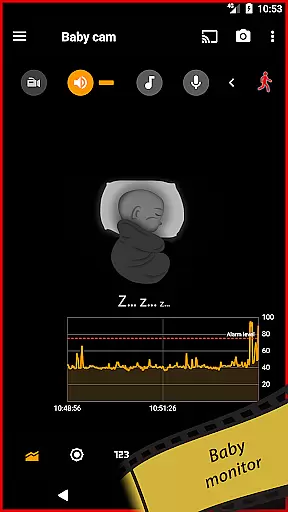
The app's value extends to its ability to transform an Android device into an IP camera or dashcam, providing versatility for different use cases. Whether you're a parent wanting to keep an eye on your child, a pet owner curious about your pet's daily activities, or a business owner concerned with security, tinyCam Monitor PRO delivers peace of mind through reliable and feature-rich remote monitoring.
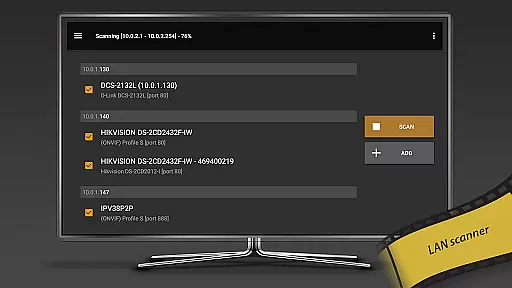
tinyCam Monitor PRO boasts an extensive array of features that cater to diverse surveillance requirements. Its support for protocols like RTSP and ONVIF ensures compatibility with over 12,000 camera models, while P2P support simplifies connectivity for certain models. Advanced functionalities such as two-way audio, SSL encryption, and PTZ control enhance user interaction and security measures.
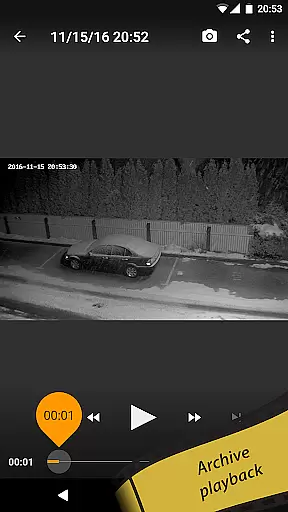
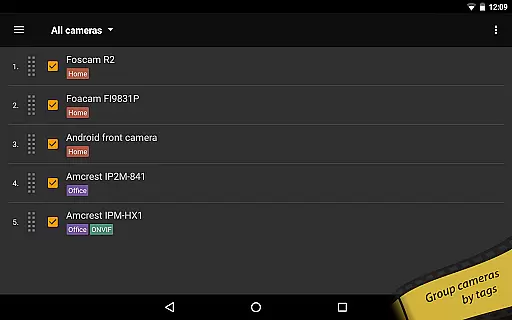
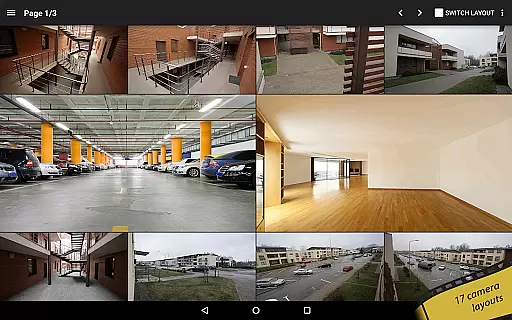
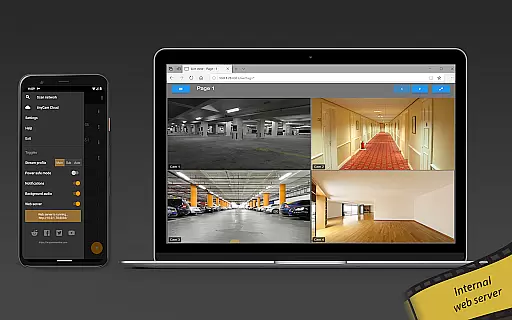
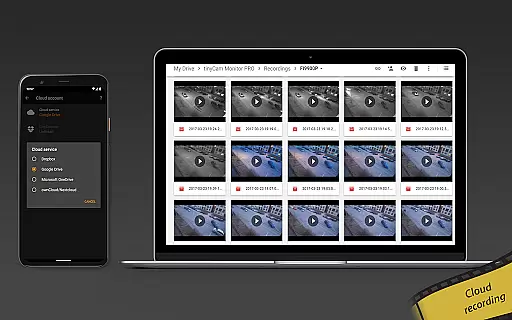
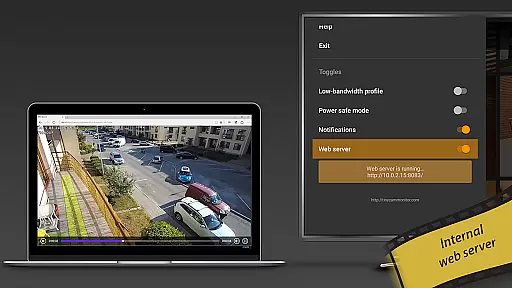
Recording options are highly flexible, offering 24/7 MP4 recording to local storage, cloud services like Dropbox and Google Drive, and FTP servers. Users can customize their experience with 19 different layouts and benefit from unique features like background recording and time-lapse recording. Additionally, the app's internal web server facilitates remote access to archives and live views, making it ideal for integration with platforms like ActionTiles.
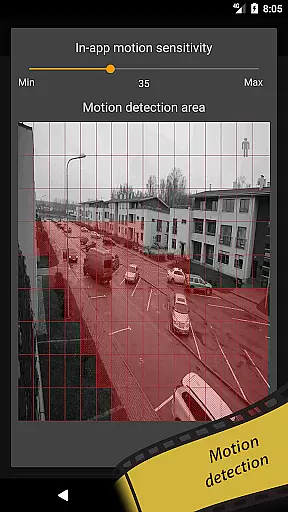
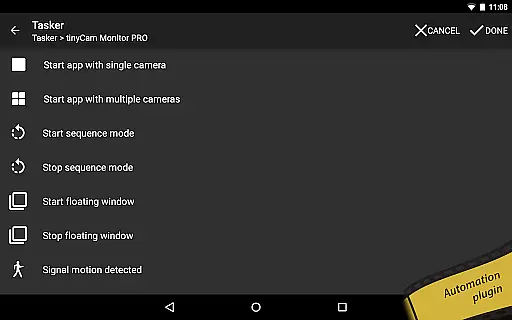
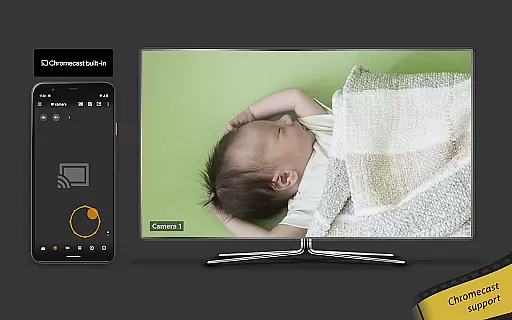
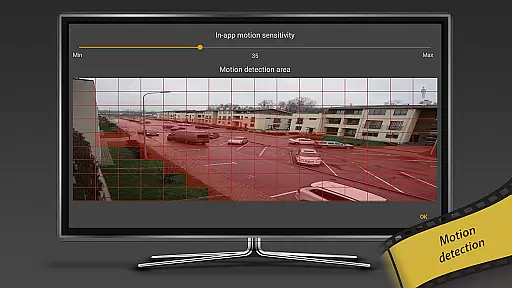
Innovative features set tinyCam Monitor PRO apart; these include AI object detection for identifying persons, pets, and vehicles, face detection, and motion detection both in-app and on-camera. Integration capabilities extend to casting to Wear OS devices, Google Cast-enabled devices like Chromecast, and even Telegram support. Home automation enthusiasts will appreciate the Tasker plugin, adding another layer of customization and control to their surveillance setup.
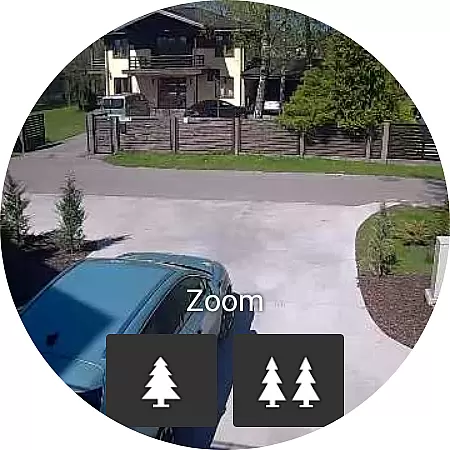
Companion app integration is essential for users who want seamless connectivity between their mobile devices and wearable technology. tinyCam Monitor PRO ensures that your Android Wear device works in harmony with your smartphone, providing real-time updates and control over your IP cameras.
This application allows you to receive instant notifications on your wearable device whenever motion is detected or specific events occur within the monitored areas. You can also use your smartwatch to trigger recordings or capture images without needing to take out your phone.
The synchronization between the companion app and the main application is designed to be intuitive and reliable. With just a few taps on your Android Wear device, you can access live feeds from your cameras, ensuring you are always aware of what's happening at your monitored locations.
By integrating advanced features such as two-way audio support and PTZ controls directly into the wearable interface, tinyCam Monitor PRO enhances user convenience and provides peace of mind by keeping you connected no matter where you are.
Ensuring broad compatibility across various Wear OS devices is crucial for maximizing user accessibility and satisfaction. tinyCam Monitor PRO supports an extensive range of Wear OS devices, allowing users to leverage their existing smartwatches to monitor and manage their IP camera systems effectively.
The app is optimized to run smoothly on different versions of Wear OS, ensuring consistent performance regardless of the device model. Whether you own a high-end smartwatch or an older model, tinyCam Monitor PRO delivers a reliable and responsive experience tailored to each device's capabilities.
tinyCam Monitor PRO takes advantage of hardware acceleration available on modern Wear OS devices, offering efficient video decoding and smooth playback even when streaming high-definition footage from multiple cameras simultaneously.
With comprehensive support for both legacy and current Wear OS devices, tinyCam Monitor PRO guarantees that every user can enjoy the benefits of remote surveillance and management right from their wrist, enhancing both security and convenience.
User-friendly interface
Wide camera compatibility
Advanced security features
Flexible recording options
Innovative AI capabilities
Premium version required
Complex setup process
Limited free features
High system requirements
Occasional bugs reported

Highly customizable hybrid watch face for Wear OS, perfect for everyday use.
 4.60
4.60
A full-featured Amazon Alexa voice assistant that can show you things.
3.70
Artistic Digital Watchface
4.1
Bold, Modern Hybrid Watch Face for Wear OS. 10 Colors, Rich Info Display.
4.30
Digital watch face. For Wear OS devices.
4.40
Monitor health with the stress test and pulse checker in the heart rate app.
4.60
Professional weather radar and more
3.90
Control your Samsung Smart TVs, appliances, and SmartThings-compatible devices
4.60
Spam call blocker and caller ID for automatic call protection!
4.40
Gym Log & Workout Tracker | Fitness Journal, Training & Weight Lifting Planner
4.90
The most customizable minimal watch face. For Wear OS 5.0, API 34+ and later
4.70
The most customizable hybrid watch face. For Wear OS 5.0, API 34+ and later
4.70
Rose gold watch face with festive lights & customizable features.
4.60
Bold weather Digital watchface with forecast & optional animated background
4.40
A white realistic classic analog watch face with many customization options.
4.40
Calming & relaxing sounds for sleeping and stress relief. Stay focused all day!
4.20
Animated video-game inspired “secret agent” simulation, right on your wrist!
4.20
Connect, create, and collaborate with Gmail, part of Google Workspace.
4.10
an Analog Watch Face for winter season with freeze winter background for Wear OS
4.5


User Reviews