
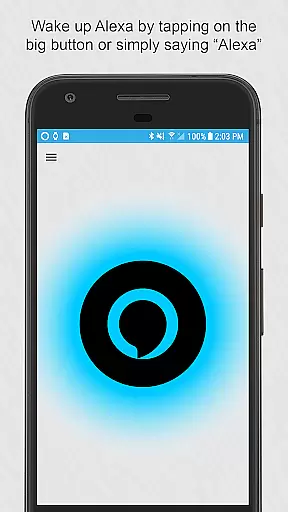

Ultimate Alexa Voice Assistant is a comprehensive voice assistant app that integrates Amazon Alexa's voice service, offering users both audio and visual interactions. It supports Display Card technology, allowing users to see weather forecasts, news headlines, and more on their devices. Compatible with phones and Wear OS watches, the app provides versatile activation methods including wake word, button tap, and Google Assistant integration.
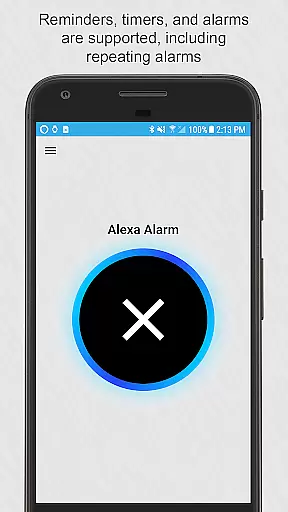
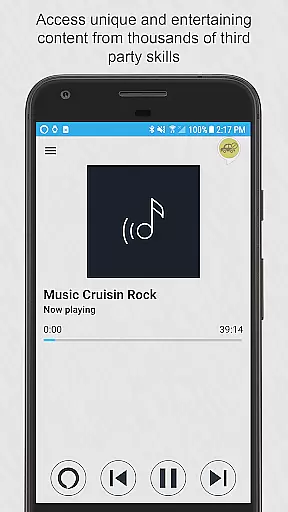
The app stands out with its extensive customization options and seamless smart home integration. Users can set it as their default assistant, choose from different Alexa voices, and control when the app listens and responds. With features like reminders, timers, alarms, calendar access, and local information queries, Ultimate Alexa ensures users stay organized and informed. Its ability to handle calls, messages, music playback, and third-party skills further enhances user convenience.
Whether you're managing your daily schedule or controlling smart home devices, Ultimate Alexa Voice Assistant proves invaluable. By providing hands-free operation and a wide array of functionalities, it caters to various user needs, making everyday tasks more efficient and enjoyable.
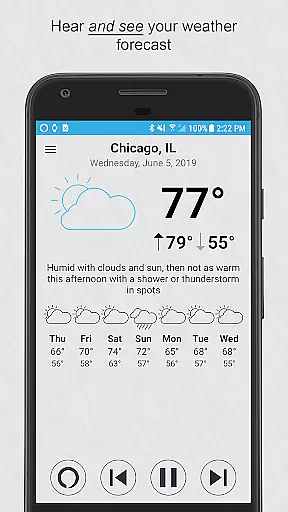
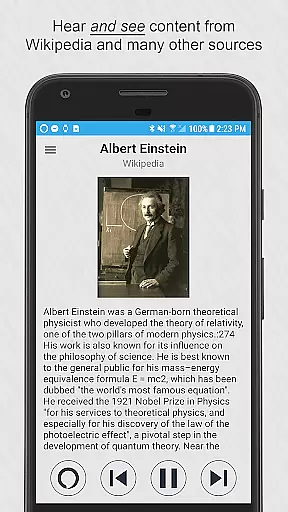
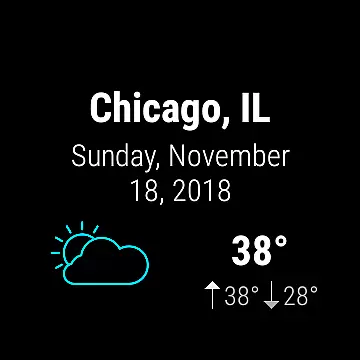
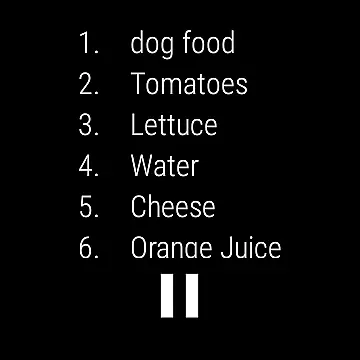
Ultimate Alexa Voice Assistant boasts an impressive array of features designed to enhance user interaction and convenience. One standout feature is its support for Alexa’s Display Card technology, enabling users to visualize content such as weather forecasts, to-do lists, and Wikipedia entries. This dual audio-visual capability enriches the user experience by providing both spoken and visual feedback.
The app offers multiple activation methods, including the 'Alexa' wake word, tapping a button, or using the Google Assistant. For Wear OS users, the app provides a streamlined interface where a simple tap initiates voice commands. Additionally, the Pro version introduces advanced functionalities like shaking the phone or using the Bixby button to activate Alexa, catering to power users seeking enhanced accessibility.
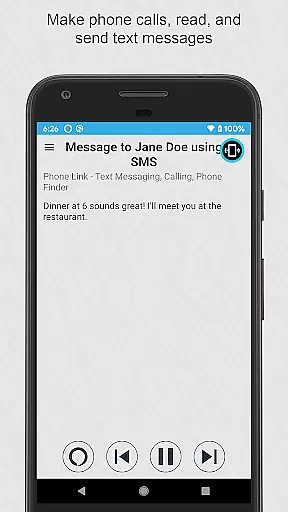
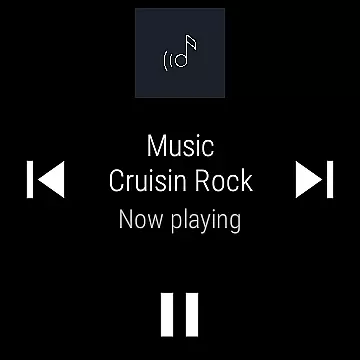
Another significant feature is the app's extensive compatibility with various services. It supports making calls, sending messages via popular apps like WhatsApp and Facebook Messenger, playing locally stored music, setting reminders, and controlling smart home devices. These capabilities ensure that users can manage their digital lives seamlessly through a single platform, highlighting Ultimate Alexa's versatility and robust integration.
Companion app integration is crucial for wearable devices as it ensures seamless functionality between the smartphone and the wearable. Ultimate Alexa Voice Assistant excels in this area by offering comprehensive support for both phones and Wear OS watches. The app allows users to activate Alexa either by voice commands or through a widget on their phone, ensuring that assistance is always within reach.
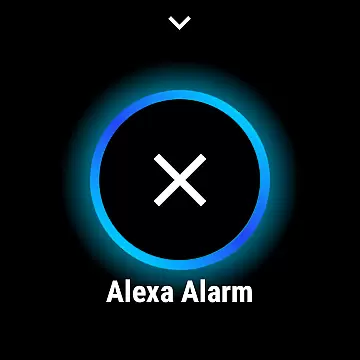
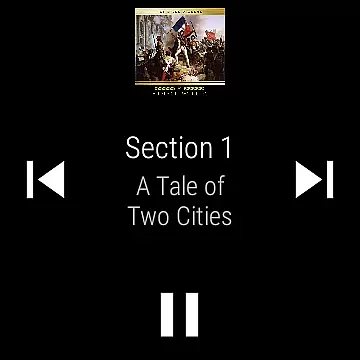
For Wear OS, the integration goes further by enabling users to tap a button on their watch and start talking immediately. This instant access transforms the smartwatch into a powerful assistant on the wrist, providing quick responses without needing to take out the phone. Additionally, the Wear OS tile feature lets users launch the app and issue voice commands instantly, enhancing the overall user experience.
The app also supports unique functionalities like using the connected phone's speaker if the watch lacks one. This ensures that users never miss out on audible feedback, maintaining consistent interaction across devices. Such thoughtful design demonstrates how Ultimate Alexa maximizes the potential of companion app integration, making daily tasks more efficient and manageable.
Wear OS and device compatibility are essential factors when choosing a voice assistant app, as they determine how well the app will function across different devices. Ultimate Alexa Voice Assistant stands out by supporting a wide range of devices, including smartphones and Wear OS watches. This broad compatibility ensures that users can enjoy a uniform experience regardless of their device type.
One notable feature is the app's ability to adapt to various hardware capabilities. For instance, if a Wear OS watch lacks a speaker, the app seamlessly switches to the connected phoneu2019s speaker. This flexibility highlights the app's robust design, catering to diverse user needs without compromising functionality. Moreover, the app supports unique features on specific devices, such as shaking the phone to wake Alexa in the Pro version.
Ultimate Alexa also integrates with Samsung devices featuring a Bixby button, allowing users to repurpose it for Alexa commands. This level of customization showcases the app's commitment to maximizing device compatibility, ensuring that users can leverage existing hardware to its fullest potential while enjoying an intuitive and responsive voice assistant experience.
User-friendly interface
Versatile activation methods
Comprehensive smart home control
Wide range of supported services
Customizable user experience
Limited music streaming options
Accessibility service required
Some features region-restricted
Premium features in Pro version
Dependent on Amazon ecosystem

Diet tracker for weight loss - track calories, food and macros. Simple and easy!
 4.70
4.70
Wear Os Watch Face - Animated Snow Effect & Christmas Lights
4.5
Christmas and New Year - Themed Watchface
4.3
an Analog Watch Face for winter season with freeze winter background for Wear OS
4.5
Beautiful, colorful and practical watch face. For Wear OS devices.
5.00
Sleek, highly customizable watch face inspired by Galaxy Watch Circle Dashboard.
4.4
Minimalistic design modern digital watch face.
4.2
Fast and smart typing with Emojis, GIFs, and more
4.50
Fitbit is dedicated to helping people lead healthier, more active lives.
4.10
The most customizable minimal watch face. For Wear OS 5.0, API 34+ and later
4.70
Simple, helpful messaging by Google
4.60
Embrace the holiday spirit with this magical animated watch face!
4.40
Beautiful artistic animated digital watch face, with a customizable layout!
4.40
The ultimate destination for kids ages 3-8 to explore the Marvel Universe!
4.30
Animated video-game inspired “secret agent” simulation, right on your wrist!
4.20
Connect, create, and collaborate with Gmail, part of Google Workspace.
4.10
The #1 source of faces for your smartwatch!
4.00
Professional weather radar and more
3.90
A Wintery Snow Globe on Your Wrist; now celebrating Christmas!
4.3


User Reviews