
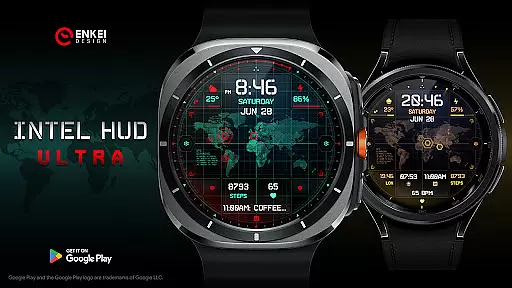
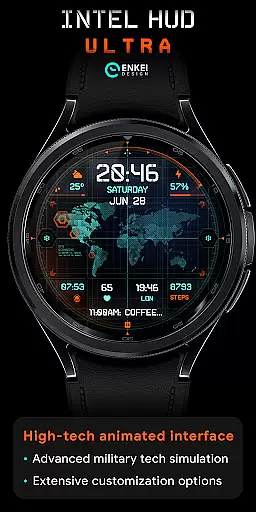
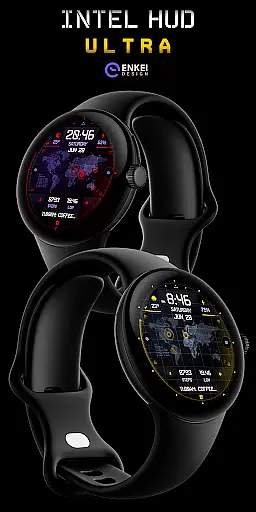
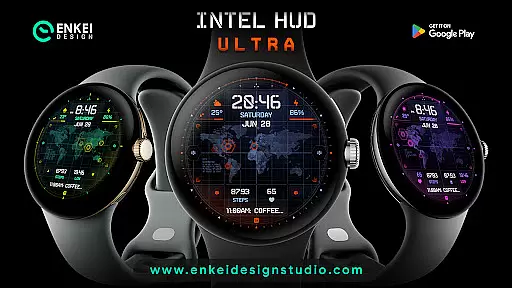
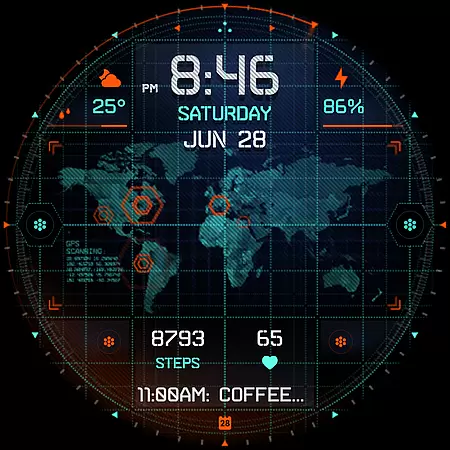
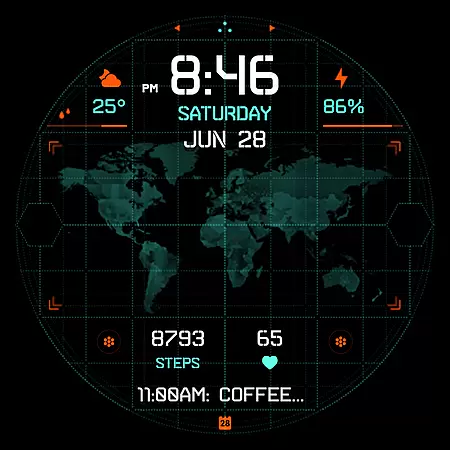
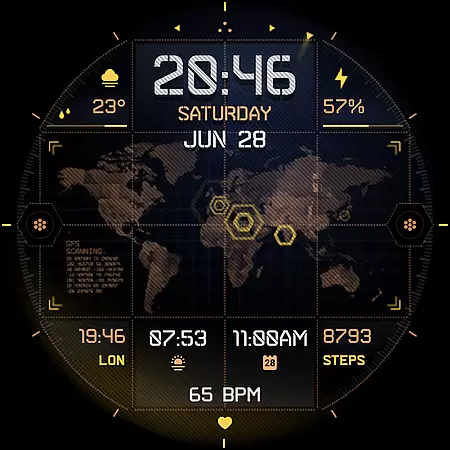
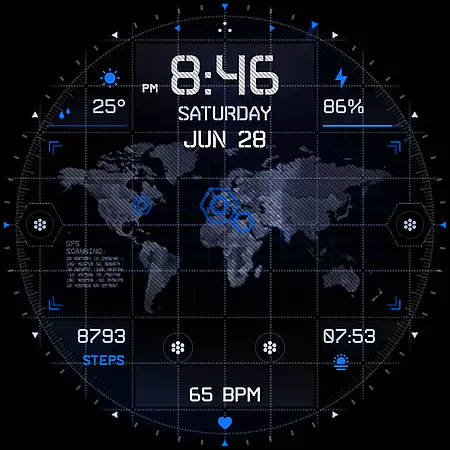
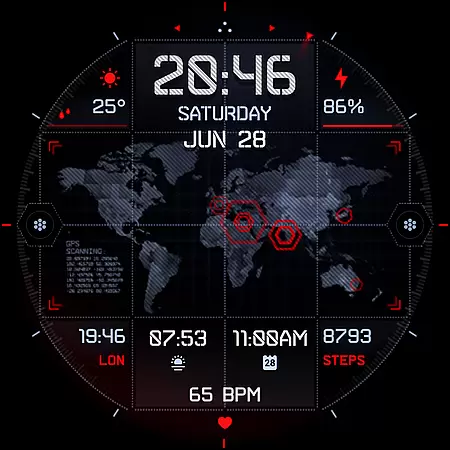
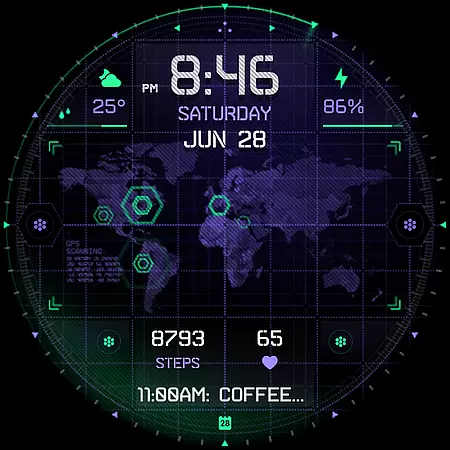
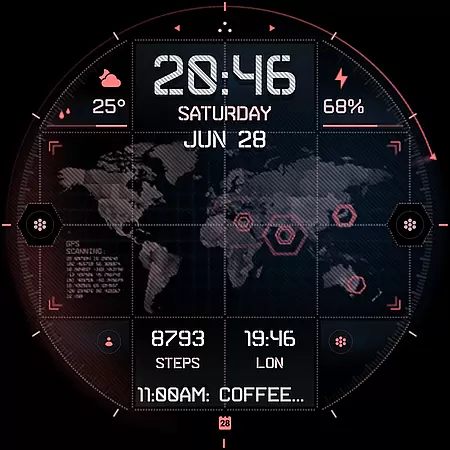
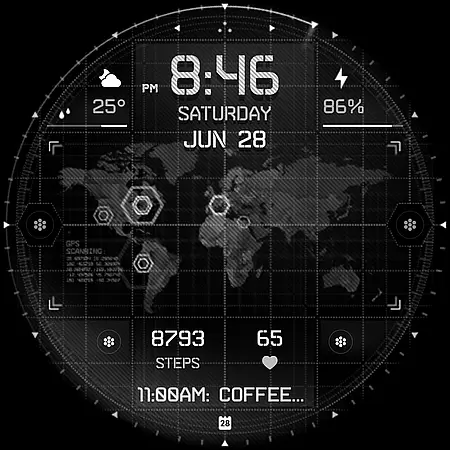
INTEL HUD Ultra is a high-tech digital watch face designed for smartwatches running Wear OS 5.0 and newer versions. This latest addition to the INTEL HUD series features an animated interface optimized for maximum performance with minimal battery consumption, offering users extensive customization options.
Inspired by advanced military technology seen in video games and movies, this watch face allows users to personalize their layout by combining indicators, shortcuts, colors, and other visual elements. With its unique combination of functionality and style, INTEL HUD Ultra provides a futuristic experience tailored to individual preferences while maintaining efficiency.
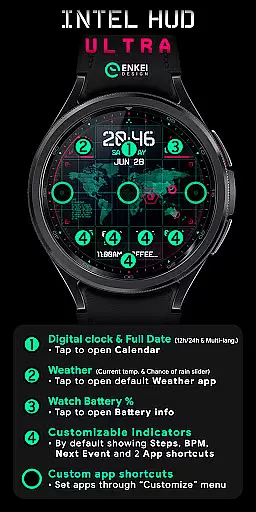
INTEL HUD Ultra offers a comprehensive set of features that cater to various user needs. The digital clock supports both 12-hour and 24-hour formats and includes interactive elements like tapping to open the Calendar or Weather apps. Users can view the current temperature, chance of rain, and even battery percentage with corresponding app shortcuts.
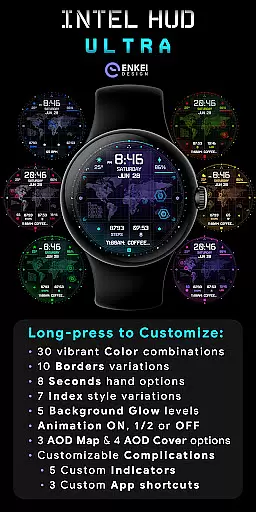
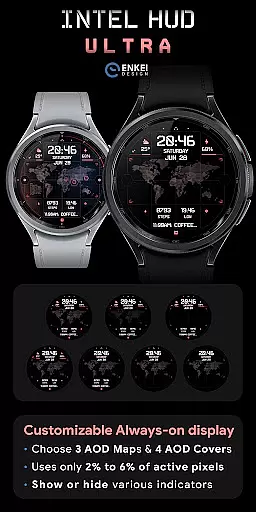
Customization is at the core of INTEL HUD Ultra's design. It includes four customizable short-text indicators, one long-text indicator, and three app shortcuts. Additionally, it boasts a battery-efficient always-on display (AOD) mode with vibrant color combinations, border styles, and animation settings. Long-pressing on the watch face grants access to an extensive Customize menu where users can adjust colors, borders, seconds display, index styles, background glow, animations, AOD maps, and more.
Companion app integration is a crucial feature for Android Wear applications like INTEL HUD Ultra. This functionality ensures seamless synchronization between the watch face and its companion app on your phone.
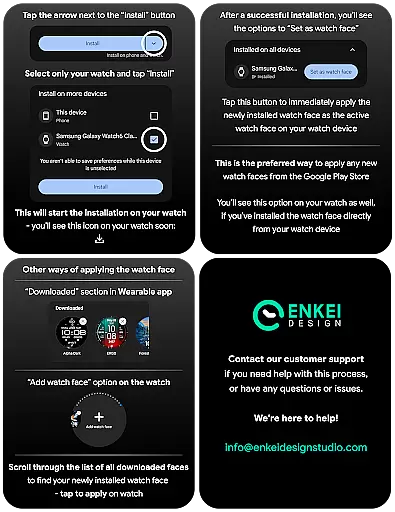
The companion app of INTEL HUD Ultra serves as a bridge to facilitate direct installation to your watch device. It simplifies the setup process by providing clear instructions and ensuring that all features are correctly transferred to the wearable device.
Users benefit from this integration through an effortless installation experience. Once installed via the companion app, the high-tech digital watch face is optimized for maximum performance while minimizing battery drain.
This streamlined connection enhances user satisfaction by reducing setup complications. With proper companion app integration, users can enjoy the full potential of customization options and advanced features without technical hindrances.
Device compatibility is a fundamental aspect of any Wear OS application, including INTEL HUD Ultra. This watch face is specifically designed for devices running Wear OS 5.0 and newer versions (API 34+), ensuring optimal performance on supported devices.
INTEL HUD Ultra takes full advantage of the Wear OS platform's capabilities, offering an animated high-tech interface with extensive customization options. The strict compatibility requirements guarantee that all features, such as weather updates and app shortcuts, function reliably across compatible devices.
By targeting modern Wear OS versions, this application provides enhanced security and access to the latest smartwatch functionalities. Users can trust that their sophisticated digital watch face will operate consistently on their compatible devices.
This focused compatibility approach enables developers to optimize performance and battery efficiency. As a result, users experience smooth animations and reliable operation while enjoying the benefits of military-inspired technology on their wrists.
Highly customizable
Battery efficient
Interactive elements
Vibrant color options
Futuristic design
Wear OS 5.0 required
Complex setup
Limited device support
Premium cost
Not all features free

A customizable Christmas watch face for Wear OS with a countdown.
 4.20
4.20
Watch the sharpness of the sky on your wrist..
3.70
Precision analog watch face with 7 complications and style options
4.3
Ideal for surviving in the wasteland left after nuclear fallout
4.50
Locate your family members by GPS phone location tracker everywhere and anytime
4.30
The #1 source of faces for your smartwatch!
4.00
Hyper-Realistic Airplane Dashboard Watch Face With 10 Skins and Custom AOD
4.00
Connect, create, and collaborate with Gmail, part of Google Workspace.
4.10
Download full tracks, listen to music offline, make unlimited playlists.
4.80
Your second brain for organizing your life: to-do, calendar, reminder.
4.70
A modern premium sporty hybrid watch face for Wear OS by Ballozi
4.70
A realistic hybrid watch face with many customization options.
4.60
Current temperature, weather hourly, weather radar by the weather forecast app
4.40
Bold weather Digital watchface with forecast & optional animated background
4.40
sleep, alarm, snoring, stress, healing, focus, sound therapy, circadian rhythm
4.10
Structured watch face with seven complications and modular UI elements
3.90
A full-featured Amazon Alexa voice assistant that can show you things.
3.70
Want to take charge of your health? Let Google Fit help you reach your goals.
3.50
Sleek, highly customizable watch face inspired by Galaxy Watch Circle Dashboard.
4.3


User Reviews