
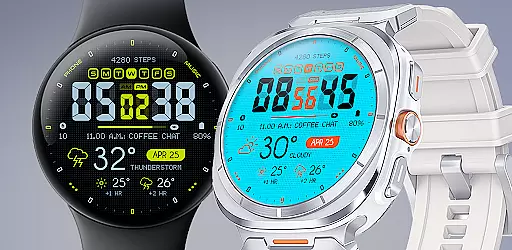
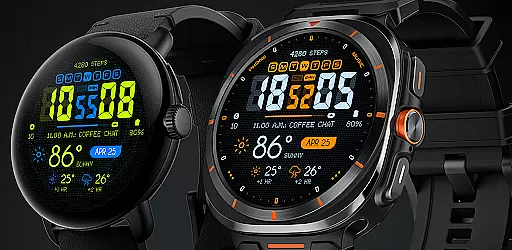
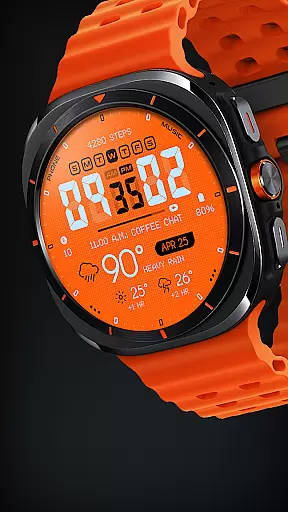
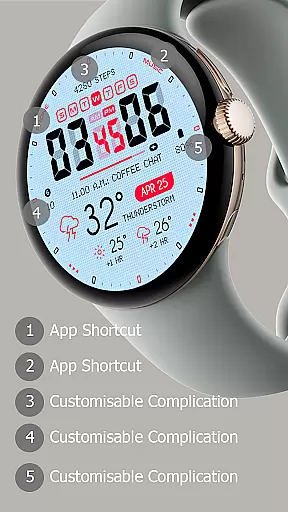
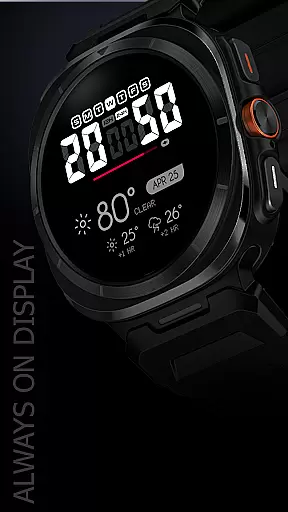
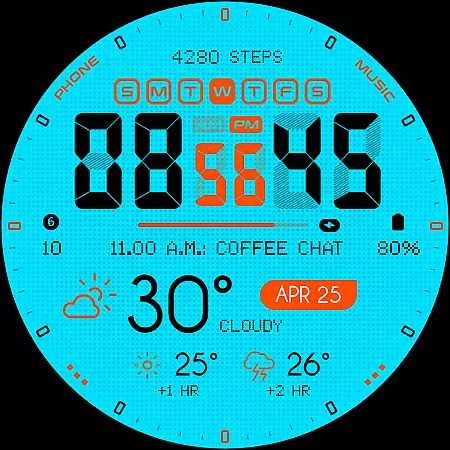
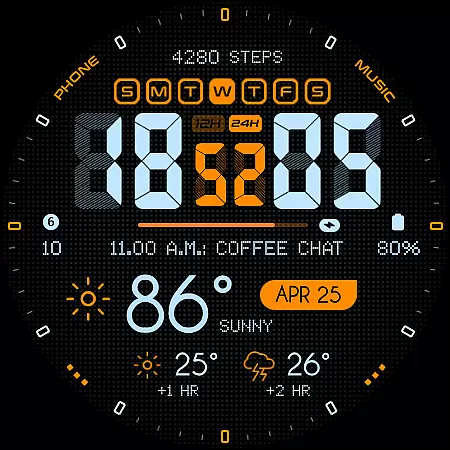
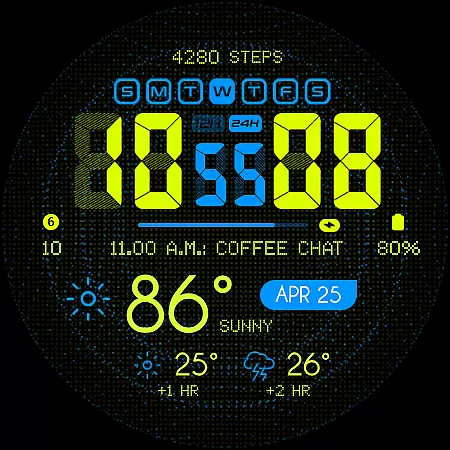
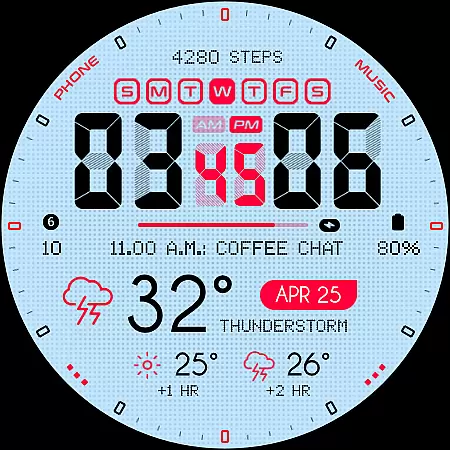
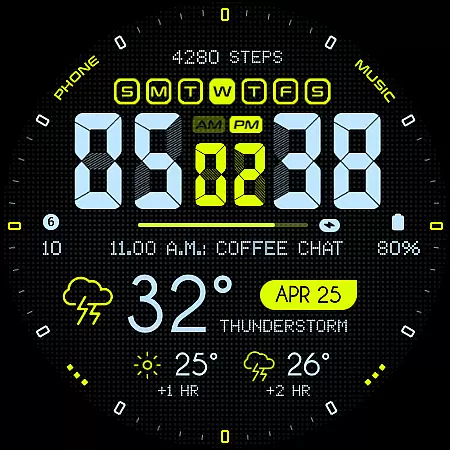
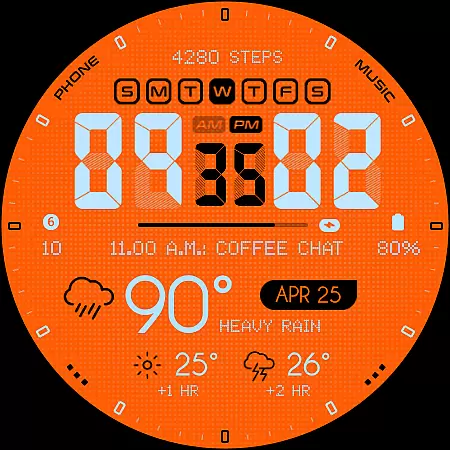
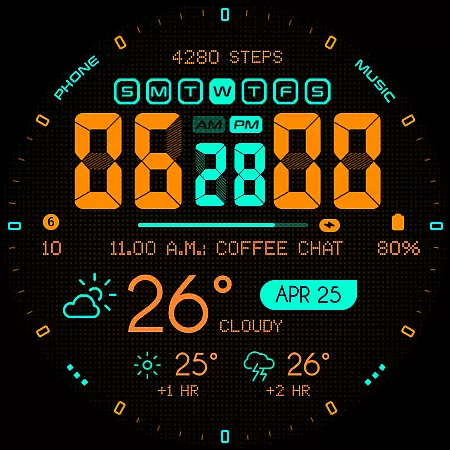
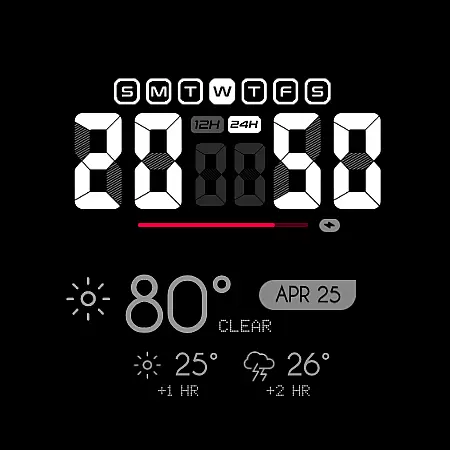
Oogly Atmos is a dynamic weather-themed watch face designed for Wear OS smartwatches. It combines vivid colors, real-time weather updates, and customizable features to deliver both style and functionality. The interface provides users with current weather conditions and a 2-hour forecast at a glance, making it ideal for those who want to stay informed while on the go.
With its animated background option, users can enjoy movement-inspired visuals or switch to a clean layout for focus. Compatible with Galaxy Watch 5, Pixel Watch, Fossil, and other Wear OS devices running API 30+, this watch face ensures broad usability across modern smartwatches.
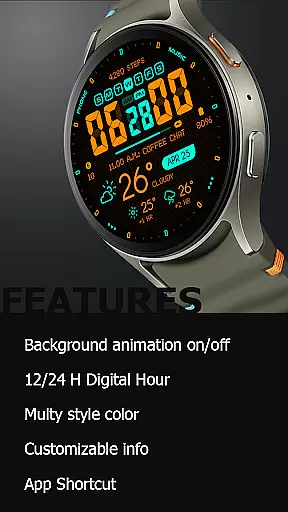
Oogly Atmos offers a variety of advanced features tailored to enhance user experience. Key functionalities include support for both 12-hour and 24-hour time formats, an optional animated background that adds visual appeal, and customizable information display options. Users can toggle the index on or off for a cleaner look and utilize app shortcuts for quick access to frequently used functions.
The Always-On Display ensures critical information remains visible even when the screen is idle. These features collectively create a versatile and personalized experience, catering to both style-conscious users and those seeking practical utility in their smartwatch interface.
Companion app integration is essential for a seamless wearable experience. Oogly Atmos ensures that your watchface works in harmony with its companion app, providing real-time weather updates and customization options directly to your wrist.
The app allows users to toggle features such as the animated background and index display. This means you can choose when to activate dynamic visuals or keep the interface clean and focused, depending on your current needs or preferences.
With customizable information and an app shortcut feature, Oogly Atmos offers both style and utility. Users can personalize their watch face to show the data most important to them, while quick access to frequently used apps enhances productivity throughout the day.
Ensuring compatibility across various devices is crucial for any Wear OS application. Oogly Atmos is designed for WEAR OS API 34+, making it compatible with Galaxy Watch 5 or newer, Pixel Watch, Fossil, and other Wear OS devices with a minimum API of 30.
This wide range of support means that whether you're using a Samsung, Google, or another brand's smartwatch, Oogly Atmos will function smoothly and look great. The design takes advantage of modern hardware capabilities to deliver vivid colors and clear visuals.
In addition to device compatibility, Oogly Atmos includes features like 12/24 hour format options, always-on display, and more. These ensure that regardless of your device or preference settings, the watchface remains both functional and visually appealing.
Real-time weather updates
Customizable layout options
Vivid and bold design
Animated background feature
Broad device compatibility
Limited to Wear OS
Requires API 30+
No iOS support
Premium feel may come at cost
Animation may drain battery

Precision analog watch face with 7 complications and style options
 4.2
4.2
Current temperature, weather hourly, weather radar by the weather forecast app
4.40
Analog watch face with 8 complications and expedition styling
4.3
A watch face that fuses motorsport precision with contemporary smartwatch design
4.5
Stay in touch with your friends and family using LINE!
3.40
Minimalistic design modern digital watch face.
4.1
A white realistic classic analog watch face with many customization options.
4.40
Control your Samsung Smart TVs, appliances, and SmartThings-compatible devices
4.60
Spam call blocker and caller ID for automatic call protection!
4.40
The Chevron App allows you to pay for fuel from the comfort of your car!
4.80
Real-time results, stats, schedules and player profiles for all leagues
4.60
Stylish, Energizing and Modern Watch Face crafted by Dominus Mathias.
4.50
Fast and smart typing with Emojis, GIFs, and more
4.50
Animated video-game inspired “secret agent” simulation, right on your wrist!
4.20
Snowflake Rose Gold Watch Face - Digital, modern, & sleek with GYRO effect.
4.10
Connect, create, and collaborate with Gmail, part of Google Workspace.
4.10
Wear Os Watch Face - Animated Snow Effect & Christmas Lights
4.4
A Wintery Snow Globe on Your Wrist; now celebrating Christmas!
4.2
A heartwarming Christmas scene featuring a cute image of Santa and Rudolf
4.4


User Reviews