
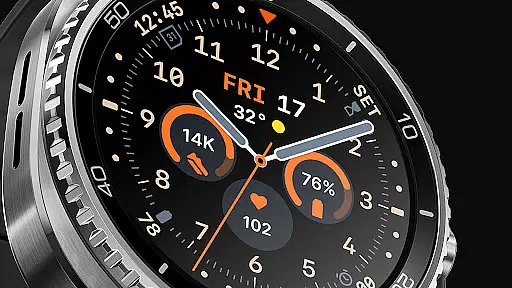
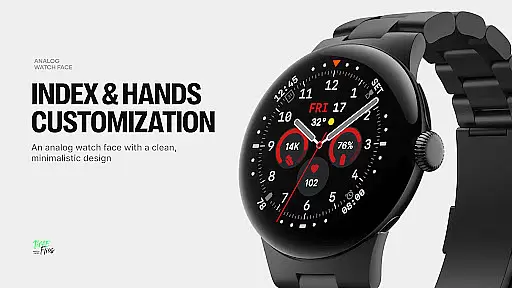
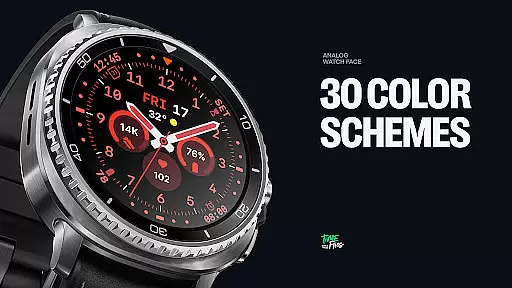
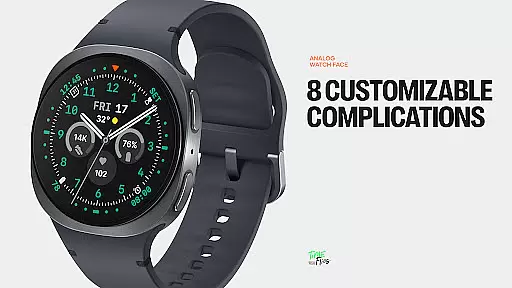
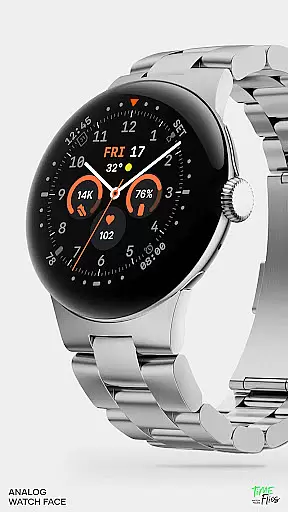
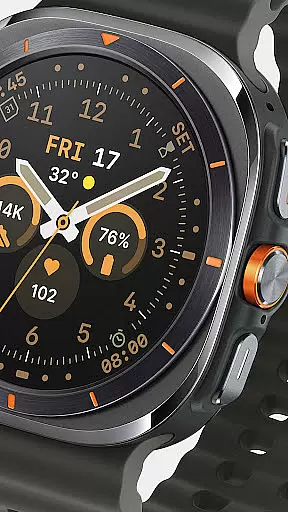
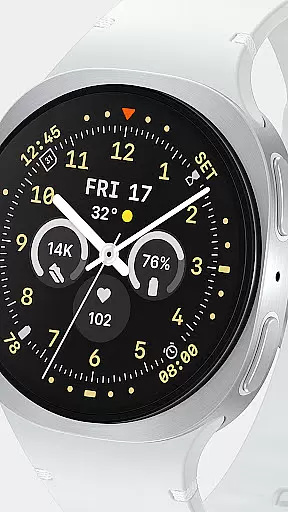
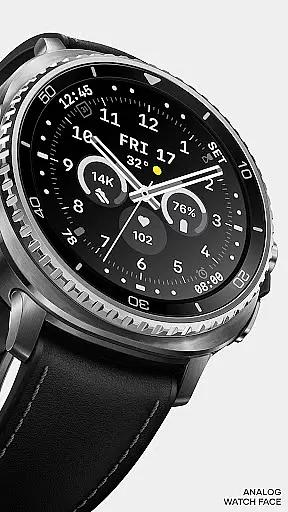
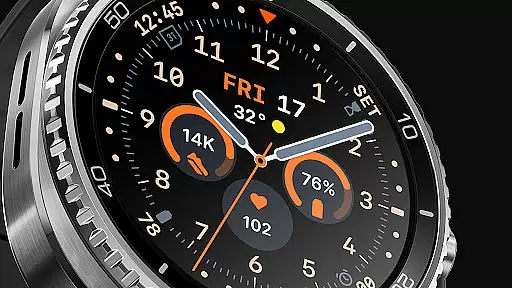
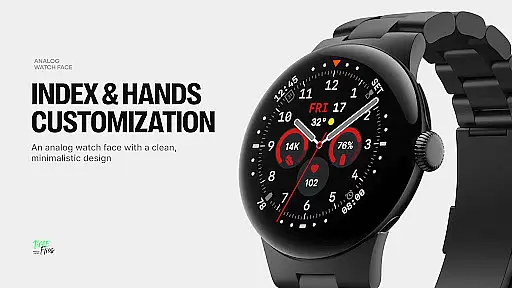
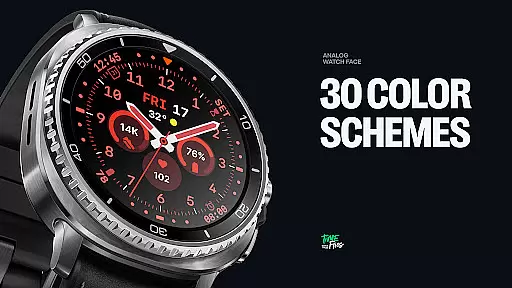
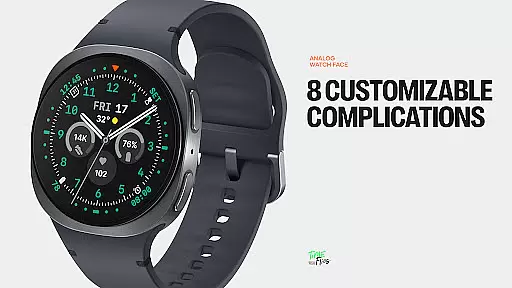
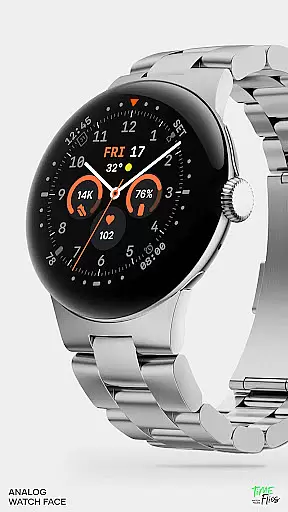
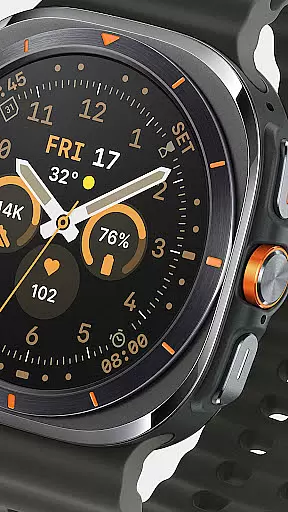
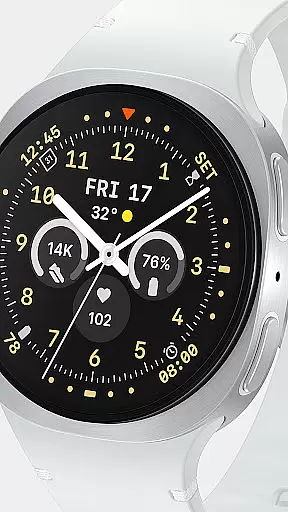
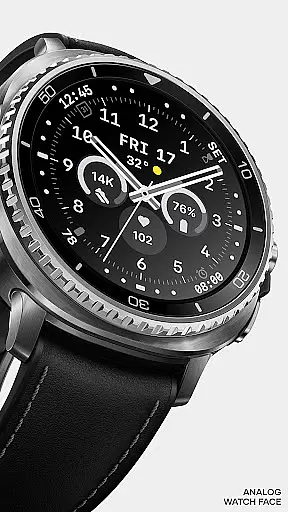
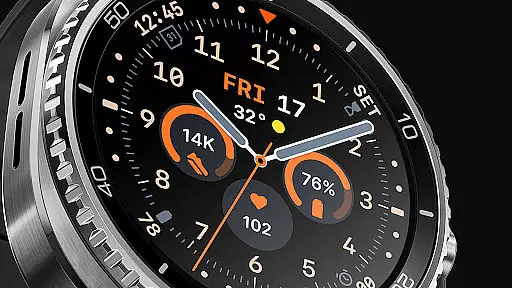
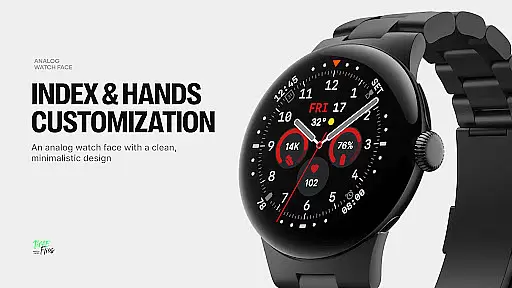
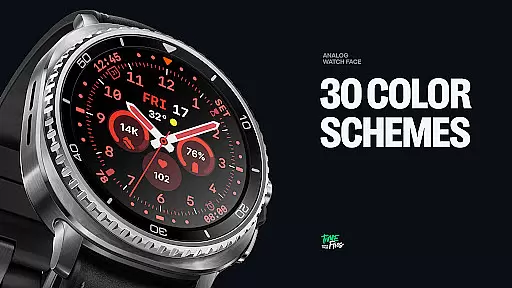
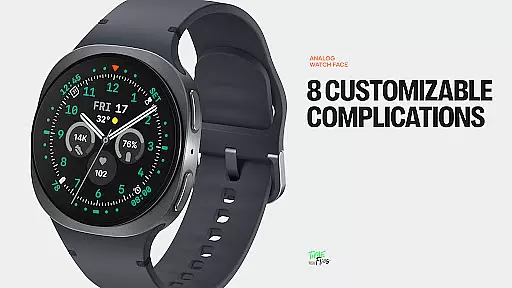
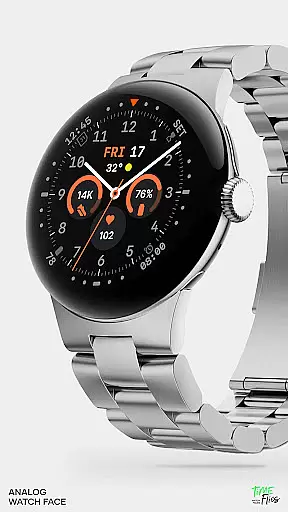
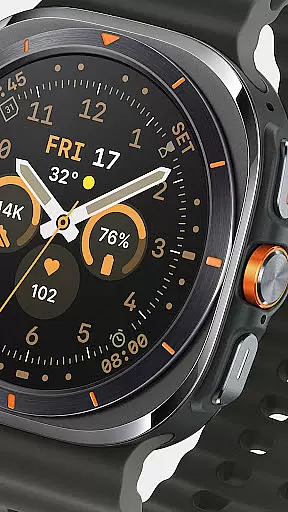
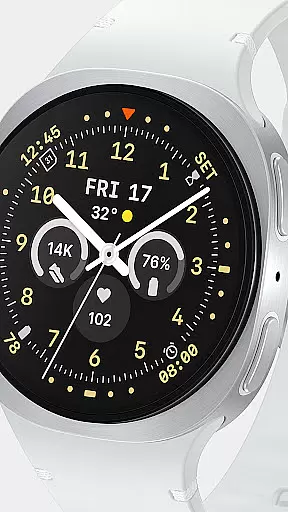
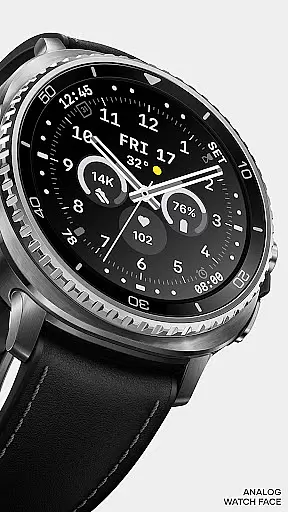
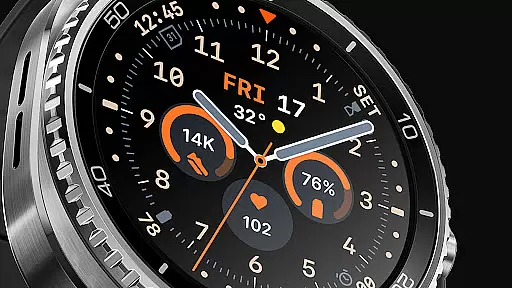
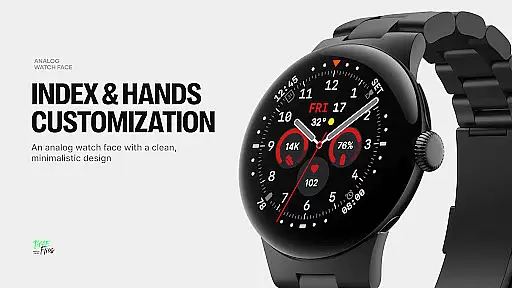
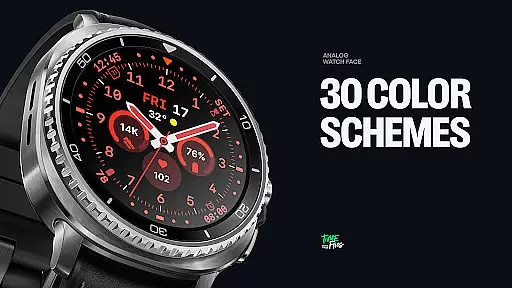
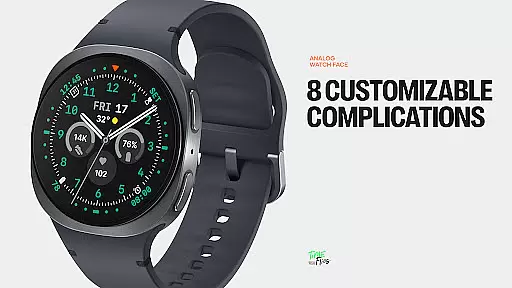
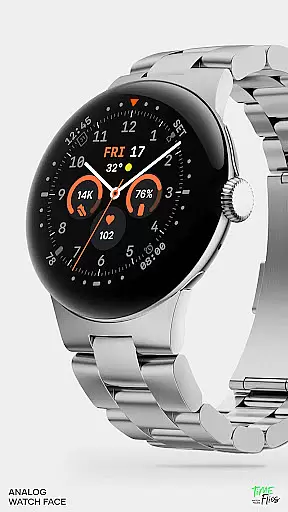
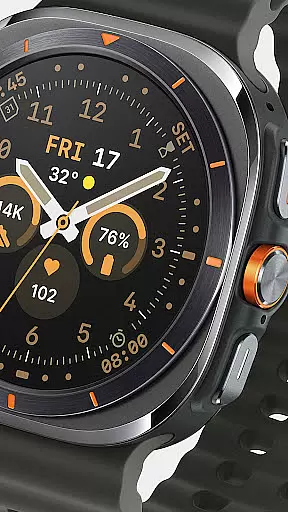
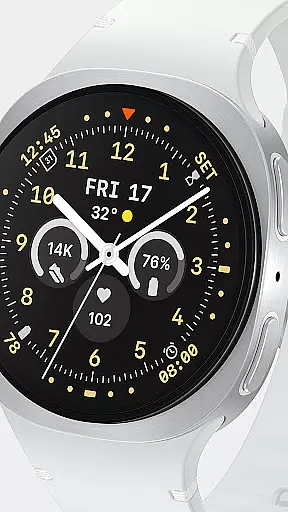
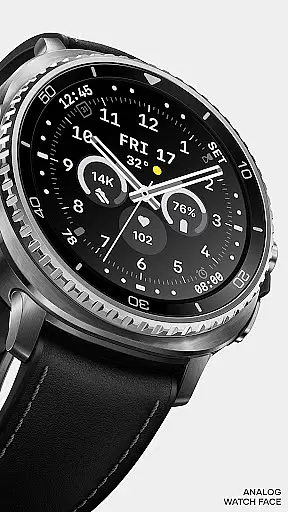
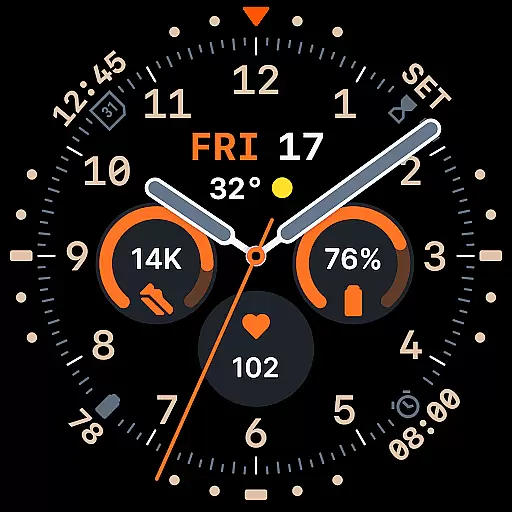
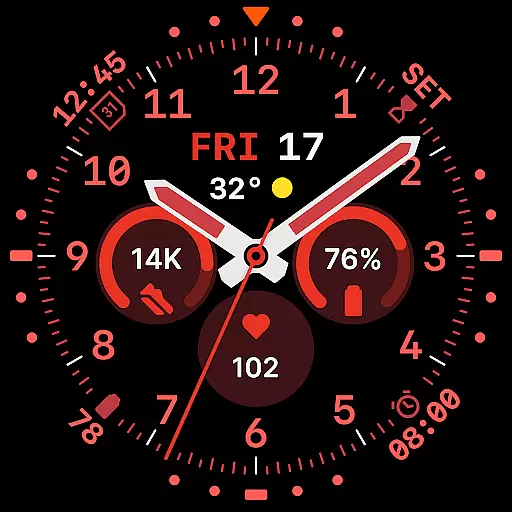
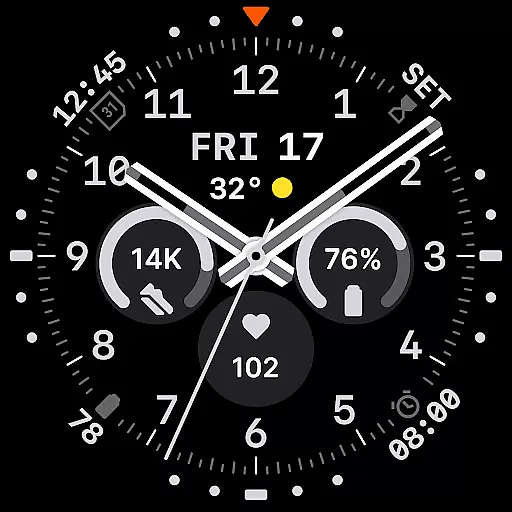
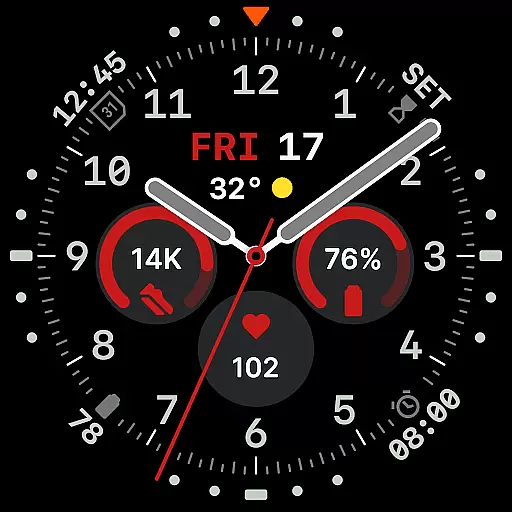
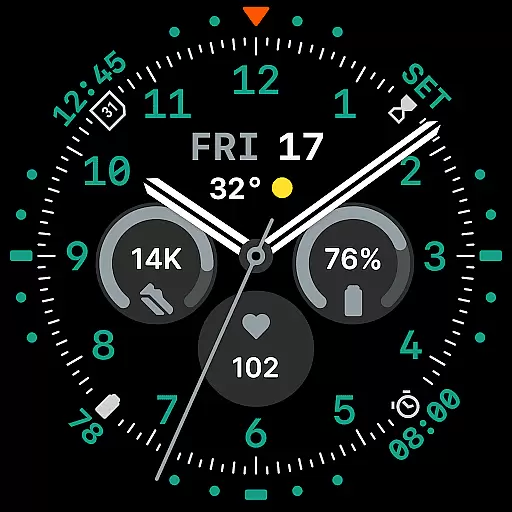
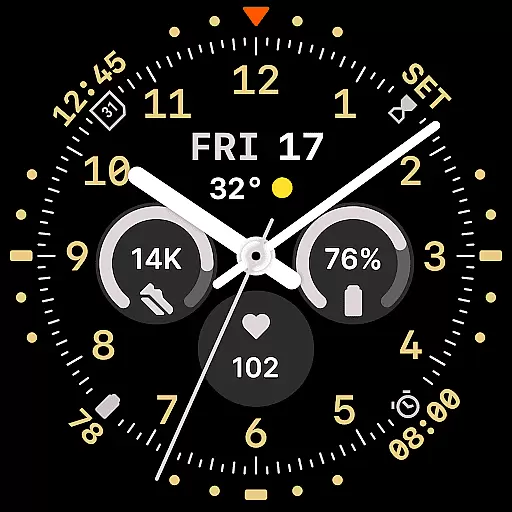
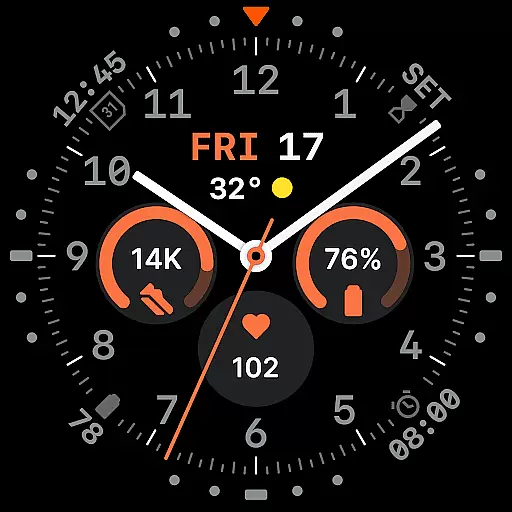
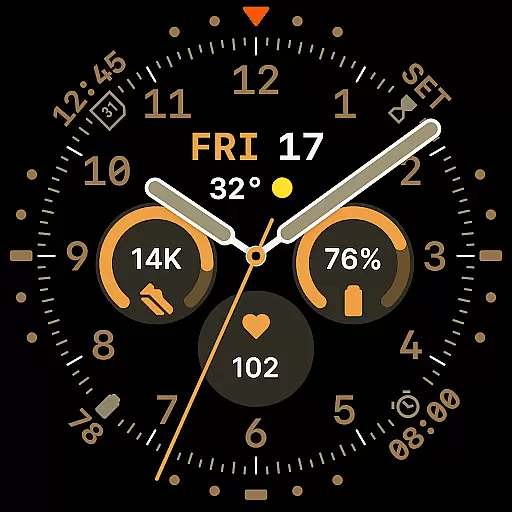
Way To Go Analog is a meticulously crafted Wear OS watch face that combines the charm of classic field tools with modern digital functionality. Designed for adventurers and explorers, it offers a unique blend of utility and clarity. The watch face features a versatile layout with 8 customizable complications, allowing users to personalize their experience while maintaining optimal readability.
With 10 hand styles, 30 color schemes, and 6 Always-on Display (AoD) modes, this watch face caters to diverse preferences and conditions. Whether you need high contrast for outdoor activities or a minimalist design for everyday use, Way To Go Analog has you covered. Its energy-efficient design ensures both visual precision and extended battery life, making it an ideal choice for smartwatch users who value style and performance.
Way To Go Analog stands out with its thoughtfully designed feature set tailored for both functionality and aesthetics. The watch face includes a built-in day and date window, providing essential information at a glance. Its 8 customizable complications are strategically placed across the dial, ensuring symmetry and readability while offering users the flexibility to display their preferred data.
The inclusion of 10 hand styles and 30 color schemes allows for extensive personalization, catering to various viewing conditions and user preferences. With six Always-on Display (AoD) modes, users can optimize battery life without sacrificing convenience. Built using the energy-efficient Watch Face File Format, this design guarantees both performance and visual appeal, setting a new standard for Wear OS watch faces.
Companion app integration is a crucial feature for Wear OS applications like Way To Go Analog. This functionality allows users to seamlessly synchronize and manage their watch face settings directly from their mobile device.
The optional Android companion app for Way To Go Analog provides convenient access to customization options. Users can easily adjust color schemes and complications without having to navigate through the watch interface itself.
This integration enhances user experience by offering quick adjustments and real-time previews of changes on the smartphone screen. The ability to modify settings remotely saves time and ensures precise customization according to personal preferences.
Furthermore, the companion app maintains data consistency between devices, ensuring that all modifications are accurately reflected on the watch face. This synchronization capability represents a significant advantage for users seeking efficient management of their wearable device.
Wear OS and device compatibility is essential for ensuring optimal performance across various smartwatch models. Way To Go Analog has been specifically designed to work seamlessly with Wear OS, guaranteeing broad device support.
The watch face utilizes the energy-efficient Watch Face File Format, which ensures both visual precision and performance optimization on compatible devices. This technical foundation enables consistent display quality while maintaining system efficiency.
With support for 8 customizable complications and 10 hand styles, the application demonstrates strong adaptability across different screen sizes and resolutions. The availability of 30 color schemes further confirms its versatility on various devices.
Additionally, the implementation of six Always-on Display modes showcases the application's ability to balance functionality with battery management across different hardware configurations. This comprehensive compatibility approach ensures users can enjoy the full feature set regardless of their specific Wear OS device model.
Highly customizable
Energy-efficient design
Versatile color schemes
Multiple AoD modes
Classic yet modern aesthetic
Limited to Wear OS
Companion app required for full customization
Premium features may require payment
Complexity may overwhelm beginners
Battery optimization varies by device

Christmas - Festive - Christmas Village - Winter - Christmas lights
 5.00
5.00
Current temperature, weather hourly, weather radar by the weather forecast app
4.40
Embrace the festive spirit with our Christmas Countdown watchface for Wear OS
4.10
Deck out your Wear OS Watch face with a beautifully decorated pine wreath!
4.50
Be an elegant and classy secret agent, with this carefully detailed watch face
4.70
Sleek, highly customizable watch face inspired by Galaxy Watch Circle Dashboard.
4.1
Real-time weather radar with temperatures, warnings, hurricanes, and widgets
4.80
Hybrid watch face for Wear OS with customizable complications by Matteo Dini MD
4.70
Want to take charge of your health? Let Google Fit help you reach your goals.
3.50
Connect to your Bluelink equipped Hyundai vehicle from your smartphone.
4.50
Embrace the holiday spirit with this magical animated watch face!
4.40
Wear Os Watch Face - Animated Snow Effect & Magic Spark - 6 Scenes
4.10
sleep, alarm, snoring, stress, healing, focus, sound therapy, circadian rhythm
4.10
Connect, create, and collaborate with Gmail, part of Google Workspace.
4.10
Get helpful reminders, take progress photos and find answers to your questions.
3.90
Stay in touch with your friends and family using LINE!
3.40
Your local weather forecast, storm tracker, radar maps & live weather news
3.40
Stunning modern digital watch face with 7 complications and strong contrast
4.1
Artistic Digital Watchface
4.4


User Reviews