
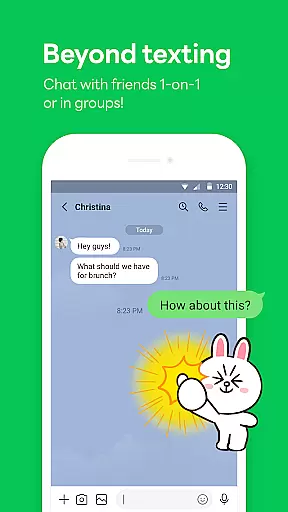
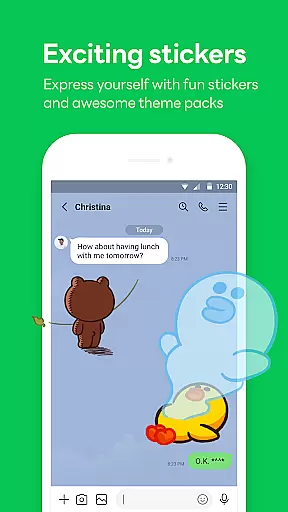
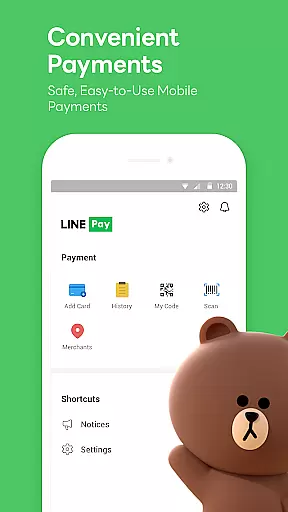

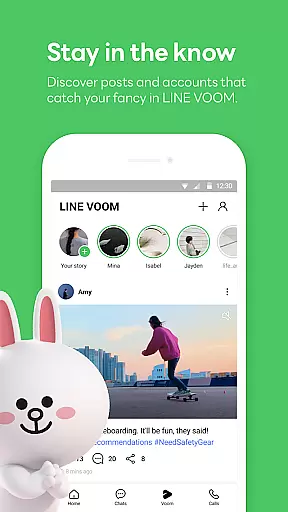
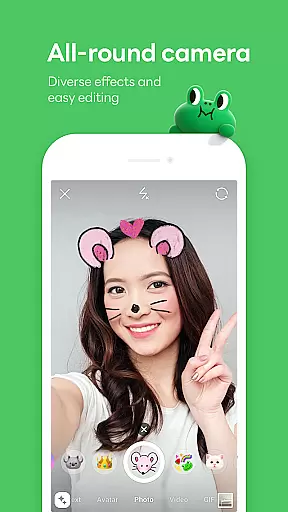
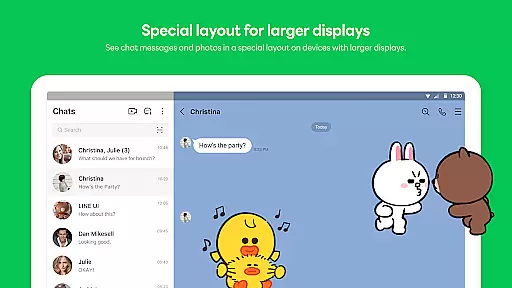
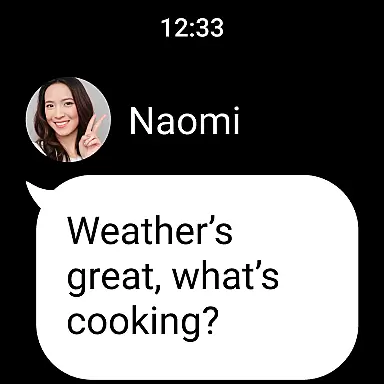
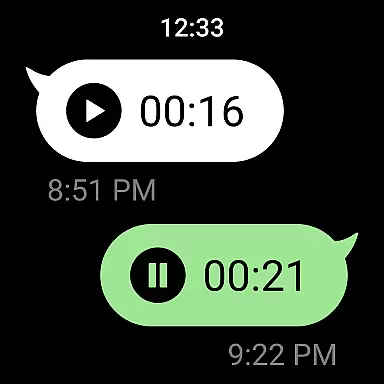

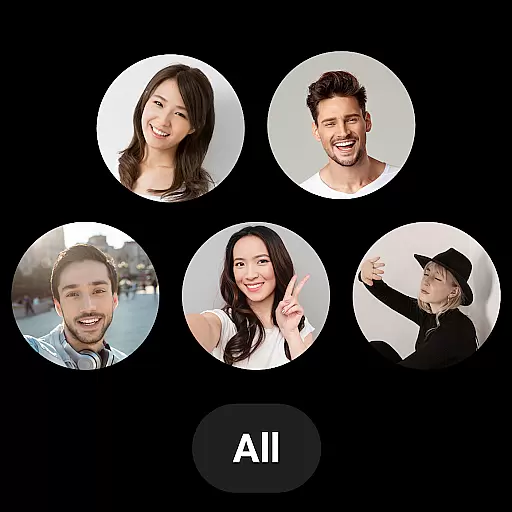
LINE is a comprehensive communication app that bridges the gap between family, friends, and loved ones through free voice and video calls, messages, and an extensive range of exciting stickers. Available globally on mobile, desktop, and Wear OS, LINE continues to expand its platform with new services and features that enhance your life's fun and convenience.
With functionalities like Home for easy access to friends list and birthdays, Keep Memo for personal information storage, and Letter Sealing for message encryption, LINE ensures both convenience and privacy. Its seamless connection across devices makes chatting possible anytime and anywhere, whether you're on the go or working remotely.
LINE offers a rich set of features including free voice and video calls, limitless sticker options for expressive communication, and customizable themes to personalize your app experience. The Home section provides quick access to essential services and content, while Keep Memo acts as your private chatroom for temporary storage of messages, photos, and videos.
Security is prioritized with Letter Sealing, which encrypts messages, call history, and location data, ensuring user privacy. Additionally, LINE's compatibility with Wear OS allows smartwatch users to check messages and integrate the app into their watch faces, offering unparalleled accessibility and connectivity across all your devices.
Companion app integration is essential for users who want a seamless experience across multiple devices. LINE offers robust companion app features that ensure your conversations, stickers, and settings are synchronized effortlessly between your smartphone, desktop, and Wear OS devices.
The synchronization process is automatic and real-time, meaning you can start a conversation on your phone and continue it on your smartwatch or computer without missing a beat. This ensures that all your important messages and calls are accessible no matter which device you're using.
For professionals and individuals who are always on the move, this feature provides unmatched convenience. You can stay connected with family, friends, and colleagues without being tied to a single device, making communication more flexible and efficient.
Moreover, LINE's companion app integration extends to its security features. With Letter Sealing encryption available across all platforms, users can be confident that their privacy is maintained regardless of the device they use. This comprehensive approach to companion app integration makes LINE a top choice for those seeking a versatile and secure messaging solution.
LINE's compatibility with Wear OS and various devices ensures that users can enjoy a consistent and high-quality experience no matter their choice of technology. The app is optimized to function smoothly on smartphones, tablets, desktops, and smartwatches equipped with Wear OS, providing flexibility and convenience.
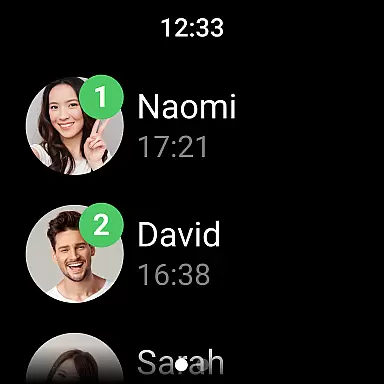
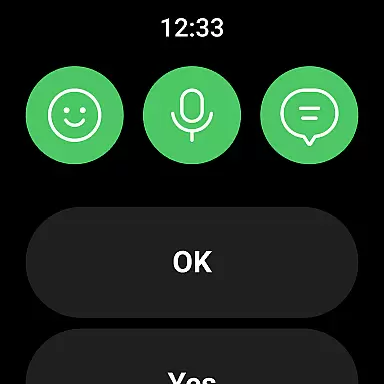
On Wear OS devices, LINE allows users to receive notifications, check messages, and even respond to chats directly from their smartwatch. This functionality is particularly useful for individuals who need to stay connected while performing tasks that require their hands to be free.
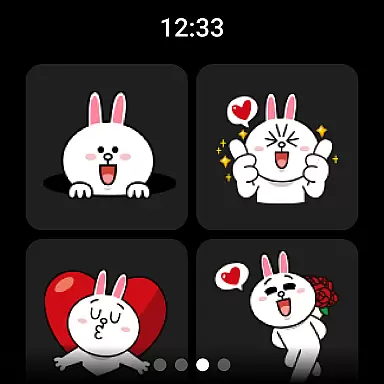
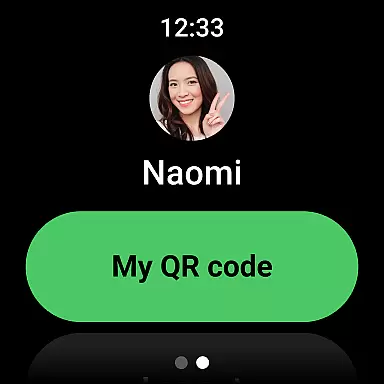
Additionally, LINE's interface on Wear OS is designed to be intuitive and user-friendly. Despite the smaller screen size, navigating through chats, accessing stickers, and managing settings remains straightforward and efficient. This attention to detail enhances the overall user experience, making it easy to integrate LINE into your daily routine.
By supporting a wide range of devices and operating systems, including Android OS versions 11.0 and above, LINE ensures that its services are accessible to as many users as possible. This commitment to compatibility highlights LINE's dedication to providing a versatile and inclusive communication platform.
User-friendly interface
Free voice and video calls
Variety of expressive stickers
Strong privacy protection
Cross-platform availability
Requires Wi-Fi or data plan
Storage issues on older devices
Occasional network dependency
Limited functionality on outdated OS
Potential data usage fees

Embrace the holiday spirit with this magical animated watch face!
 4.40
4.40
Current temperature, weather hourly, weather radar by the weather forecast app
4.40
Watch face designed for Thanksgiving Day. 7 Background Styles included.
3.20
The most customizable minimal watch face. For Wear OS 5.0, API 34+ and later
4.70
Structured watch face with seven complications and modular UI elements
3.90
Connect to your Bluelink equipped Hyundai vehicle from your smartphone.
4.50
Hybrid Vibrant Health Watch Face for Wear OS
4.2
Fitbit is dedicated to helping people lead healthier, more active lives.
4.10
From periods to pregnancy & perimenopause, Flo helps you track it all. Try now.
4.70
Diet tracker for weight loss - track calories, food and macros. Simple and easy!
4.70
Highly customizable hybrid watch face for Wear OS, perfect for everyday use.
4.60
Monitor health with the stress test and pulse checker in the heart rate app.
4.60
MyNISSAN® lets you remotely control your car from your phone.*
4.50
Deck out your Wear OS Watch face with a beautifully decorated pine wreath!
4.50
Digital watch face. For Wear OS devices.
4.40
Bold, Modern Hybrid Watch Face for Wear OS. 10 Colors, Rich Info Display.
4.30
Elegant animated Christmas tree with multiple customization options
4.20
Watch face for Wear OS.
4.20
Funny animated watch face for Thanksgiving
4.5


User Reviews