
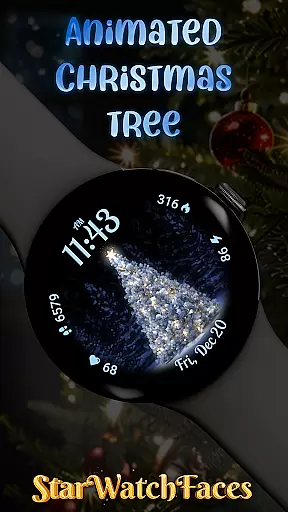
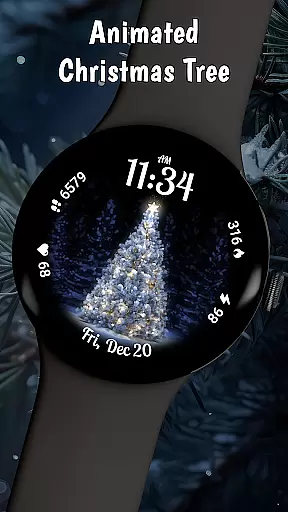
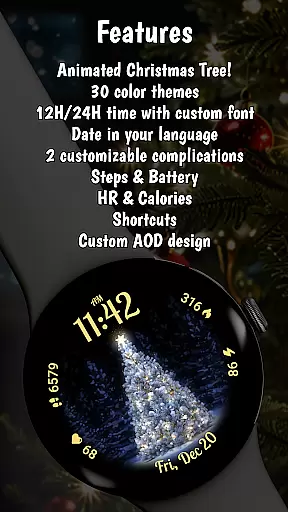
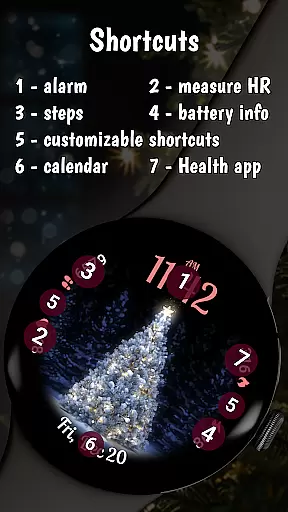
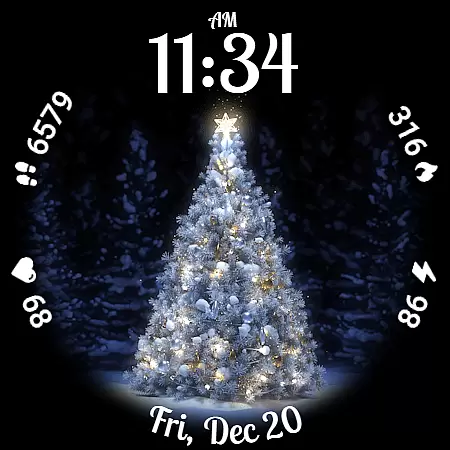
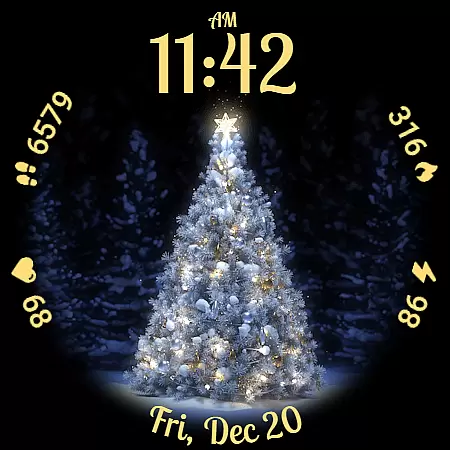
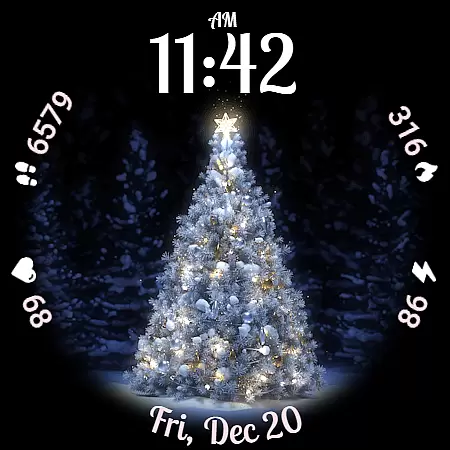
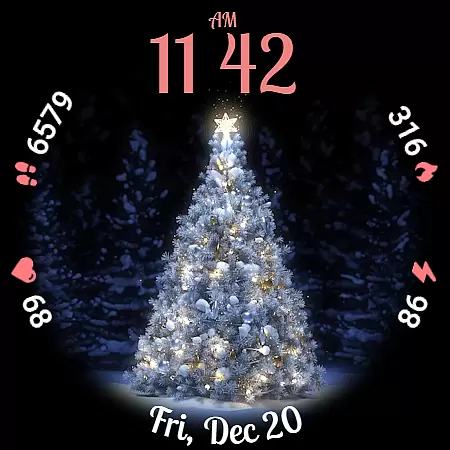
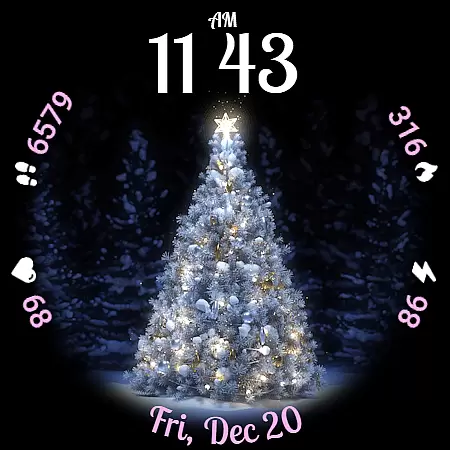
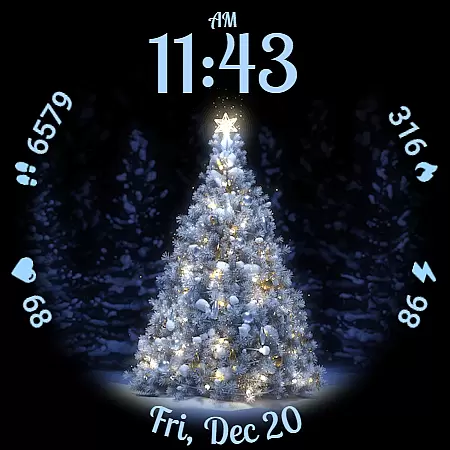
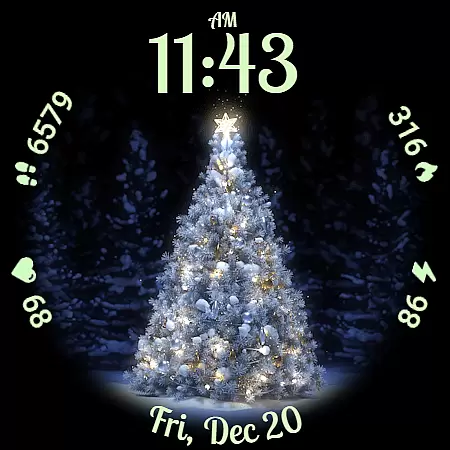
Animated Christmas Tree is a festive watch face designed to bring holiday cheer to your smartwatch. Featuring a beautifully animated Christmas tree at its center, this app transforms your wearable into a magical holiday accessory.
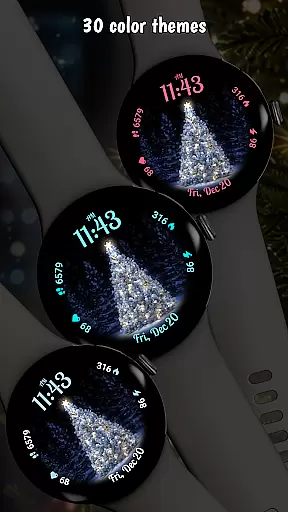
The watch face offers 30 customizable color themes and practical features like step tracking, heart rate monitoring, and battery info display. With support for both 12-hour and 24-hour clock formats and automatic localized date display, it combines seasonal spirit with everyday functionality.
This Christmas-themed watch face stands out with its vibrant animation and customization options. The centerpiece is a glowing Christmas tree that creates a festive atmosphere on your wrist.
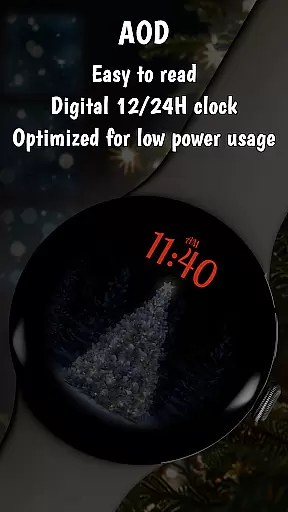
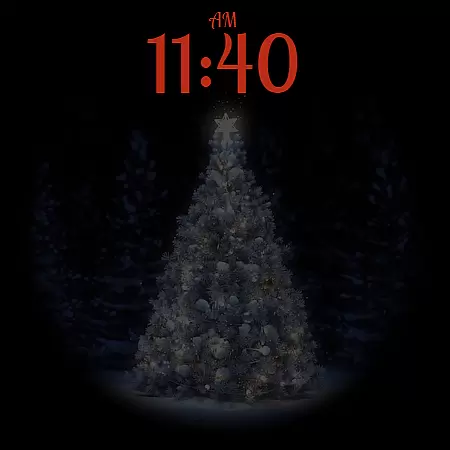
Users can choose from 30 different color themes to personalize their watch face. The app maintains practicality with essential stats tracking including steps, calories, and heart rate monitoring. Its optimized Always-On Display mode ensures you can enjoy the holiday spirit while preserving battery life.
Additional features include automatic language-based date localization and multiple clock format options with charming custom fonts, making it both functional and festive.
Companion app integration is essential for a seamless smartwatch experience. The Animated Christmas Tree watch face offers robust companion app support that enhances customization and functionality.
This application allows users to access additional features through its dedicated smartphone app. Users can explore various customization options such as changing color themes or complications with ease. By pressing and holding on the display and tapping the Customize button, users can personalize their watch face to suit their preferences.
The companion app also serves as a portal to discover other creative watch faces crafted by the developers. This ensures that users have a continuous supply of fresh and engaging designs to choose from, keeping their smartwatch experience dynamic and exciting.
Overall, the integration of the companion app significantly enriches the user experience by providing extensive personalization options and easy access to a library of unique watch faces.
Ensuring broad device compatibility is crucial for any Wear OS application. The Animated Christmas Tree watch face excels in this area by offering extensive support across a wide range of Wear OS devices.
This watch face is optimized to function smoothly on various smartwatches running Wear OS, delivering consistent performance regardless of the device model. It leverages the capabilities of Wear OS to provide features like Always-On Display (AOD) mode, which helps conserve battery life without sacrificing style.
Users can enjoy the same high-quality experience, whether they are using a newer model or an older version of Wear OS devices. The meticulous optimization ensures that animations and interactive elements perform efficiently, maintaining visual appeal and responsiveness.
By prioritizing Wear OS and device compatibility, the Animated Christmas Tree watch face guarantees that all users can partake in the festive spirit, enjoying a magical holiday experience on their smartwatches.
Festive design
Customizable themes
Practical features
Battery efficient
Easy to use
Holiday specific
Premium only
Limited year use
Watch only
No iOS support

WTW M17 is a premium and luxurious hybrid watch face
 4.70
4.70
Beautiful, colorful and practical watch face. For Wear OS devices.
5.00
The most customizable minimal watch face. For Wear OS 5.0, API 34+ and later
4.70
Authentic military-tactical design with ZULU time! Realistic and functional!
3.80
Digital watch face. For Wear OS devices.
4.40
Funny animated watch face for Thanksgiving
4.5
Bold weather Digital watchface with forecast & optional animated background
4.40
Viewer for Wyze/Yi/Eufy/Arlo/ONVIF/RTSP/P2P IP cams w/ adv. features & DIY DVR
4.00
Premium hybrid watch face with many customizations for Wear OS devices.
4.40
Highly customizable hybrid watch face for Wear OS, perfect for everyday use.
4.60
Simple, helpful messaging by Google
4.60
Connect to your Bluelink equipped Hyundai vehicle from your smartphone.
4.50
"PER27 Galaxy Digital" is a digital Wear OS watch face designed by PERSONA
4.10
Hyper-Realistic Airplane Dashboard Watch Face With 10 Skins and Custom AOD
4.00
Structured watch face with seven complications and modular UI elements
3.90
A full-featured Amazon Alexa voice assistant that can show you things.
3.70
Your local weather forecast, storm tracker, radar maps & live weather news
3.40
A watch face that fuses motorsport precision with contemporary smartwatch design
4.0
Minimalistic design modern digital watch face.
4.3


User Reviews