
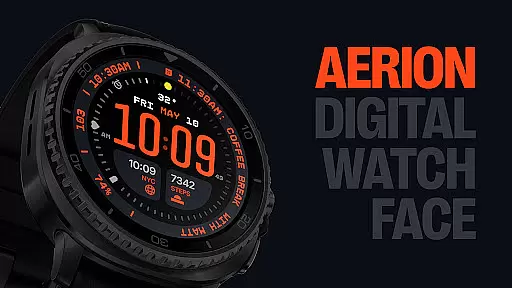
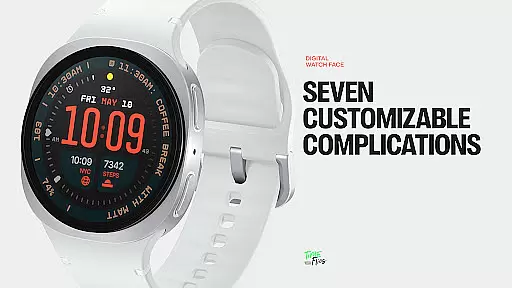
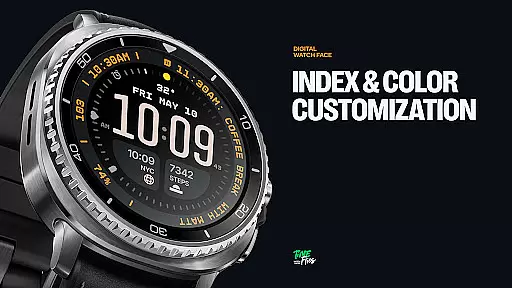
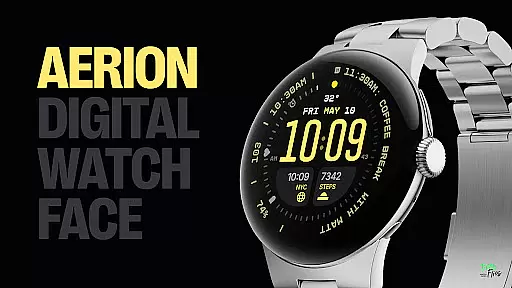
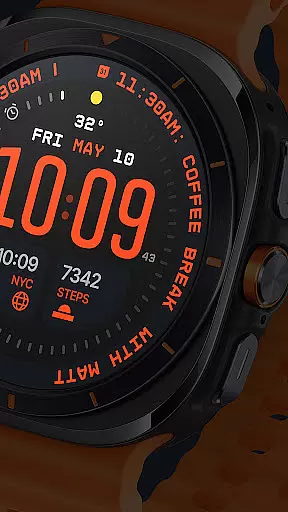
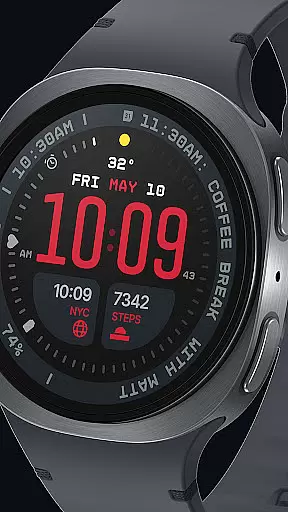
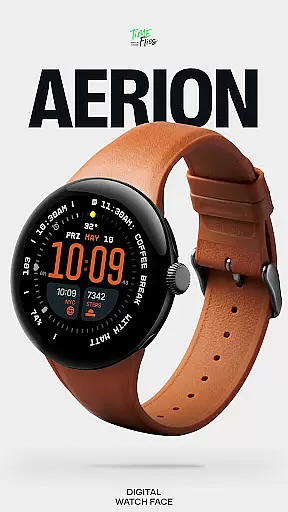
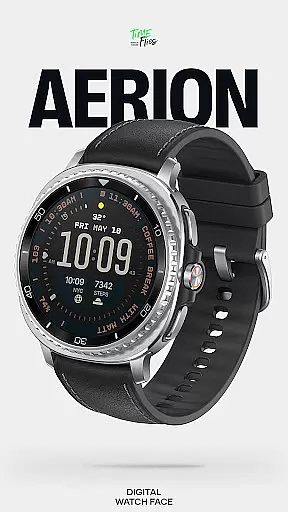
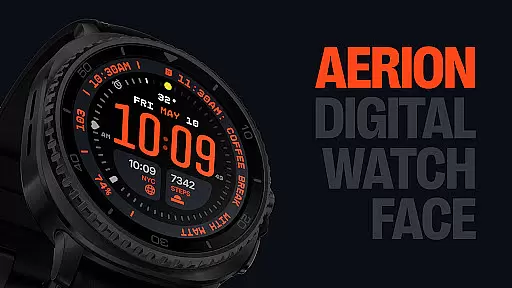
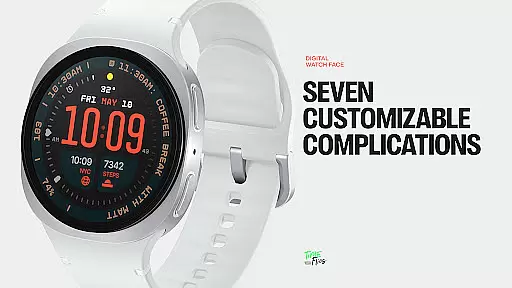
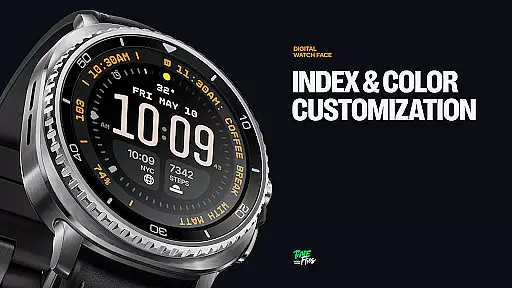
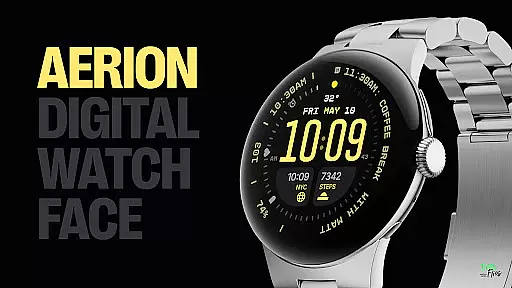
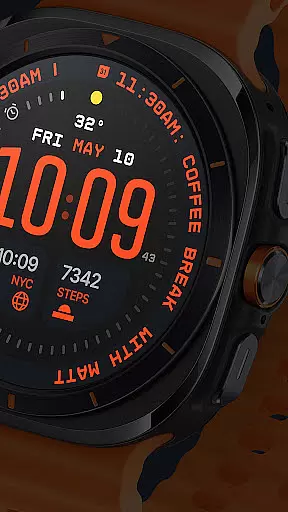
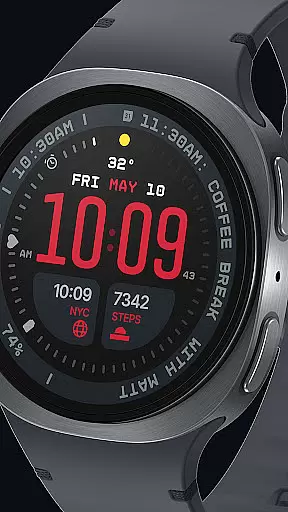
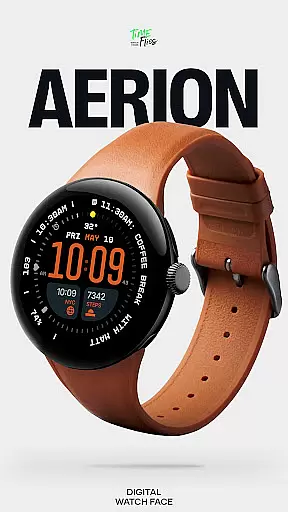
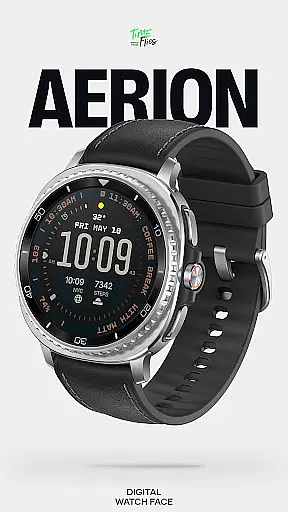
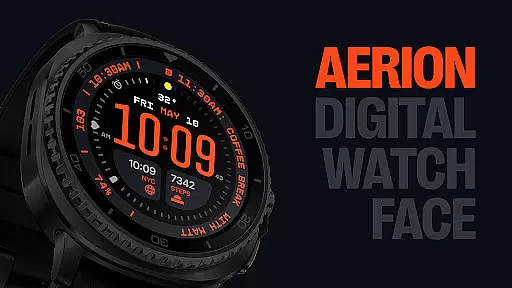
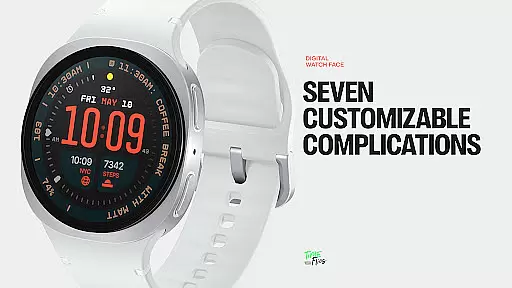
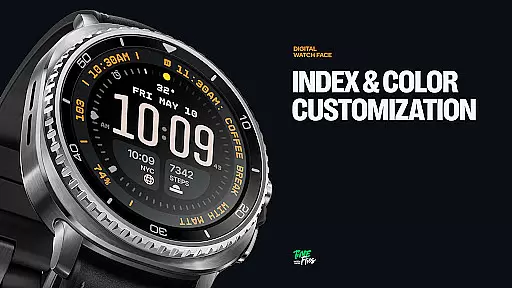
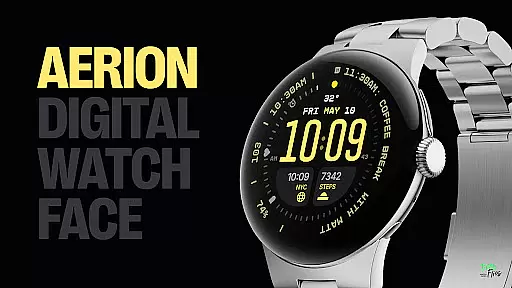
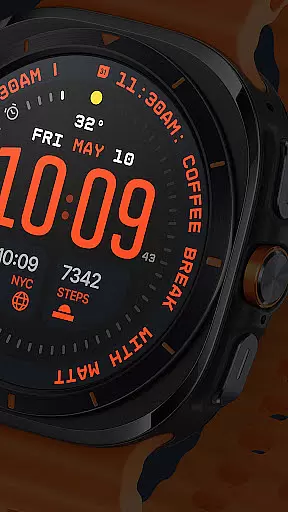
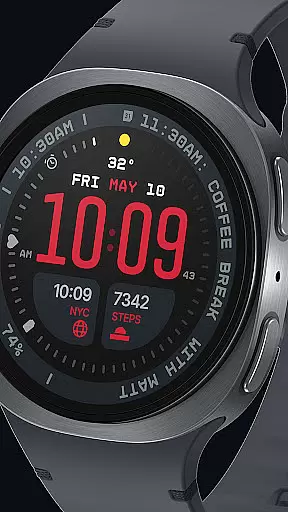
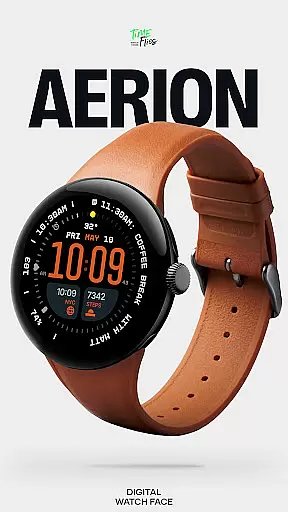
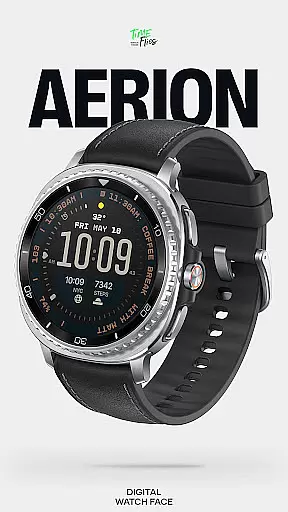
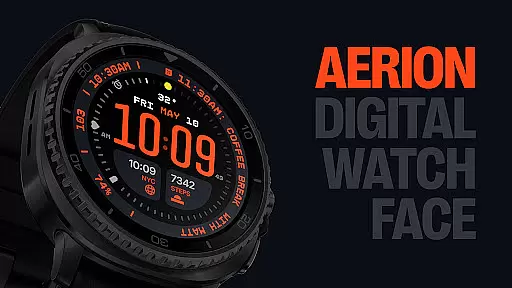
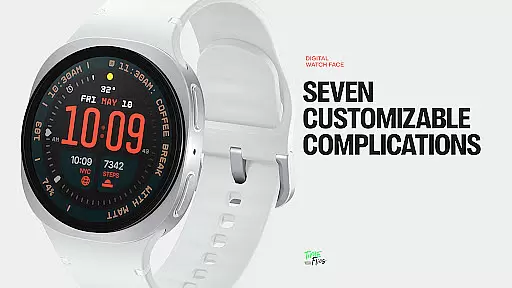
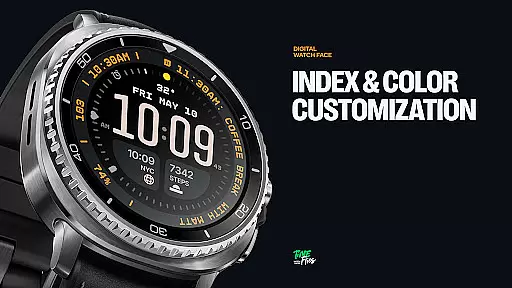
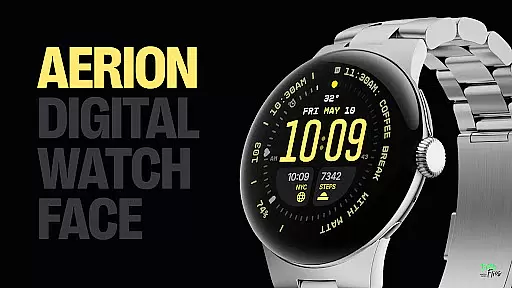
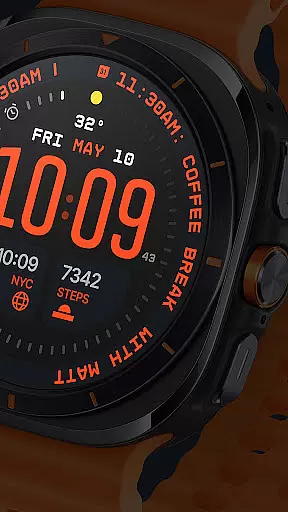
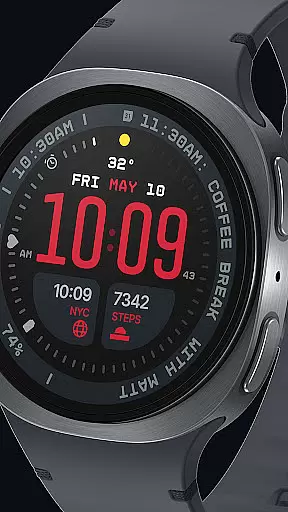
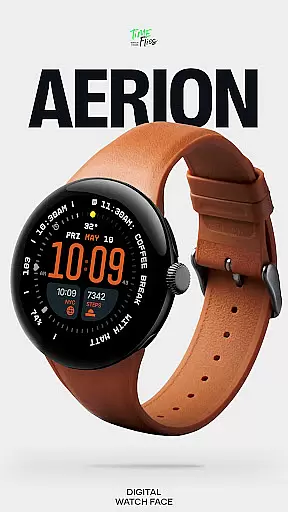
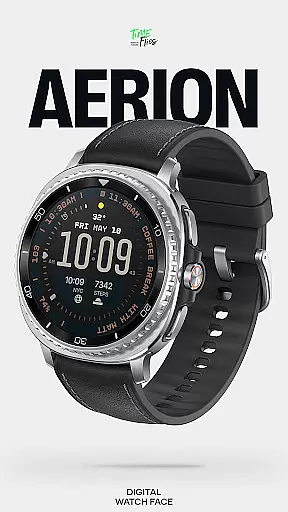
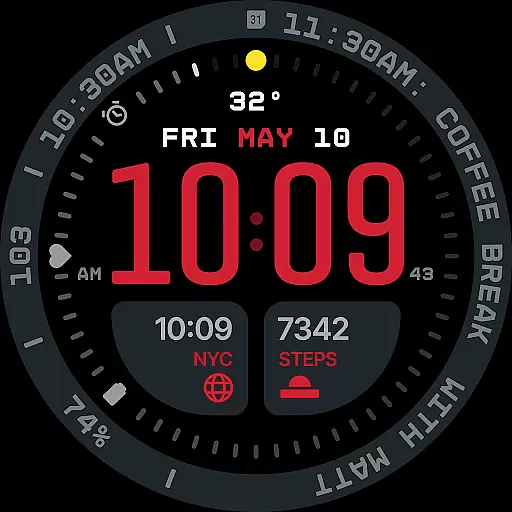
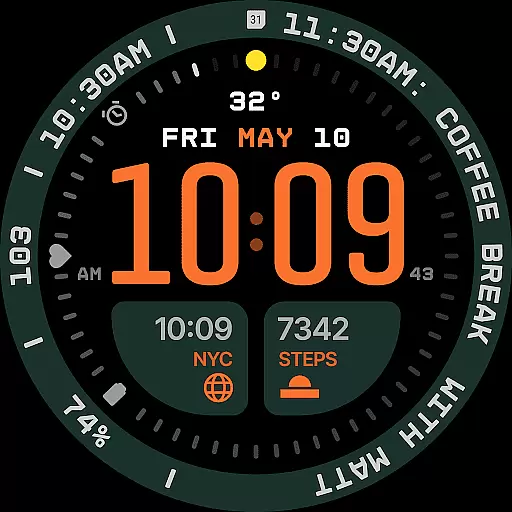
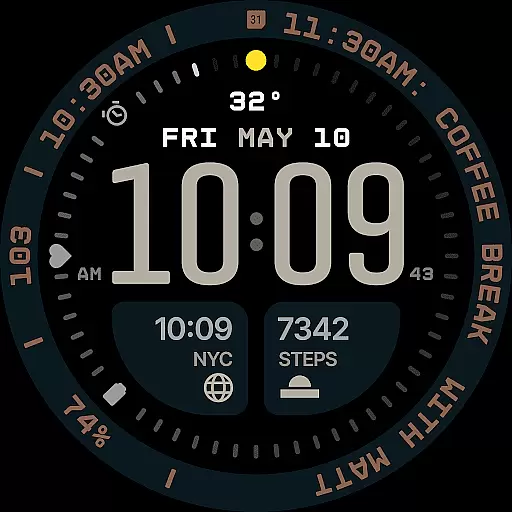
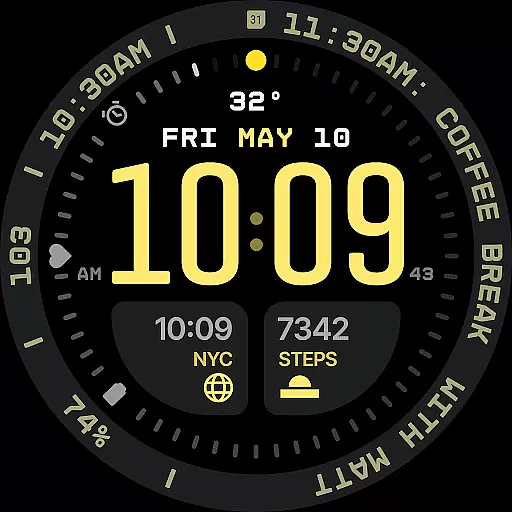
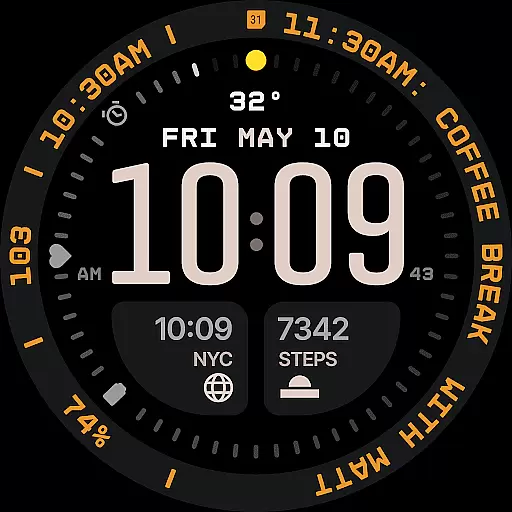
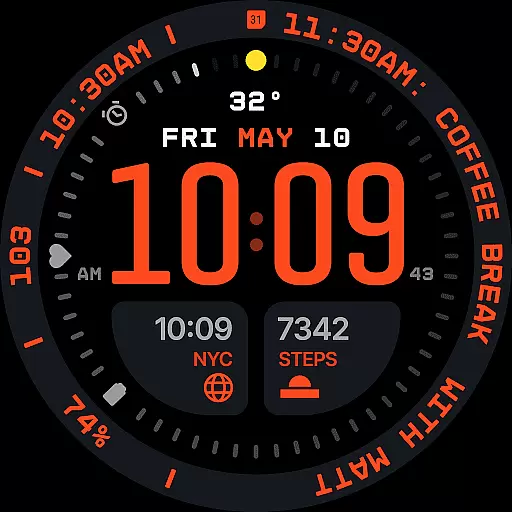
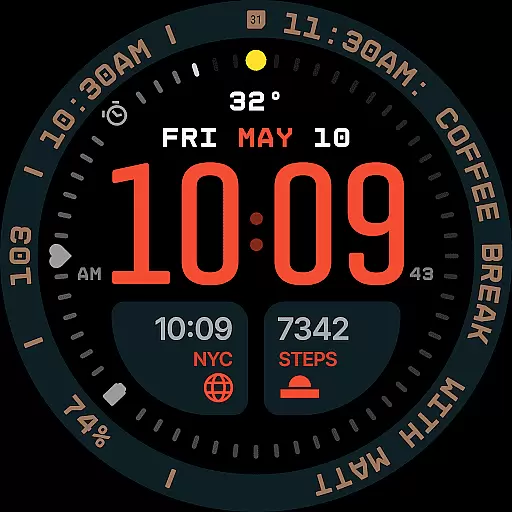
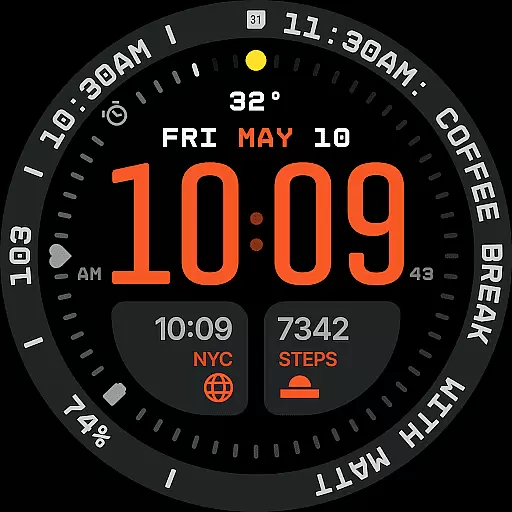
Aerion Digital Watch Face offers a modern approach to digital timekeeping for Wear OS devices. Designed with precision spacing and integrated complication zones, it emphasizes clarity and intelligent visual rhythm. The watch face features a carefully weighted font for time display, flanked by customizable complication slots that align with its structured layout.
Key functionalities include seven customizable complications, built-in day and date display, 30 color schemes for personalization, optional bezel and background layers, and four Always-on Display modes optimized for battery efficiency. This combination of technical precision and stylistic control makes Aerion ideal for users seeking readability, customization, and a clean modern aesthetic.
Aerion stands out with its modern Watch Face File format, ensuring smooth system performance and optimal energy efficiency. The interface supports up to seven customizable complications, including universal slots, short-text slots above the time, and a long-text slot for contextual data like calendar events or voice assistant content. These features are seamlessly integrated into the design without disrupting the visual flow.
Additional highlights include a subtle day and date display, 30 curated color schemes for enhanced readability, optional bezel and background layers for stylistic flexibility, and four Always-on Display modes. These modes—full, dimmed, and two minimal configurations—retain the watch face's character while conserving power. Aerion is designed for users who value intelligent design, offering both technical precision and cohesive aesthetics in one package.
Companion app integration is essential for enhancing the functionality of wearable devices like smartwatches. The Aerion Digital Watch Face offers an optional Android companion app that allows users to conveniently access other watch faces from Time Flies.
This seamless integration between the wearable and its companion app ensures that users can easily switch between different watch faces, providing a personalized experience tailored to their preferences. The companion app acts as a central hub where users can manage and customize their watch faces with ease.
By leveraging the capabilities of the companion app, users benefit from a more versatile and enriched wearable experience. They can explore a variety of design options, select color schemes, and configure complications without any hassle. This level of customization empowers users to make the most out of their smartwatch while maintaining optimal performance and battery efficiency.
Ensuring compatibility with Wear OS and various devices is crucial for a seamless user experience. The Aerion Digital Watch Face is engineered specifically for Wear OS, guaranteeing smooth system performance and battery efficiency across supported devices.
Designed using the modern Watch Face File format, Aerion maintains high standards of quality and optimization. This ensures that the watch face runs smoothly on all compatible devices, delivering consistent performance regardless of the hardware specifications.
With support for multiple Always-on Display styles and customizable features, Aerion caters to a wide range of user preferences while retaining its core functionality. Users can enjoy a contemporary approach to digital timekeeping with confidence, knowing that their chosen design will look great and function flawlessly on their Wear OS device.
Modern design
Customizable
Battery efficient
Clean layout
Stylish options
Limited analog
Complex setup
Few animations
Premium cost
OS specific

Beautiful artistic animated digital watch face, with a customizable layout!
 4.40
4.40
Hyperlocal rain alerts by MyRadar using patent-pending technology, radar & more
4.80
Nutrition, Macro tracker: Food, fitness & healthy diet tracking for weight loss
4.60
Reliable phone calls with spam protection, caller ID and more helpful features
4.40
Get helpful reminders, take progress photos and find answers to your questions.
3.90
Real-time results, stats, schedules and player profiles for all leagues
4.60
Minimalistic design modern digital watch face.
4.2
Hyper-Realistic Airplane Dashboard Watch Face With 10 Skins and Custom AOD
4.00
Retro digital watch face with customizable colors and a unique lighting effect
4.60
Christmas - Festive - Christmas Village - Winter - Christmas lights
5.00
The most customizable hybrid watch face. For Wear OS 5.0, API 34+ and later
4.70
Hybrid watch face for Wear OS with customizable complications by Matteo Dini MD
4.70
Digital watch face. For Wear OS devices.
4.40
A white realistic classic analog watch face with many customization options.
4.40
The ultimate destination for kids ages 3-8 to explore the Marvel Universe!
4.30
Calming & relaxing sounds for sleeping and stress relief. Stay focused all day!
4.20
Authentic military-tactical design with ZULU time! Realistic and functional!
3.80
Your local weather forecast, storm tracker, radar maps & live weather news
3.40
Stunning modern digital watch face with 7 complications and strong contrast
4.5


User Reviews