
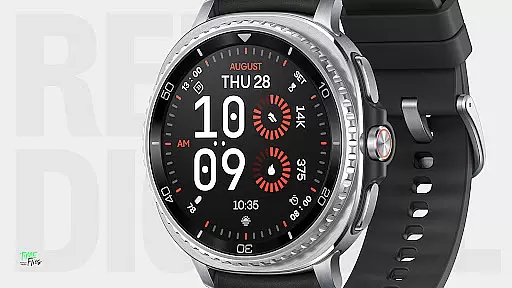
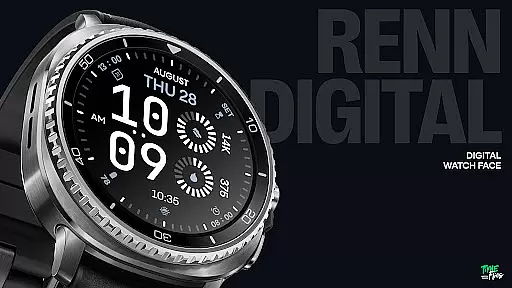
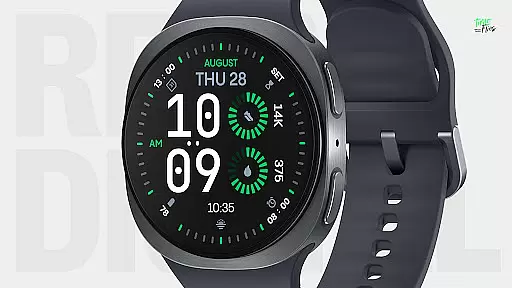
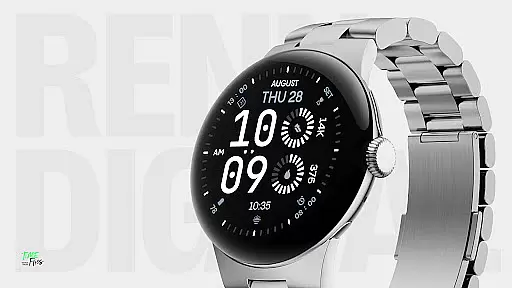
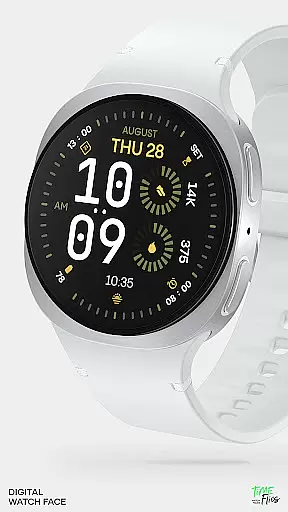
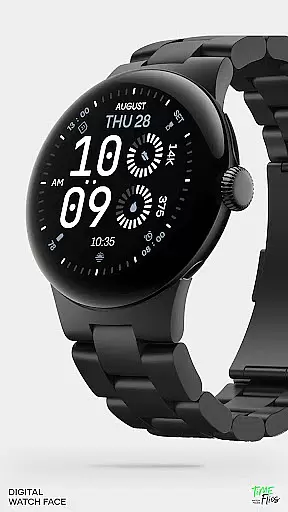
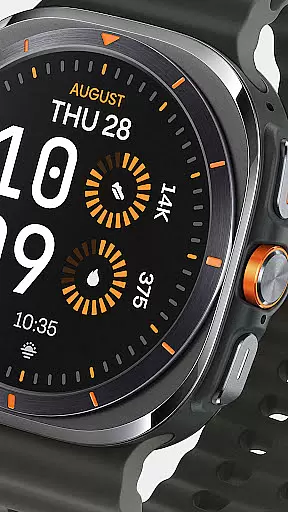
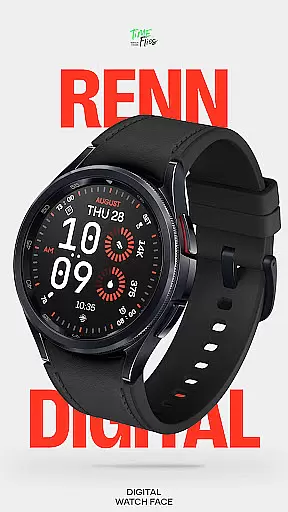
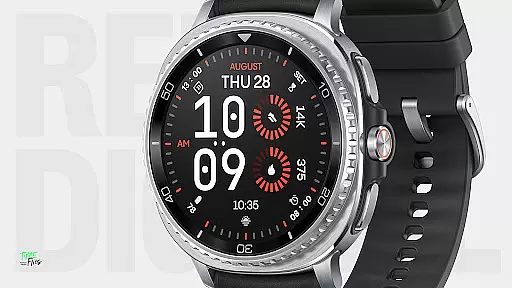
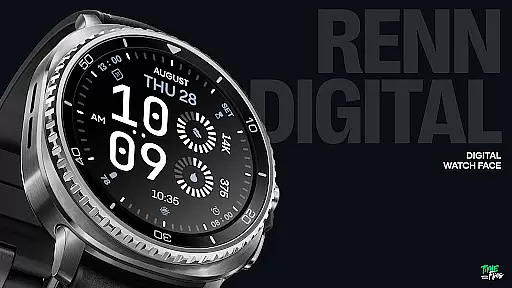
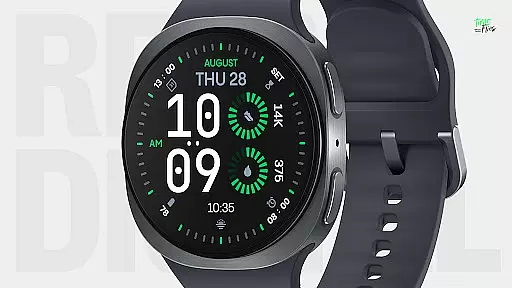
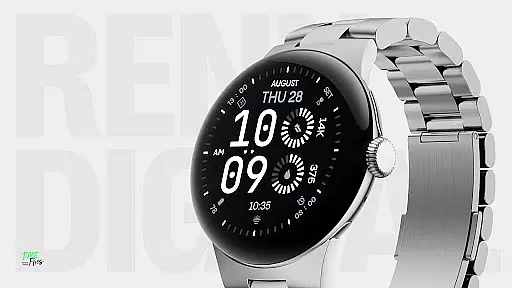
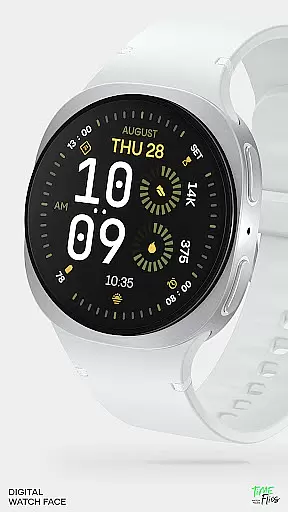
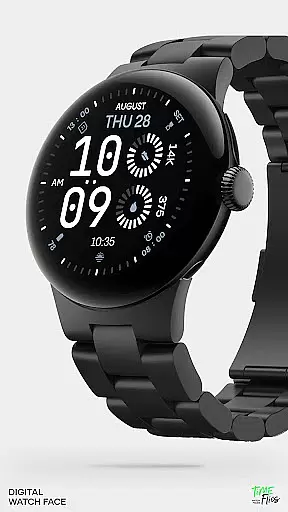
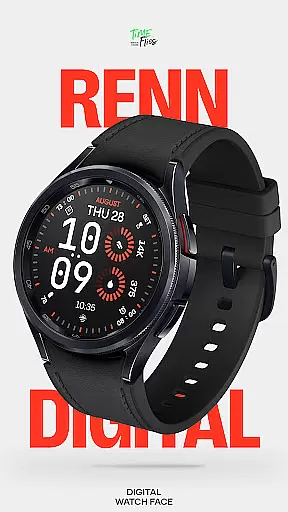
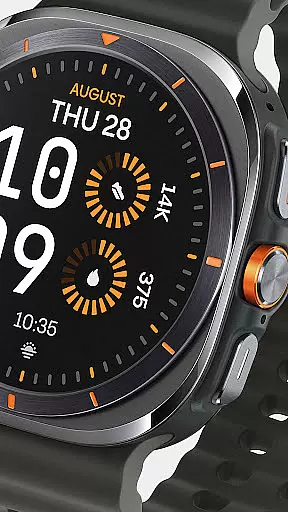
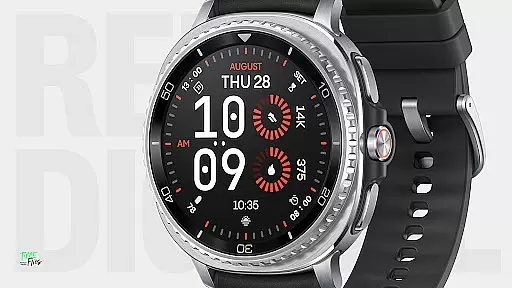
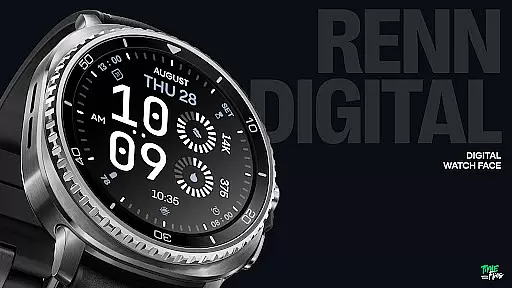
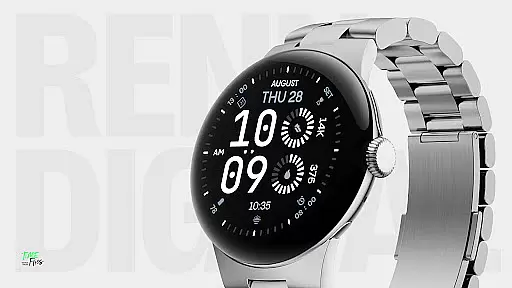
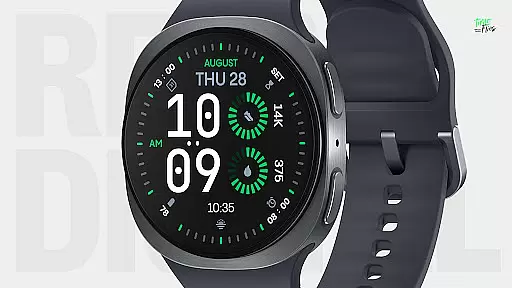
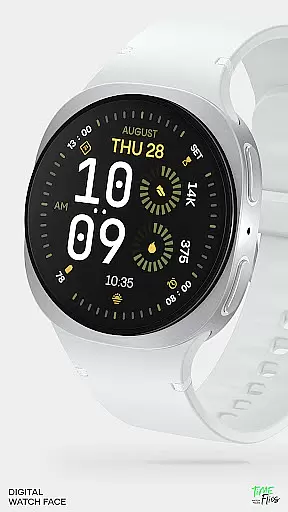
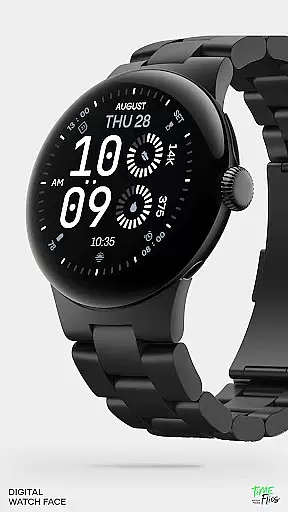
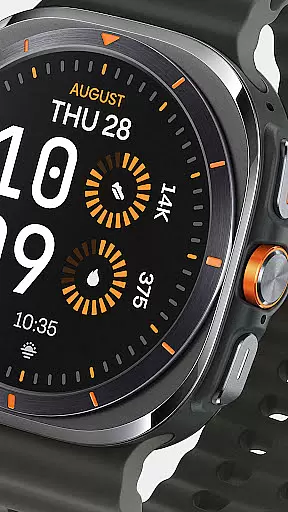
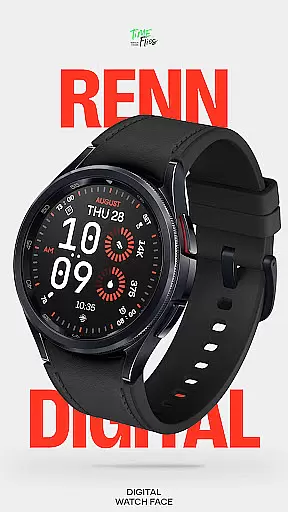
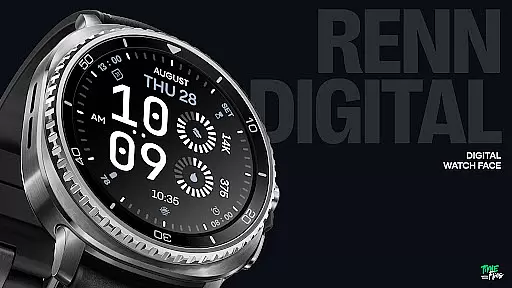
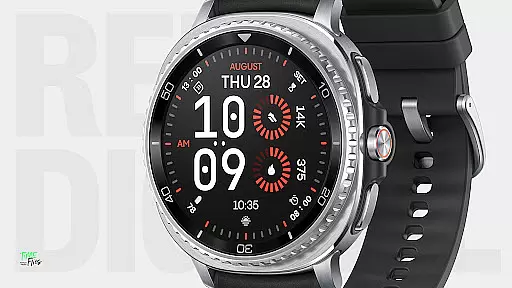
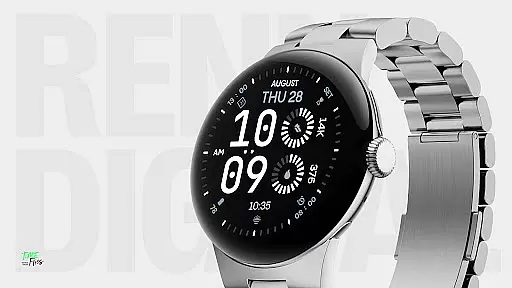
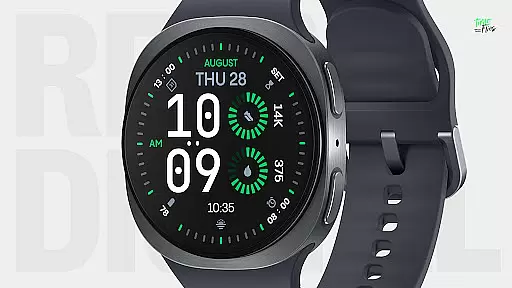
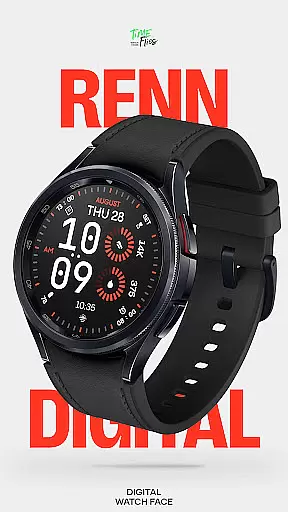
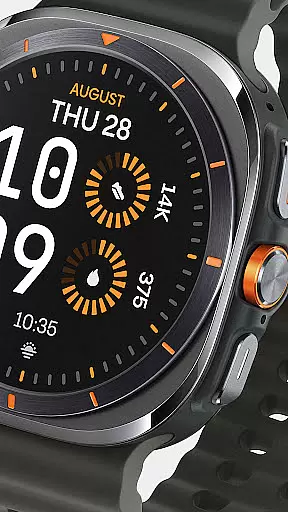
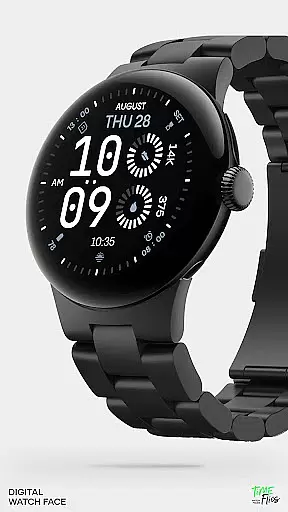
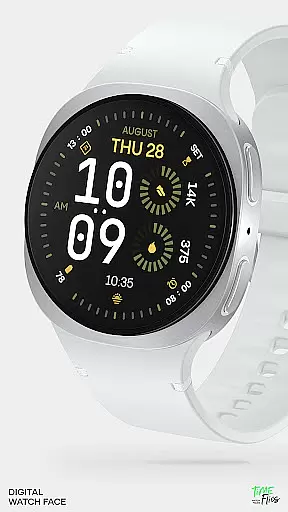
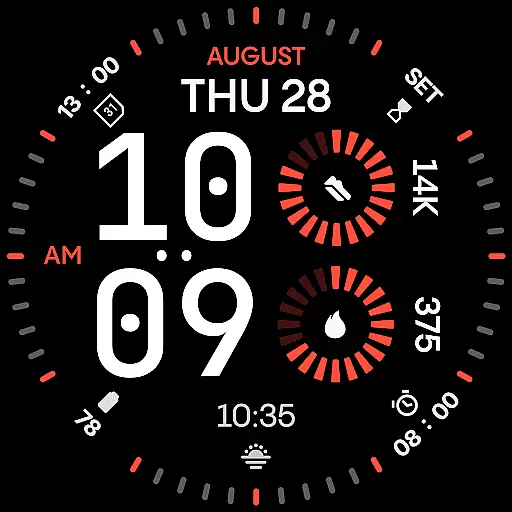
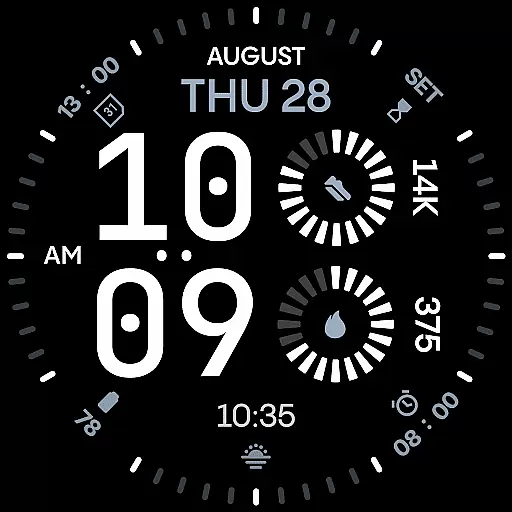
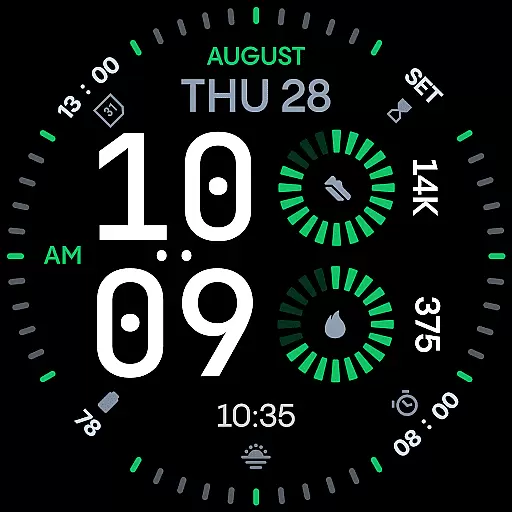
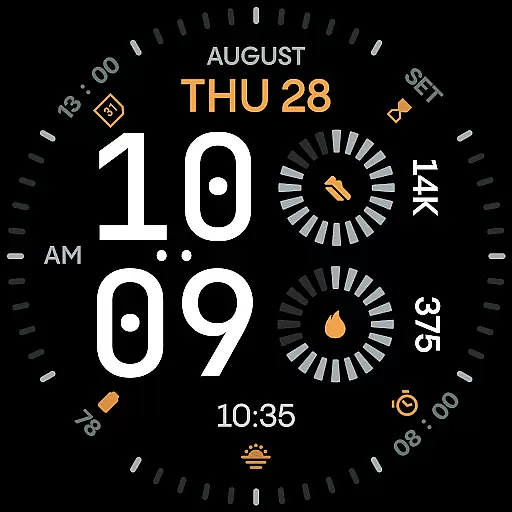
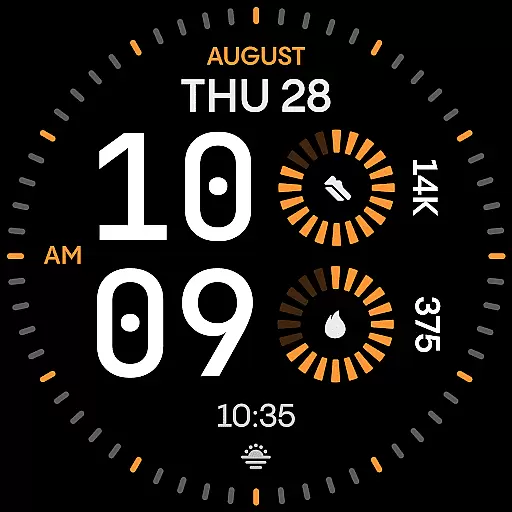
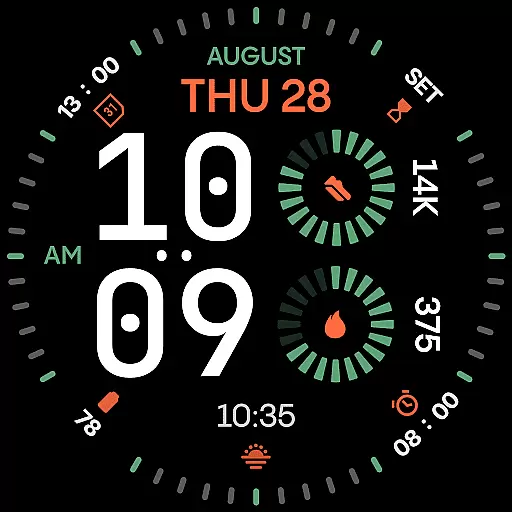
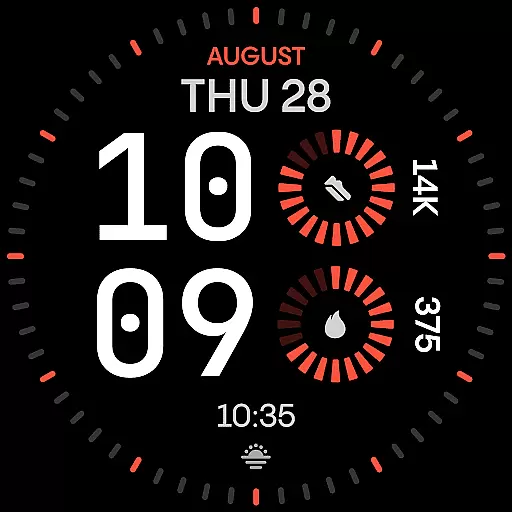
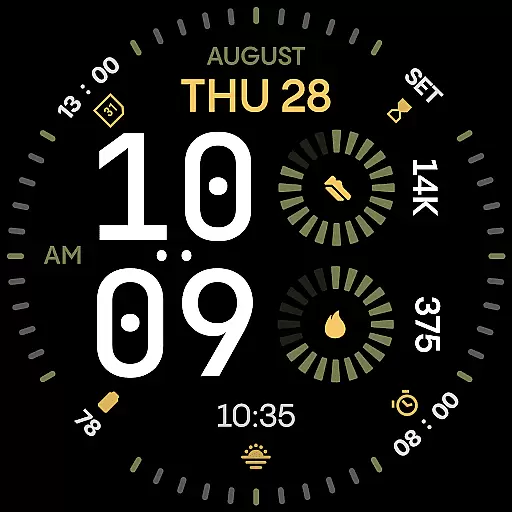
Renn Digital Watch Face is a modern digital watch face designed for Wear OS smartwatches. It features bold, geometric numerals that ensure ultra-clear legibility at a glance, complemented by radial progress complications and a refined color accent system. The design emphasizes clarity and confidence, making it ideal for users who value both style and functionality in their smartwatch experience.
With 7 customizable complications, users can display key stats such as steps, heart rate, battery, calendar events, or weather info. The watch face also offers 30 bold color themes, optional tic marks, and 5 Always-On Display (AoD) modes, ensuring personalization and energy efficiency. Designed specifically for digital displays, Renn Digital combines aesthetics with practicality, delivering an expressive yet highly functional user experience.
Renn Digital Watch Face stands out with its strong digital typography, featuring oversized time digits that provide a distinct visual character. The inclusion of AM/PM indicators and custom time behavior options, such as the ability to hide the blinking colon, enhances its adaptability to individual preferences. These features make it suitable for various environments, whether professional or casual.
The watch face supports 30 high-contrast color themes, allowing users to personalize their device while maintaining optimal readability. Optional outer dial tic marks and multiple Always-On Display (AoD) modes further enhance customization. Built using the latest Watch Face File format, Renn Digital ensures smooth interaction and reduced power consumption, offering both beauty and efficiency in every pixel displayed on Wear OS smartwatches.
Companion app integration plays a crucial role in enhancing the functionality of wearable devices. For Renn Digital Watch Face, this means seamless synchronization with the Time Flies companion app. This app serves as a bridge to unlock additional features and streamline watch face management.
The Time Flies companion app allows users to easily discover new watch faces, receive timely update notifications, and manage installations efficiently. By integrating with this app, Renn Digital ensures that users are always up-to-date with the latest enhancements and can customize their experience without hassle.
This level of integration provides significant benefits to users. It simplifies the process of personalizing the watch face, making it accessible even to those who may not be tech-savvy. Additionally, the companion app enhances user engagement by offering a centralized platform for managing all aspects of the Renn Digital experience.
Device compatibility is a fundamental aspect of any Wear OS application. Renn Digital Watch Face has been meticulously designed to work across a wide range of Wear OS smartwatches, ensuring broad accessibility for users regardless of their device model.
The watch face utilizes the latest Watch Face File format, guaranteeing optimal performance and energy efficiency on compatible devices. This modern approach to development ensures smooth interactions, intelligent refresh behavior, and minimal power consumption, all while maintaining exceptional visual quality.
By prioritizing compatibility and performance optimization, Renn Digital delivers a consistent experience across different hardware configurations. Users can enjoy the same level of clarity, customization options, and battery efficiency regardless of their specific Wear OS device, making it a reliable choice for anyone seeking a versatile digital watch face solution.
Ultra-clear legibility
Fully customizable
Bold typography design
Energy-efficient performance
Modern digital layout
Limited analog appeal
Complex for beginners
Requires Wear OS
Premium feature lock
Design too bold for some

Wear Os Watch Face - Animated Snow Effect & Christmas Lights
 4.4
4.4
Watch the sharpness of the sky on your wrist..
3.70
Rose gold watch face with festive lights & customizable features.
4.60
Beautiful artistic animated digital watch face, with a customizable layout!
4.40
Watch face for Wear OS.
4.20
Bold, Modern Hybrid Watch Face for Wear OS. 10 Colors, Rich Info Display.
4.30
Structured watch face with seven complications and modular UI elements
3.90
The #1 source of faces for your smartwatch!
4.00
The most customizable hybrid watch face. For Wear OS 5.0, API 34+ and later
4.70
Period, ovulation & pregnancy tracker. Fertility insights & menstrual calendar.
4.90
Digital watch face with big numbers and many customization for Wear OS devices
4.40
The ultimate destination for kids ages 3-8 to explore the Marvel Universe!
4.30
Calming & relaxing sounds for sleeping and stress relief. Stay focused all day!
4.20
Animated video-game inspired “secret agent” simulation, right on your wrist!
4.20
Embrace the festive spirit with our Christmas Countdown watchface for Wear OS
4.10
Wear Os Watch Face - Animated Snow Effect & Magic Spark - 6 Scenes
4.10
Want to take charge of your health? Let Google Fit help you reach your goals.
3.50
Simple Analog-Digital Watchface For Wear OS 3.0 and Up Smartwatches
4.3
Fitness interactive virtual pet super fighter boy watch face
4.5


User Reviews