
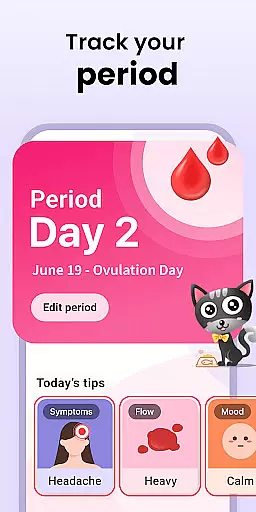
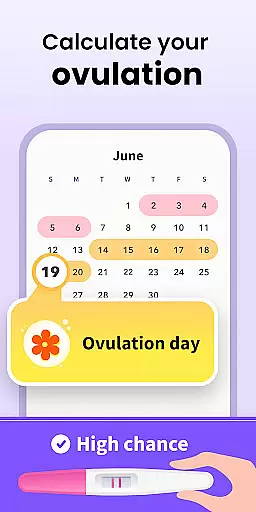

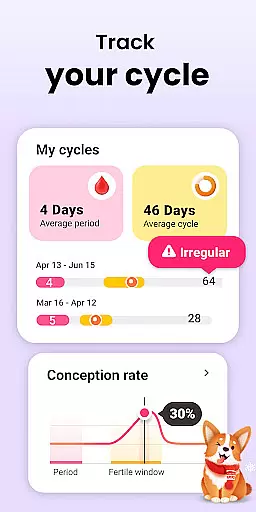
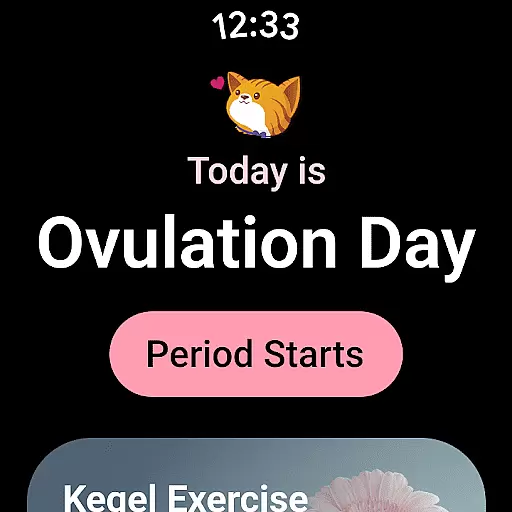
Period Calendar is a comprehensive menstrual cycle tracking application designed for Android Wear devices. It offers an all-in-one solution for women to monitor their periods, fertility, and related health metrics with precision. The app stands out with its ability to predict menstruation, ovulation, and fertility windows, making it invaluable for those trying to conceive or practicing birth control.
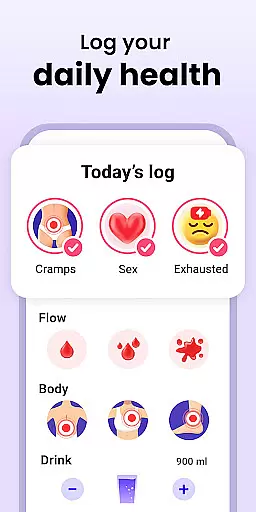
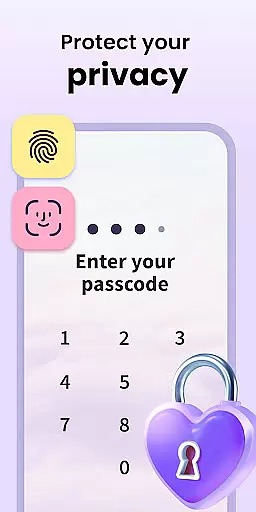
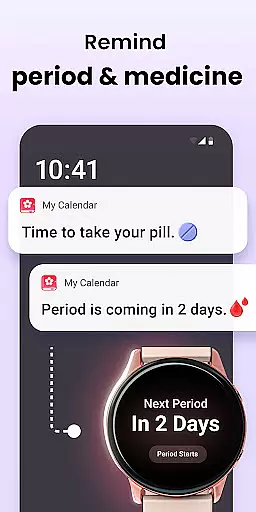
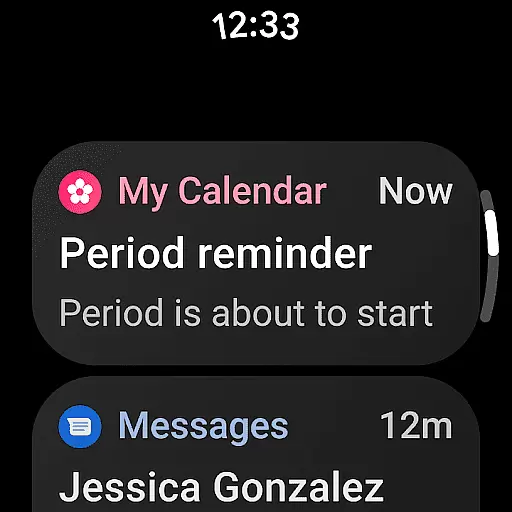
Beyond basic tracking, Period Calendar allows users to log intimate details such as blood flow, cervical mucus, body temperature, and mood changes. This data helps create a personalized health diary that evolves with the user's needs. With discreet notifications and reminders for pills, periods, and fertility windows, this app ensures users stay informed without public disclosure.
The app also supports advanced features like Google account data backup, multi-account management, and secure data encryption. These ensure seamless synchronization across devices while maintaining strict privacy controls. Whether used on a smartphone or Wear OS device, Period Calendar delivers accurate predictions and reminders tailored to individual health patterns.
Period Calendar boasts an impressive array of features that cater to various health-tracking needs. Its core functionality lies in its period and ovulation prediction capabilities, which utilize sophisticated algorithms to provide spot-on forecasts. Users can rely on the app's ovulation calculator and fertility tracker to plan or prevent pregnancies effectively.
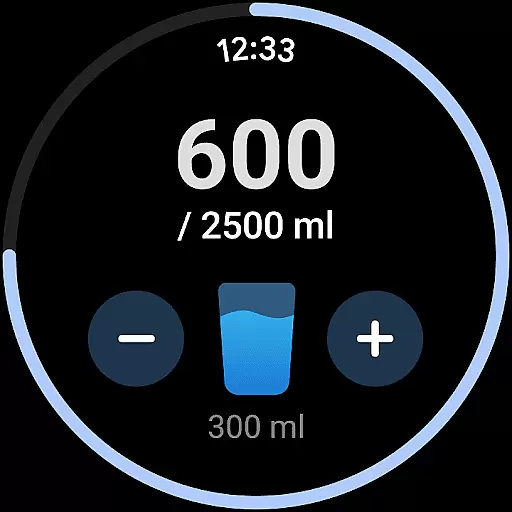
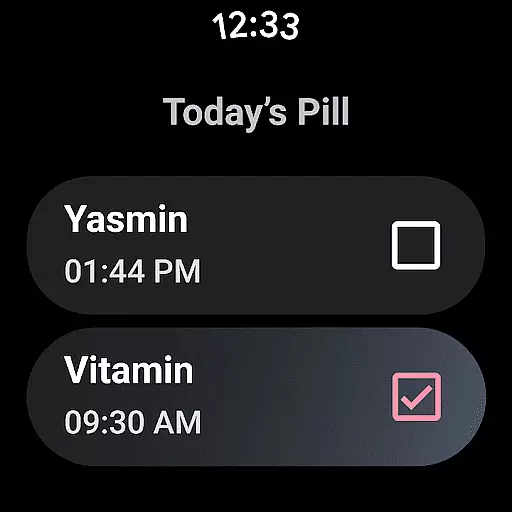
One standout feature is the customizable notification system. Users can tailor alert texts for discretion, ensuring privacy in public settings. Additionally, the app includes dedicated reminders for contraceptive pills, rings, patches, and injections, alongside water intake prompts. These thoughtful touches enhance user convenience and adherence to health routines.
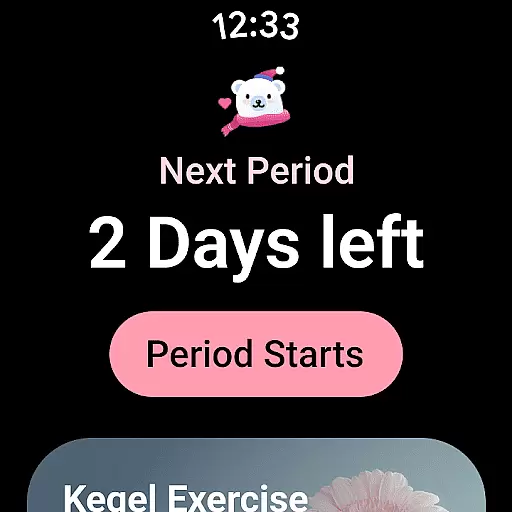
For those focused on conception, the app tracks fertile symptoms such as cervical firmness and mucus consistency. It also integrates with Wear OS complications and tiles, offering quick access to essential information directly from smartwatches. With robust security measures, including encrypted data sync and one-click deletion, Period Calendar prioritizes user privacy while delivering exceptional functionality.
Period Calendar Period Tracker offers seamless companion app integration, ensuring that your data is always synchronized across devices. This feature allows users to maintain consistency in their menstrual cycle tracking, whether they are using a smartphone or a Wear OS device.
The application utilizes Google account data backup and restoration, which means you can easily back up your period data to the cloud and restore it on another device. This ensures that you never lose important information, even if you switch devices.
Support for Wear OS complications and tiles makes this app especially versatile. Users can set up complications and tiles on their Wear OS devices to receive period and ovulation predictions, water drinking reminders, and pill reminders directly on their smartwatches.
This synchronization between devices enhances user convenience by providing timely notifications and updates without requiring constant manual input, thus making the tracking process as smooth and effortless as possible.
Designed with broad Wear OS and device compatibility in mind, Period Calendar Period Tracker ensures that users can access its features regardless of their chosen platform. The app supports a wide range of devices, allowing for an inclusive user experience.
With dedicated support for Wear OS complications and tiles, the app extends its functionality to wearable technology. This means users can view essential information such as period and ovulation predictions directly from their watch face, streamlining the way they interact with the app.
Furthermore, the app's ability to sync data securely across devices ensures that all users, regardless of their device ecosystem, have a consistent and reliable experience. This compatibility reinforces the app's commitment to accessibility and convenience.
By focusing on cross-device usability, Period Calendar Period Tracker caters to modern users who rely on multiple devices throughout their day, ensuring that critical health data is always accessible and up-to-date.
User-friendly interface
Accurate ovulation prediction
Customizable notifications
Comprehensive health tracking
Strong data privacy controls
Limited third-party integrations
No web-based version
Premium features require subscription
Occasional syncing issues
Advanced tools may overwhelm beginners

Calming & relaxing sounds for sleeping and stress relief. Stay focused all day!
 4.20
4.20
Embrace the holiday spirit with this magical animated watch face!
4.40
Christmas and New Year - Themed Watchface
4.4
Rose gold watch face with festive lights & customizable features.
4.60
Analog watch face with 8 complications and expedition styling
4.2
Simple Analog-Digital Watchface For Wear OS 3.0 and Up Smartwatches
4.5
A modern premium sporty hybrid watch face for Wear OS by Ballozi
4.70
Ideal for surviving in the wasteland left after nuclear fallout
4.50
Connect, create, and collaborate with Gmail, part of Google Workspace.
4.10
Beautiful, colorful and practical watch face. For Wear OS devices.
5.00
Hybrid watch face for Wear OS with customizable complications by Matteo Dini MD
4.70
Current temperature, weather hourly, weather radar by the weather forecast app
4.40
The ultimate destination for kids ages 3-8 to explore the Marvel Universe!
4.30
Elegant animated Christmas tree with multiple customization options
4.20
"PER27 Galaxy Digital" is a digital Wear OS watch face designed by PERSONA
4.10
Snowflake Rose Gold Watch Face - Digital, modern, & sleek with GYRO effect.
4.10
Your local weather forecast, storm tracker, radar maps & live weather news
3.40
Wear Os Watch Face - Animated Snow Effect & Christmas Lights
4.0
A heartwarming Christmas scene featuring a cute image of Santa and Rudolf
4.4


User Reviews