

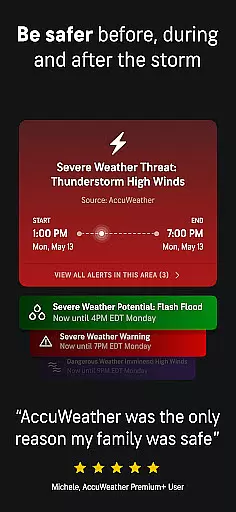
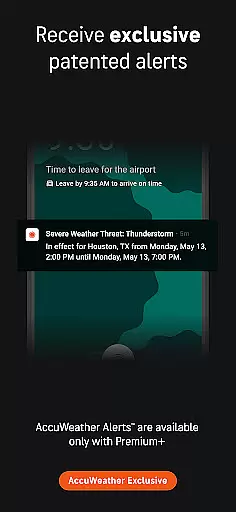
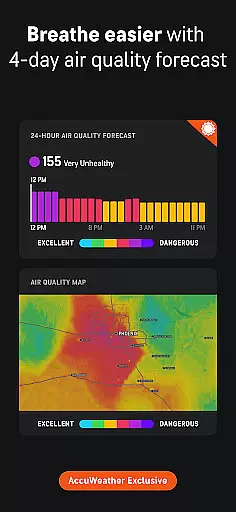
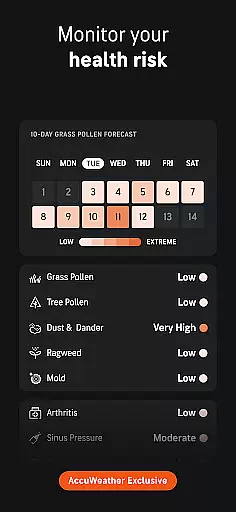
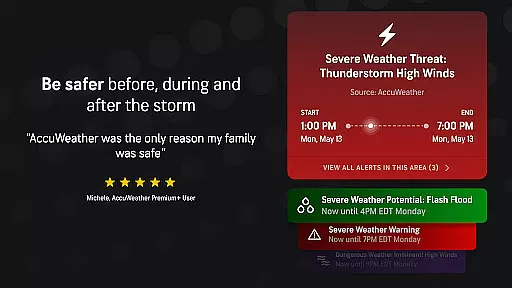
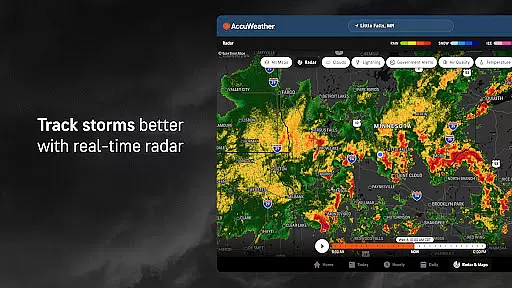
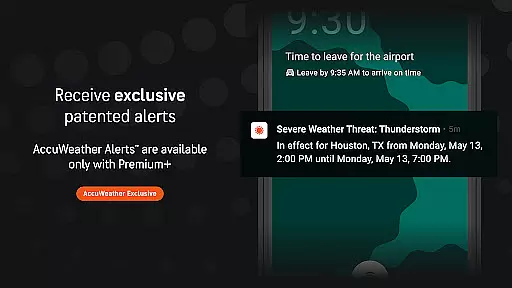
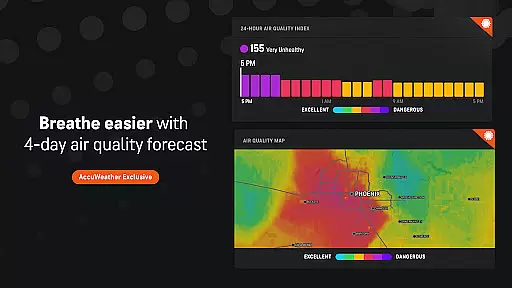
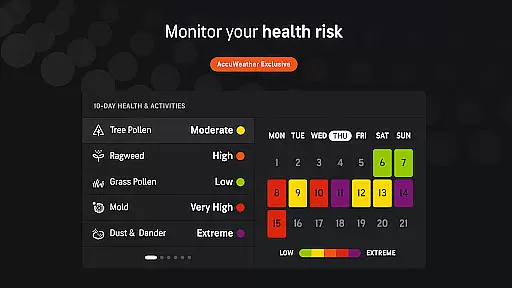
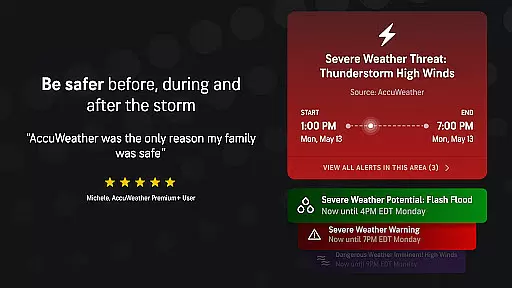
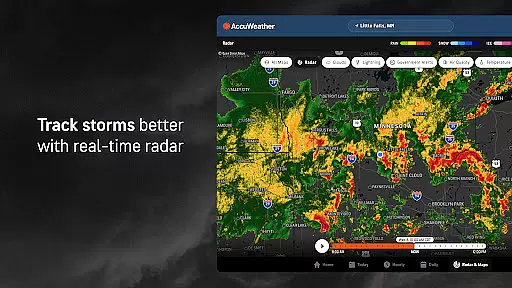
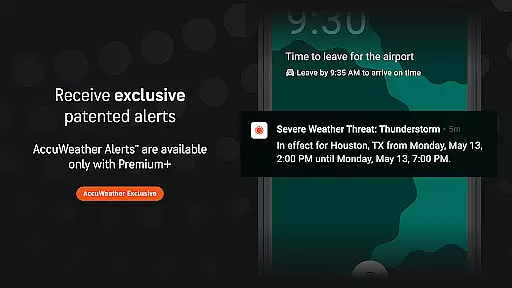
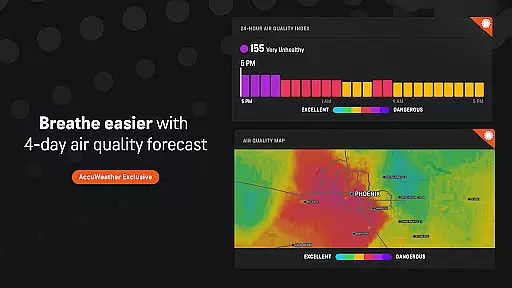
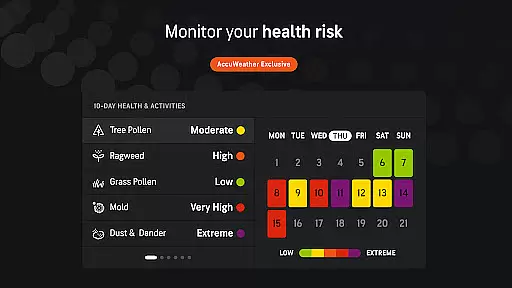
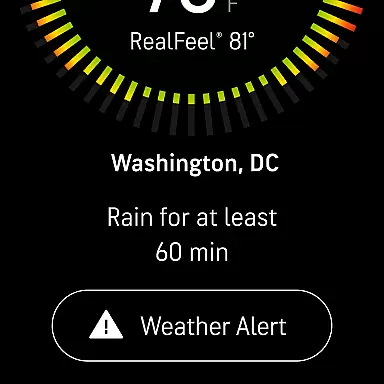
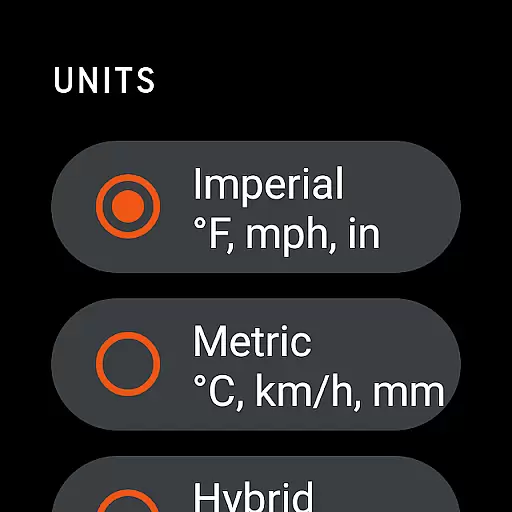
AccuWeather is the most trusted weather app, providing real-time weather alerts and hyperlocal updates with Superior Accuracy™. It helps users make informed decisions by offering detailed forecasts for any location, including severe weather tracking and animated radar.
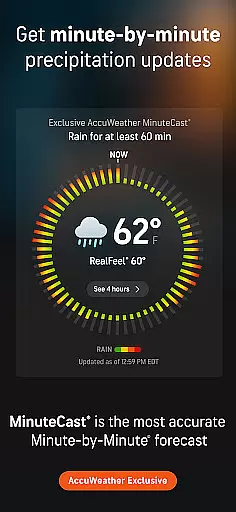
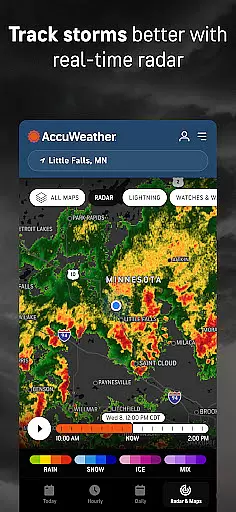
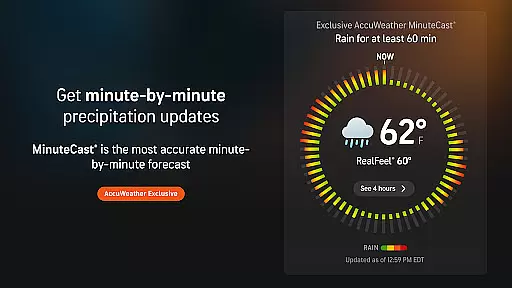
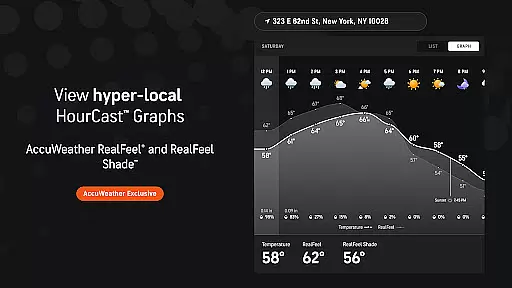
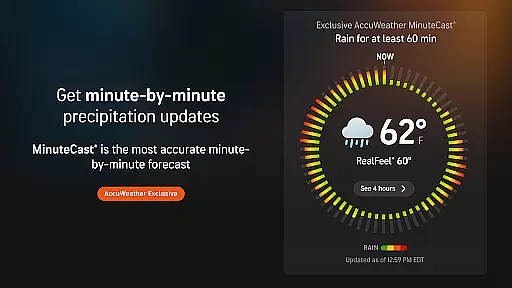
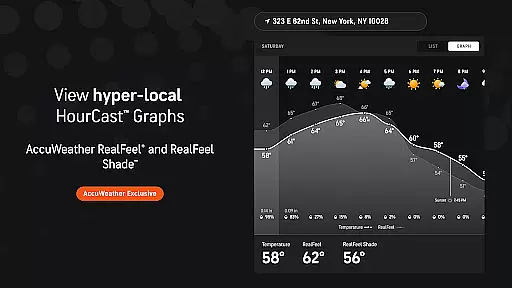
The app's unique features include MinuteCast®, which provides hyperlocal precipitation forecasts, and RealFeel® Temperature that accurately describes how the temperature actually feels. With advanced tools like live radar and the AccuWeather Lightning Network™, it ensures users are well-prepared for weather changes.
Whether you're planning outdoor activities or need early warnings for extreme weather events like hurricanes or snowstorms, AccuWeather offers reliable information to keep you safer and more in the know.
AccuWeather stands out with its award-winning features tailored to provide the most accurate weather information. The app includes exclusive tools such as MinuteCast®, delivering a hyperlocal forecast of precipitation type and intensity for the next four hours at an exact street address or GPS location.
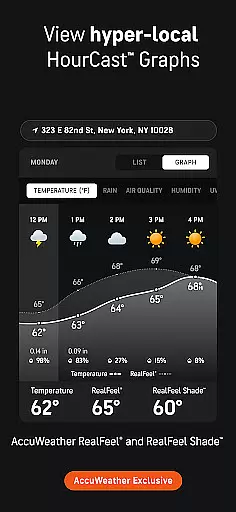
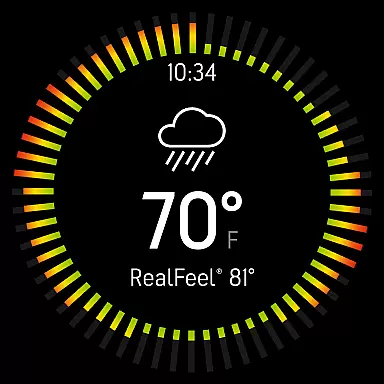
Another highlight is the AccuWeather RealFeel® Temperature, which considers over ten factors to describe how the temperature truly feels. Additionally, the AccuLumen Brightness Index™ characterizes the brightness of the day, aiding in better planning for outdoor activities and protection from UV exposure.
For winter conditions, WinterCast® offers detailed predictions on snow and ice events, helping users understand potential impacts. These innovative features ensure users receive comprehensive weather data to stay informed and prepared.
For AccuWeather, the integration with its companion app on Android Wear devices ensures that users have access to critical weather information right on their wrists. This seamless connection allows for real-time updates and alerts without the need to check a phone constantly.
The app's design for Wear OS focuses on delivering essential features such as hyperlocal forecasts and severe weather warnings in a format optimized for wearable devices. Users can quickly glance at upcoming precipitation through MinuteCast or stay informed about temperature changes with RealFeel Temperature directly from their smartwatch.
This level of integration provides convenience and peace of mind, especially during outdoor activities where immediate access to weather conditions is vital. With companion app support, you are always equipped with accurate data tailored to your exact location, ensuring you're prepared for whatever weather comes your way.
AccuWeather stands out by offering comprehensive compatibility across various devices running Wear OS. Regardless of whether you're using a smartwatch from any leading manufacturer, this weather app delivers consistent performance and user experience.
The application leverages the capabilities of Wear OS to provide advanced functionalities like live radar tracking and exclusive lightning network monitoring directly on your wrist-worn device. Such features empower users with detailed insights into approaching storms and other significant weather events.
Moreover, being optimized for different screen sizes and resolutions within the Wear OS ecosystem guarantees an intuitive interface that maintains high usability standards. By prioritizing broad device support alongside feature-rich offerings, AccuWeather ensures every user enjoys superior accuracy and reliability no matter which wearable technology they choose.
Superior Accuracy™
Real-time Alerts
Hyperlocal Forecasts
Advanced Storm Tracking
User-friendly Interface
Premium Subscription Required
Ad-heavy Free Version
Limited Offline Functionality
Occasional Data Delays
Complex UI for New Users

Christmas watch face. For Wear OS devices.
 4.30
4.30
Christmas Theme Watch Face for Wear Os
5.00
Contemporary digital watch face with five complications
4.2
Artistic Digital Watchface
4.3
Let's celebrate Thanksgiving - Wear Os watch face
4.20
The most customizable hybrid watch face. For Wear OS 5.0, API 34+ and later
4.70
A modern hybrid informative watch face for Wear OS designed by BALLOZI
4.80
A white realistic classic analog watch face with many customization options.
4.40
Back up your contacts & access them anywhere
4.30
WTW M17 is a premium and luxurious hybrid watch face
4.70
Kia Access makes getting your vehicle information easier than ever
4.60
Beautiful artistic animated digital watch face, with a customizable layout!
4.40
Hyper-Realistic Airplane Dashboard Watch Face With 10 Skins and Custom AOD
4.00
Viewer for Wyze/Yi/Eufy/Arlo/ONVIF/RTSP/P2P IP cams w/ adv. features & DIY DVR
4.00
Professional weather radar and more
3.90
an Analog Watch Face for winter season with freeze winter background for Wear OS
4.2
A heartwarming Christmas scene featuring a cute image of Santa and Rudolf
4.0
Stylish digital watch face for Wear OS devices with customizable features
4.4
Fitness interactive virtual pet super fighter boy watch face
4.0


User Reviews